

Photo Editing, Tutorials, Photography News, and More
This blog covers a range of topics from Lightroom, Photoshop, Capture One, Fujifilm, Canon, Nikon, iPhone Photography, and more. If you want to see more of my actual photography work, visit my Portfolio and Photo Journal blog.
Featured Posts




Lightroom Classic 8 Released along with lots of other Adobe updates
Today Adobe is holding it’s “Max” conference, and the company officially announced a whole bunch of updates to the various creative cloud apps. I won’t go into everything here, but the ones that interest me the most, are the updates to Lightroom and Photoshop. I’m also pretty interested in the new Premiere Rush.

Lots of new stuff coming to Luminar
I realise that I’ve been covering Capture One quite a bit lately, but that’s mainly because of the announcements around Photokina regarding its partnership with Fujifilm. However, there’s lots of other software related news and releases, and I haven’t quite kept up with it all. Skylum, in addition to launching Aurora HDR2019, has also been making some announcements regarding Luminar, all of which are pretty interesting.

A Quick First Look at Alien Skin Exposure X4
While I’ve covered quite a few photo workflow applications here on the blog over the years, especially as it pertains to Fuji processing, one of the applications that I haven’t really dealt with is Alien Skin Exposure. It’s also probably the application I get asked about the most. A new version has just been released, and so I decided to give the trial version a spin, and here are some of my initial findings. This is just a first look and is by no means a comprehensive review.

Video: A First Look at Aurora HDR 2019
I have been a bit busy over the past few weeks, so I am a little behind with the announcement of the next version of Aurora HDR from Skylum Software. Also, given that the press release was pretty much covered on every site out there, I didn’t want to post something about it without trying it first. So having played with the beta for a little while now, I made a quick video to give you a run through of the new version.

Alternative Workflows: Working with Your Camera’s Own Software
While there’s no doubt that working with photo workflow software such as Lightroom or Capture One has changed the way most people work with photos, there are still people who prefer the old fashioned way of doing most of their processing in Photoshop. For some, the Bridge/Photoshop workflow is still their preferred method of work. Another method that is sometimes used is to work with the software supplied with your camera as a starting point, and then finish in Photoshop. For those used to working in Lightroom, this approach may appear clunky, but it does have some advantages. Lately I’ve been giving this workflow a try, and here are my thoughts.

Video: Luminar Raw Image Editing Tutorial
I’ve been trying to catalogue a drive full of Raw files going back several years (more on that in a future post), and during the process, I got sidetracked and started playing with some of the older images. I came across one shot that I had taken in Washington DC a few years ago, which I really liked at the time, but now I realise that I had over-edited it originally. I wanted to have another go at it, and so I thought It would be interesting to try it in Luminar, and it would make a good tutorial.
Understanding the Difference between Iridient Developer and Iridient X-Transformer
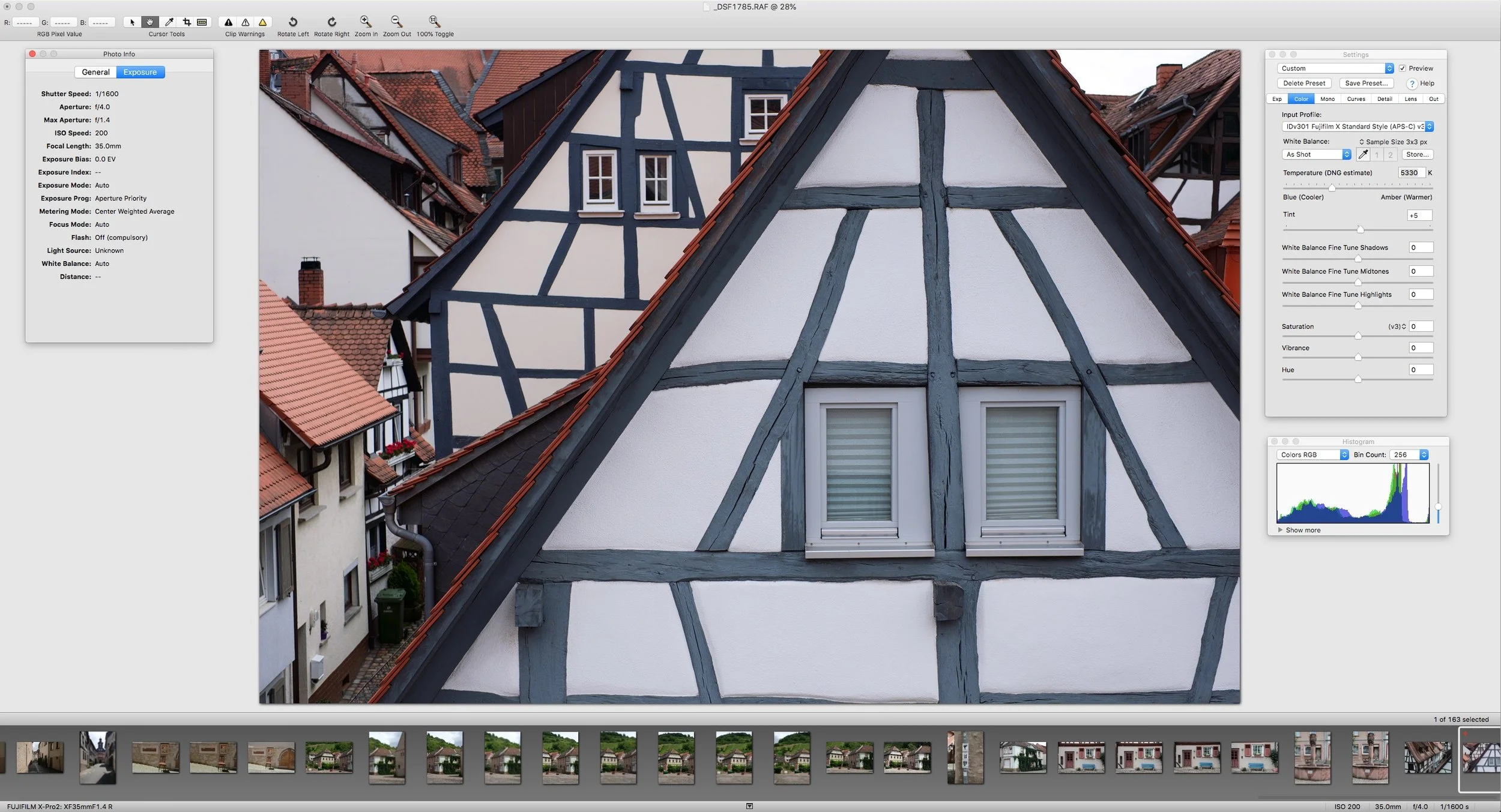
One of the questions that I get regularly from readers and viewers is: “what the difference is between Iridient X-Transformer and Iridient Developer?” If you are considering one of these for converting X-Trans files, it may be confusing for some people as to which one to choose, so here is what I hope will be a simple guide to deciding which software to use.

What I want from an Asset Management System
While we see a renaissance of sorts when it comes to photo editing software, in my opinion, the management side has taken a back seat. If you look at many of the recent developments across newer and updated applications, most of the development has been on the image editing side. Lightroom, for example, has seen only minor changes to the database side of the application in years. There are lots of new technologies out there that would be really useful to photographers if they were all together in one application, and yet, in my opinion, there’s nothing that does everything. At least not yet.

Video: Using Luminar as a preset in Aurora HDR
If you’re using Aurora HDR to create an HDR image, but want to do more work with it than you can manage in Aurora alone, then you can send the image to Luminar. Rather than saving it as a standard file and then manually opening it in Luminar, you can actually use Aurora HDR’s built-in plug-in system to send the image directly to Luminar.

Why I don’t want to cover On1 Raw 2018.1 (But I will talk about one aspect)
On1 have recently released a new version of their photo editing application, On1 raw, bringing the version number to 2018.1. I’ve covered this software in the past and I’ve been quite critical about it. So much so, that I really don’t want to keep being negative about it. The new version has loads of new features, and as I’ve covered lots of different RAW software in the past, I should really cover this too. But I don’t want to, And here’s why:

Lightroom 7.2 Initial Thoughts
Yesterday Adobe released the much-hyped “speed most” update to Lightroom. The new version, which had been previously released to a number of websites in beta also has a few new features in addition to the performance improvements. So is it any good?

Applying Lightroom’s Auto Settings to Multiple Images
I recently wrote about and made a video demonstrating Lightroom’s new AI-based automatic settings. If you haven’t seen it already, Lightroom now uses artificial intelligence when applying its automatic settings, and it’s much improved over the previous incarnation. However, after I had talked about that a reader sent me an interesting question: “How do you sync this auto option across multiple images?”. At first, I thought you would just use the synchronisation button at the bottom of the develop module, but it turns out, it’s not that straightforward. There are a few ways to do it, but they require a little work to find.

Video: Working with Multiple Applications to enhance an Image
One of the bad habits that I’ve found myself doing a lot over the past few years, is being a bit lazy when it comes to post production. Even though I use a lot of different applications, I still find that I have gotten into this mental head space of always trying to do everything in the one application. This wasn’t always the case though. I used to work across multiple applications, usually starting in Lightroom, and then using Photoshop and maybe some plug-ins.

Introducing Film Candy LUTS
I’m happy to introduce my first new digital product of 2018, and something that I’ve been working on for quite some time. Today I’m launching a new set of LUTs based on my “Film Candy” series of Lightroom presets. This set of 75 LUTs contains looks from both Film candy 1 and 2 and have been designed to be used in popular video applications as well as stills software such as Luminar 2018 and Photoshop.

Better Sony A7RIII Colours in Lightroom
If there’s one complaint I hear again and again about Sony cameras, is that the colours are not pleasant. This is the most common complaint that people have when trying the camera. I have certainly grappled with this myself in the past when first using Sony cameras. The thing is though, it’s not strictly true. There isn’t really anything inherently wrong with Sony’s cameras though. The problem often comes from either a poor white balance or the calibration. If you’re shooting RAW and using Lightroom, there’s another issue: Adobe’s calibration for Sony files in Lightroom is awful.

This is why I love Luminar
I wanted to match the look of an old photo that I already had, with a new image that I had just shot, but it was only a Jpeg. Starting in Apple Photos, and using Luminar as an extension I walk you through the editing process to make this otherwise dull image more dramatic.

The Current State of Lightroom Alternatives
There has been a lot of talk lately about Lightroom alternatives. Much of this has been amplified by disquiet over the recent decision of Adobe to go subscription only, although there have been grumblings about this for a while. A lot of people are looking for alternatives because of this, and many people are making claims that x software will replace Lightroom and so on. Unfortunately because of the internet echo chamber, many of these claims are either untrue, out only true for specific purposes.

Using Luminar 2018 for Fuji Files. A Basic Overview
As many of my readers shoot with Fuji cameras, and many of you have expressed an interest in using Luminar 2018 for processing Fuji files, I wanted to give an overview of what I think is the best way to work with Fuji files currently. This is just an overview, and doesn’t go into a huge amount of detail. I am planning do a proper guide for this, but for now, this is a basic outline of what you need to know.