

Photo Editing, Tutorials, Photography News, and More
This blog covers a range of topics from Lightroom, Photoshop, Capture One, Fujifilm, Canon, Nikon, iPhone Photography, and more. If you want to see more of my actual photography work, visit my Portfolio and Photo Journal blog.
Featured Posts




DXO PhotoLab 4 Launches
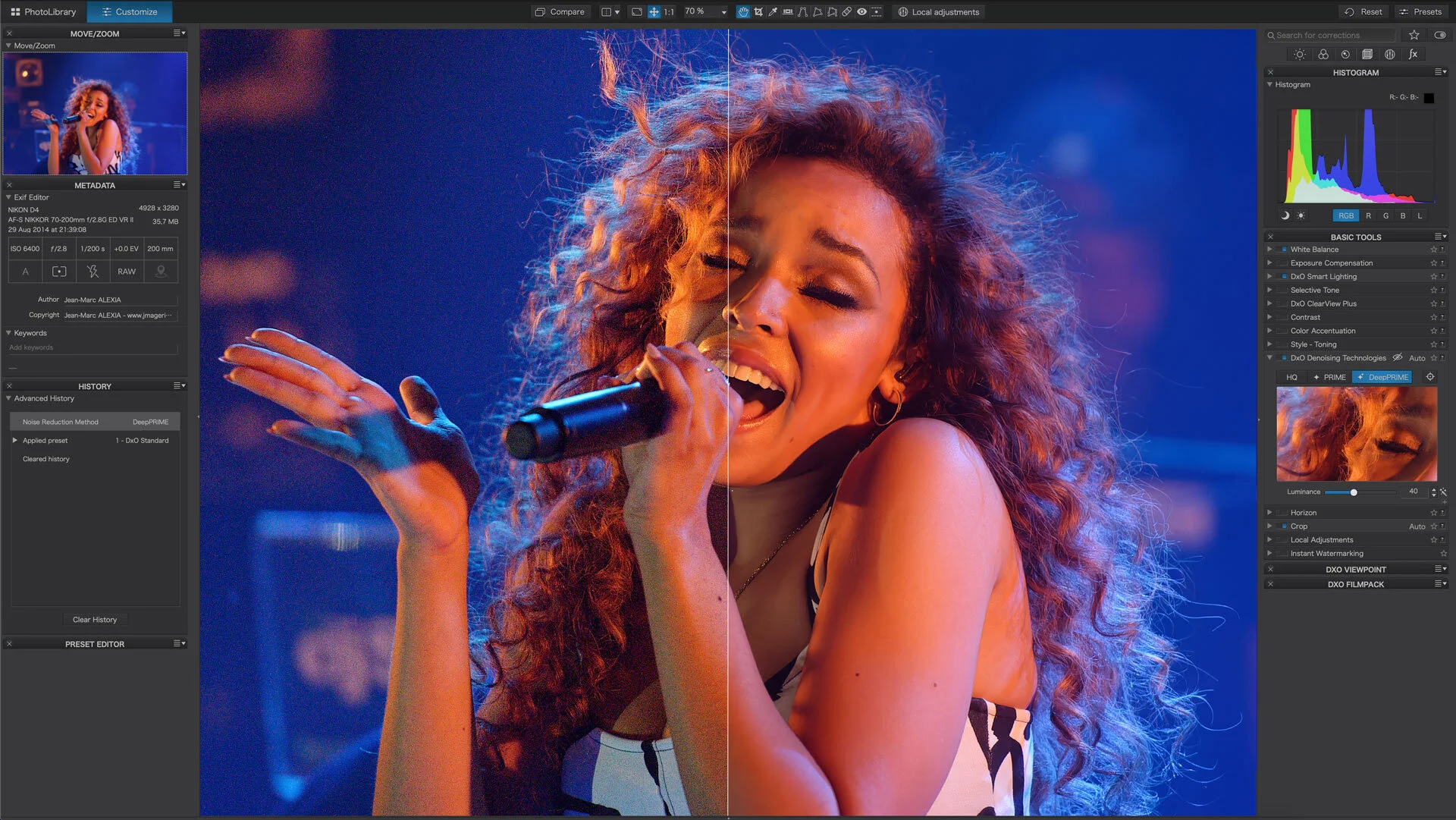
It seems to be the month for software announcements. Hot on the heels of Lightroom 10, DXO Labs has announced the release of DXO Photo Lab version 4. I’ve been playing with this for a little while, and I’ll have a proper review in due time but for now, here’s the details of what’s new.

Lightroom Classic 10 Released: New Colour Grading Tool & Other Features
Adobe today announced the latest versions of its Lightroom family of applications. There are a couple of key new features, the biggest one of which is the new colour grading tool. In the post below, I’m just discussing Lightroom Classic, but many of these features are across the whole ecosystem.

Luminar AI To Address Sky AI’s biggest Shortcoming: Water Reflections
Ever since Luminar 4 was released, and SkyAI allowed easy sky replacements, there was one consistent complaint about the function. It didn’t include reflections. If you replaced a sky in an image containing water, the reflected sky would still be the original. Well, it looks like they have heard the feedback, as the company just released a preview of the new sky replacement feature in Luminar AI and it includes reflections.
Capture One Not (Currently) Supported on MacOS 11 Big Sur
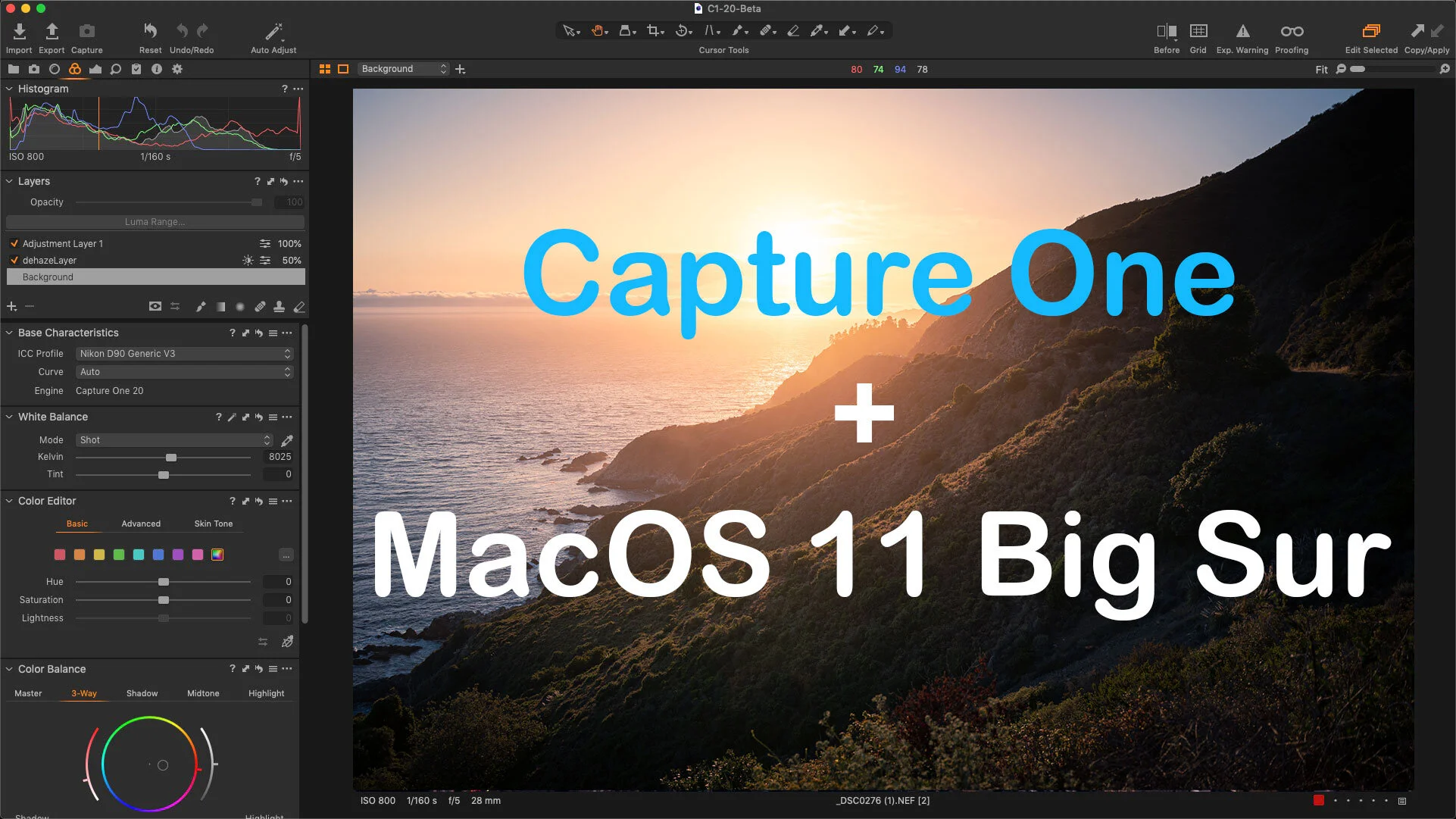
Capture One just released an important tech note that you should be aware of if you’re running the software on a Mac. The application does not currently support MacOS Big Sur. With the release of the next version of MacOS imminent, you should be aware of this before you upgrade, especially if you use Capture One in a work or production environment.

More Capture One News! Capture One 20 Version 13.1.3 Released
In addition to today’s earlier news of a new Capture One 25% off discount for prepaid subscriptions, there’s more Capture One news in the form of a service update. Version 13.1.3 contains new camera and lens support, as well as bug fixes. Full details below.
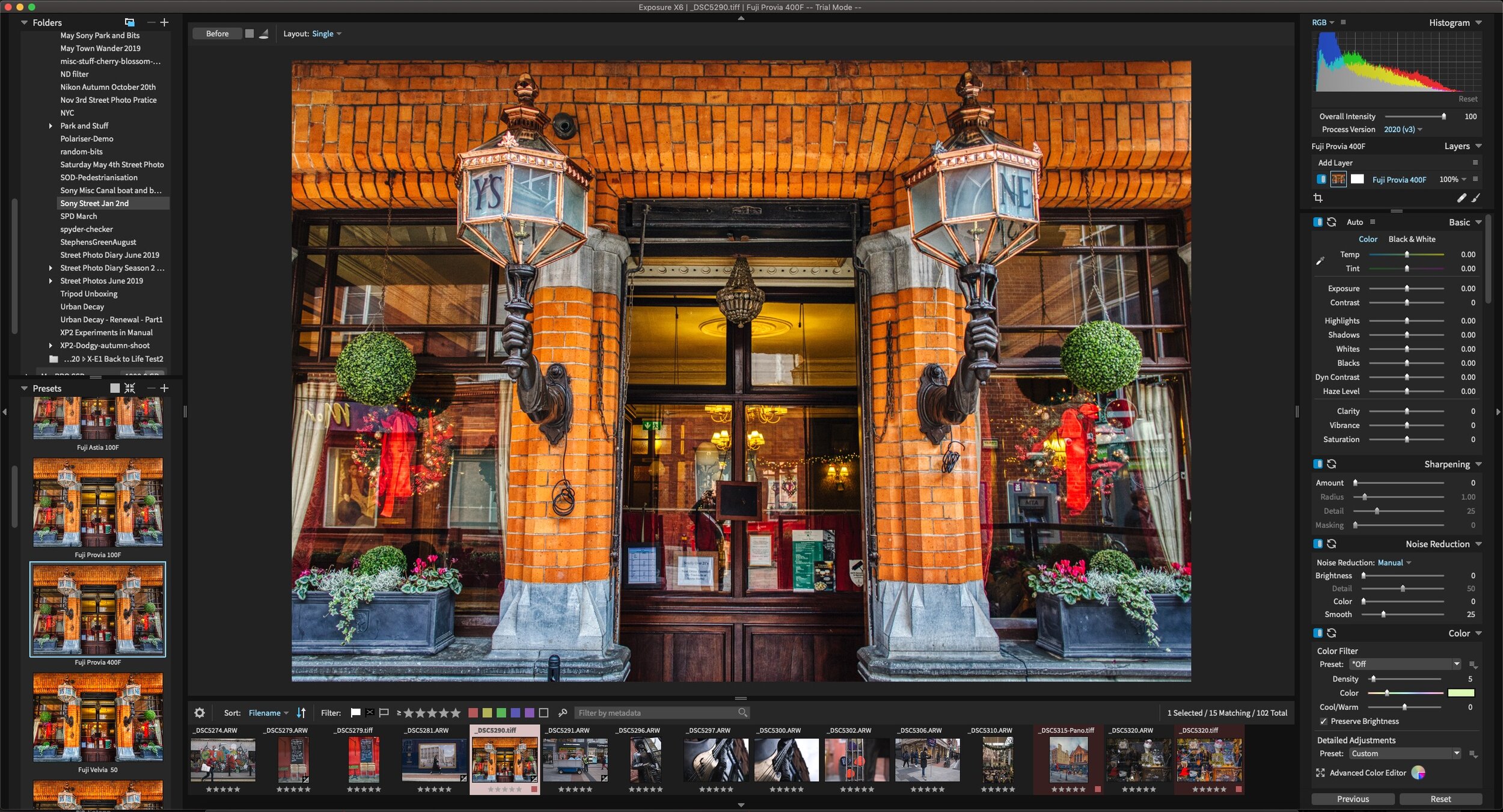
Exposure X6 Released
Exposure is one of those applications that I’ve been interested in, and I’ve played around with quite a bit, but it hasn’t really made it into my daily workflow. I keep coming back to it though, as it offers some unique features, and it also does some nice RAW conversions. Well, Exposure Software (the company) has just launched the latest version of the software, Exposure X6.

Capture One Offering 25% off Annual Prepaid Subscriptions
While it’s main summer offer has ended, Capture One is now offering another chance to get 25% off, but this time only for annual prepaid subscriptions. This offer does apply to all variations though, so Full Pro, Sony Pro, Fujifilm Pro and Nikon Pro.

Lightroom and Photoshop to get Colour Grading
A recent technology demonstration from Adobe showed off a new feature coming to Camera RAW and Lightroom: Colour Grading. The applications will get a three-way colour corrector similar to video editing applications, and a feature that has been present for some time in Capture One.

Making some of my Capture One Styles and eBooks available via Gumroad
When I announced that I was closing my store earlier this month I was blown away by the support from everyone who reads the blog, and those who have bought content from me in the past. Since it closed, I’ve had lots of requests from people who still wanted to get some of my eBooks or Styles and Presets. So, I’m trying out Gumroad to make some of these available.

Beyond Film Style Pack for Capture One - A Review for every day photography
I do love a good film simulation. That’s what I said to myself when I got to try out the “Beyond Film” style pack from Capture One. It’s actually surprisingly hard to find, especially for Capture One. There are the Mastin Labs films which I covered before, but I find that they’re quite overpowering. I’ve tried in the past to make my own film simulations, and they were ok. The problem is that, at the end of the day, simulating film isn’t necessarily what you want to do. You want to capture the essence of film, but without the drawbacks. And having tried these “beyond film” styles now, that’s what I feel they achieve.

Video: Add Haze and Fog to an Image in Capture One
This video is a follow-up to the article I posted last week on the same topic. I had come up with a way to add haze using layers and a Luma mask in Capture One and I wanted to take it a bit further so I recorded a video showing you how to use the technique in a variety of situations.
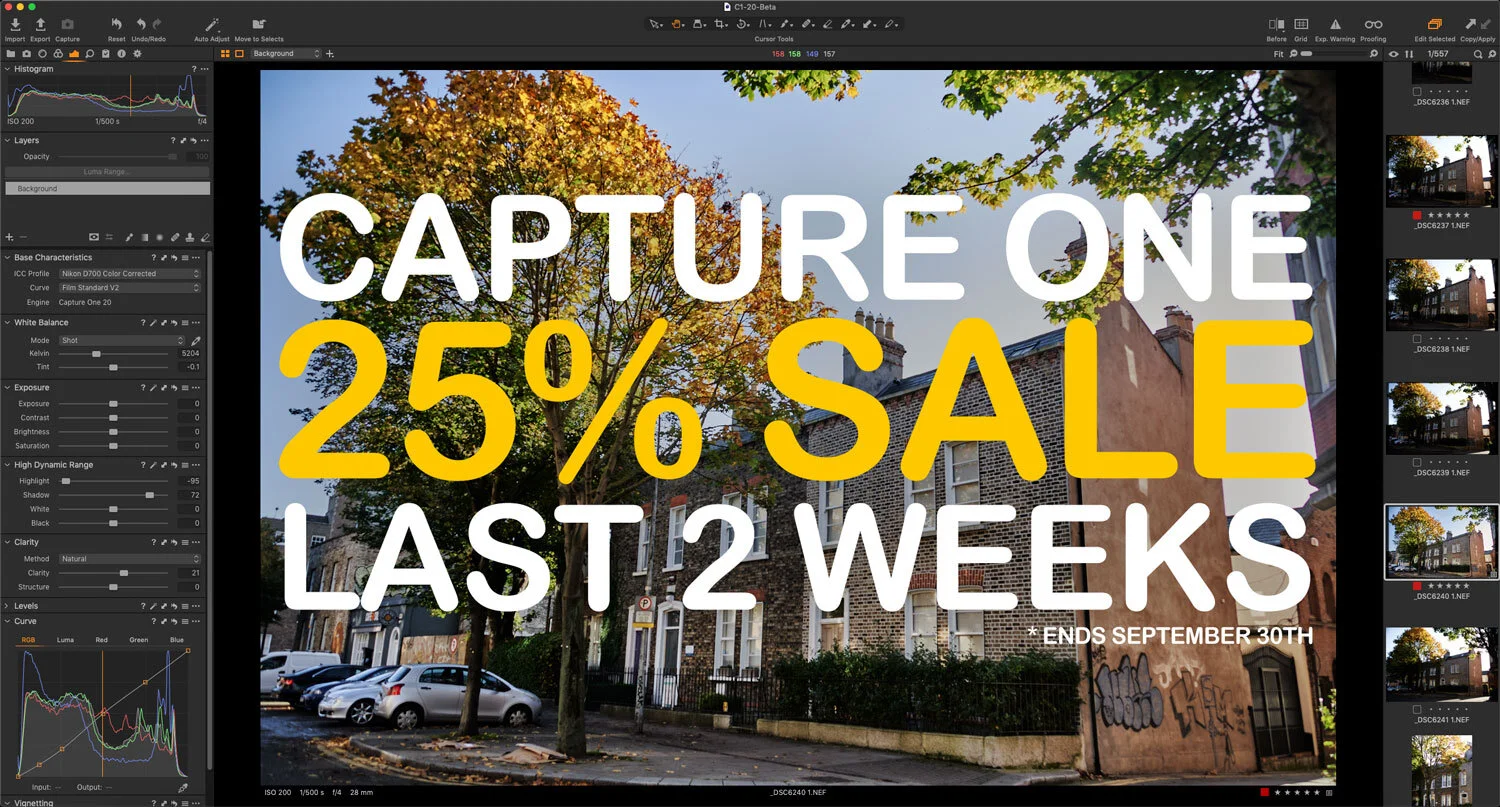
Reminder — Capture One Summer Sale is still on: Save 25% On All Versions of Capture One until the end of September
Just a quick reminder that Capture One is still running their summer sale. There’s still time to get a discount of up to 25% on all versions of Capture One by using the coupon code below. The sale ends September 30th.

My Capture One Wish List
As much as I like Capture One, I still recognise that like all software, there are plenty of things that could be improved. I'm not talking about the big stuff either, like HDR merging or Panorama stitching. There are a lot of smaller annoyances and features that I wish would be addressed or added. So here is a short selection of some of the things from my wish list. I've also included those that readers have sent into me over the past few months.

Experiment: Haze in Capture One - A First Attempt
Ever since I posted my tutorial for achieving dehaze in capture One on YouTube, I’ve been getting lots of requests for a way to do the opposite. Adding haze to an image is a lot tricker than dehaze if you want to make it look realistic. To add fog or atmosphere in an image, you really need to have a depth mask to do it properly. If I were doing this for visual effects, I’d first have to create some kind of depth map for the scene. However, if you’re happy with just an approximation, then you should be able to achieve something reasonable in Capture One.

Skylum Announces Luminar AI
Skylum has just announced a new application called Luminar AI. This is a separate application from the current version of Luminar, and according to the available information, they are aiming it to “reinvent” photo editing by using artificial intelligence.