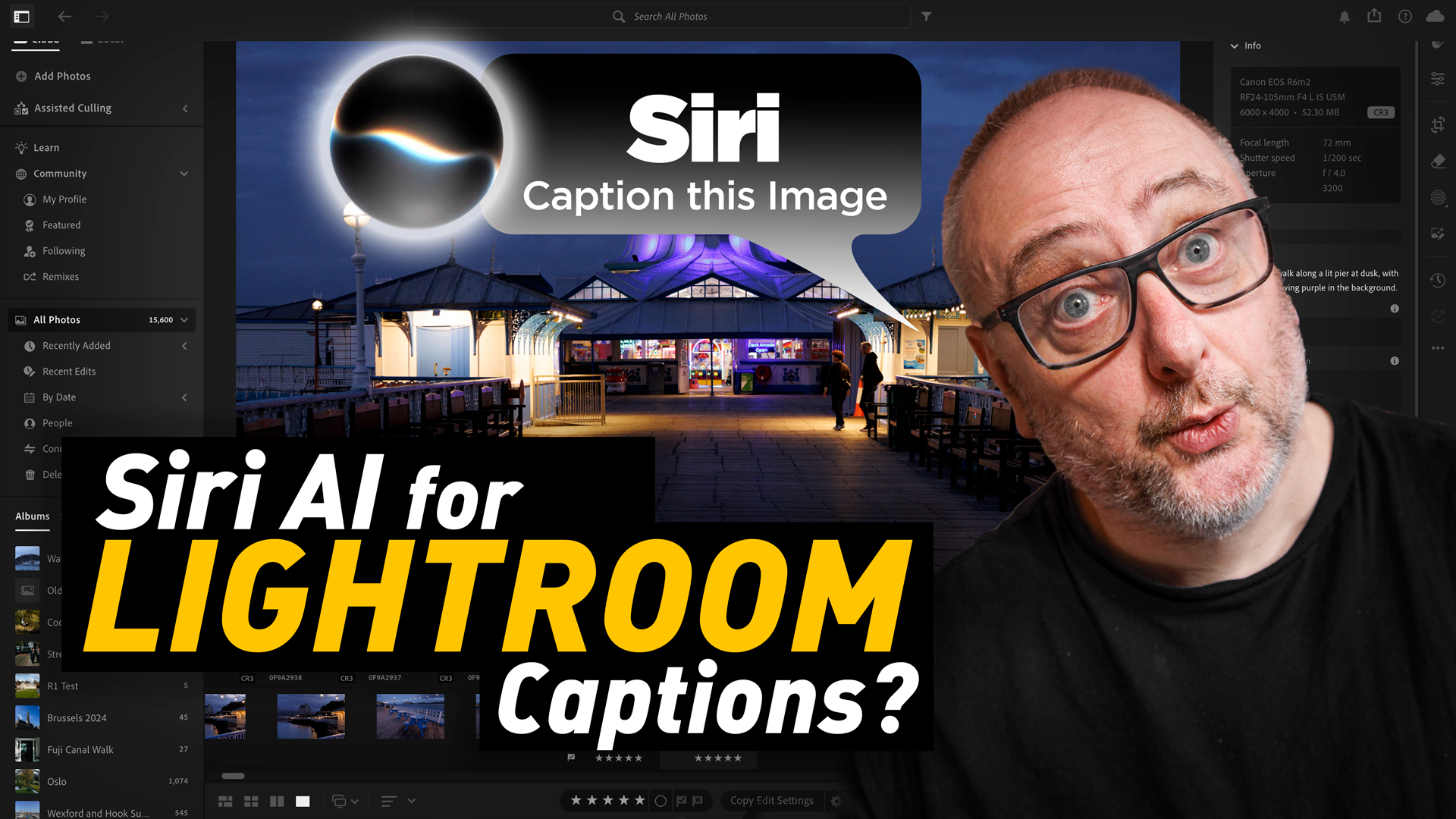


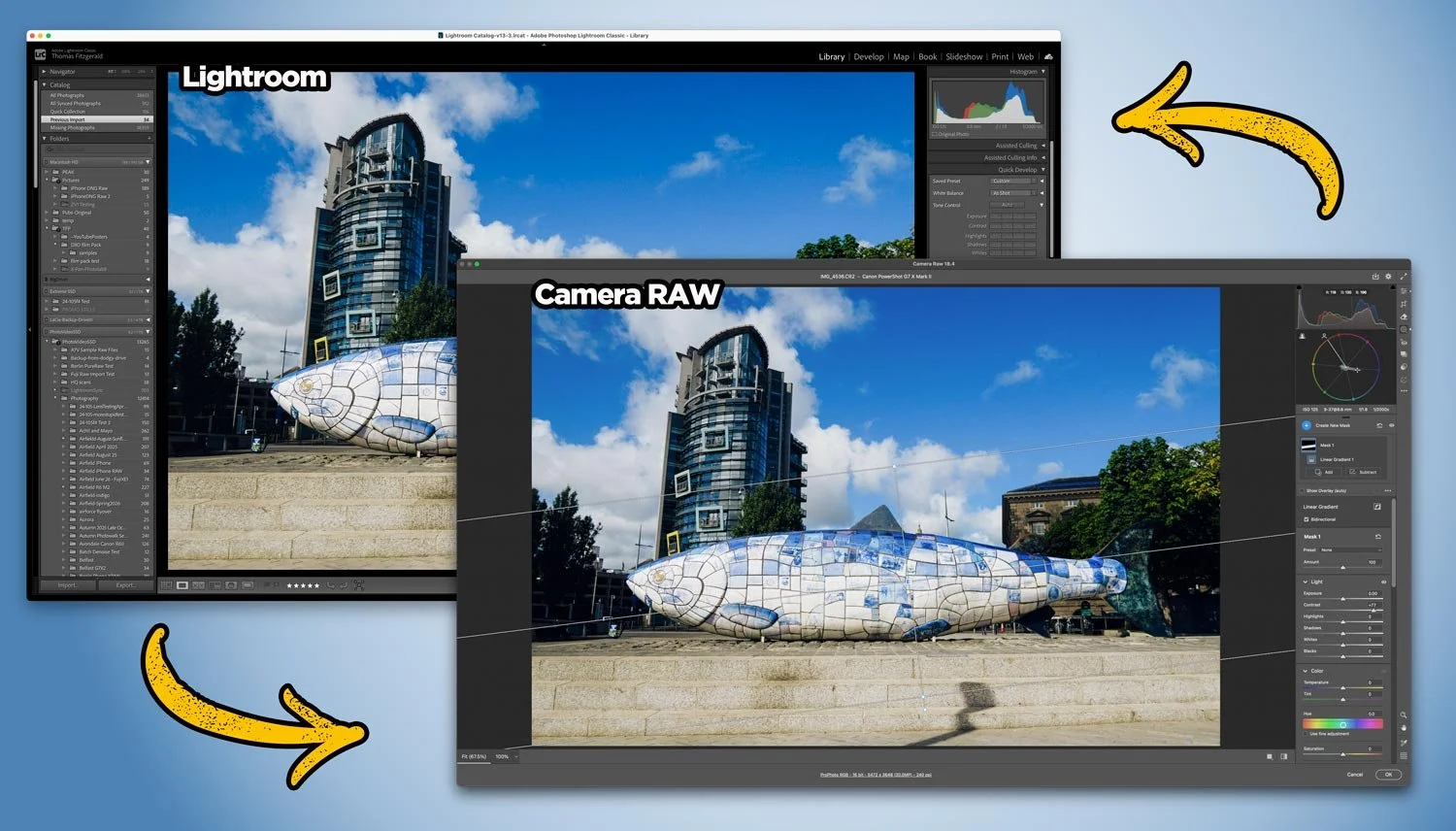
With the last few Photoshop releases, Adobe has kept adding new features to Camera RAW. Usually, these would be added to Lightroom either at the same time or with the following release, but so recently, this hasn’t been the case. And these haven’t been minor features either, we’re talking some big, long-sought-after tools, including the colour corrector in masks, and the ability to adjust the edges and feathering of AI masks. Are we seeing a different strategy emerging from Adobe regarding its photography applications?
I’ve finally upgraded the site to Squarespace 7.1 and used the opportunity to redesign the layout and try out a few new features. It’s not perfect yet, but it already feels cleaner and more modern, with changes like removing the old sidebar and adding a new “Featured Posts” section on the home page. There are still some quirks to fix, like featured images no longer appearing automatically, plus a few spacing and menu tweaks still on the list. Read on for more details.
DXO is running a special Father’s Day promotion, and my readers can get 20% off with the code THOMAS_FD26. That’s pretty much it, really! The offer runs until June 28th, and it’s only valid for new customers, I’m afraid.
A set of June updates to Adobe’s Photography applications will be released later this week. This will include Lightroom Classic, Lightroom, Photoshop and so on. For the most part, these will be bug fixes and new camera support, but there are a couple of things worth noting.
This year’s been odd for my photography. It’s mid‑June and I’ve shot far less than usual. Relentless weather, mental fog, distractions, self‑doubt and a persistent gear problem eroded my urge to go out and shoot. I touch on wider cultural issues — including AI’s uneasy role — but return to why photography matters now. It’s honest, a bit philosophical, and there are some photos too.
The start of this year has been a bit weird for me, photographically speaking. I haven’t taken a large number of photographs for various reasons. The terrible weather being one of them. However, over the first six months, I have taken a few street photos, and while there aren’t many, I thought I would share them here.
With the number of software and service subscriptions at an all-time high, and the loathing of software subscriptions even higher, maybe it’s time for governments to admit that there is a serious problem here. Companies will never regulate themselves, so maybe it’s time to consider legislation to address the issue. I’m not talking about banning subscriptions or anything, but rather regulating them so that they are a little more consumer-friendly, and a little less corporate-evil.
I’ve been publishing this website in one form or another since back in 2011. That’s fourteen years ago! Over that time, I have changed a lot, the world has changed a lot, and this website has…well, changed a bit, but frankly not enough. The amount of time I’ve spent posting here has consistently dropped off recently, and I realise that at least part of the reason is that I kind of hate this website now. I know that’s quite a strong response, but it’s true. Well, mostly.
I was playing around in Lightroom and Photoshop the other day, and I was trying to do something totally different, but in the process of experimenting, a brainwave hit me. I was thinking about the new Chromatic Shift effect in the recent Nik 9 release, and wondered what it would be like through 3d glasses. Then it occurred to me, what would happen if I combined it with the depth map? So I went on to Amazon, ordered some 3d glasses, and when they arrived 2 days later, I set out to try this technique out. It actually worked - sort of. And so, of course, I made a video!
I was chatting online with fellow Irish photographer David Cleland, and he told me of a rather unfortunate situation that has happened to him. I’ve been following David for a long time. He was one of the first people I knew who was embracing the Fujifilm ecosystem in the early days. He is actually a former Fujifilm X-Photographer, and you may know him through his website, FlixelPix. Unfortunately, through a series of unfortunate events, David has lost control of that domain, and now has a new website where you can find his work.
Capture One has released a new beta version of the software, that adds a much requested feature. The new release adds AI noise reduction to the photo editing application, and while currently only in Beta, it looks promising.
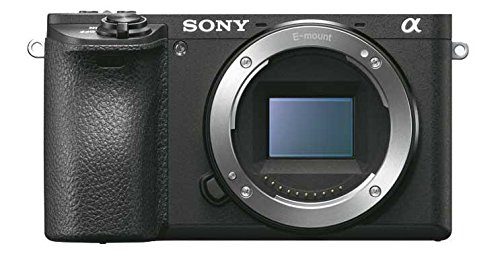
I’ve had my Fujifilm X-E4 for a long time now, and for the most part it’s a great little camera. I’ve used it as my main “lightweight” travel and walk-around camera for years now. Any time I want to bring a camera with me and I don’t want to lug my Canon R6II, I throw the Fujifilm in the bag. I had originally bought it to replace my ageing Sony a6000 for street photography, but that never really panned out. Mainly because I didn’t do street photography as much any more, but also, an annoying bug in the camera made it difficult to use with my style of street photography. But I finally found a solution.
This is one of those things that you might only ever come across once in the blue moon, but when you do, it’s useful to know how to fix it. If you’re shooting with a wide-angle lens, something like a 24mm or wider, and you have people at the edge of the frame, they can be distorted. This is especially true when shooting in portrait orientation and looking up. Like I said, this is a very specific situation, and it’s only by chance that I knew how to fix this.
Capture One now supports native Affinity files. With an Affinity update, you can open and save Affinity format directly in Capture One. This removes the previous TIFF/PSD round‑trip workaround—round‑tripping is now as seamless as with Photoshop. Read on for full details
Last week, Blackmagic Design announced the release of the beta version of DaVinci Resolve 21. One of the new features of that release took everyone by surprise: the software would now support photo editing. Resolve 21 now has a photo page which lets you work with RAW and non-RAW photos, with RAW support from a variety of manufacturers. Not only that, but you can use the full (almost) colour and Fusion pages with your still photos for complex colour grading and image editing. It’s a pretty big deal, although there are still quite a few limitations in the current version.
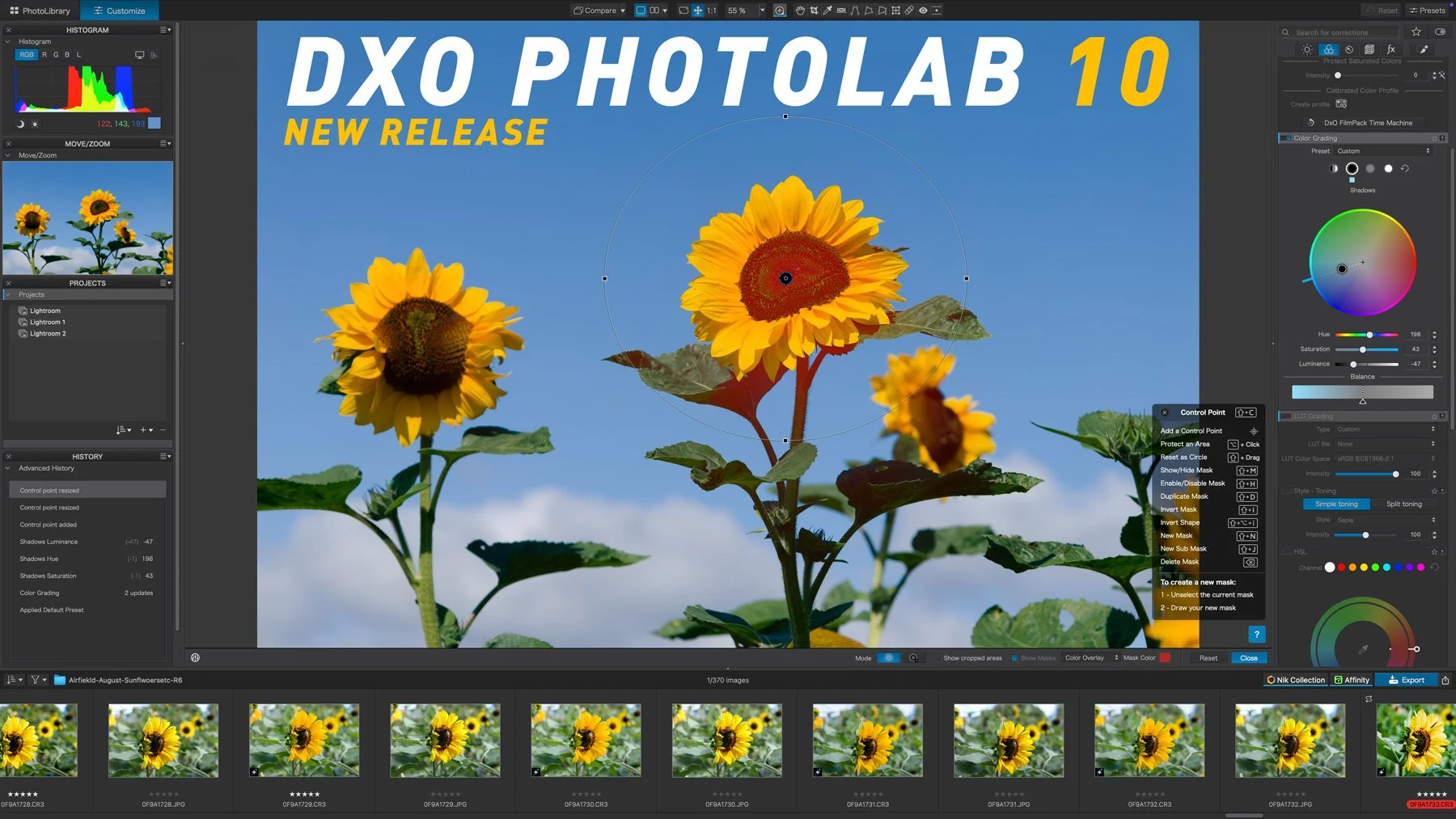
DXO has just released the latest version of their venerable photography plug-in suite. Nik Collection 9 adds a whole host of new features, including some across-the-suite changes and some new filters within the individual applications. There are some very useful new changes, including AI and depth masking, as well as blend modes in some of the applications. I had access to the beta version for a few days, and here is my first look at the new suite. There is actually quite a lot going on in this, so I’ll do my best to cover everything, but I may have missed a few things.
Adobe’s latest Lightroom Classic update makes AI tools like Denoise and Super Resolution far less disruptive by moving their processing into the background, so they no longer take over the app, which is especially helpful when working through large batches. The update also includes a handful of performance improvements, better assisted culling detection, PSB sync support, and other smaller additions.
Get exclusive member only posts, perks and more, and support this site by becoming a Member on Patreon
My Books

In this video, I look at using X-Transformer and Lightroom for Processing Fuji X-Trans files from an X-Pro 2.
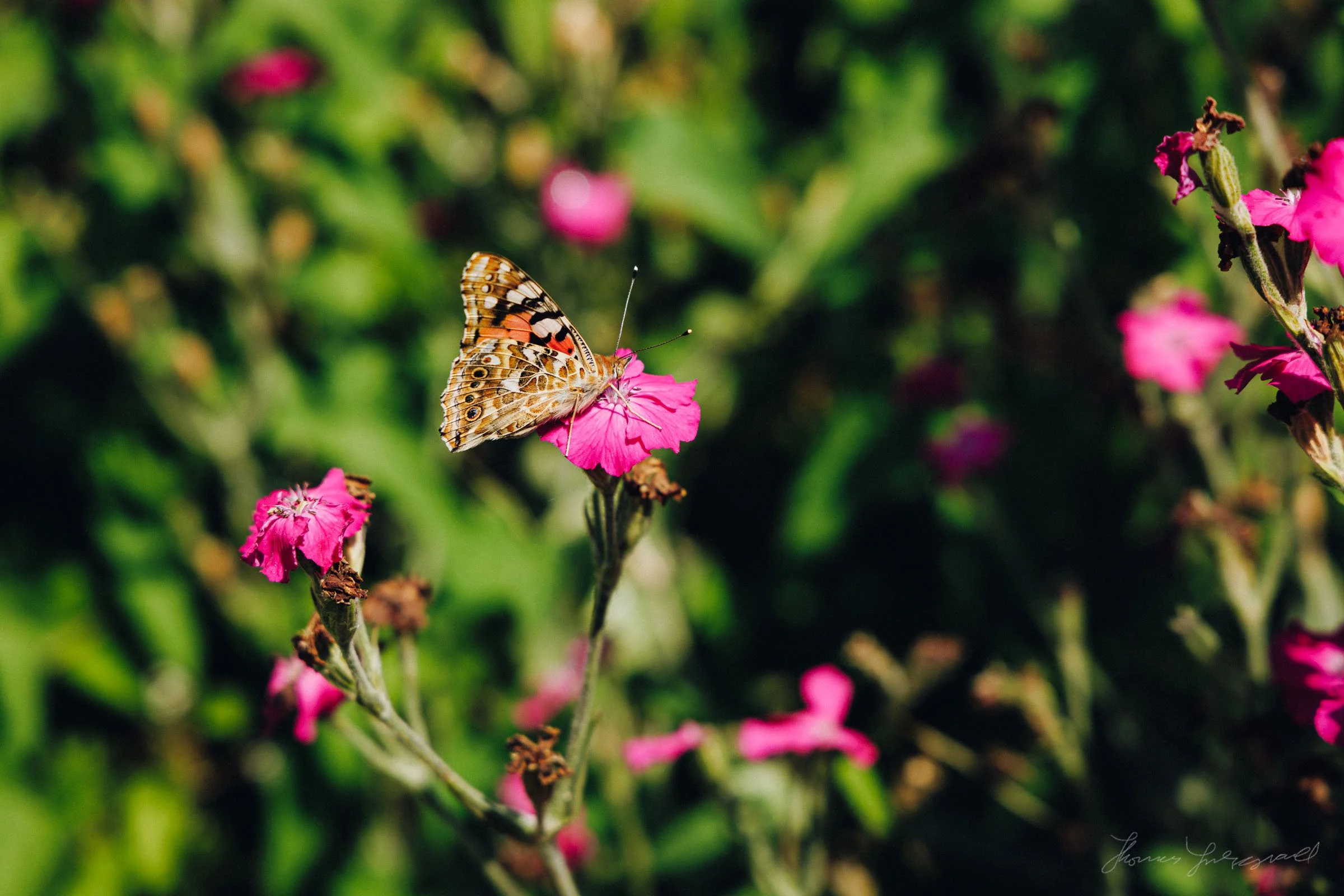
After a rather bleak and dull start to the year, it’s always nice when the grey world of winter springs to life. And while Spring has its own charms, things really explode into vividness once summer hits. I have always been fascinated by flowers and plants, not necessarily from a “nature” point of view, but by the wonderful colours and textures of the natural world. I guess the designer and artist in me just won’t quit.