

Photo Editing, Tutorials, Photography News, and More
This blog covers a range of topics from Lightroom, Photoshop, Capture One, Fujifilm, Canon, Nikon, iPhone Photography, and more. If you want to see more of my actual photography work, visit my Portfolio and Photo Journal blog.
Featured Posts




Some Recent Lightroom Tips from the Lightroom Diary
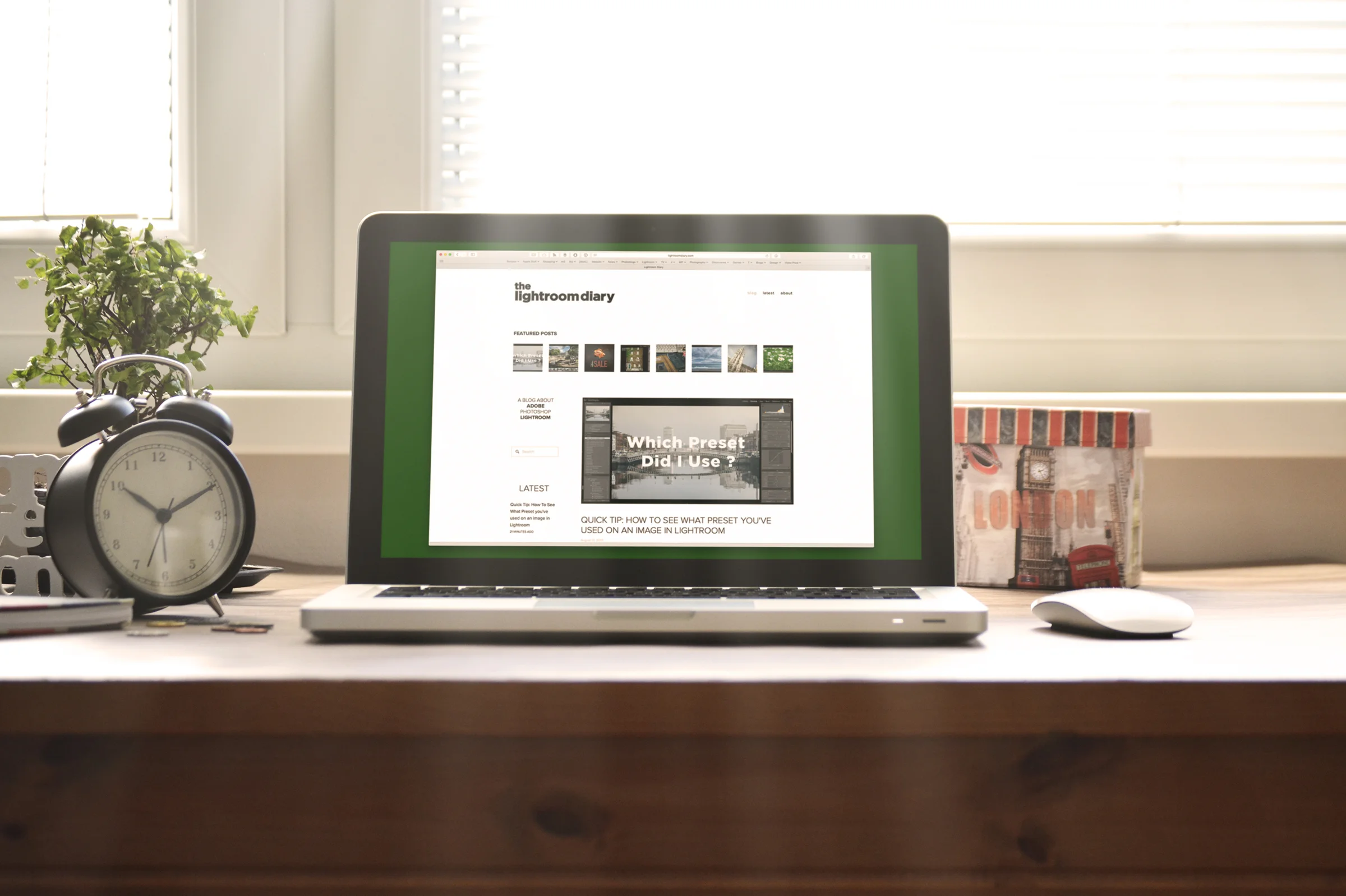
If you’re a Lightroom user and you haven’t checked out my companion site “The Lightroom Diary” recently, then you may have missed some of the quick tips I’ve been posting. I’ve been adding some new material to the Lightroom focussed blog lately including some tips and tricks for all levels, from beginners to non-beginners. Here are some of the ones that I’ve posted recently that you might want to check out:
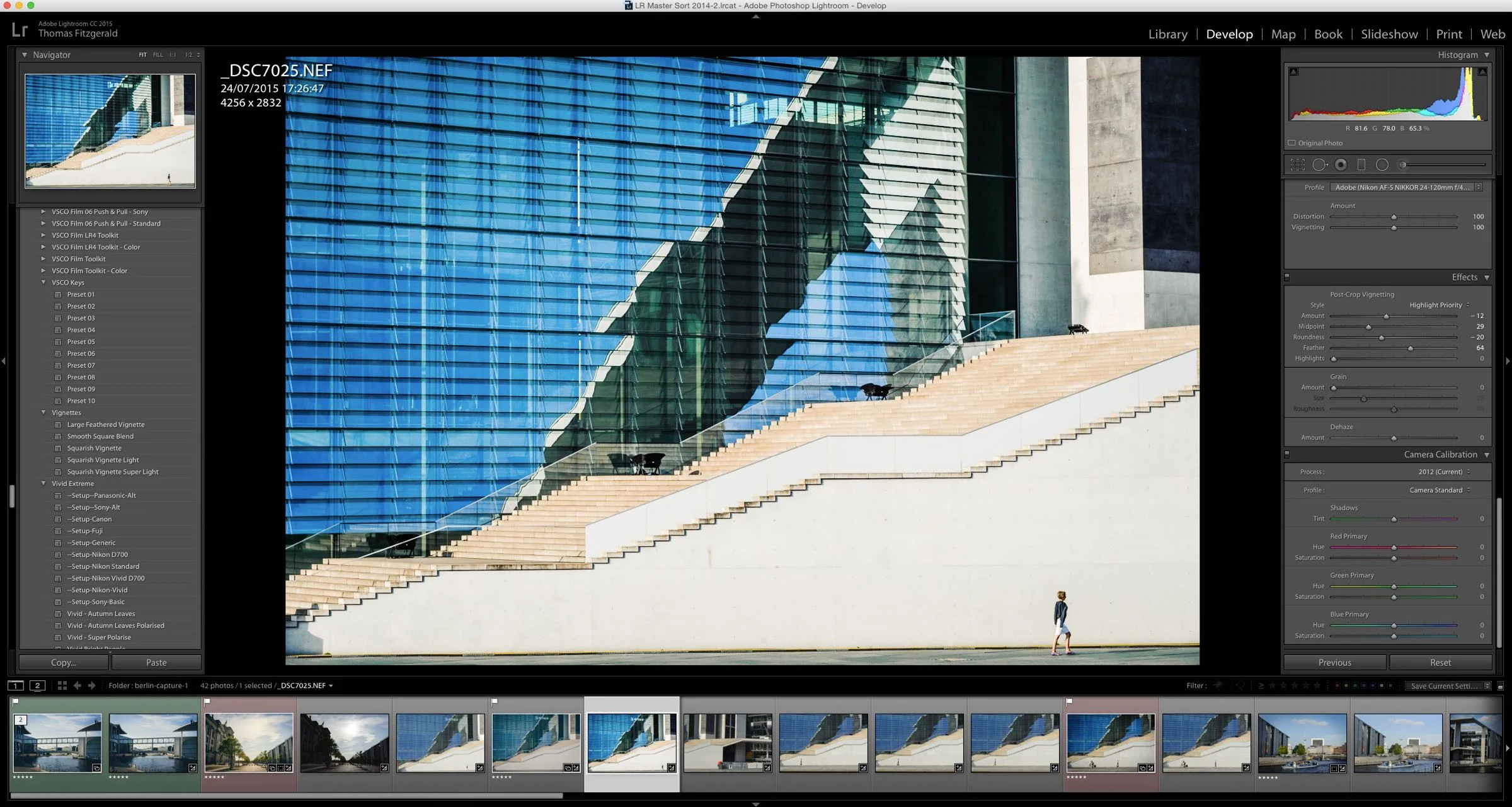
Lightroom Editing - The basic adjustments I do to most images
Someone recently wrote to me and asked me how I got my images looking so punchy. They assumed I was using some sort of plug-in or preset. While I do use presets a good bit (obviously) most of the time, I just do some basic adjustments to an image, depending on what Im trying to achieve. A lot of the time I don’t want an image to look too treated, so here are some of the things I do in Lightroom to add some “punch” to an image.

Autumn Lightroom Preset Sale
It’s Autumn again here in Ireland, my absolute favourite time of the year for Photography. I love as the light gets lower in the sky and the fall colours fill the roadways and countryside with hues of red and gold.
To celebrate this special time of the year for photographers, just like last year, I’m having an Autumn sale on all my Lightroom and ACR presets. In fact, I’m giving 25% off everything in my digital download store.

Bleached Bronze for Lightroom now Available
I’m delighted to announce that Bleached Bronze for Lightroom is now available. Bleached Bronze was one of the very first presets that I made when I first started selling presets for Aperture . Since I stopped selling presets for Aperture, I kept getting requests for a Lightroom version of Bleached bronze. Well, it’s finally here!

Bleached Bronze for Lightroom Coming Soon
One of the very first presets that I made when I first started selling presets for Aperture was called "Bleached Bronze". To be honest, I can't really remember how it came about, but I think it was an accidental discovery. I had originally been going for a "bleached bypass" look and instead came up with something that had rich browns and metallic looks, so I called it bleached bronze. It's the one set of presets that I haven't ported to Lightroom since I stopped selling them for Aperture, and it's the one set that I keep getting requests for. Well, I'm happy to announce that it's almost here!
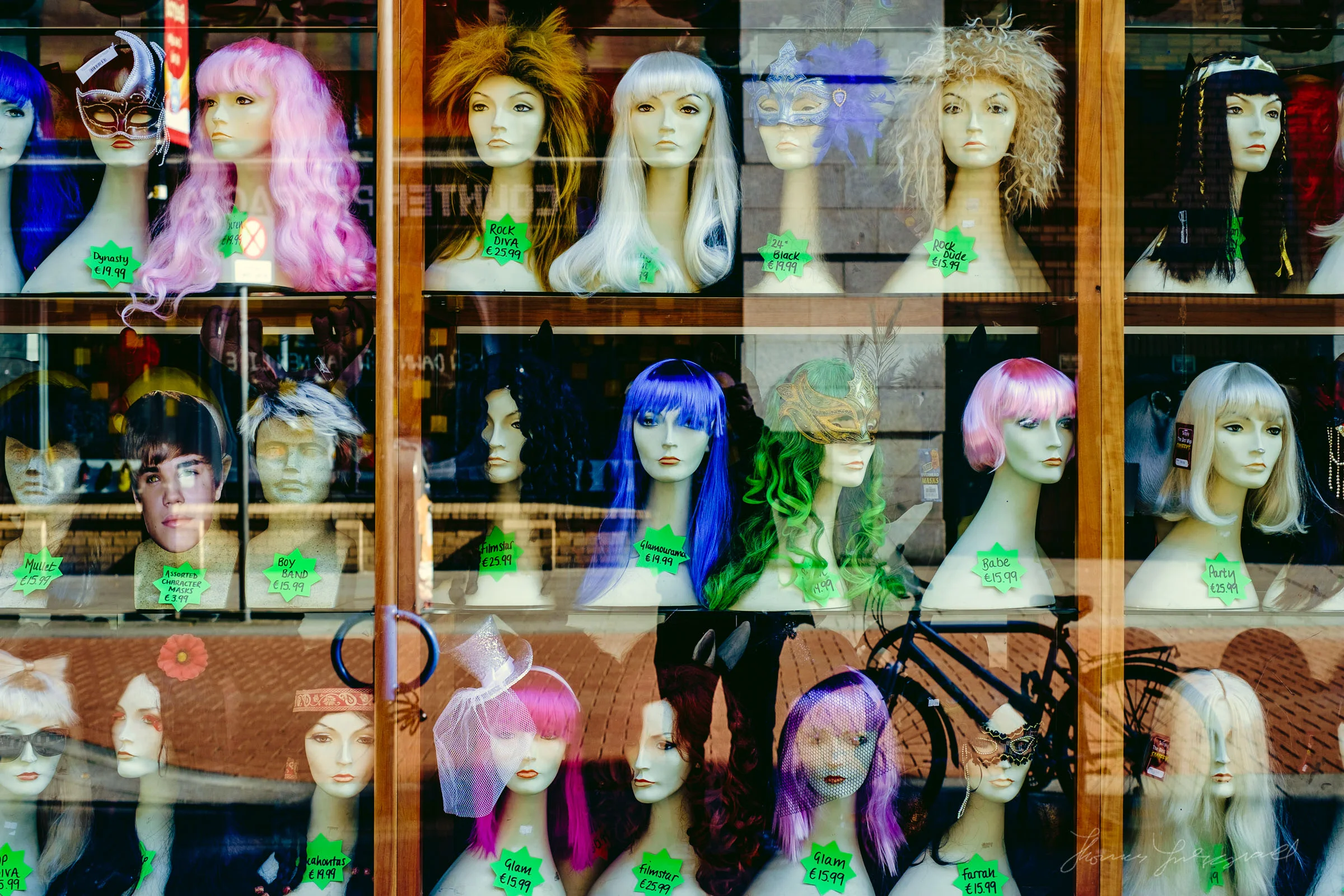
Some Free Faux Film Lightroom Presets for Fuji X Users
I’ve been working on some new premium Lightroom presets, which should be available soon, but while I was experimenting I got sidetracked and ended up creating some Faux Film presets for Fuji X users. I was trying some different techniques and I have saved various “ingredients” which I use to then create whole looks. While playing around with some of these I decided to try combining some of what I was working on, with the fuji picture profiles that come with lightroom. I liked he results so I decided to keep going. The result was a set of film like presets that I think you might like.
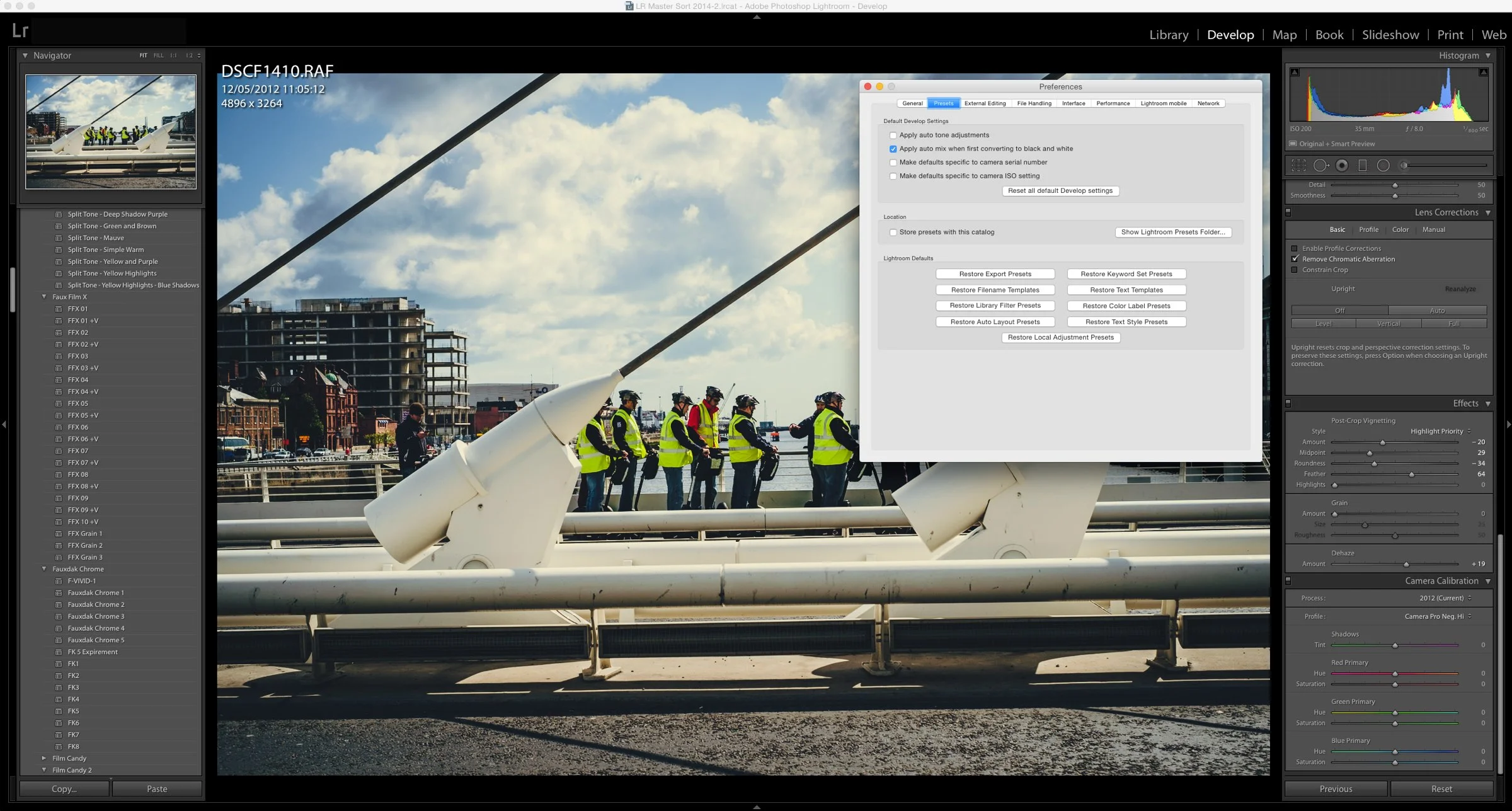
How to Manually Install Develop Module Presets for Lightroom.
If you have downloaded presets from somewhere and you want to manually install them, it's actually quite simple. You just need to copy them into the correct folder

Using Film Candy to make Boring Shots Arty
Just a quick post for today, as I’ve lots on, and this is kind of a shameless plug post, but anyway. I often take simple shots that I use for embellishing blog posts, either here or on other sites. They’re usually nothing fancy and usually something that I just do quickly because I’m writing in a hurry. One of the things I’ll often do is give them a treatment of some kind to give them a stylised look which makes them more interesting. This is how my Film Candypresets sort of came about, and I’ve been using them in this context recently, so I thought I’d give you a quick example.
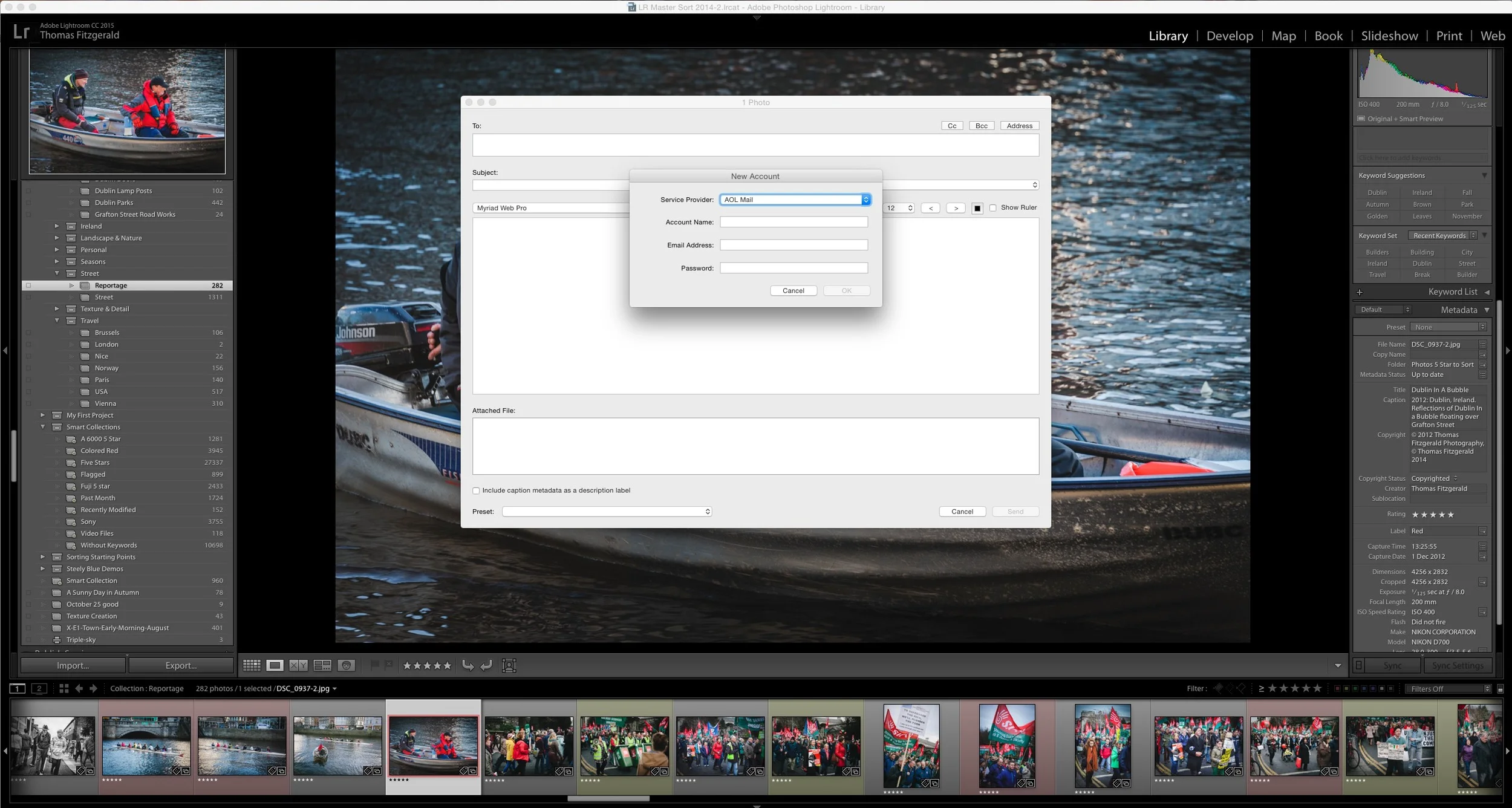
Lightroom's New Email Behaviour and how to get the old behaviour back
With the latest update to Lightroom CC, 2015.1 (I'm not sure if this has changed in Lightroom 6.1) Adobe has changed the way Lightroom handles emailing images. In the past when you choose the option to email some images by using the "Email Photo(s)..." option from the menu, Lightroom would open a dialog which let you see the images you were going to email, and allow you to enter addresses if you wanted to. It would then pass the photos on to your email client which would handle the actual emailing of the images. In the latest version Lightroom now seems to include its own email sending software, and now requires you to enter the details of your mail server, and compose and send the email directly inside of Lightroom.
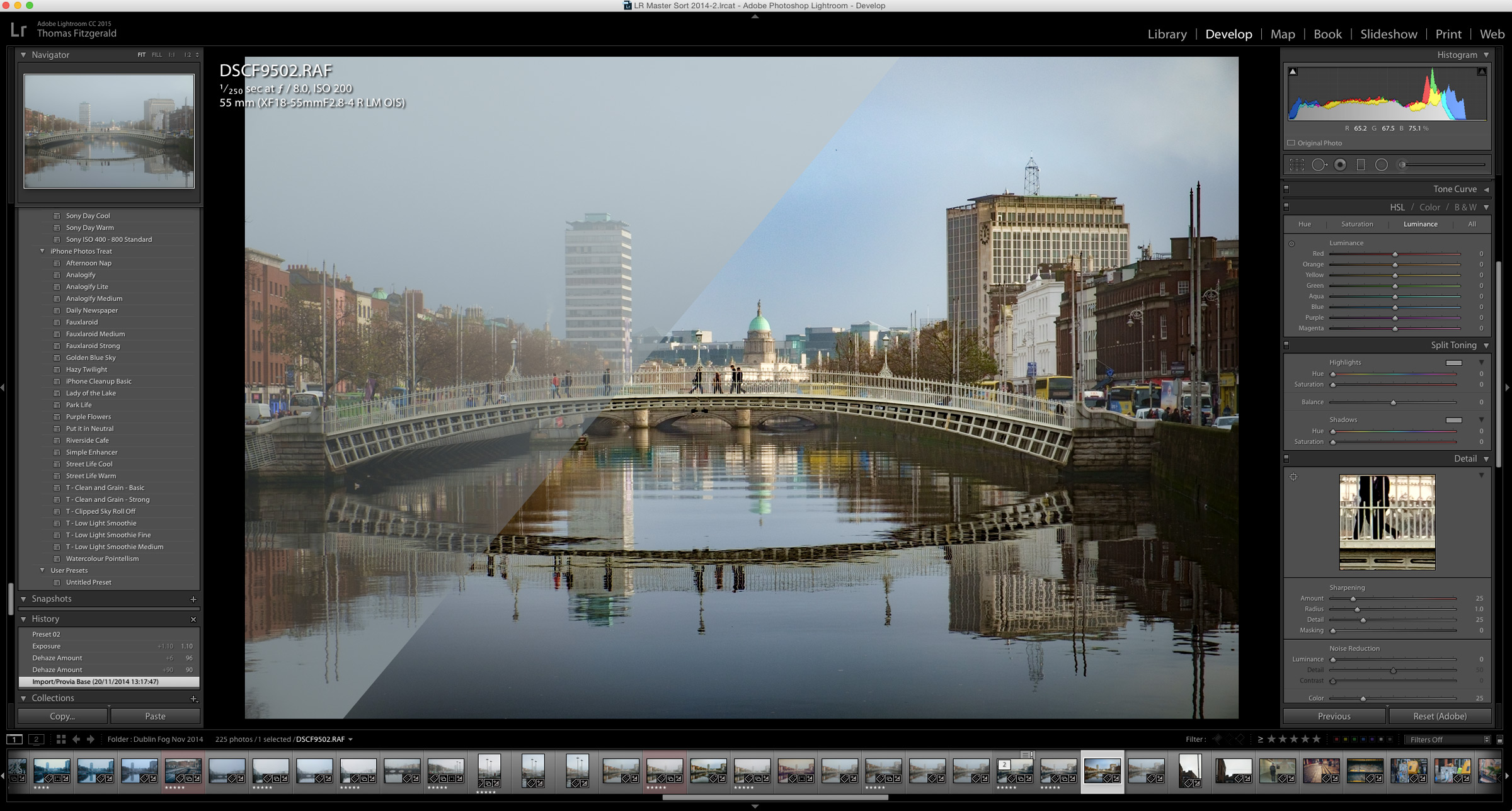
A Quick Look at Lightroom's New Dehaze Tool
The signature feature of the recent Lightroom CC 2015.1 update was the addition of a new "Dehaze" tool. The purpose of this new function is pretty straight forward. It is designed to remove haze from your images. In operation it couldn't be simpler. A single slider has been added at the bottom of the effects panel called "Dehaze" and sliding this to the right causes Lightroom to do its magic.
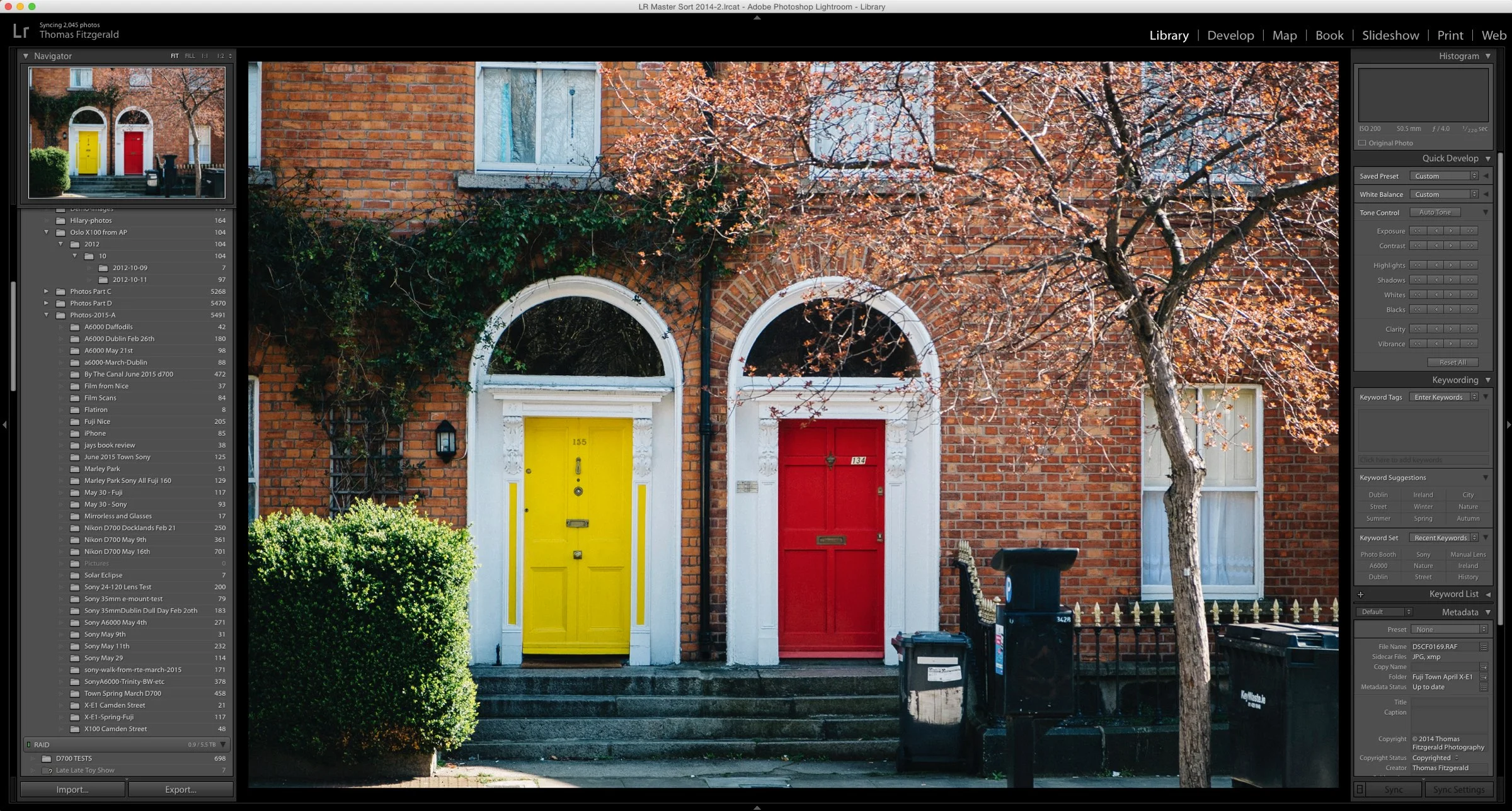
Adobe Improves X-Trans Processing in Lightroom CC Update: Promises More to Come
One of the interesting tidbits, buried in the list of bug fixes for the Lightroom CC update that was released yesterday was a mention of improvements to Fuji X-Trans processing in Lightroom. Any long term follower of this blog, knows that Lightroom’s poor quality X-Trans rendering has long been a bug bear of mine, and I’ve sought ways to minimise it and ways to avoid it altogether. In the announcement yesterday, Adobe has dealt with the first problem, that of the colour blur, and the company has stated that they are working with Fuji to improve edge rendering and detail on X-Trans files.

Adobe updates Lightroom CC
Adobe has issued the first major update to Lightroom CC as part of it's massive 2015 update to Creative Cloud. The update adds a few new features, as well as support for some new cameras and a whole lot of bug fixes.
Import a single project from Aperture into Lightroom
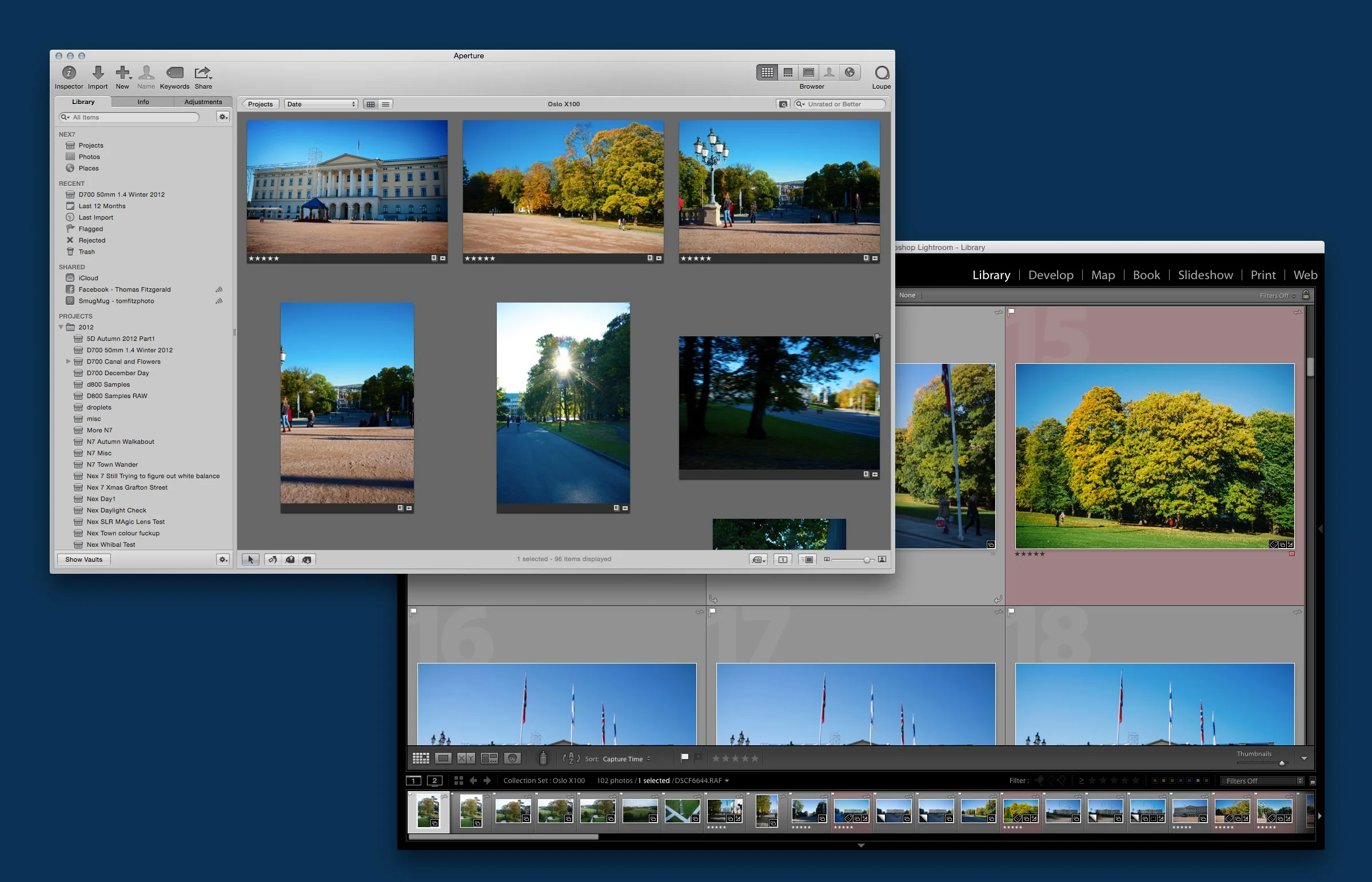
When Adobe introduced the Aperture importer in Lightroom 5 it offered a way for Aperture users to import their whole libraries into Lightroom, giving users who wanted to migrate a path to convert their libraries. There's another use for the Aperture importer though. You can use it to import single projects from Aperture.
First impressions of using Lightroom CC
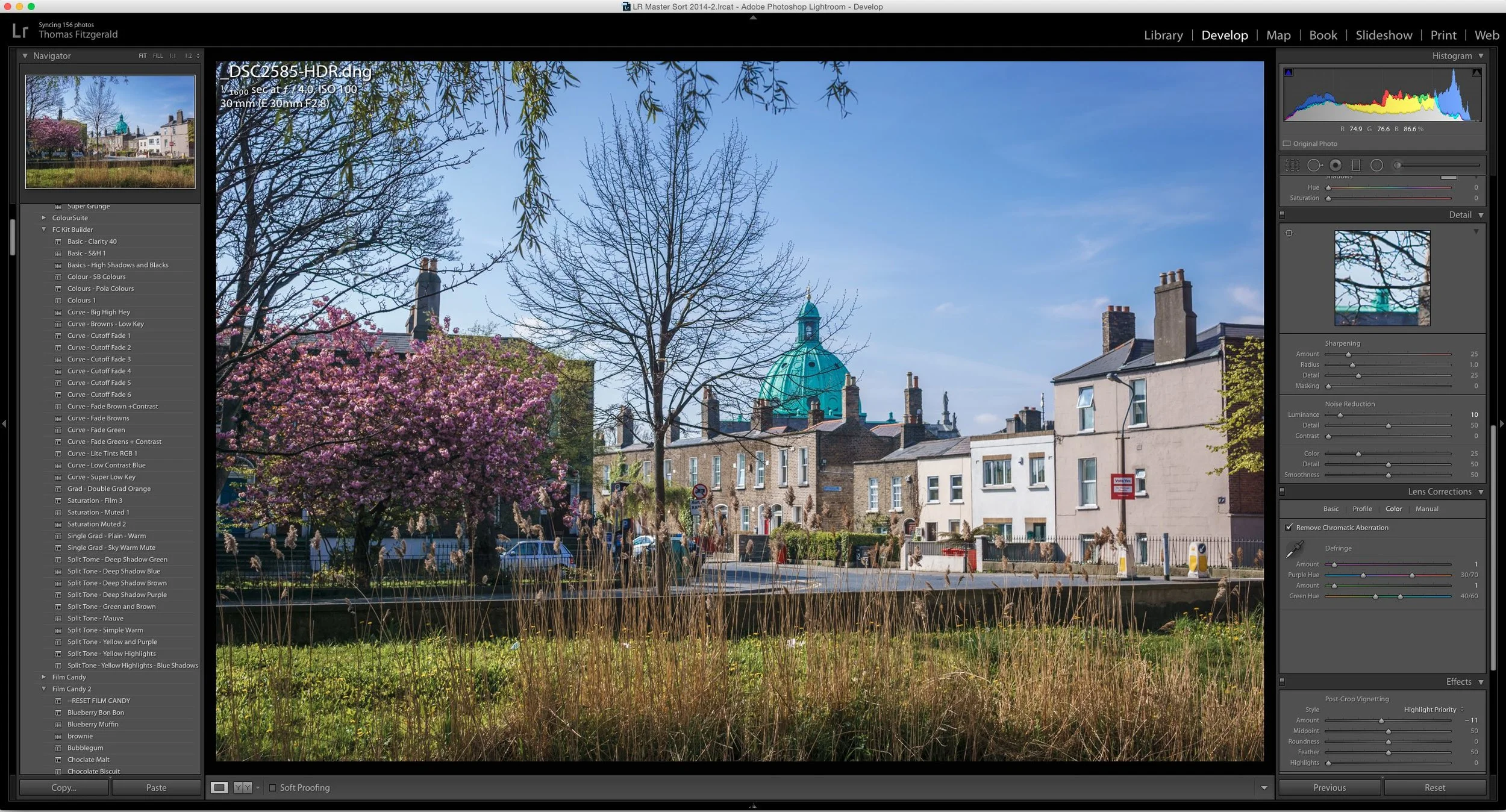
I've been using the new version of Lightroom pretty extensively over the last day or so since it came out, and I have a few observations to share. This isn't a comprehensive review by any means, but rather some initial findings based on using it in real-world conditions. If you have any questions about the new version or anything you would like me to test, let me know in the comments below and I'll do my best to cover it in a future post.
Lightroom CC announced
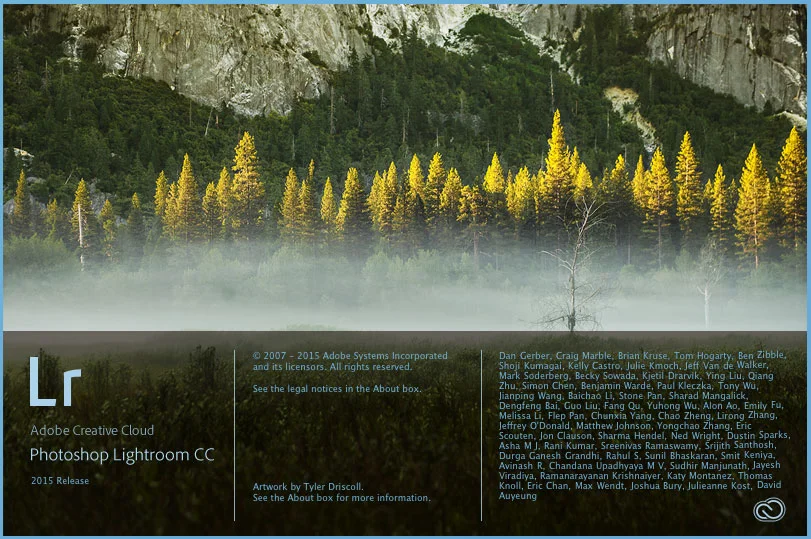
Adobe today announced the long awaited release of the next version of Lightroom. In fact there are two versions, Lightroom CC and Lightroom 6. Lightroom 6 is the stand alone boxed copy and Lightroom CC is the version that comes as part of a subscription. The CC version also includes access to various cloud services and the Lightroom Mobile apps. There are several new major headline features and lots of smaller ones.