

Photo Editing, Tutorials, Photography News, and More
This blog covers a range of topics from Lightroom, Photoshop, Capture One, Fujifilm, Canon, Nikon, iPhone Photography, and more. If you want to see more of my actual photography work, visit my Portfolio and Photo Journal blog.
Featured Posts




Get Ready for a Busy Software Season
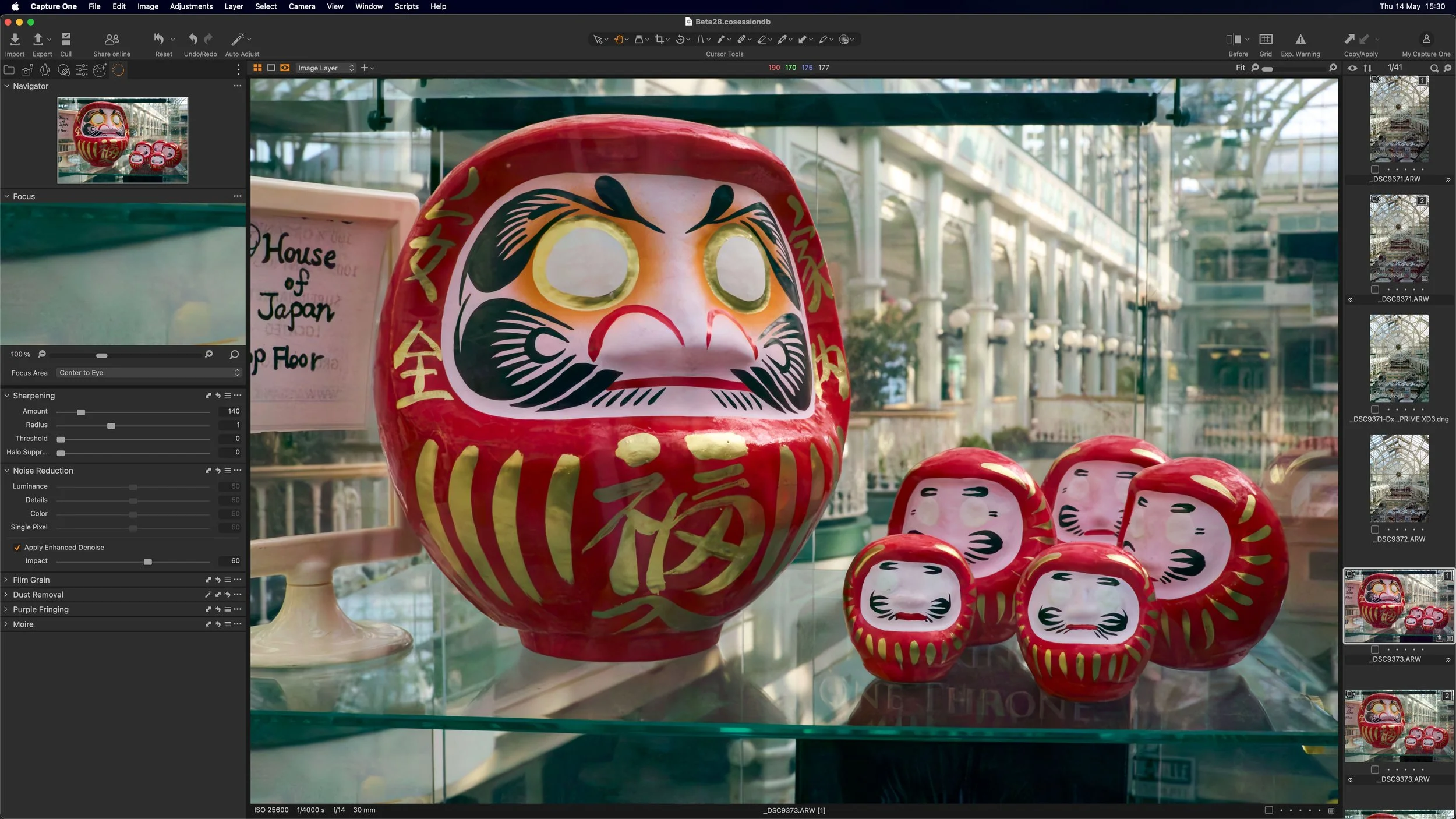
The next couple of weeks are going to be pretty busy for photo software. We’ve recently had plenty of teasing about Luminar 4, as well as an announcement of sorts about the next version of Capture One. So what can you expect over the next little while?

Get Aperture to run on MacOS Catalina with this hack!
There are still people using Apple’s long discontinued Aperture app, and as an early proponent of this application, I can understand why. Despite all the competition out there, there are still things that Aperture did better than most of the current applications. When Catalina was recently launched, it spelled the end for Aperture, as the software would no longer run on the new operating system. However, a clever programmer has come up with a solution.

Last Few Hours to Save 10% on Capture One, Including Pre-Orders for Capture One 20
There’s still time to use my discount code if you’re planning on getting Capture One. The code allows you to get 10% off any CaptureOne purchase, and if you buy any of the current versions of Capture One you will get a free upgrade to Capture One 20. This code also works on style packs.

Script to Automate Creating a Dehaze layer in Capture One
A little while ago I made a video where I showed you how to create a dehaze effect in Capture One using layers and a few effects. The video was well-received, and lots of people wrote to me that they found it really useful. It was a little cumbersome however, and applying it still required a few steps. Well, now you can create it in one step thanks to a very useful script a reader sent me.
Iridient X-Transformer & Iridient Developer Updated
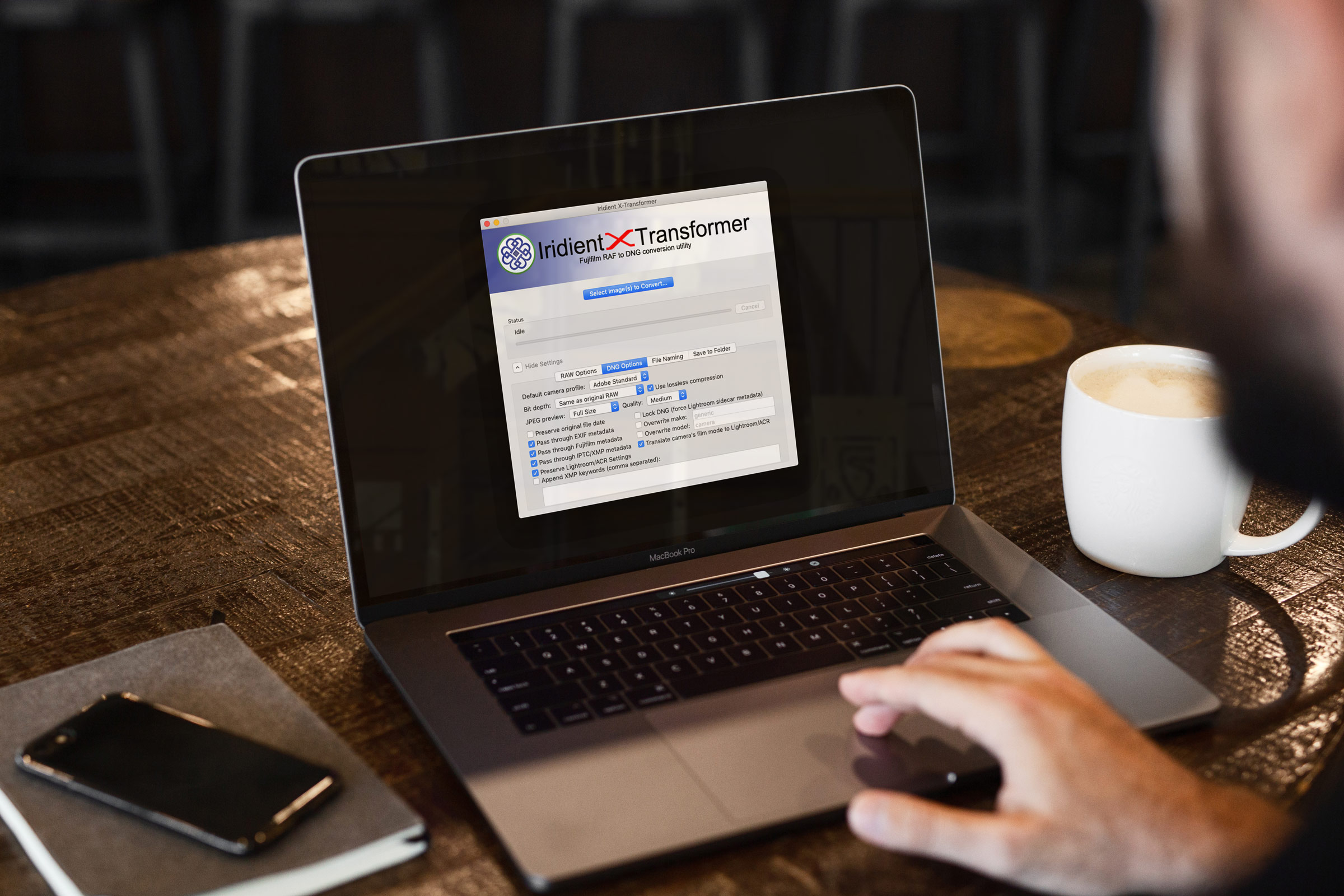
Iridient Digital has released a minor update for both X-Transformer and Iridient Developer. Both add support for new cameras, and some bug fixes and are available now. If you’re already a user, you can update through the interface, or you can go to the Iridient Digital website.
Free Capture One Styles and Presets eBook
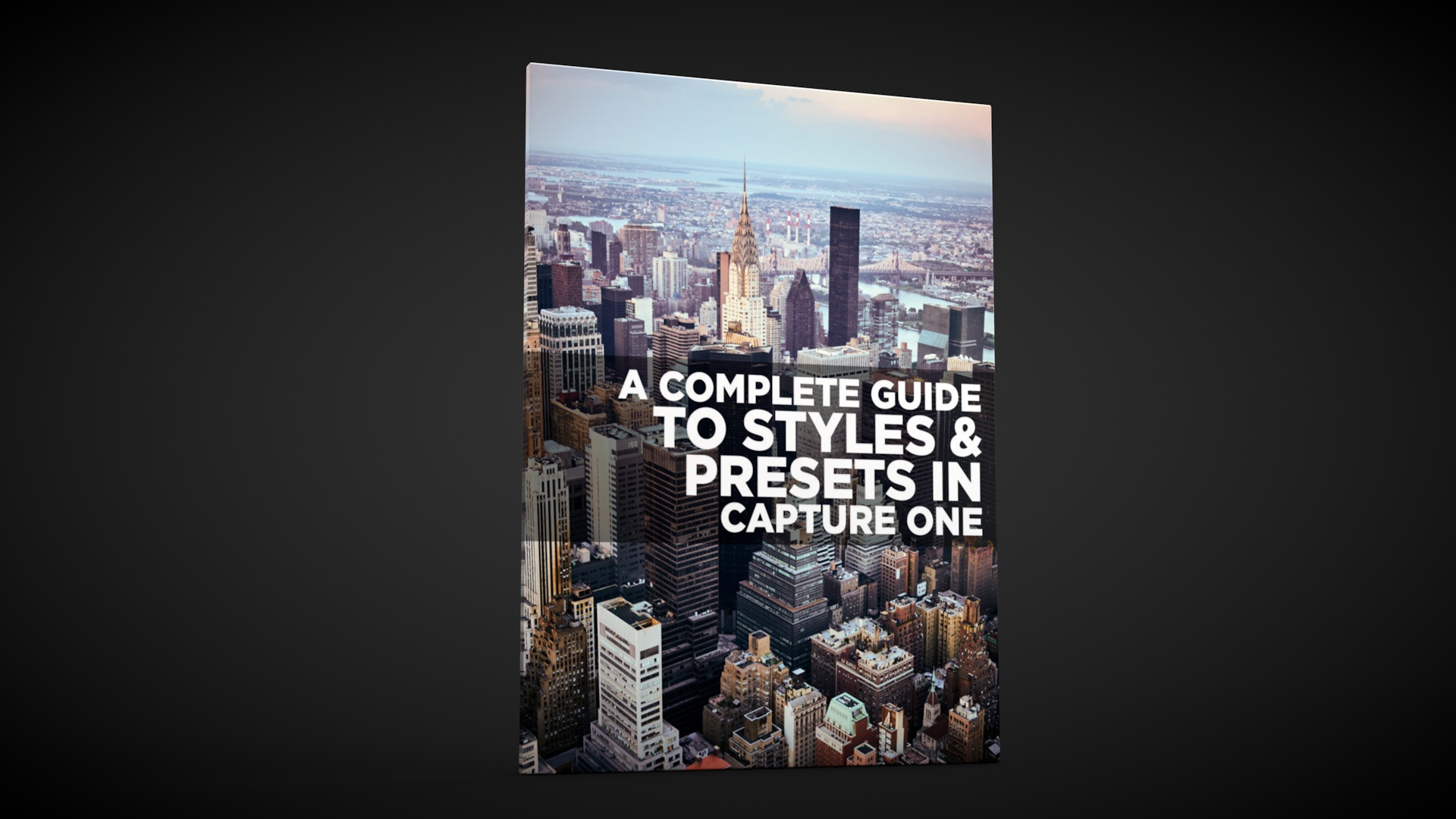
Last week I posted a lengthy blog post about styles and presets in Capture One. To make it a bit easier for you to follow, and so that you can have it as a handy reference guide, I’ve turned it into a free eBook, and it’s available now for free on my digital download store.

Capture One 20 Pre-Order: Buy Capture One 12 now and Get a Free Upgrade to Capture One 20
Phase One just sent me a notification to say that the company is now starting their pre-orders for the next version of Capture One. Specifically, if you buy the current version of Capture One you will get a free upgrade to the next version, curiously named “Capture One 20”.

Video: Photographing Autumn in Dublin City
In this video I went for a wander with my camera around Dublin City to show that you don’t need to go to the countryside to photograph the wonders of Autumn. If you live in a city there’s plenty of Autumn colours and scenes all around you. If you liked my “Street Photo Diary” series, this is basically the same formulae only without the street photography!

A Complete Guide to Styles and Presets in Capture One
At its simplest, Styles and Presets in Capture One may just seem like a variation of what would be Develop Module presets in Lightroom, but they offer a number of distinct advantages. Getting to know how to create, manage and work with styles and presets can be a significant workflow enhancement in Capture One, and so what follows is an extensive guide to one of the software’s key features.

Possible Lightroom Classic Preview Bug and How to Fix It
This is a super quick tip for Lightroom classic users. Over the past while, something has been bothering me about Lightroom. When working on images, especially in the develop module, I noticed that the display seemed soft, and if you looked closely you could see some scaling artefacts. This hadn’t always been the way, and I couldn’t figure out if it was a recent version that brought it back, but it had been driving me mad. It turns out the solution was really simple.

Luminar 4 to be released on November 18th. Final Preorders available now.
Skylum software has announced the release date for Luminar 4 and it will be available on November 18th. You can pre-order now and pre-orders include a bonus one-year plan to SmugMug (worth US$180) and costs US$79 for a new purchase and US$69 for an upgrade. When released on November 18, the price will jump to US$89 new and US$69 for an upgrade.

Video: How to use the Colour Balance tool in Capture One
The colour balance tool is one of my favourite features of Capture One, and one I get asked about regularly. In this video I show you how to use the colour balance tool (also known as the three way colour corrector) to colour correct a photo.

Video: Enhancing a Cityscape in Luminar 4 Beta
In this video I give you a sneak peak at what it’s like to use Luminar 4 to enhance a cityscape image. Using a photo of the New York City skyline, I show you what it’s like using the new AI Sky replacement filter, and a quick look at the new interface.

My Capture One Style Packs Updated to Simplify Installation
I’ve released a minor update to two of my Capture One style packs in order to simplify the installation process. Previously they needed to be manually installed which was a bit of a chore, but now they can be installed simply by double clicking on a file.

Video: How to import into Lightroom directly from a Memory Card on iPAD OS
One of the new features of iPadOS that was announced was the ability to import images directly into apps from attached storage, without having to go through the camera roll. Unfortunately not many apps have been updated to take advantage of this yet, including Lightroom. However, there is a pretty simple work around and in this video I show you what to do.