

Photo Editing, Tutorials, Photography News, and More
This blog covers a range of topics from Lightroom, Photoshop, Capture One, Fujifilm, Canon, Nikon, iPhone Photography, and more. If you want to see more of my actual photography work, visit my Portfolio and Photo Journal blog.
Featured Posts





How to Reduce Shadow Noise using Lightroom and Photoshop
Lightroom’s noise reduction tools are pretty good, and can help reduce digital noise in an image quite effectively. However, one of the things that sometimes occurs with images taken on a digital camera is that the overall image may be ok, but there may be excessive noise in the shadows. This is because most digital cameras are noisier in the shadow part of the image than they are in the brighter parts. While this is decreasing with modern cameras, it can still be an issue, especially when pushing an image in Lightroom.

Search Replace Transfer, An Extremely Useful Metadata Tool for Lightroom
I’ve long complained about the lack of certain metadata functionality in Lightroom. I don’t particularly like the interface for entering metadata as it is, but the software lacks certain key features that I have long missed since moving from Aperture..... Recently I set about trying to find a solution, and it came in the form of a plug-in from John Beardsworth called “Search Replace Transfer”
Lightroom CC 2015.6.1 now available
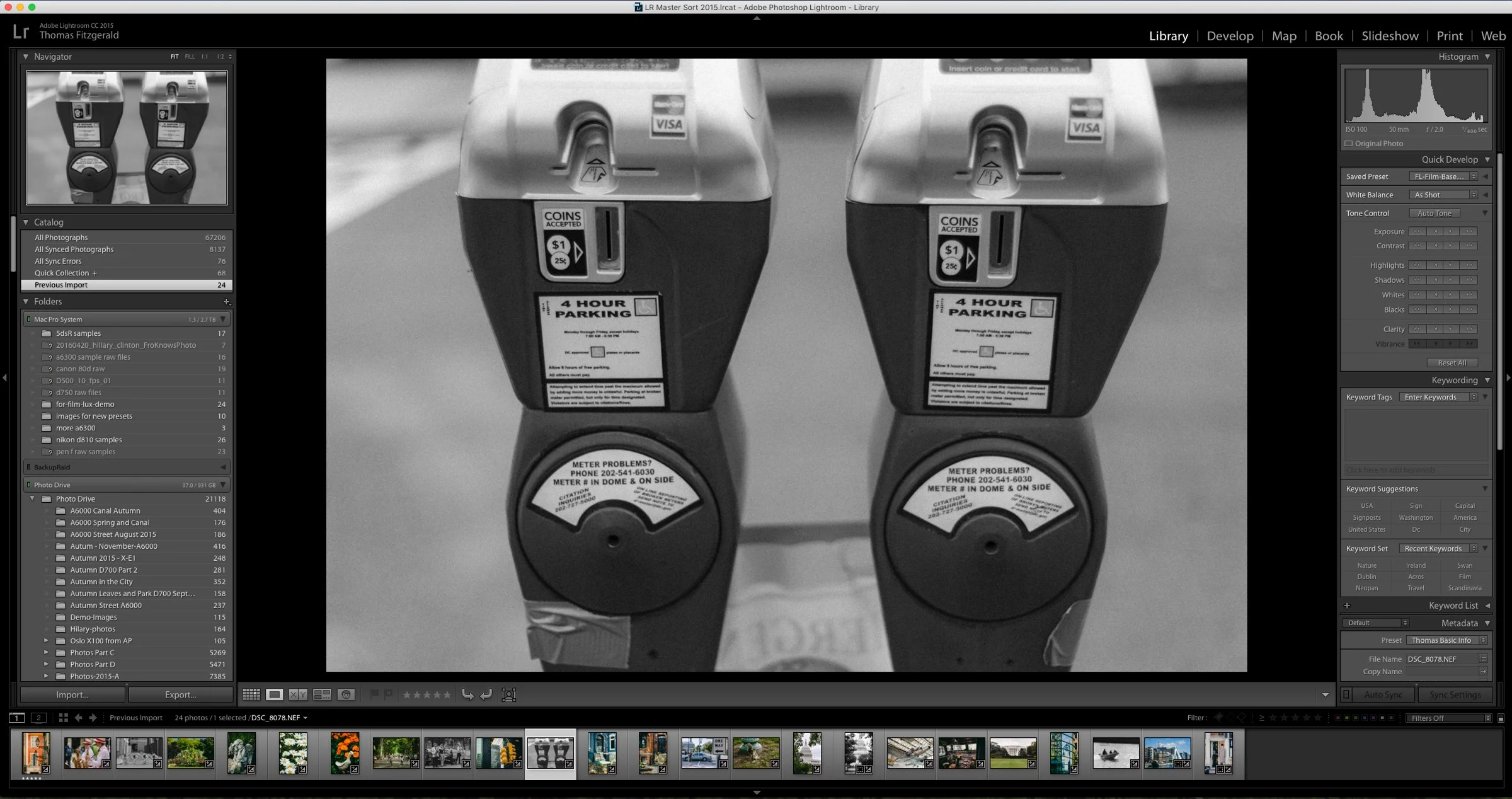
Adobe has released an update for Lightroom which provides support fort the Fuji X-T2 as well as some bug fixes. Hopefully it fixes the memory leak that I reported on last week (it is listed as one of the fixes).

Introducing FilmLUX for Lightroom
I’m delighted to announce, that after much delay, my latest set of Lightroom Presets, FilmLUX is now available. I came up with the idea for FilmLUX a little while ago when I was in the midst of scanning lots of old slide and transparency film. I noticed that the results I was getting had a really nice quality to them, and they weren’t quite like what I was getting from other presets. With this in mind I set about trying to create my own, paying close attention to the results I was getting from my own film scans.

A Sneak Peek at Film Lux for Lightroom
It’s been a while since I last released a set of Lightroom presets, despite my plan to release one set a month this year. I’ve actually been working on a new set for a while now though, and I’m excited about the results. Called “Film Lux” it’s a continuation of my “Lux” series,and this time it’s about some more realistic film styles.

Nasty Lightroom Memory leak
I’ve been plagued by a nasty bug in the latest version of Lightroom on the Mac. It’s affected me several times now, and the same action triggers it, so it’s not a a random one off. On top of that I’ve read similar stories online from people with similar issues. Basically, every so often, when you open the import window, the memory usage of Lightroom goes through the roof and the application becomes frozen. If you don’t force quit the application quickly after this happens, the entire system hangs.

Lightroom Mobile for iOS gets Raw Importing & Editing
Yesterday Adobe released a big update to Lightroom Mobile for iOS which adds a number of features including local adjustment tools, and more importantly RAW importing and editing.

Archiving Projects in Lightroom
There are times that it feels like I’m playing a constant battle with hard drive space. I’m sure that many photographers feel like this at one time or another (or all the time). My Lightroom Library is a giant mess. I’m the first to admit that, and it’s not particularly well organised. I have images littered across multiple drives and I’ve lots of older projects which I don’t really need access to the raw files, but are still online. So, once again, I’ve started trying to tame the beast, and I’ve a few new strategies for dealing with it that I thought you might find interesting.

Lightroom Quick Tip: Drag and Drop Behaviour
There are lots of ways to get images into and out of Lightroom. For importing, you can import from the import dialog box, or by setting up the auto import., or by synchronising an existing folder. For outputting, you can export via a variety of settings, or use one of the publishing plugins in the Library module. But what happens when you drag and drop images into or out of Lightroom?

The Lightroom Diary is Back
A while ago I was publishing another blog for Lightroom, called "The Lightroom Diary" and at the time it had become too much trouble for me to post to both that and this, my regular blog. So I shut it down and consolidated all the Lightroom posts here. I said at the time that I might start it back up again, and so now I have.

Why you probably shouldn't Sync your Lightroom Catalogue via Dropbox
An interesting topic came up for discussion recently between some colleagues. We were talking about how nice it would be if Lightroom let you sync projects between a laptop and a desktop, and someone suggested that you could just put your catalogue on dropbox and sync it that way. If you google this there are lots of tutorials for various ways to set this up, but in my opinion, while that might sound like a good idea or a simple solution, it's something that I personally would avoid doing, and here's why.
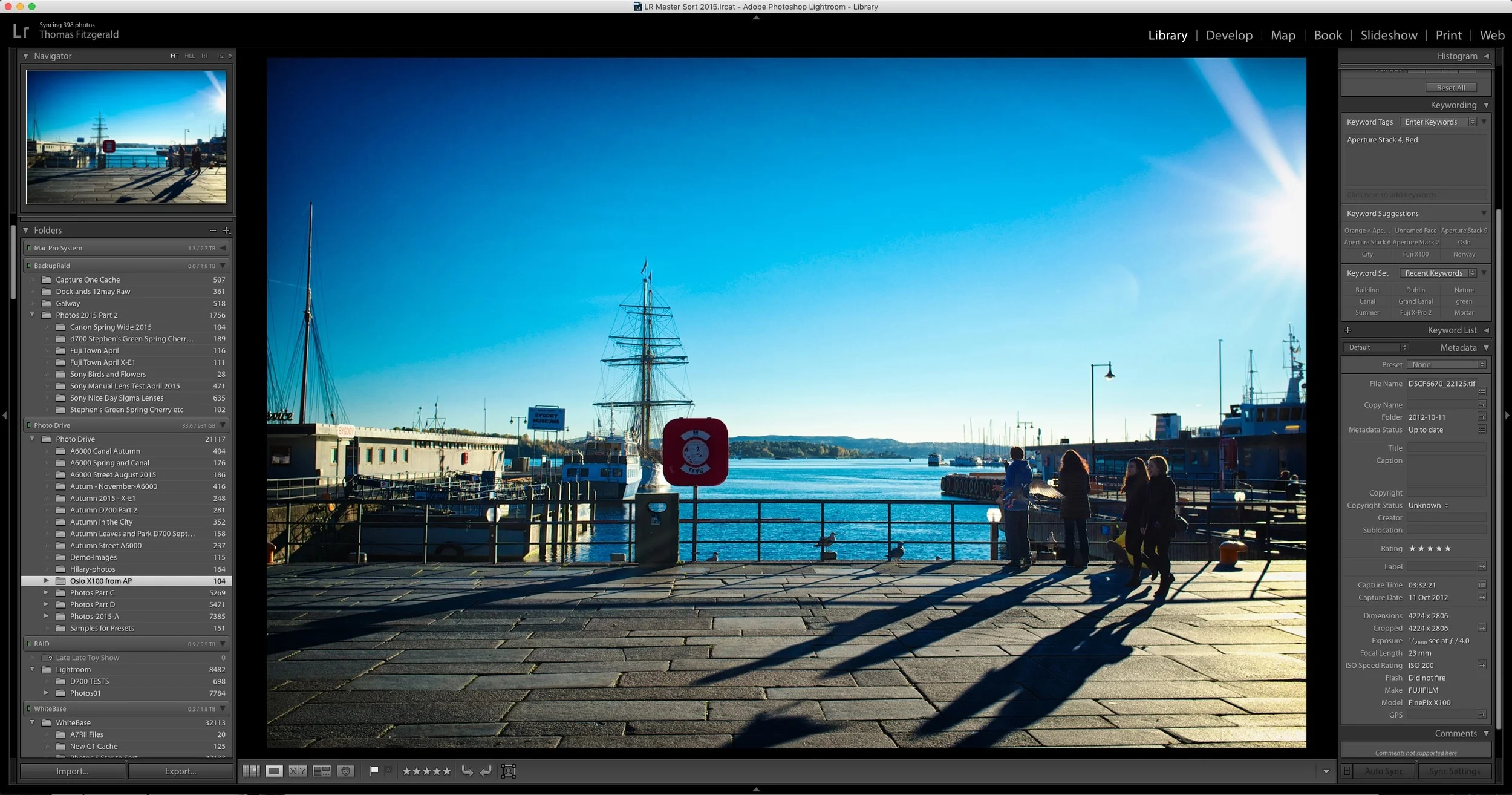
Quick tip: See Previous Metadata Entries in Lightroom
There are a lot of hidden and not so obvious features littered throughout Lightroom. I've previously expressed my dislike of the interface for dealing with metadata in the software, but it does have a few tricks up its sleeve. For example, if you start typing in any of the fields, it will auto fill in the entries based on previous results.
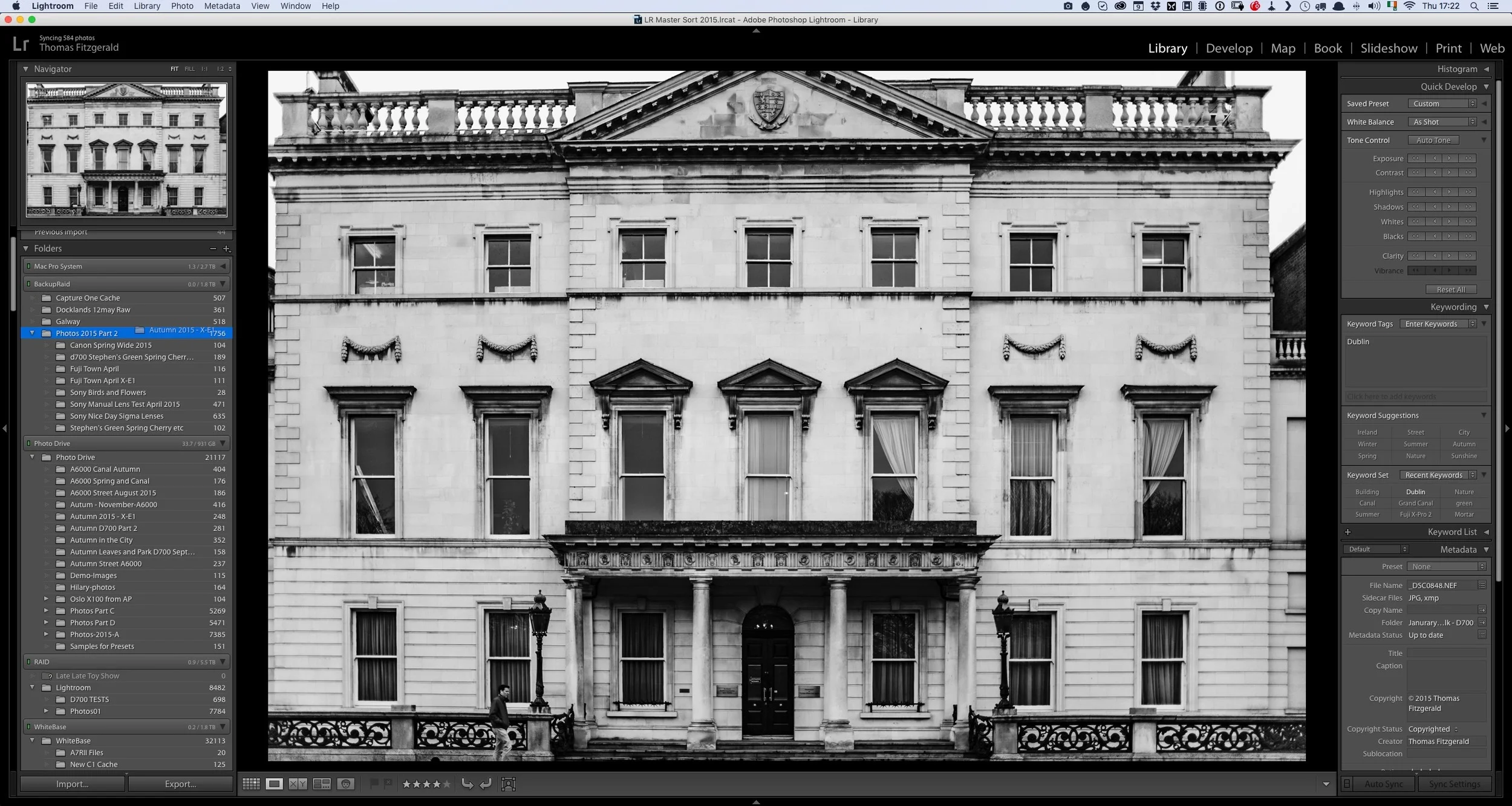
The Proper Way to Move Photos in Lightroom
If you're a Lightroom user and you have a lot of images, the chances are that there will come a time when you need to move some of your photos. Whether it's to another location on the same drive, to an entirely different drive, there is a right way and a wrong way to go about moving your files.

Lightroom's Guided Upright - Video
The headline feature in the latest version of Lightroom CC is the new guided upright feature. This new tool lets you set guidelines when using the "Upright" automatic correction feature. Rather than spend a long time talking about it, I made a quick video to show you the feature in action.

Lightroom CC 2015.6 and Lightroom 6.6 Released
Adobe has released another set of updates to Lightroom. Both feature performance and bug fixes and the CC version has some new features. It's actually a little confusing as to which feature is in which version, but anyway. The big news is the new "Guided Upright" feature, and the re-design of the Lens correction panel into two separate panels.