
Photo Editing, Tutorials, Photography News, and More
This Blog is where I share my passion for photo editing, photography technology and sharing my techniques with the world. I cover a range of topics from Lightroom, Photoshop, Capture One, Fujifilm, Canon, Nikon, iPhone Photography, and more. If you want to see more of my actual photography work, visit my Portfolio and Photo Journal blog.

Exploring Adobe Lightroom 14.3's New AI Landscape Masking Feature: A First Look
Adobe has just rolled out the latest version of Lightroom, introducing an exciting new AI-powered feature: Landscape Masking. This addition promises to revolutionize how photographers and editors work with landscape images by allowing not only the selection of entire landscapes but also individual elements within them. In this post, I’ll share my hands-on experience with this new tool, highlighting its strengths, quirks, and potential.

Another Way to Avoid Clarity Halos in Lightroom. Well, Sort of.
If there’s one thing that really annoys me more than anything else about Lightroom, it’s the halo effect you get when you use the clarity slider. If you haven’t noticed this before, I apologise in advance for pointing it out to you, because once you see it, you can’t unseen it. Once I figured out what it was I see it everywhere online. I’ve been on a quest to find away around it, and I’ve already posted a video about this before. Now I’ve come up with another potential solution to the problem. Or at least a partial solution.

How To Import Presets Directly into Lightroom iPad and Mobile | Lightroom Quick Tip
In this super quick Lightroom tip, I’ll show you how to import Lightroom presets directly into Lightroom on your iPad, without the need to install them on the desktop version first!

Adobe Releases Lightroom Classic 14.2
Adobe has unveiled the latest update to Lightroom Classic. Most of the improvements are under the hood or behind the scenes type things, although there is one major new user facing feature…
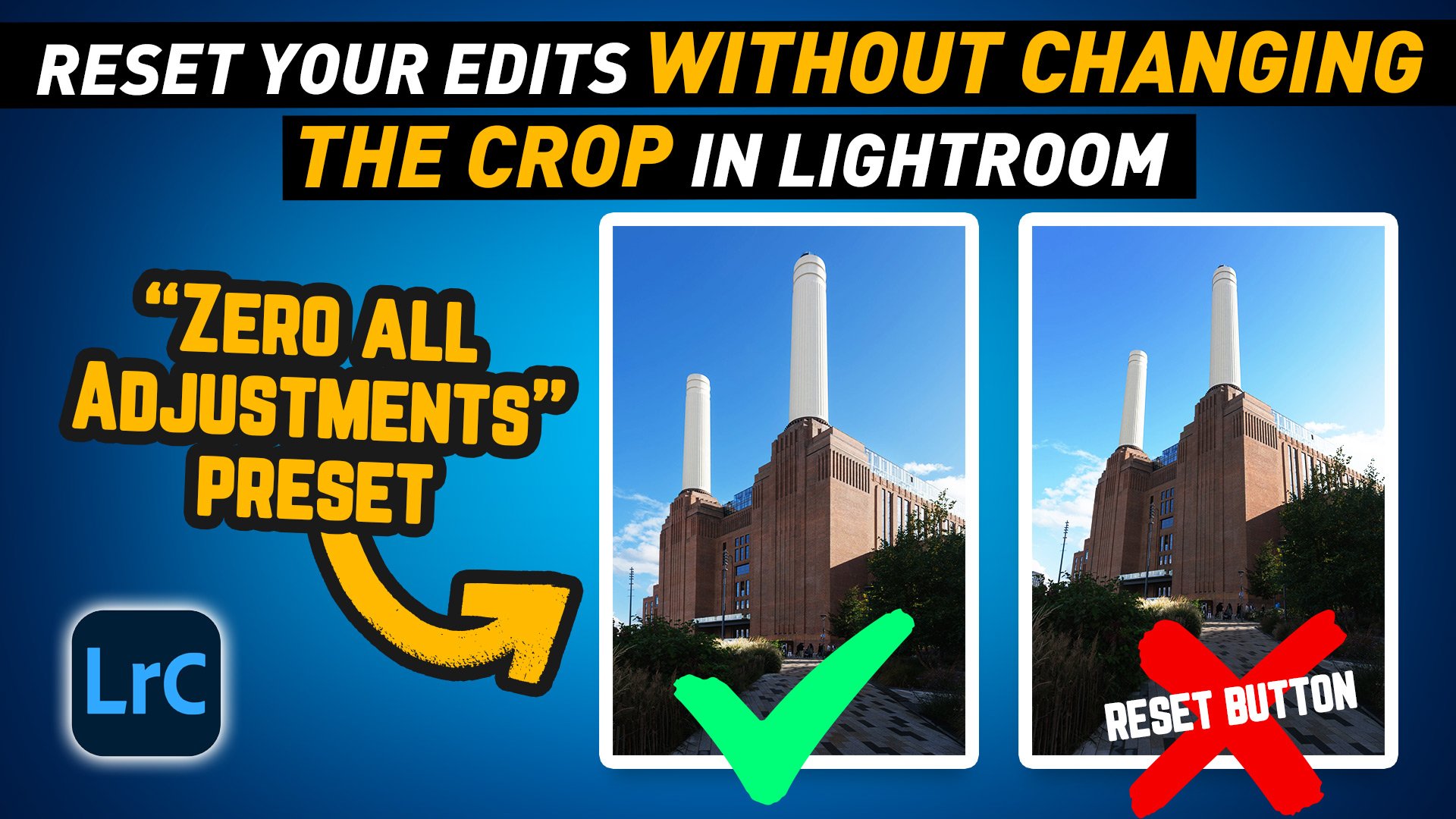
Lightroom Pro Tip: Quickly Reset Adjustments Without Losing Your Crop with a Zero All Preset
In this video I show you a handy workflow tip to make it easier to reset your adjustments in Lightroom without reseting your Crop or Geometry edits.

Lightroom Quick Tip Video: Global Colour Grading Tool
I’ve just released my latest Lightroom quick tip video, and it’s a video version of a recent blog post I shared a little while ago, about the oft forgotten about global colour correction tool.

Price Reduction on my Lightroom Presets and Capture One Styles
As we commence the new year, I am undertaking a virtual organisational process. As part of this endeavour, I am harmonising the pricing of my Lightroom Presets and Capture One styles on my Gumroad Store. Effective immediately, all products will be priced at a new, lower base price of €10.

New Video: How to add a Vignette BEHIND a subject in Lightroom | Create a Smart Vignette preset | Lightroom Quick Tip
In my latest YouTube tutorial, I demonstrate how to use the mask tool to create a custom vignette effect behind your subject, adding subtle drama to the background while preserving the subject's integrity. The video also shows you how to create a time-saving smart preset for future edits.

How to force an AI mask update in Lightroom (useful when using plug-ins such as PureRaw or similar software)
On rare occasions, you might encounter the need to update an AI mask in Lightroom, but unfortunately, there doesn’t seem to be a direct way to do so. For instance, if you use DXO Pure Raw and apply an AI mask to an image, since Pure Raw employs its own distortion correction algorithm, the mask may become misaligned when the file is returned to Lightroom. This issue can occur with any software that manipulates the raw file while preserving edits.

New Video: Better Perspective Correction In Lightroom | Lightroom Quick tip
In this video, I’ll show you a quick trick to fix perspective distortion in Lightroom that the Auto function in the upright tool can’t handle. Sometimes, especially when you have objects near the edge of the screen, especially if they’re circular, even with the upright tool, you can still get a bit of a distortion. But with this trick, you’ll be able to get rid of it!

Lightroom Quick tip - Global Colour Wheel in the Colour Grading Tool
Here’s a very quick Lightroom tip for you. I was recently processing some Autumn images, and as I was doing some colour grading to enhance the glow of the Autumn/Winter light it occurred to me that there was a feature that people may have missed. That tool is the global Colour Grading tool.

Key new Features of Adobe’s October 2024 Photography Releases
Adobe has just held its annual adobe MAX conference, and as part of the event it announced a slew of new updates across its product lines. This, of course included its Photography products, and all versions of Lightroom, Camera Raw and Photoshop have been updated. In this blog post, I’m going to cover a few of the key new features across the lineup.

FilmLUX Classic - Film Presets for Lightroom Now Available
I’ve finally done it! My first new set of Lightroom presets in nearly five years are now available. As I mentioned in a couple of previous posts, this took a lot of work to get out the door, mainly because I haven’t done one of these sets in so long, but I’m pretty happy with the results, and I hope you will be too!

New Presets Update
Just a quick update on the presets that I posted about last week. I made the cardinal mistake of giving a timeline for these when I wasn’t ready. So, needless to say, I was a bit optimistic when I said that I’d have them out within about a week. It’s taking a bit longer than I had anticipated (it always does) so they’re not quite ready yet! But hopefully not too much longer.

New Lightroom Presets Coming Soon
I’m delighted to share some information about a project I’ve been working on for a little while. As long time readers might know, I used to have a selection of Lightroom presets available back when I ran my own download store. Since I closed that in favour of selling on Gumroad, I have only really kept my black and white presets, T-Pan available. I had wanted to bring some of my other presets back for sale again, but when I looked at them I realised that many of them were quite dated. I started by looking to see if I could bring some of these old presets up to date, but I ended up with an entirely new set!
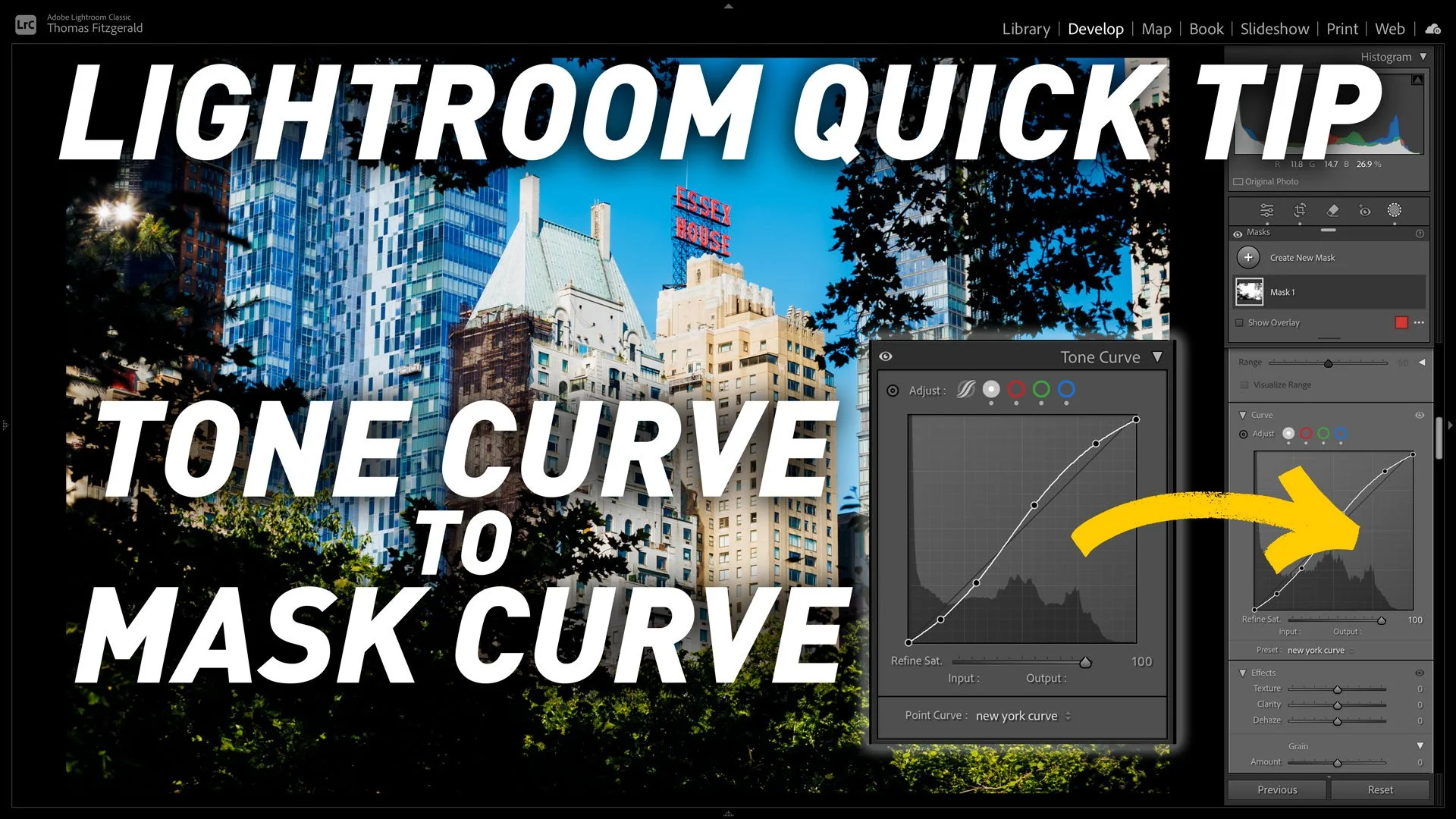
Lightroom Quick tip: How to copy Lightroom’s Tone Curve to a Mask's Curve
This is kind of a nerdy tip, but if, for whatever reason, you need to copy the settings from the main tone curve in Lightroom to the tone curve on a mask, you may be wondering how to do this, as it’s not immediately obvious. Well, there are actually two ways, and in this post (and video) I show you how to do it.

Video: Edit your photos using Only Masks in Lightroom
Ever since Adobe added the new masking architecture in Lightroom a few years ago, it’s totally changed the way I work with the software. I find myself using masks way more than I used to and it’s led to me approaching my edits in a whole different way. To try and take that to the limit, I set out to see if I could edit a photo entirely by just using the masks tool, and not touching the standard editing controls.

Adobe Releases Lightroom Classic 13.3 - Now with Generative Remove AI
Adobe has announced a new release of Lightroom, and it has the usual bug fixes and new camera support in this release as well as some new features. There’s one new feature which, I think, is probably going to be what most people will talk about with this release; that’s the new generative remove, powered by the companies “Firefly” AI engine.