

Photo Editing, Tutorials, Photography News, and More
This blog covers a range of topics from Lightroom, Photoshop, Capture One, Fujifilm, Canon, Nikon, iPhone Photography, and more. If you want to see more of my actual photography work, visit my Portfolio and Photo Journal blog.

Lightroom Classic 15.0 Released
Adobe has just released the latest version of Lightroom Classic. The newest update, version 15.0 brings a set of new tools and workflow improvements aimed at image selection, organisation, and fine-tuning. The release also includes the usual additions to camera and lens support.

A feature of Lightroom 14.5 I almost missed ! You can now Copy and Paste only the adjustments you have changed in an image
When Adobe recently released Lightroom 14.5, there’s one tiny feature I almost missed. Well, I did miss it until today when I discovered it by accident. It’s one of those things that’s so small you might not even notice it - I didn’t - but it can make a big difference and it’s something I think people have been wanting for a long time. You can now copy and paste only the parameters that have changed in an image.

Lightroom 14.5 Fixes a major problem with generative remove
It’s only been a short time since Adobe released Lightroom 14.4, but the next iteration is already out. I’m actually a little late on this - as it didn’t get much fanfare when they launched it. While this is mostly an under-the-hood update, the release does have a couple of new features and one big fix for generative remove.
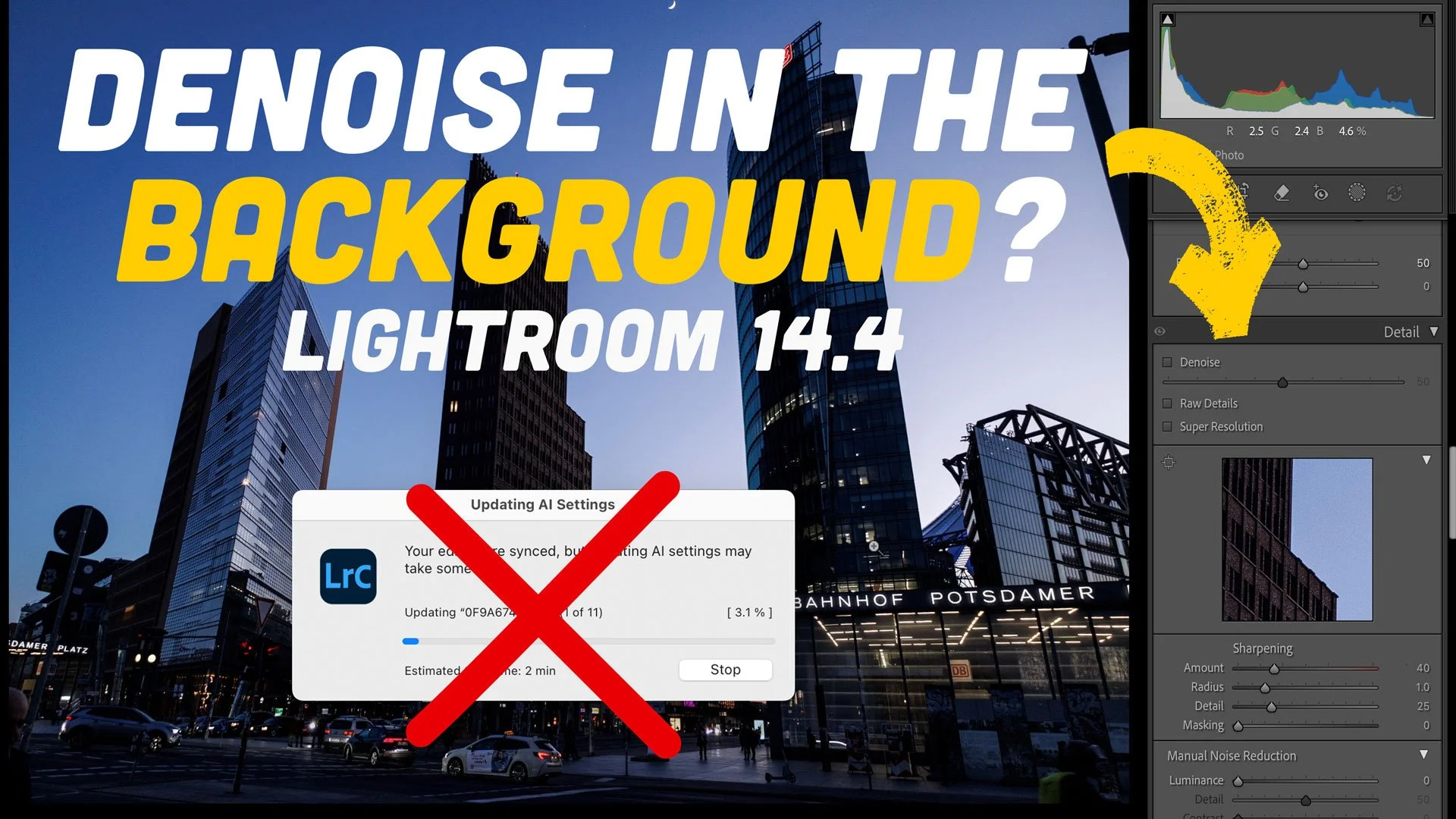
How-to Background Process Denoise in Lightroom Classic 14.4 (and other AI Settings)
The 14.4 update to Lightroom caused quite a degree of consternation with its changes to how the software handles Denoise, Raw details and Super resolution. While I prefer the new method of applying these tools, some people really preferred the old way of creating DNG files. One of the biggest complaints I received, which is totally valid, is that when batch processing Denoise with the new method, it no longer updates in the background. If you’re doing a lot of images, this can take over Lightroom for minutes or even hours. After a bit of trial and error, I have found a way to get this to work in the background. It’s not perfect, and it’s a bit of a hack, but it means you can process hundreds of images without it taking over Lightroom.

The Best Way to Process Fujifilm X-Trans files in Lightroom in 2025
I’ve been exploring the challenges of processing Fujifilm X-Trans files ever since the original X-Pro 1, sharing tips, sharpening methods, and even an eBook along the way. Historically, Lightroom struggled with these unique raw files, demanding extra workarounds. But with Adobe’s latest update, that’s finally changed. Processing Fujifilm files is now straightforward, and it mostly comes down to one simple checkbox.

How to batch process Denoise in Lightroom 14.4
The recent release of Lightroom Classic 14.4 brought with it a major change to how denoise, raw details and super resolution work, and with that, some confusion. One of the most recurring questions I received since publishing a video on the new version last week was “how do you batch process Denoise in the new version?”. It’s pretty straightforward, and there’s actually several ways of doing it.

Lightroom 14.4 Released. Big Changes to Raw Details, Denoise and Super Resolution.
Adobe has released a new update to Lightroom Classic and the rest of the Lightroom and Photoshop family. In Lightroom Classic, there are a couple of significant changes in this release, including a change to how “Enhance” works and some new functions in the remove tool.

Denoise and SuperResolution on the same image - Adobe Broke my old trick to do this - Here’s a New Method!
A while ago, I shared a video on YouTube on how to do SuperResolution and Denoise on the same image using Lightroom and Photoshop. The trick was to do Denoise first, then send the image to Photoshop, save it and send it back, and then you would be able to do SuperResolution. Unfortunately, in a recent update, Adobe has broken this workflow. I’ve been working on finding another workaround for this, and after a bit of experimentation, I think I’ve found the solution.

Exploring Adobe Lightroom 14.3's New AI Landscape Masking Feature: A First Look
Adobe has just rolled out the latest version of Lightroom, introducing an exciting new AI-powered feature: Landscape Masking. This addition promises to revolutionize how photographers and editors work with landscape images by allowing not only the selection of entire landscapes but also individual elements within them. In this post, I’ll share my hands-on experience with this new tool, highlighting its strengths, quirks, and potential.

Another Way to Avoid Clarity Halos in Lightroom. Well, Sort of.
If there’s one thing that really annoys me more than anything else about Lightroom, it’s the halo effect you get when you use the clarity slider. If you haven’t noticed this before, I apologise in advance for pointing it out to you, because once you see it, you can’t unseen it. Once I figured out what it was I see it everywhere online. I’ve been on a quest to find away around it, and I’ve already posted a video about this before. Now I’ve come up with another potential solution to the problem. Or at least a partial solution.
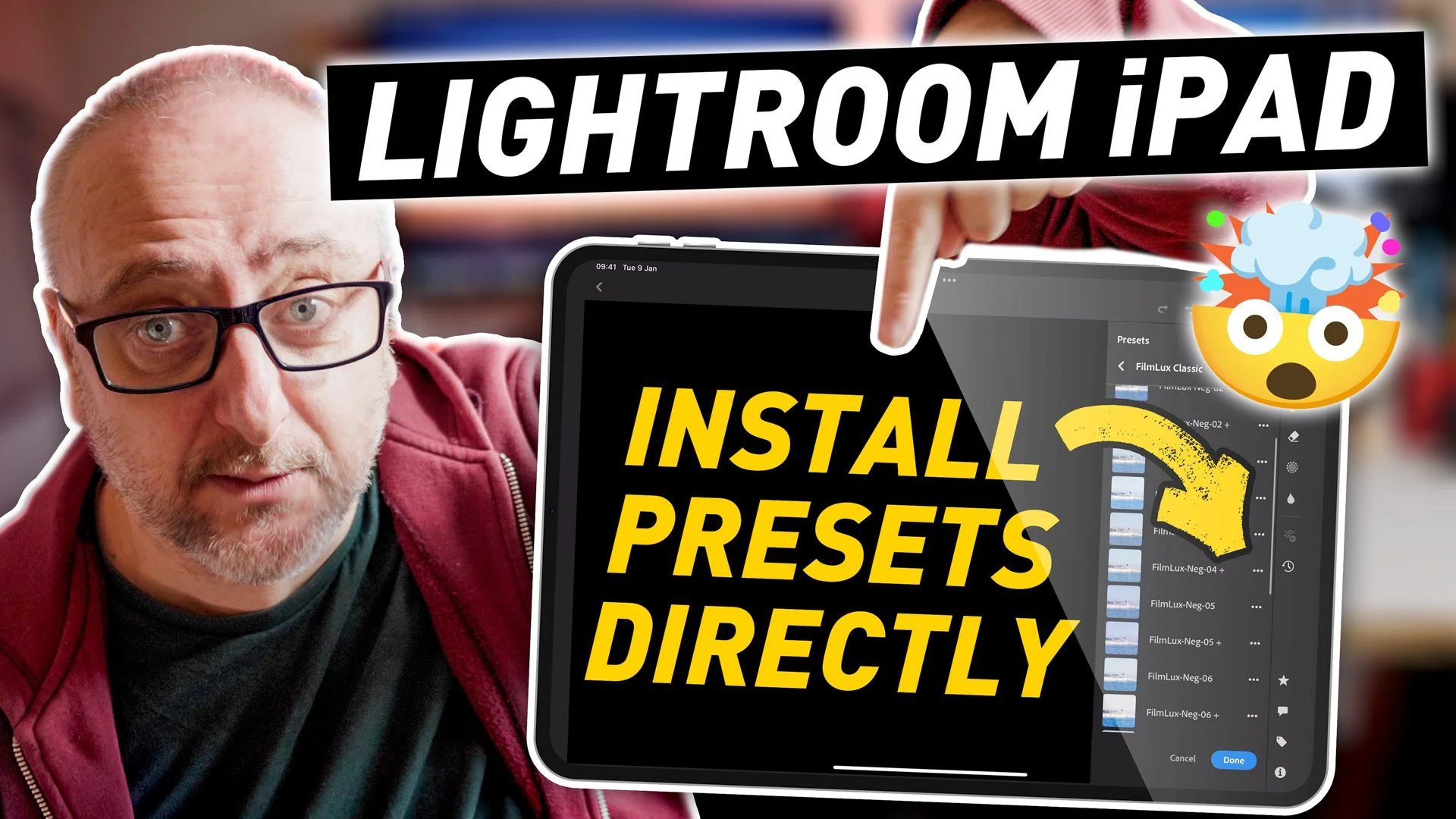
How To Import Presets Directly into Lightroom iPad and Mobile | Lightroom Quick Tip
In this super quick Lightroom tip, I’ll show you how to import Lightroom presets directly into Lightroom on your iPad, without the need to install them on the desktop version first!

Adobe Releases Lightroom Classic 14.2
Adobe has unveiled the latest update to Lightroom Classic. Most of the improvements are under the hood or behind the scenes type things, although there is one major new user facing feature…
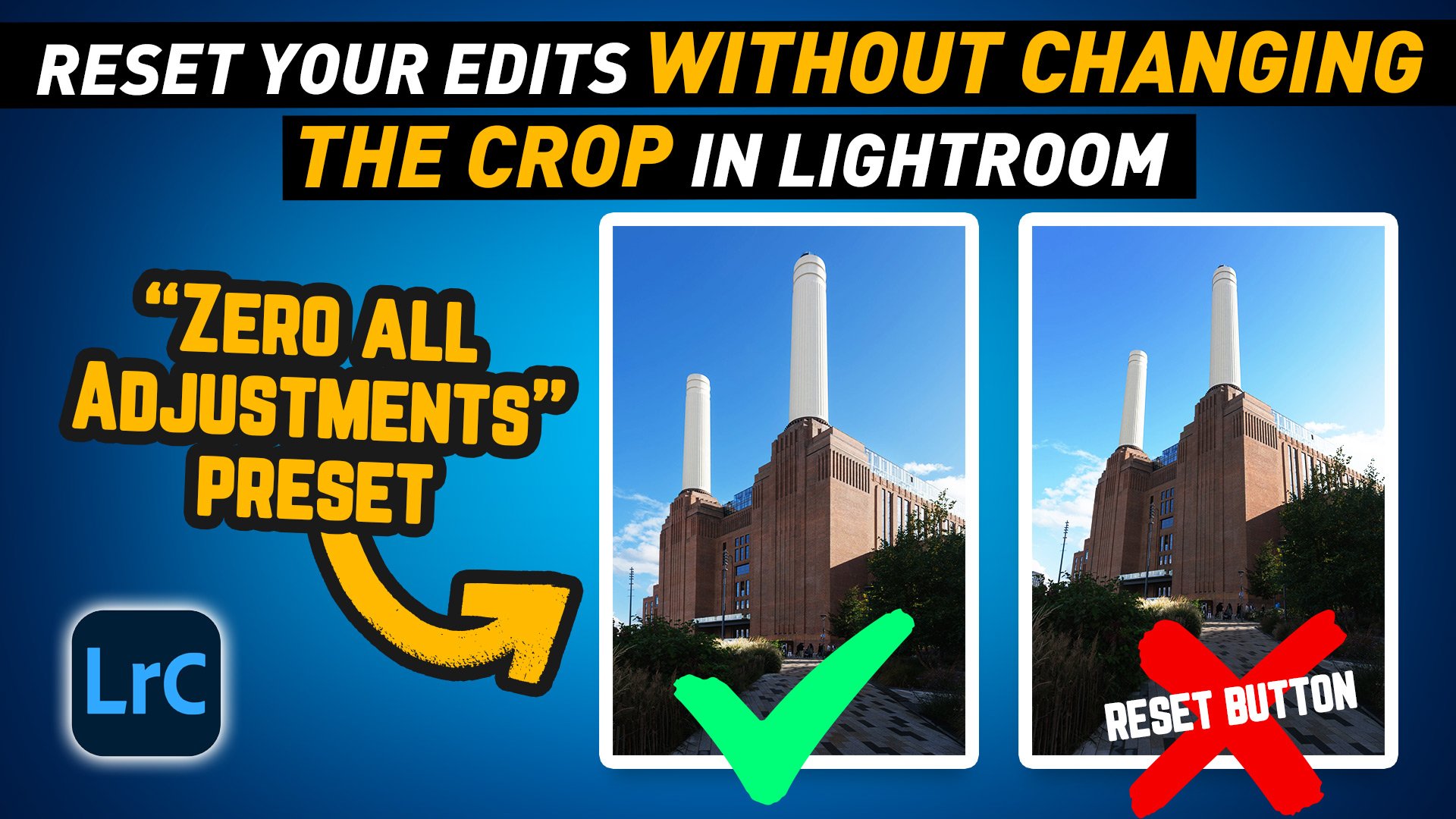
Lightroom Pro Tip: Quickly Reset Adjustments Without Losing Your Crop with a Zero All Preset
In this video I show you a handy workflow tip to make it easier to reset your adjustments in Lightroom without reseting your Crop or Geometry edits.

Lightroom Quick Tip Video: Global Colour Grading Tool
I’ve just released my latest Lightroom quick tip video, and it’s a video version of a recent blog post I shared a little while ago, about the oft forgotten about global colour correction tool.

Price Reduction on my Lightroom Presets and Capture One Styles
As we commence the new year, I am undertaking a virtual organisational process. As part of this endeavour, I am harmonising the pricing of my Lightroom Presets and Capture One styles on my Gumroad Store. Effective immediately, all products will be priced at a new, lower base price of €10.