

Photo Editing, Tutorials, Photography News, and More
This blog covers a range of topics from Lightroom, Photoshop, Capture One, Fujifilm, Canon, Nikon, iPhone Photography, and more. If you want to see more of my actual photography work, visit my Portfolio and Photo Journal blog.
Featured Posts




Learning and Inspiration with the Lightroom Community "Discover" Page
I recently wrote a blog post about the new “Recommended Presets” feature of Lightroom (Cloud version) and I mentioned that it was driven by the community. The community feature of Lightroom is probably one of the most underrated features of the software. If you are an experienced photographer, you probably haven’t even looked at it, as you may think — that's just for beginners. However, I think its worth a look for anyone, and in this post I’ll explain why.

Capture One 22 will be released on December 9th
Capture One has just announced that the next version of its photo processing software of the same name, will be released next week on December the 9th.

Capture One Variants: An Overview for Beginners and Lightroom Switchers
In Capture One, Variants are the equivalent of what Lightroom refers to as “virtual copies”. However, if you’ve come from Lightroom, you may notice that there are some key differences. In this post, we’ll look at some of the basics of using variants in Capture One.
Iridient X-Transformer Updated
It’s been quite a while since we got an update to Iridient X-Transformer, and I was beginning to get a bit worried about the future of the software. Some users had also written to me expressing their concern. Luckily my fears were unnecessary, and there is now a new version (Version 2.01) which brings support for all of the recent Fujifilm cameras as well as native Apple silicon compatibility.

Capture One for Lightroom Users: Don’t forget about these two tools! (Brightness and Levels)
One of the things that I love about Capture One is the fact that there are often many ways to complete the same task. Sometimes multiple tools can achieve similar results, but they go about it in slightly different ways. If you’re coming from Lightroom, at first, my may stick with the typical Lightroom tools. However, there are two adjustments that are frequently overlooked by Lightroom switchers because they’re not in Lightroom. These tools can be really useful occasionally, and they are the Levels tool and the Brightness slider.

How to Use DxO PhotoLab to pre-process Fuji Raw files for Lightroom
DXO labs recently added Fujifilm support to PhotoLab 5, the companies Raw processing application. The support is currently in beta, but my initial testing shows that it gives promising results, that are among the best you can achieve. DXO’s Raw Pre-Processing application, Pure Raw, currently does not support Fuji files. However, if you want to use DXO’s technology with Lightroom, you can still use PhotoLab as a way to pre-bake your Fujifilm Raw files for use with Adobe applications.

Reimagining a A Forest Walk in Black and White
I’ve recently been going over some old photographs and trying out some new treatments on them. A few years ago, while on a trip to Germany, we were staying on the outskirts of Darmstadt, and right near where our hotel was located, was a fairly large forest. I had taken lots of photos there at the time but I was never really happy with them.

New Video - Lightroom Suggested Presets
Last week I posted on the blog about a new feature in the cloud version of Lightroom that gives you suggestions of presets to use. I’ve now done a video version where I go into it in more depth and show you exactly how to use the new Suggested Presets feature.

The Content Creation Paradox
If you’ve ever been involved in creating content for a consuming audience, and you’ve been doing it for some time, you’ve probably come up against the following conundrum:
“My content is getting stale, but I’m afraid that if I shake it up too much I will lose my audience”.
You see, there’s kind of a paradox when it comes to creating regular content….

A Cool new Feature in Lightroom (Cloud) that you may not have noticed. (It's not in Lightroom Desktop)
I mostly use Lightroom classic, and based on a poll I posted on my Facebook page earlier this year, most of you are the same. However, recently I’ve seen more and more people using the cloud version of Lightroom on YouTube and elsewhere. Because I don’t use it that much, I missed one of the new features in the latest release, that’s actually kind of cool.

PSA: Capture One 21 Officially Supported on macOS Monterey
Just a quick update. I’ve seen a few questions from Capture One users, as to whether or not Capture One works on Monterey. Well, we’ve finally gotten an official answer from the company, and the current version, 14.4.1 is officially supported on Monterey.

Autumn, Life, Loss and Light
As long as I’ve been taking photographs, Autumn has been my favourite time of the year. I love both the colour and the light, and there’s something cosy about the impending dark days of winter that makes it a special time of year. Recently though, loss has turned my favourite time of the year into a very difficult one.
Watch Some of my Live Editing Videos (Previously Patreon exclusive)
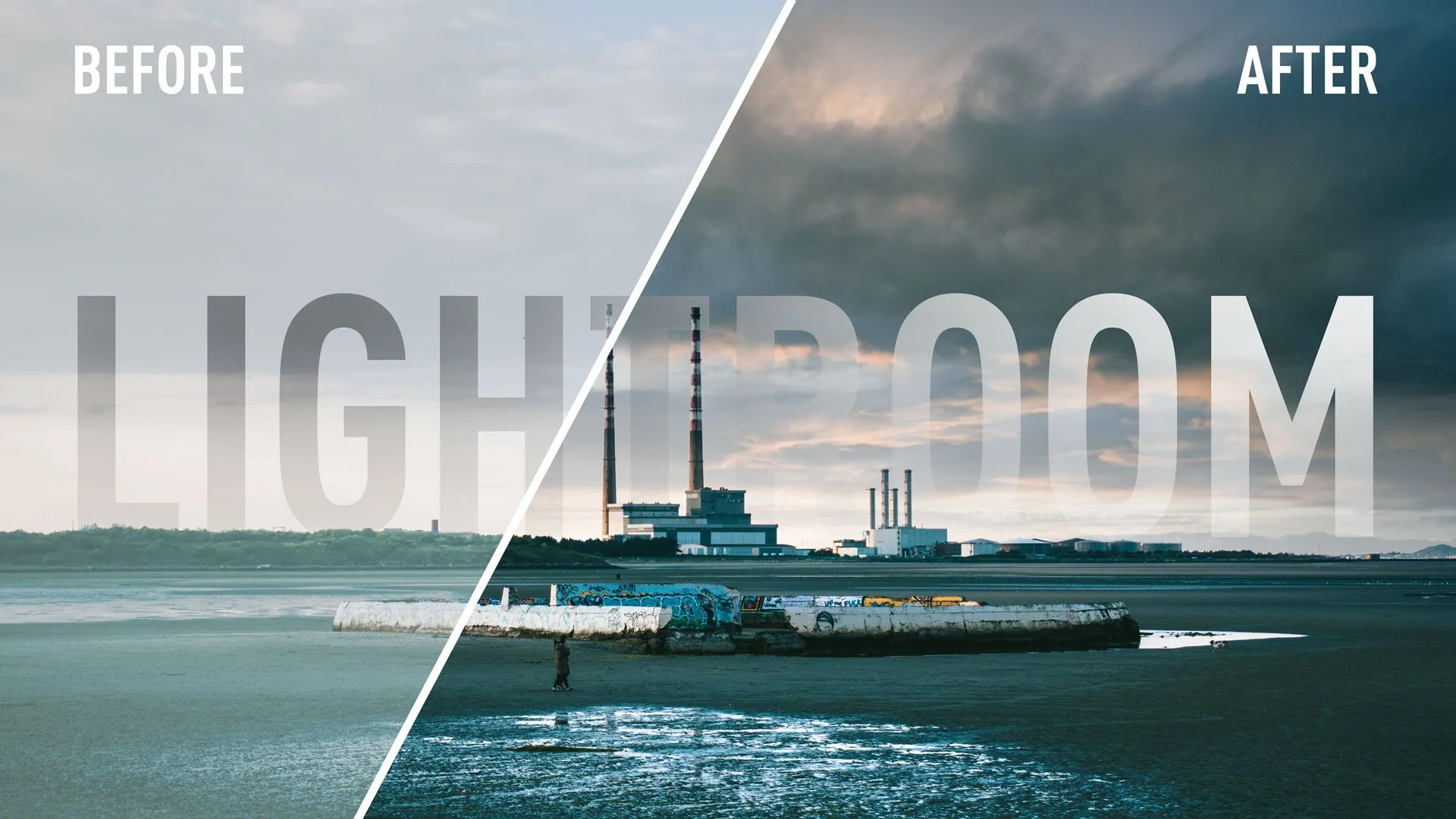
I recently decided to close my Patreon channel after several years of running the page. had produced some exclusive videos for Patreon, that because of my failure to grow my channel there, never really got seen by an audience, so I’m going to share some of them here now.

DxO PhotoLab 5 for Fuji shooters - how to get the best results
When DXO Photo Lab 5 was released a few weeks ago, it came as a pleasant surprise to many that they had finally decided to support Fuji cameras. Fujifilm support is currently in beta, but the software is capable of producing some really good results. However, to get the best quality, you need to jump through a few hoops first. In this article, I’ll talk you through how to get the best results and some of the options you need to consider.

Capture One 22 Upgrade Pre-Order Offer - 20% off
Capture One have launched a new promotion on Pre-Orders of Capture One 22. The new version will be out in December and brings the much awaited Panorama stitching and HDR merging. Capture One are now offering discounted upgrades to those on 21 and earlier.