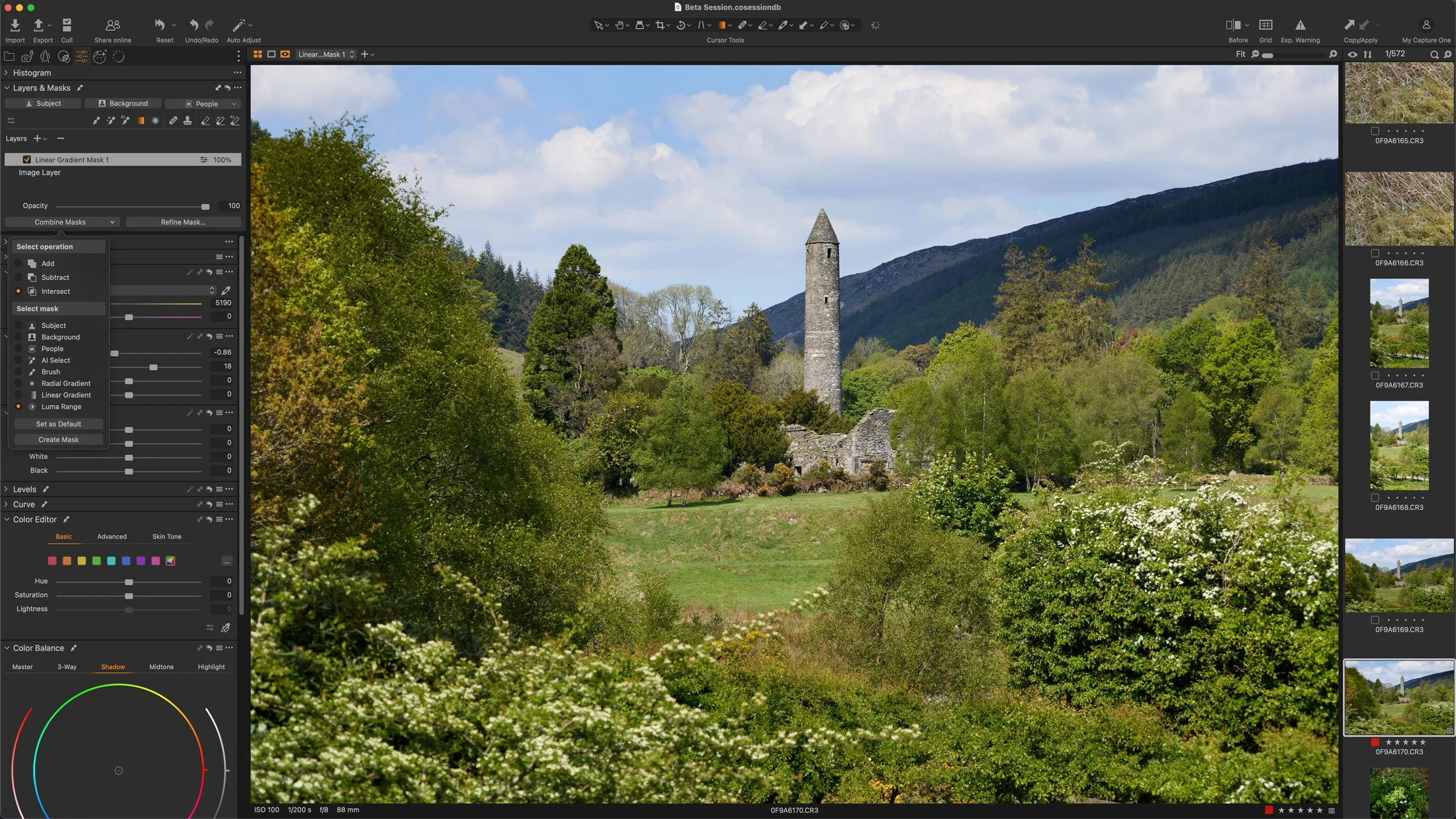
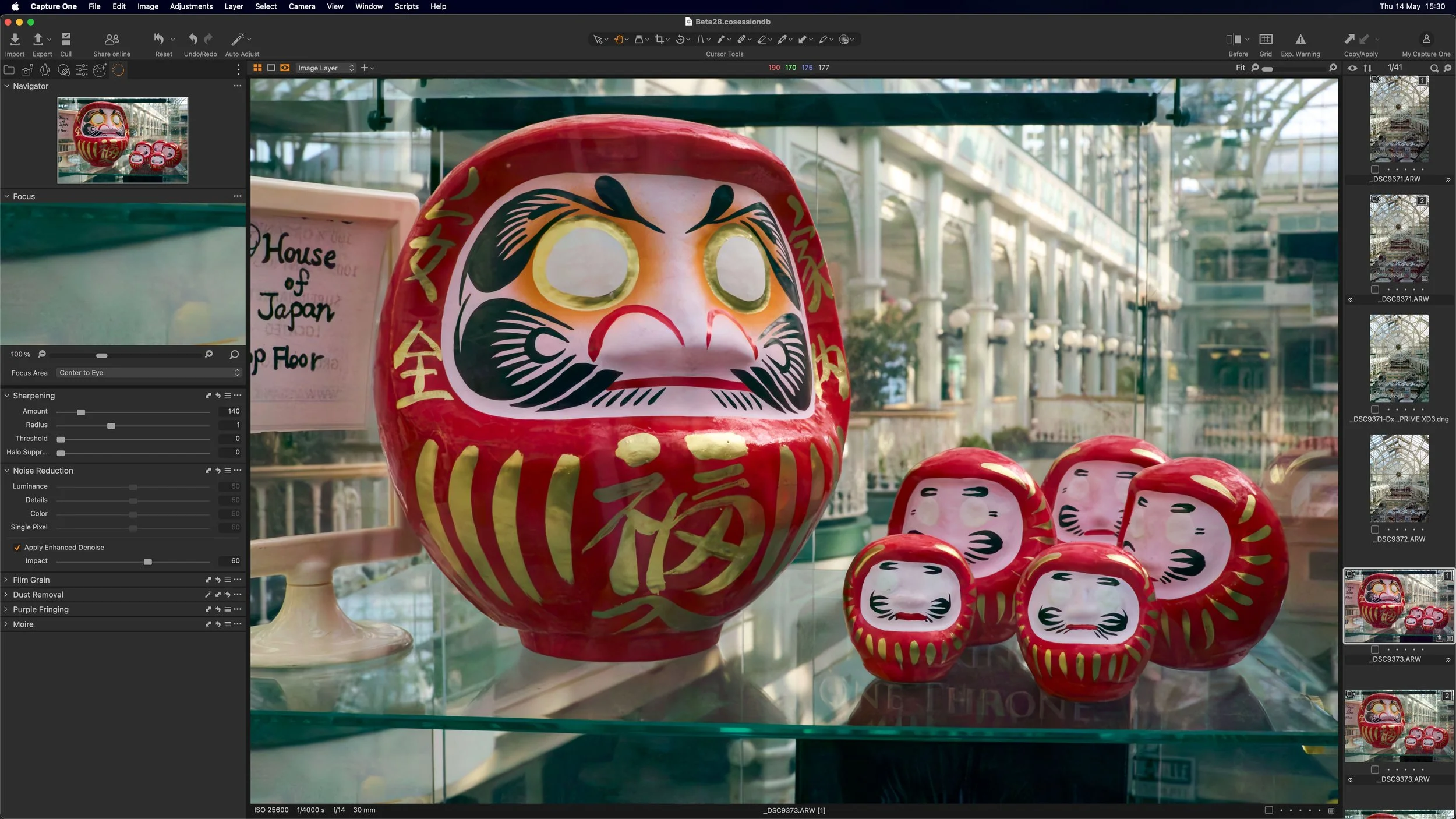
Capture One has released a new beta version of the software, that adds a much requested feature. The new release adds AI noise reduction to the photo editing application, and while currently only in Beta, it looks promising.
Thomas is a professional fine art photographer and writer specialising in photography related instructional books as well as travel writing and street photography.
All in Capture One
Capture One has released a new beta version of the software, that adds a much requested feature. The new release adds AI noise reduction to the photo editing application, and while currently only in Beta, it looks promising.
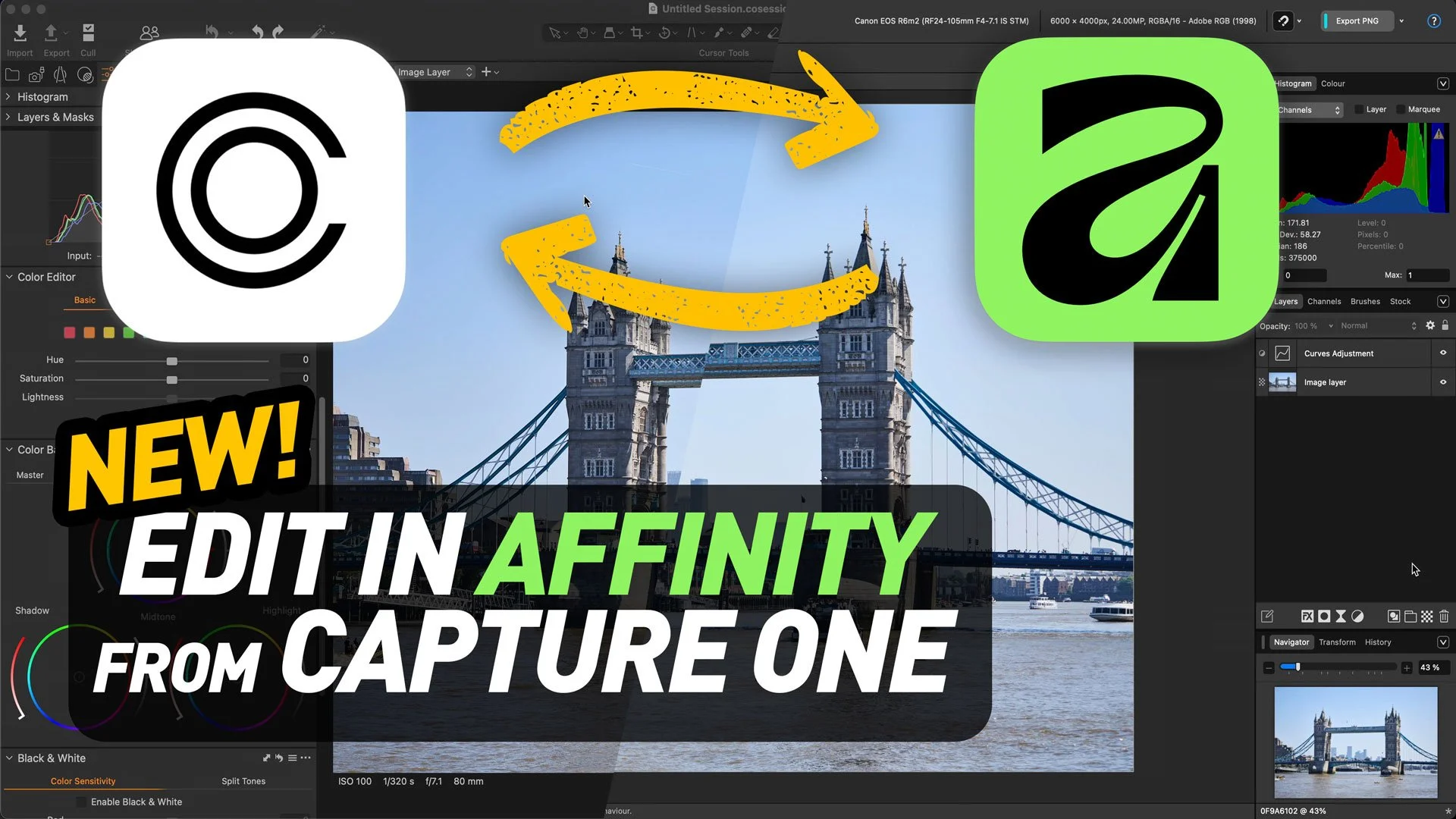
Capture One and Canva have recently announced that Capture One will now support native Affinity files in the photo editing application. In conjunction with an update to Affinity, you can now open and save native Affinity format files in Capture One. I can’t emphasise enough how important a step this is. If you wanted to use Affinity with Capture One before this, you would have had to use the TIFF or Photoshop format, but that was an absolute pain for round-tripping because you can’t save directly in Affinity to TIFF or Photoshop; you had to export from Affinity and overwrite the file from Capture One or manually re-import. Now, round-tripping is basically as seamless as working with Photoshop.
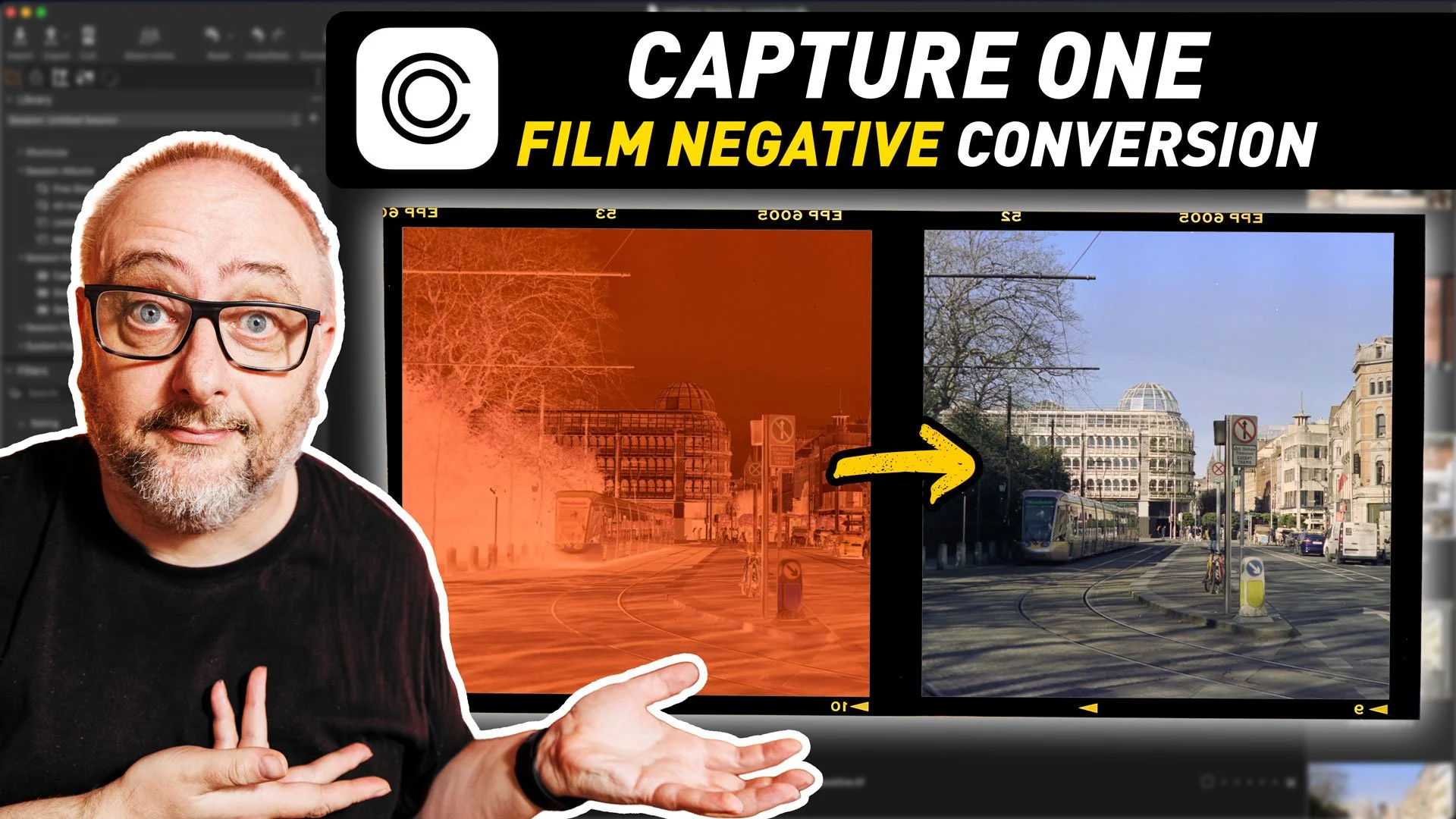
The most recent version of Capture One added a rather interesting new toolset: the ability to work with film negatives. The software now includes the ability to work directly with scanned negatives and handles the conversion process directly in Capture One. This is specifically designed for camera scanning, and is similar to “Negative Lab Pro” for Lightroom, although there are some differences.
There’s been so many software updates for photography software over the last week that I almost can’t keep up. It was never really my intention to have this be a news site, but I’ve somehow ended up reporting on these things a lot. Anyway, I’m trying to get away from that because there are plenty of other places to get the news from, but as there are all applications that I use, or have interest in, I’ll do a quick overview of some of the things worth checking out.
Last week Capture One (the company) held an event which they had been hyping up for a few weeks to launch the latest version of Capture One (the software) as well as giving an update on the company’s direction. At least that’s how they billed it. They had been selling it pretty hard in the emails that they had been sending out to customers, but in the end, the reality didn’t match the hype. But there was one important fix that wasn’t mentioned in the event…
I haven’t been using Capture One as much over the past year, and it’s for one simple reason. The lens I have with my Canon R6II isn’t supported by the software. Now, I could get into how ridiculous that is as the lens in question, the Canon RF24-105 f4-7.1 is a kit lens on several of Canon’s Cameras, but instead I’ll focus on a solution. Based on some of the comments on Reddit and Capture One’s own forums (before they inexplicably closed them) I know this isn’t the only mainstream lens not supported. So if you still want to use Capture One, but you need lens corrections, there is a solution. It’s not ideal, but it does solve the problem. Enter DXO Pure Raw.
As we commence the new year, I am undertaking a virtual organisational process. As part of this endeavour, I am harmonising the pricing of my Lightroom Presets and Capture One styles on my Gumroad Store. Effective immediately, all products will be priced at a new, lower base price of €10.
Capture One has announced that the company is discontinuing the free tier of its software, Capture One express. The software will no longer be available to download after January 31st, 2024.
For the last few years, whenever I wrote about Capture One, I would invariably get a comment from someone about how poor the performance was in the software. Try as I might, I could not replicate the results, so the reason behind this perplexed me. To be honest, I had assumed it was some external factor causing the issue. Well, I owe my readers an apology on this because, after recently upgrading to a new computer, I too now have this problem, and it seems to be due to running the software on a 4k display.
Earlier in the summer I spent some time in New York City and I took various photos while there, although I’ve been a little behind in editing them. As part of the trip, we spent some time in Brooklyn and I got some good shots, but I am only getting around to properly editing them now. I thought this might make a good video, so I recorded a session of editing 4 of these using Capture One.
A while ago, I wrote an article on this blog my perspective on Capture One vs Lightroom, as I regularly use both applications. I tried to present a balanced opinion on the advantages and disadvantages of both. I’ve updated that article since the first version of it came out, and since I last updated it, there have been some significant changes in both Capture One and Lightroom. I feel that these changes require a whole new discussion, and therefore a whole new blog post.
In this post, I express my frustration with Capture One (the company, not the software), regarding recently announced changes to their licensing model for perpetual licences that will take effect in 2023. I express disappointment with this change, as I feel that it makes perpetual licences unattractive and forces customers to switch to a subscription, which I previously criticised for being overpriced. I also feel that the company's timing of the announcement, after the upgrade cycle for Capture One 23 had ended, left some customers feeling duped.
Capture One has today announced the release of Capture One 23. The new release features improvements to importing, a new smart adjustments feature, the ability to save layers in styles, and fixes a long-standing limitation of variants. Capture One 23 also makes a limited version of Capture One live available for everyone.
Alexander Svet from the popular Capture One focussed site “Alex on Raw” has released a new book on Capture One. Titled “Capture One Hidden Features”, the book contains “200+ Pro Hints To Enhance Your Capture One Workflow”. Alex was kind enough to send me a copy to review, and also provide my readers with a 10% discount.
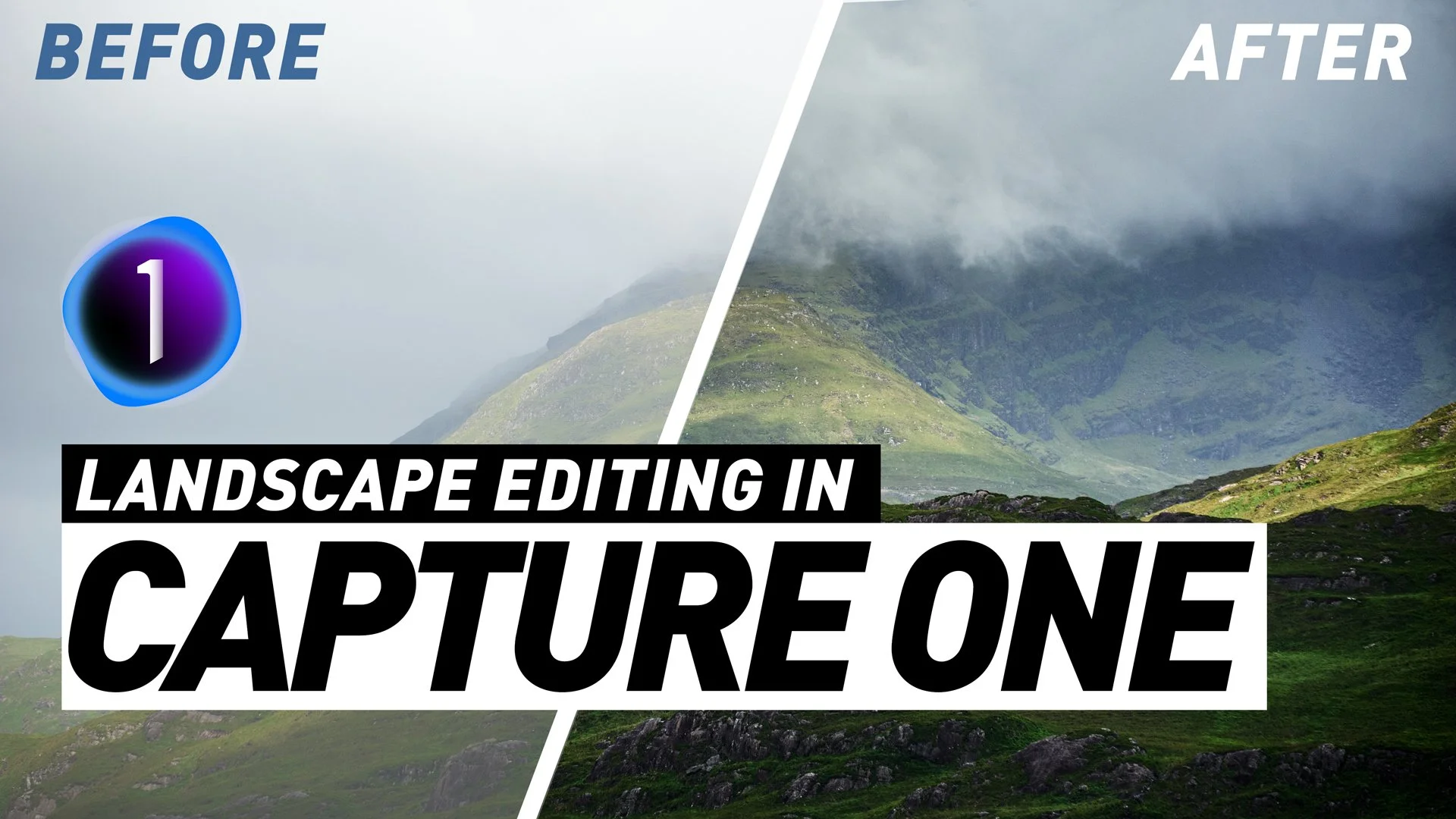
I this video we edit a series of Landscapes in Capture One, starting with some very simple edits and working up to more complex images. I show you both the tools to use, and also share some of my philosophy on editing landscapes.
When Capture One released the latest version (15.3) one of the key “features” was a re-designed layout of the tools and tool tabs. This seems to have been done for consistency with the iPad version of Capture One, but some people may still prefer the old layout. Luckily, you can revert to the old style arrangement of the tools, although there are still some changes. In this post, I’ll show you how to do this.
After several months of being in beta, Capture One for iPad is now available. The App, which you can get now from the App Store, offers a subset of Capture One for desktop’s functionality, so it is limited. However, it does use the full capture One Raw engine, so images processed on an iPad will be as good as those processed on a desktop.
Seems to be the day for updates! Not long after Adobe went live with the latest round of updates for the Lightroom and Photoshop ecosystem, Capture One has released the latest update for Capture One. Bringing the version number to 15.3 the latest update to Capture One 22 features several new features, a refined interface, and improved tethering.