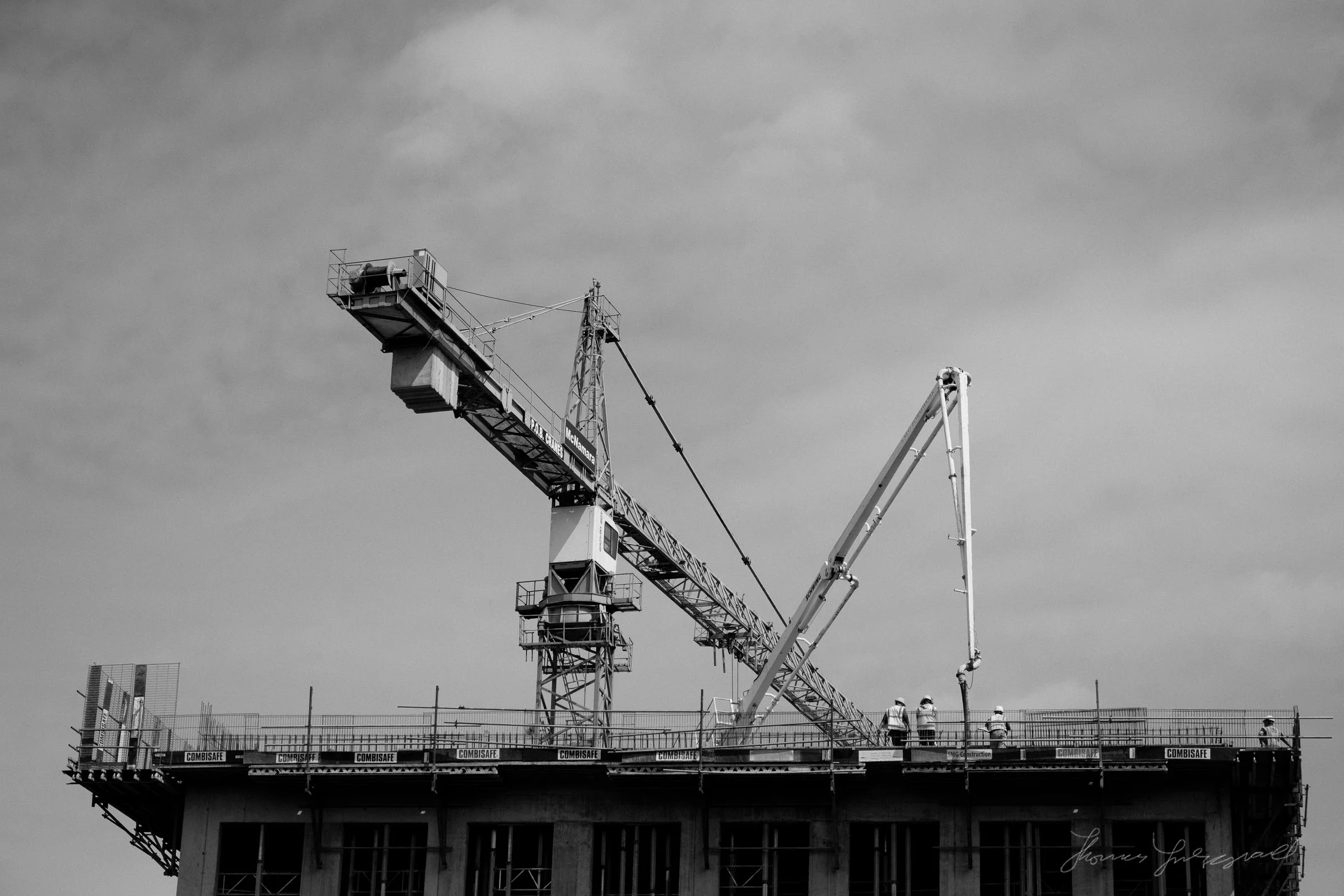
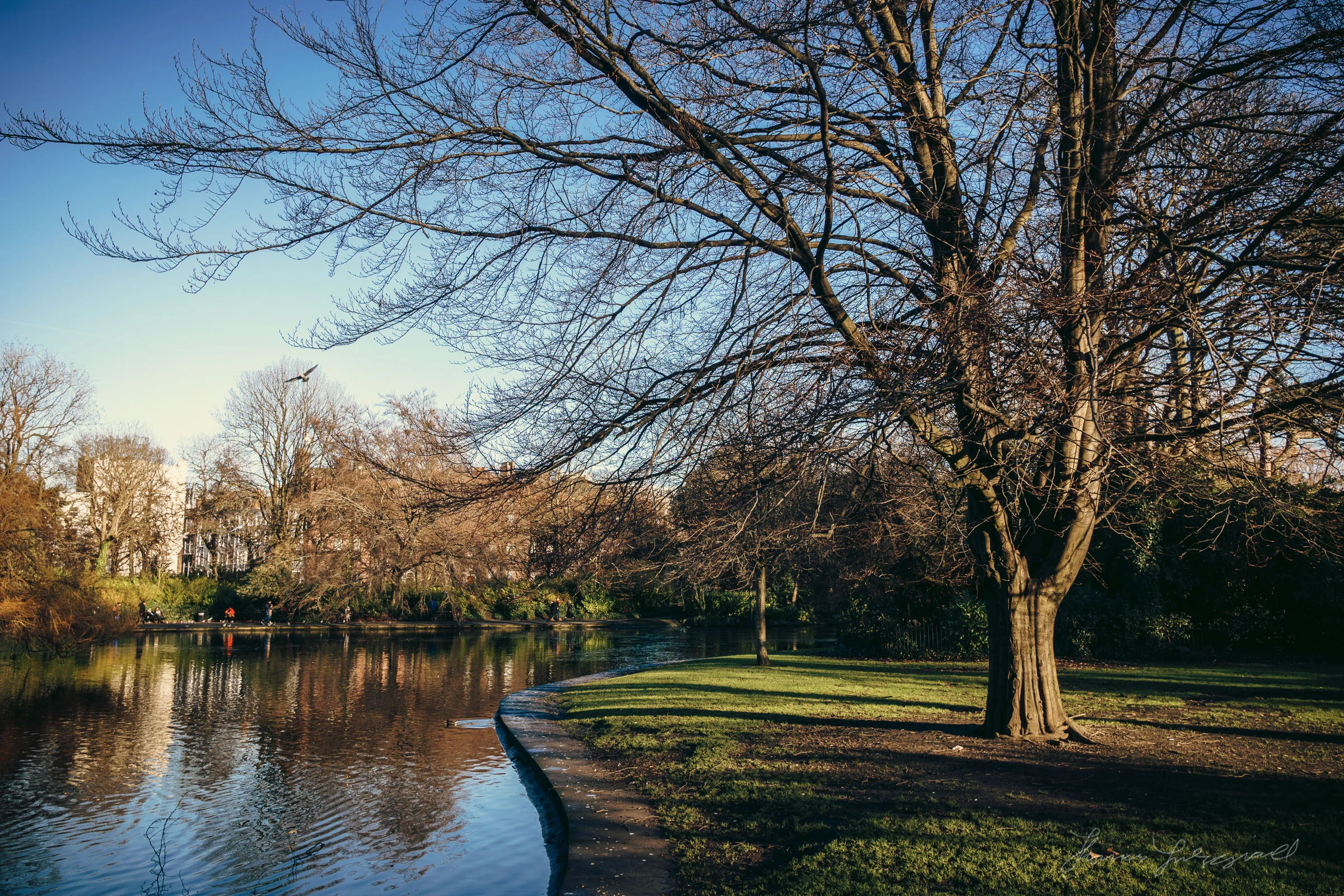
All in Lightroom

Speed Up Lightroom By Managing Your Develop Module Presets

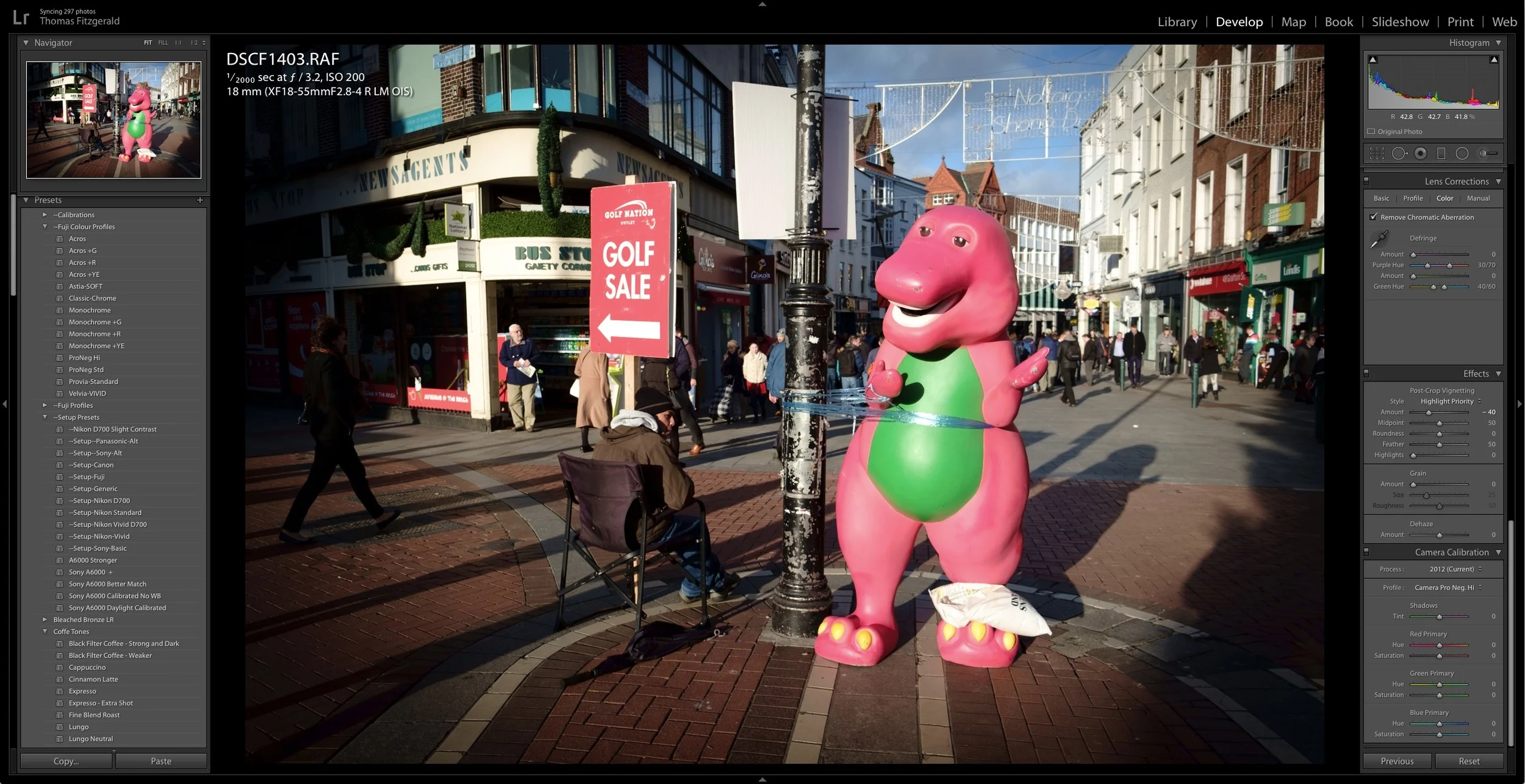
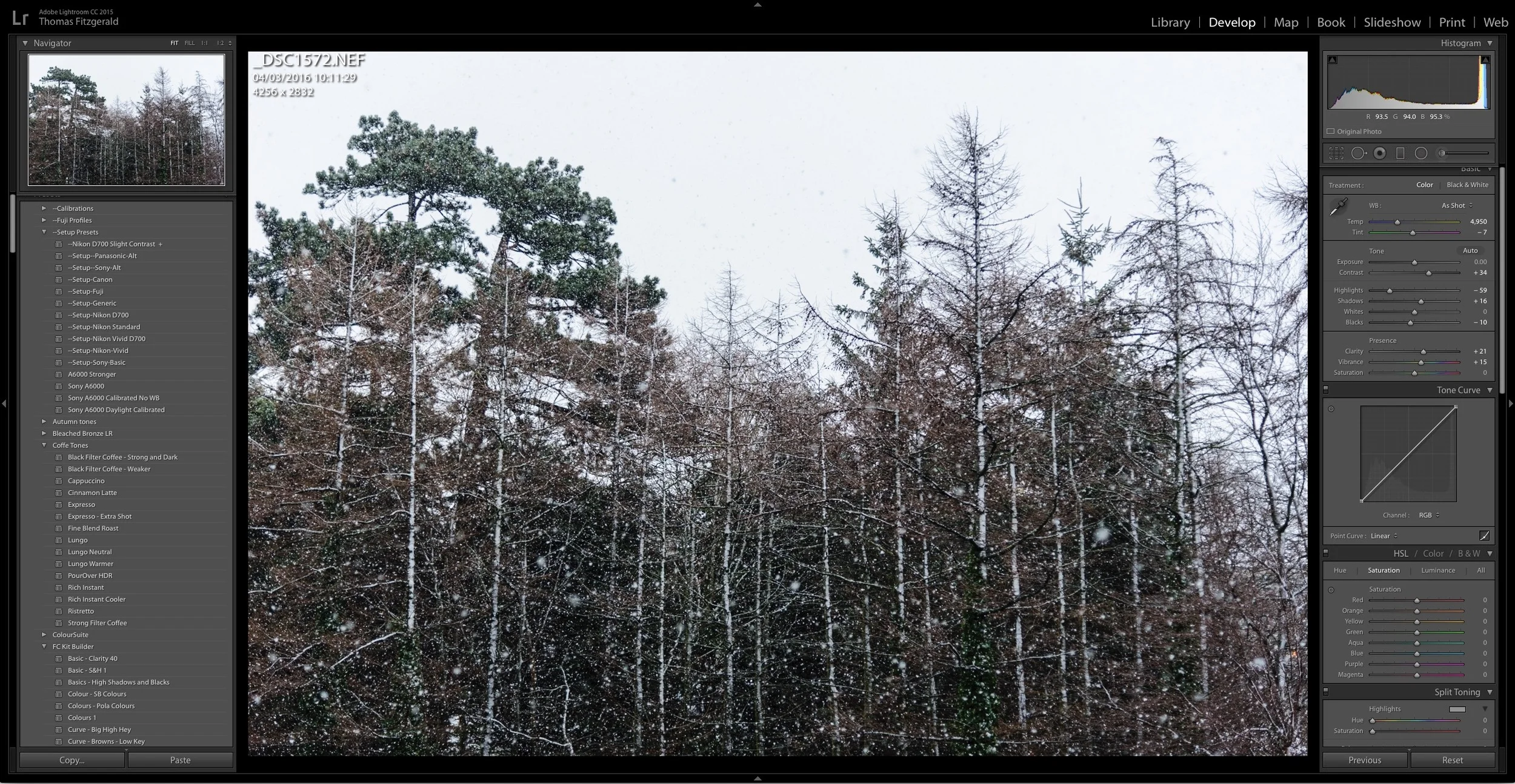
I've written a few posts lately about ways to speed up Lightroom, and there's one more that may seem counterintuitive at first. If you have a lot of develop module presets installed, it can slow down Lightroom. It doesn't just slow down Lightroom in the Develop Module either, it slows it down the whole application. Even if you're just in the Library. I had written about this before, and I had thought that this "bug" was fixed ages ago. On an official forum, an Adobe rep said that this was to be fixed in Lightroom 6, but it still seems to be an issue.
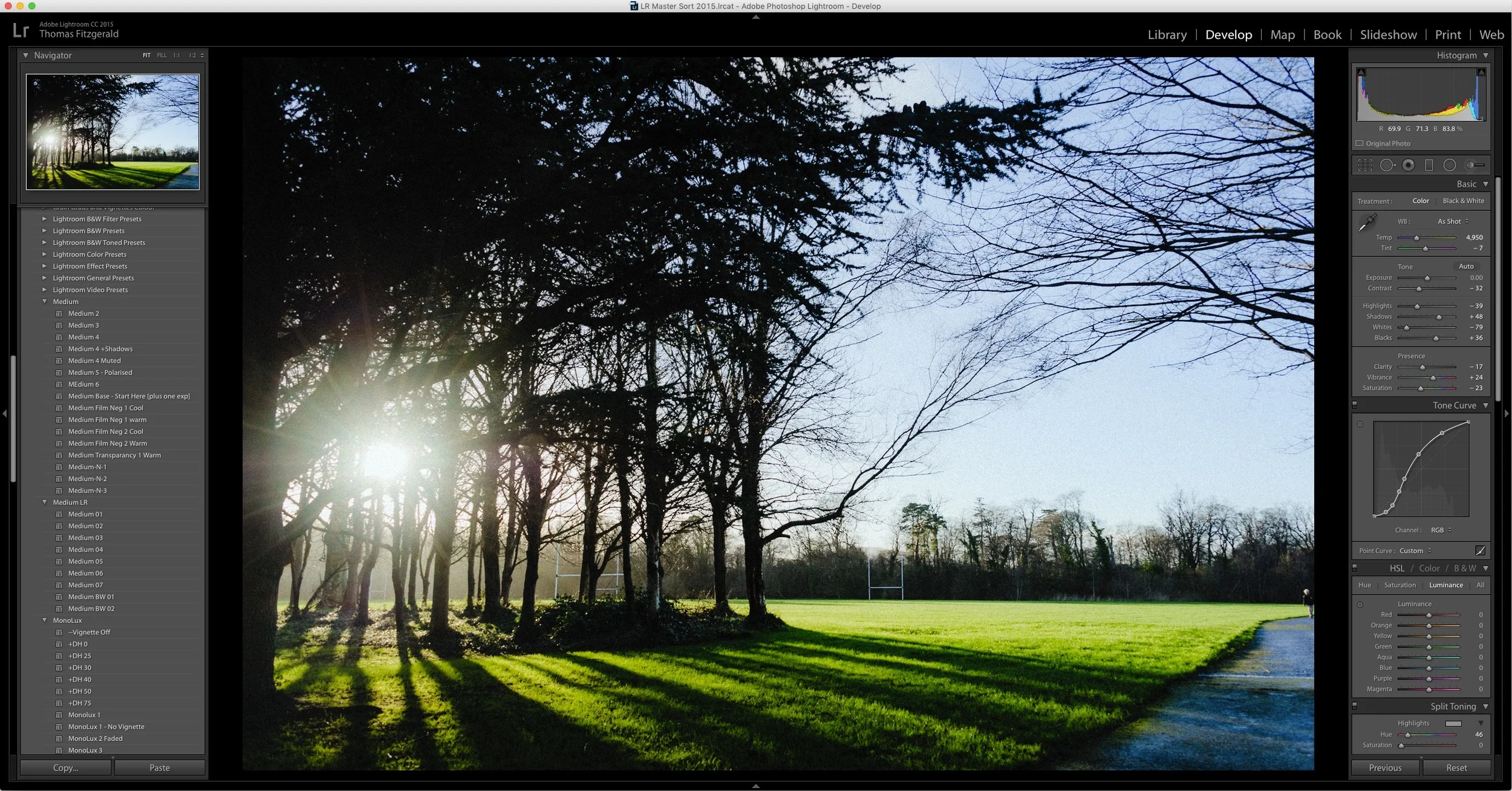
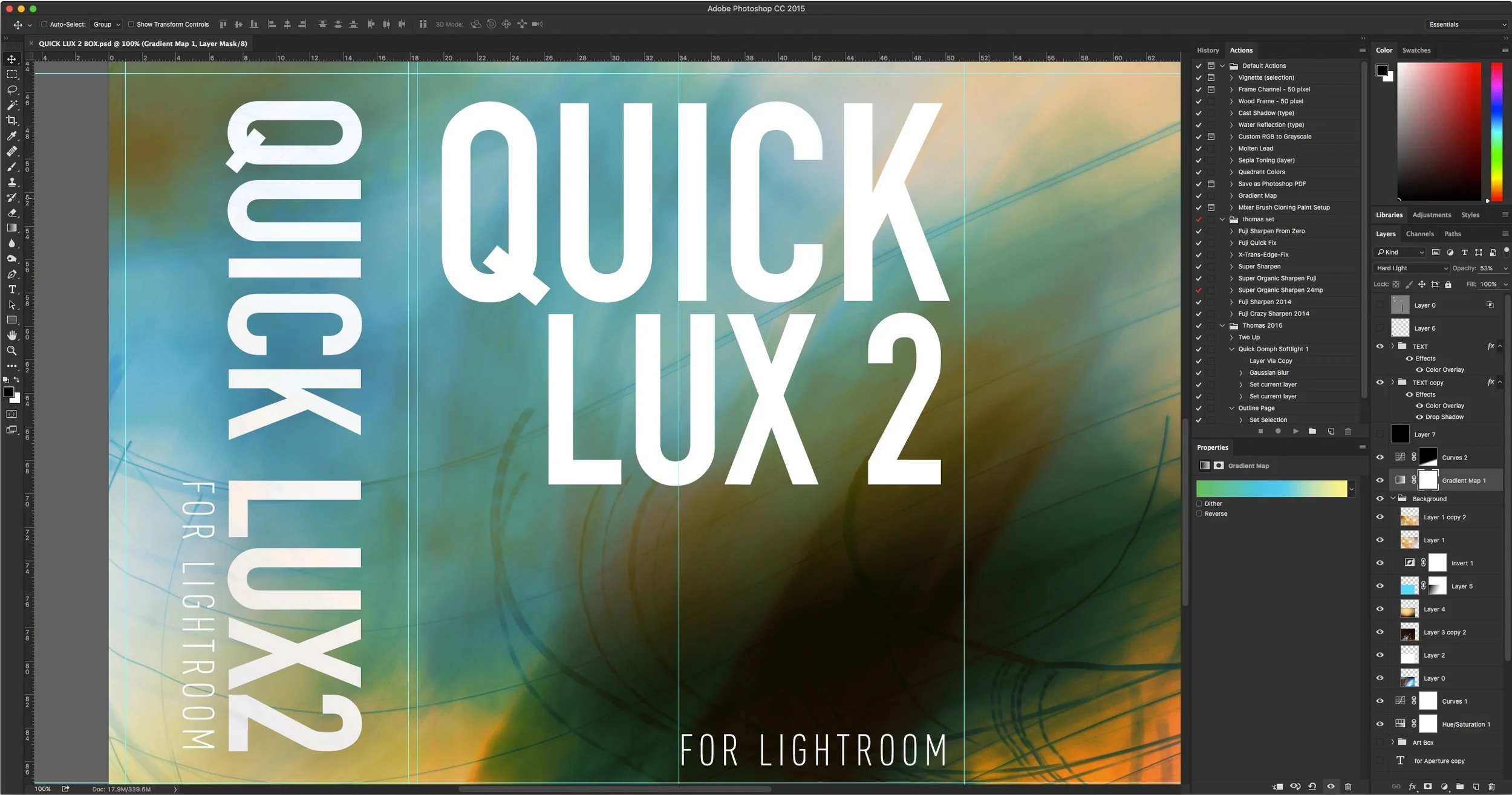
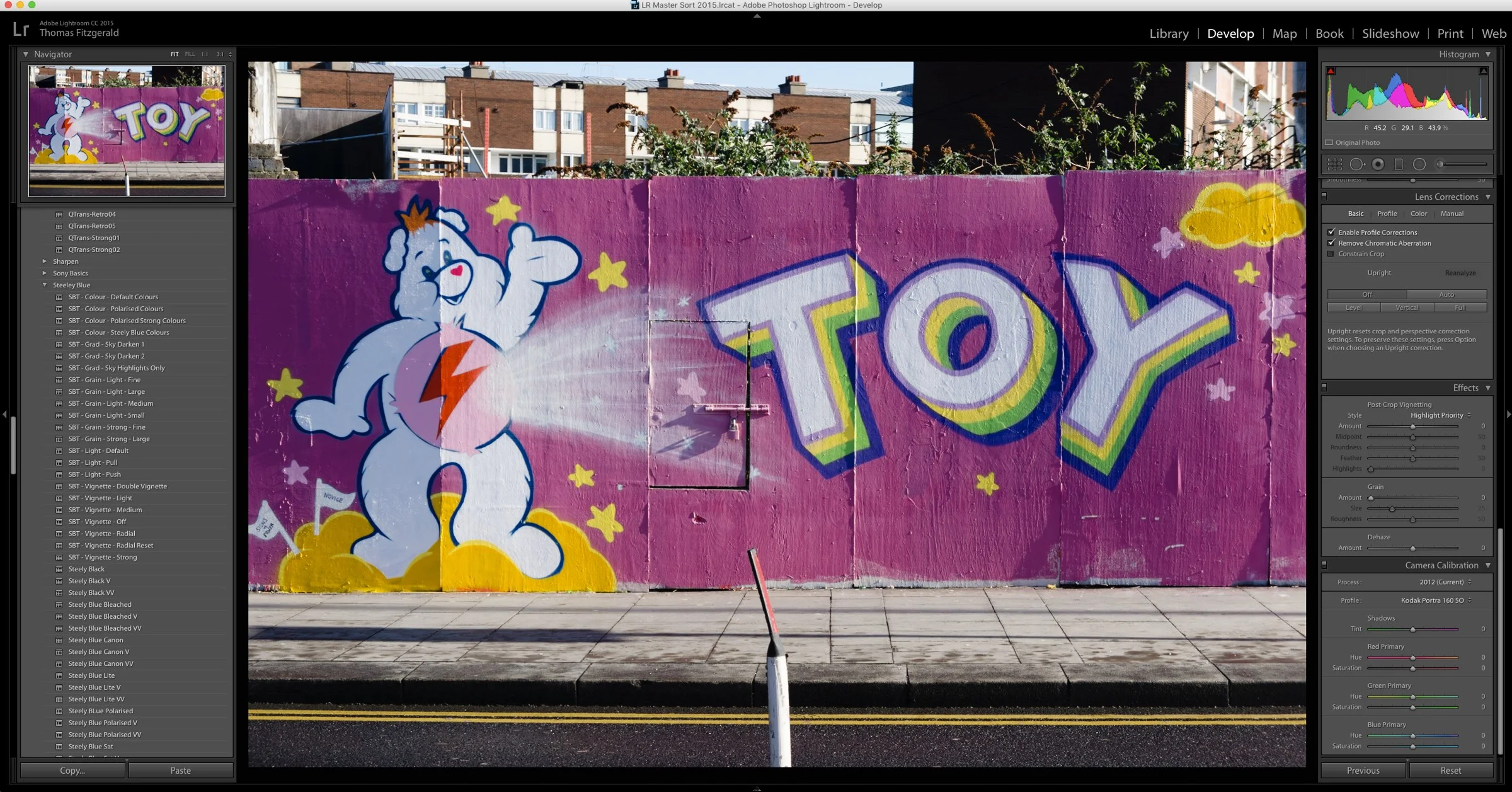
How I make Lightroom Presets

Having released quite a few premium Lightroom presets over the last few years, I thought I'd take some time to give you an insight into my process for creating them. It's not as straightforward as it might seem. When I stopped to think about it the other day, I realised that it's actually quite an interesting process, so I decided to write it all down. So what follows is a rough guide to the way I create presets for Lightroom, and the various steps involved.

New Fuji Colour Profile Presets for Lightroom

A while ago I made a set of presets for Fuji users which are based on the Fuji film simulation colour profiles as provided by Adobe. these presets are basically just a quick way to set the colour profile by selecting a preset rather than having to go to the camera calibration panel and select the profile there. They also have the advantage of allowing you to set the profiles on import, or allowing you to quickly apply a profile to multiple images at once.

A Sneak Peek at QuickLux 2

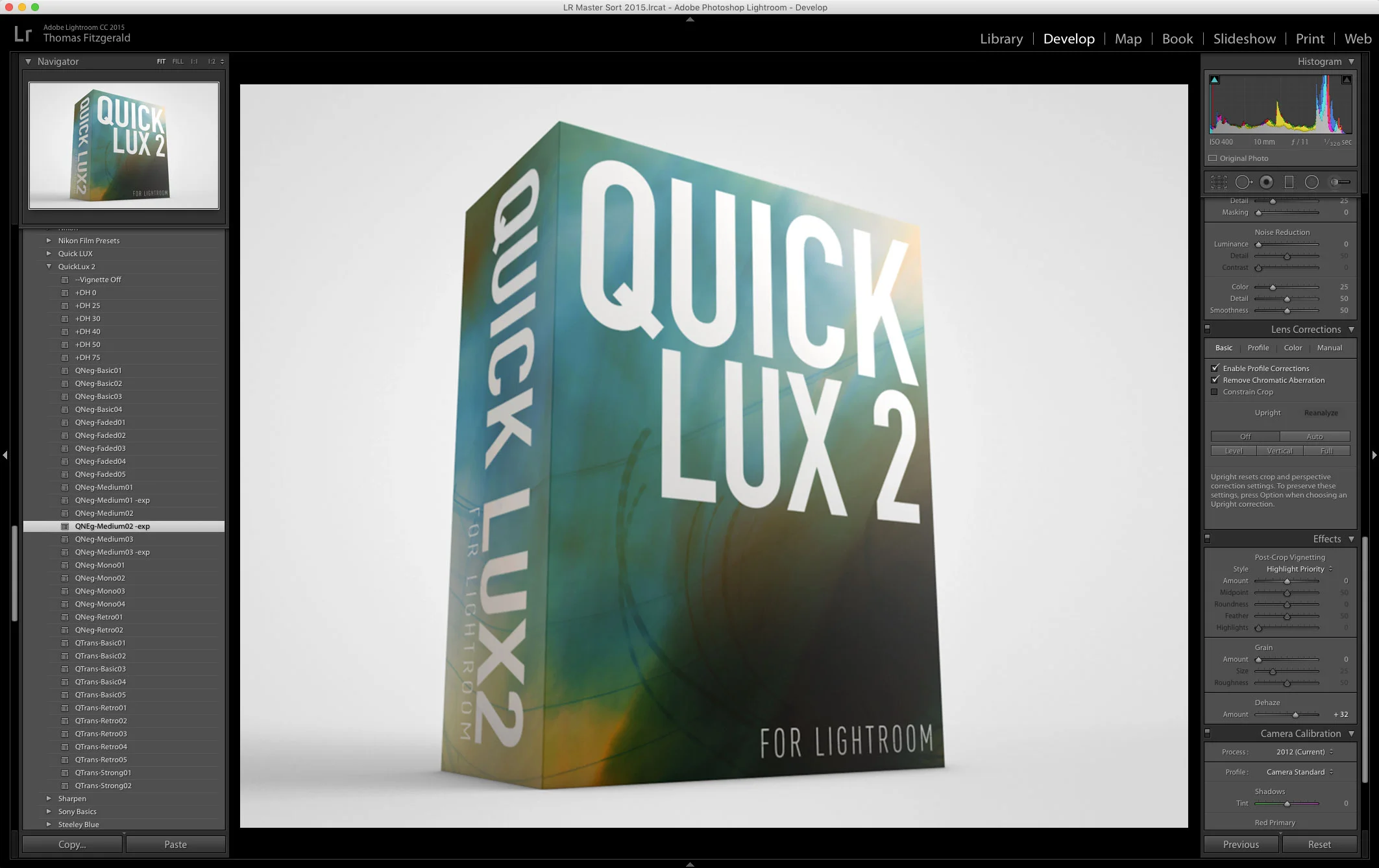
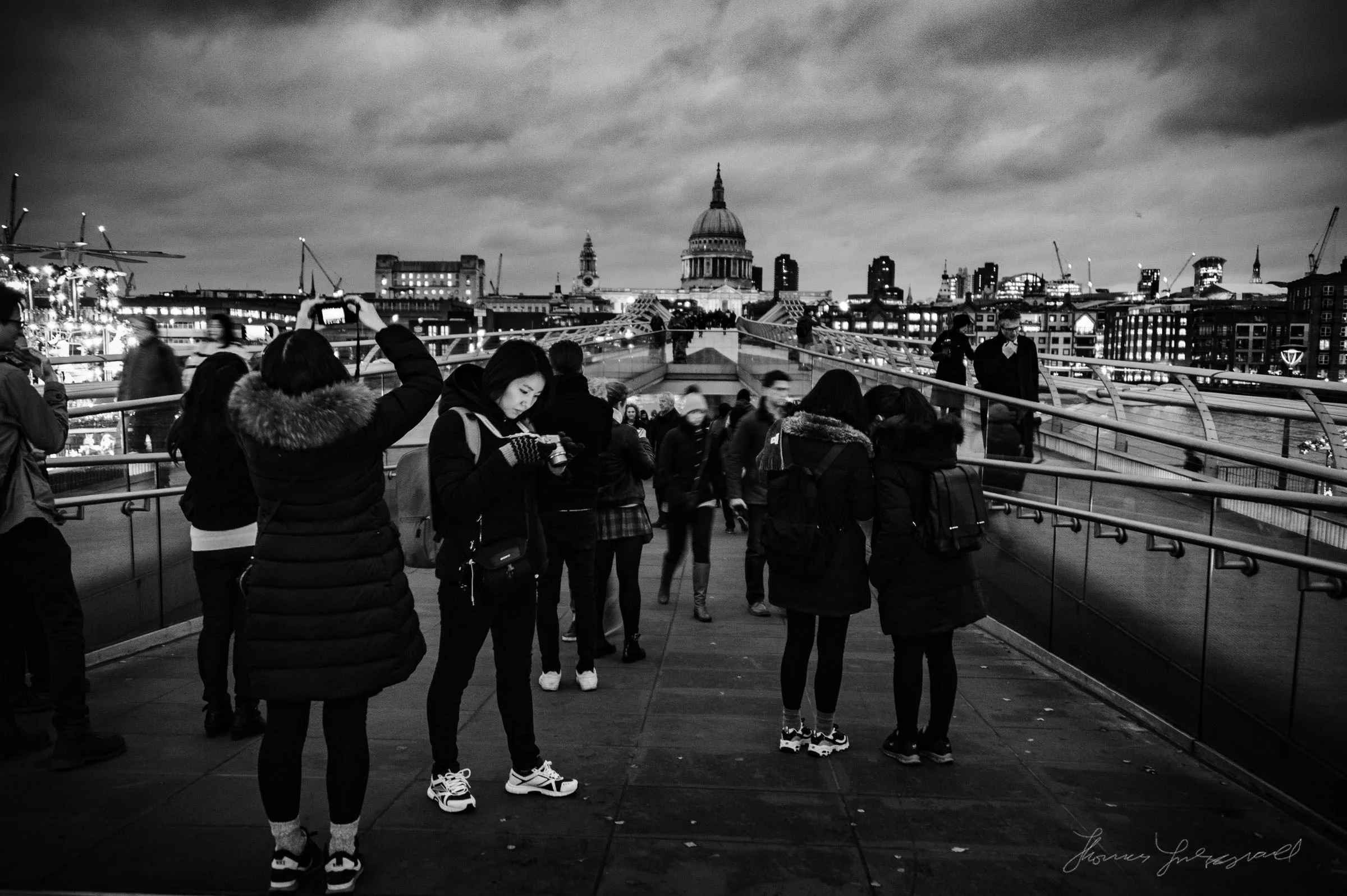
I’ve been busy working on my March set of Lightroom Presets, and they’re nearly ready. I’m really happy with how these are turning out, so I wanted to share some of the testing with you. Basically, the next set will be a sequel to QuickLux. Unimaginatively called QuickLux 2, it will, like the first set of QuickLux presets, include some of my personal artists interpretation of negative, and transparency films.

An Improved Import and Calibration Preset for Sony A6000 Images in Lightroom

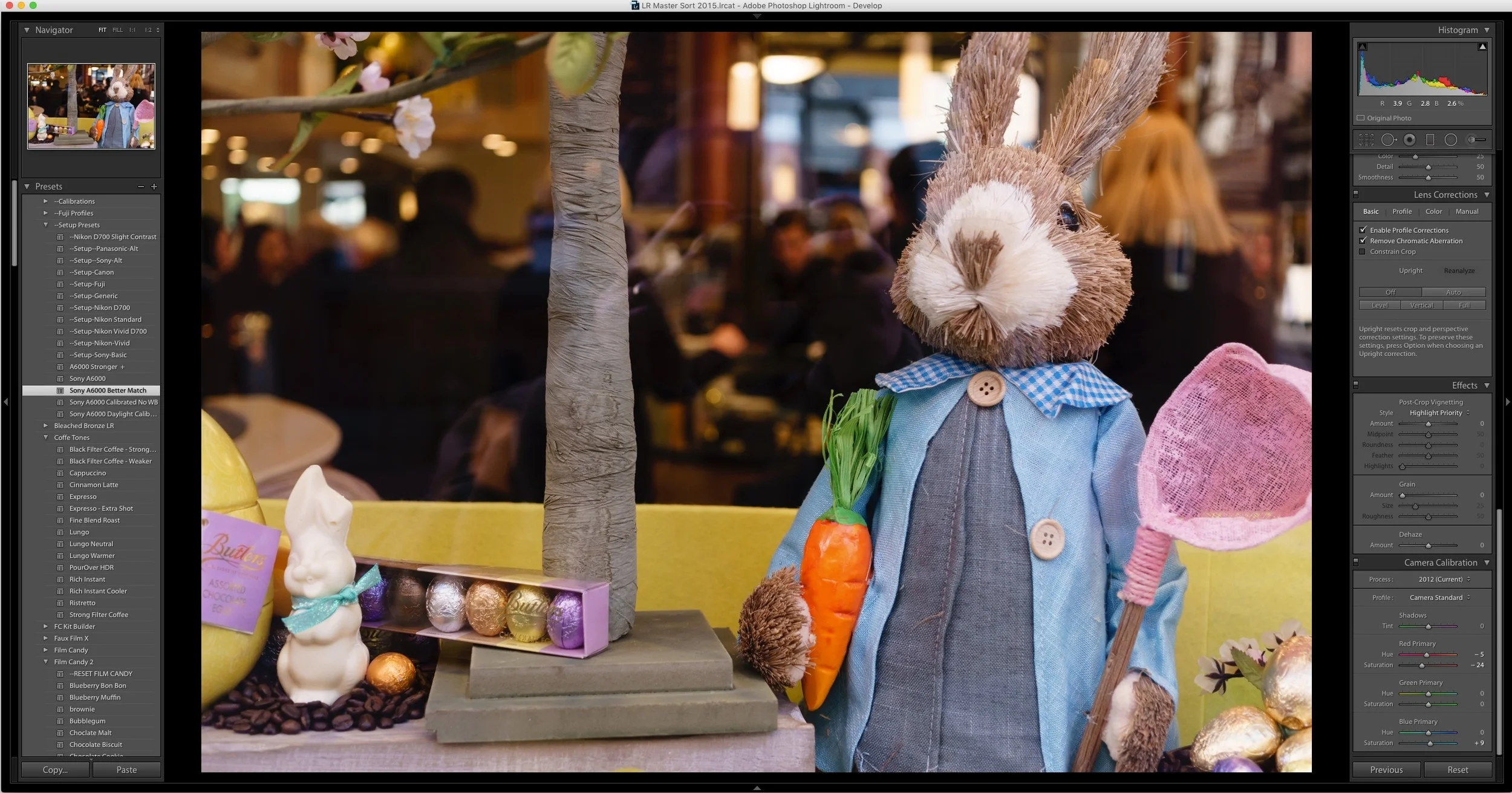
A while ago I wrote a blog post about my issues with A6000 images in Lightroom not being calibrated particularly well. I included some calibration settings in the form of a pair of Lightroom presets. Since then, I’ve been doing some more work on trying to get a starting point that I’m happy with. With that in mind, here is my latest version of my Sony A6000 calibration preset that I’m ow using on my A6000 images in Lightroom.

How to Improve Performance in Lightroom CC / 6 and Possibly Stop Crashes

I've been having some issues with Lightroom's performance on my mac for a while now. Coupled with some recent crashing, my frustration levels were beginning to rise. However, after a little research and some trial and error, I've managed to stop the crashing, and speed the application up a bit. While these techniques may well be familiar to you, I'm writing about them anyway should someone be having a similar problem and not be aware of what to do.

About My Setup Presets and How to Use Them

If you've purchased any of my presets packs, you've found that most of them come with a set of "Setup Presets" and may have been wondering just what exactly they are and how to use them. While there are instructions in the read me files included with most of the presets, some users are still finding them a bit confusing, so here is a more detailed description and short explanation on how to use the setup presets.

A Sneak Peek at MonoLux for Lightroom

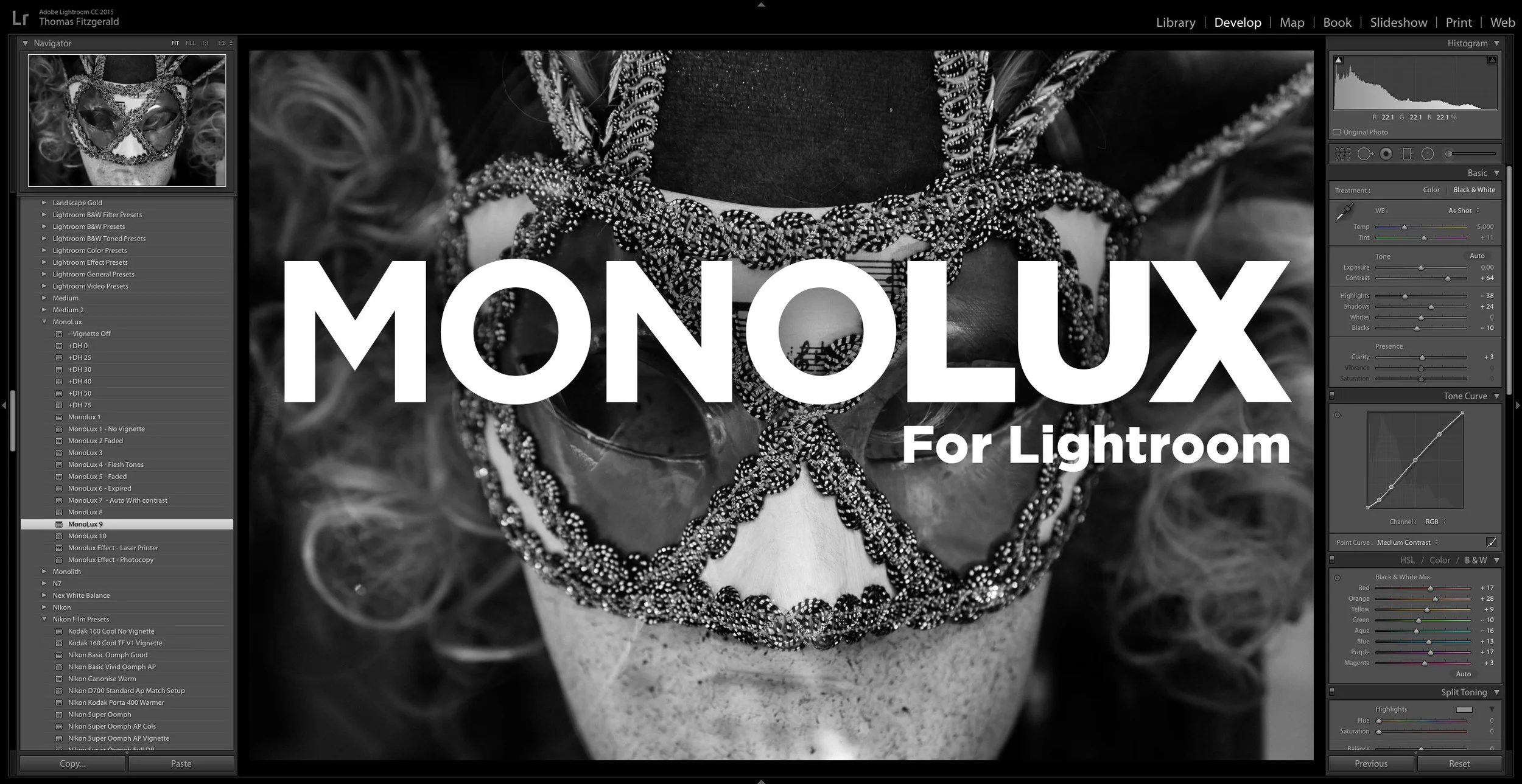
A sneak peek at my upcoming set of monochrome Lightroom Presets, MonoLux. MonoLux will be one of my new smaller packs, like Coffee Tones. I have a number of different looks and variations in the pack including some faded looks (which you can see examples of below), and also some special effects (Just for fun). 

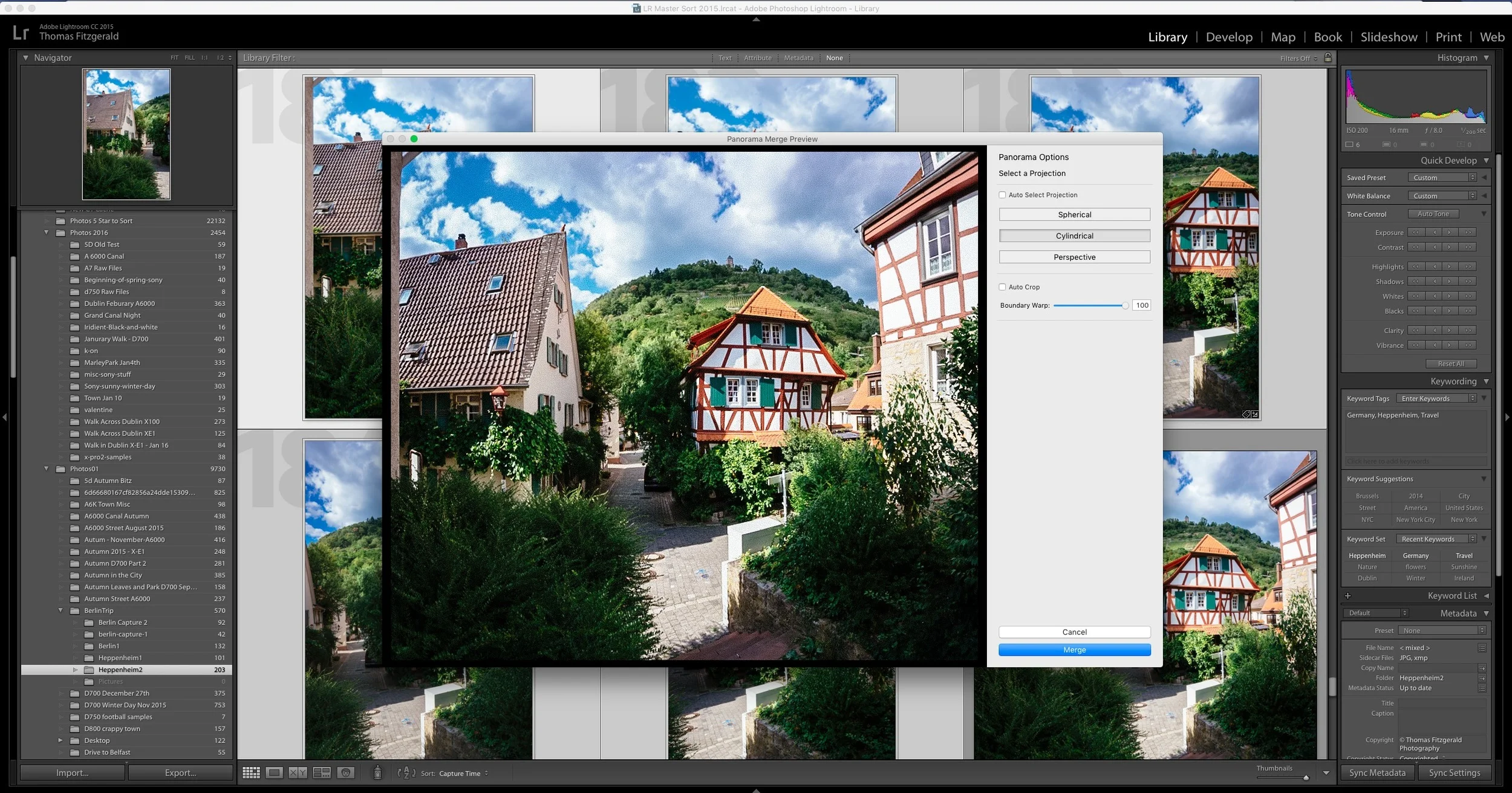
A Quick Look at Boundary Wrap in Lightroom CC 2015.4

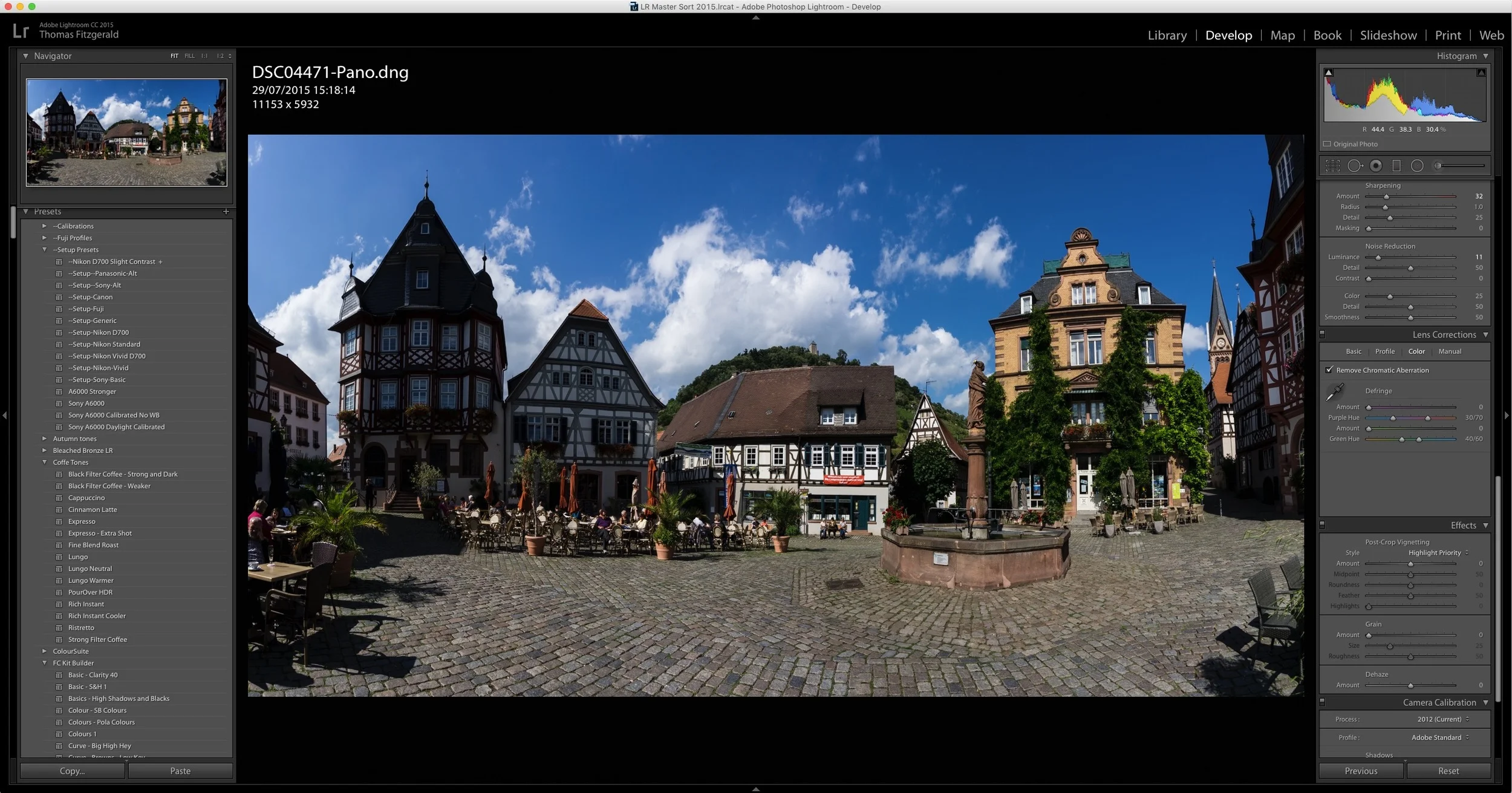
One of the key features announced when Lightroom CC 2015.4 was released, was the new boundary wrap function in the merge panorama feature. Boundary wrap solves one of the problems with cylindrical panoramas, where the edges are normally distorted and need to be cropped out. It also addresses some of the distortion in cylindrical panoramas. 

A Slightly Unconventional use of Lightroom's Merge Panorama Function

I shoot a good few panoramas now and then, and since Lightroom has added the merge function directly into the software, it's gotten a lot easier. So much so, that I don't even really think about it any more when shooting them. While traditional panoramas are fine, there's another incidence where the function comes in handy, and that's when you want to shoot wider than you otherwise could with the lens you have with you.

Using VSCO Film Colour Profiles on their Own

Here's a quick tip for Lightroom users out there who may have the VSCO film presets installed. Say for example, you're working on an image, or set of images, but you don't want to use the full VSCO presets on them. You might not want them to look too "processed" for example. If you don't want to use the full VSCO presets, but still want a different look, then you should try using one of the VSCO calibration profiles without using the full presets. 

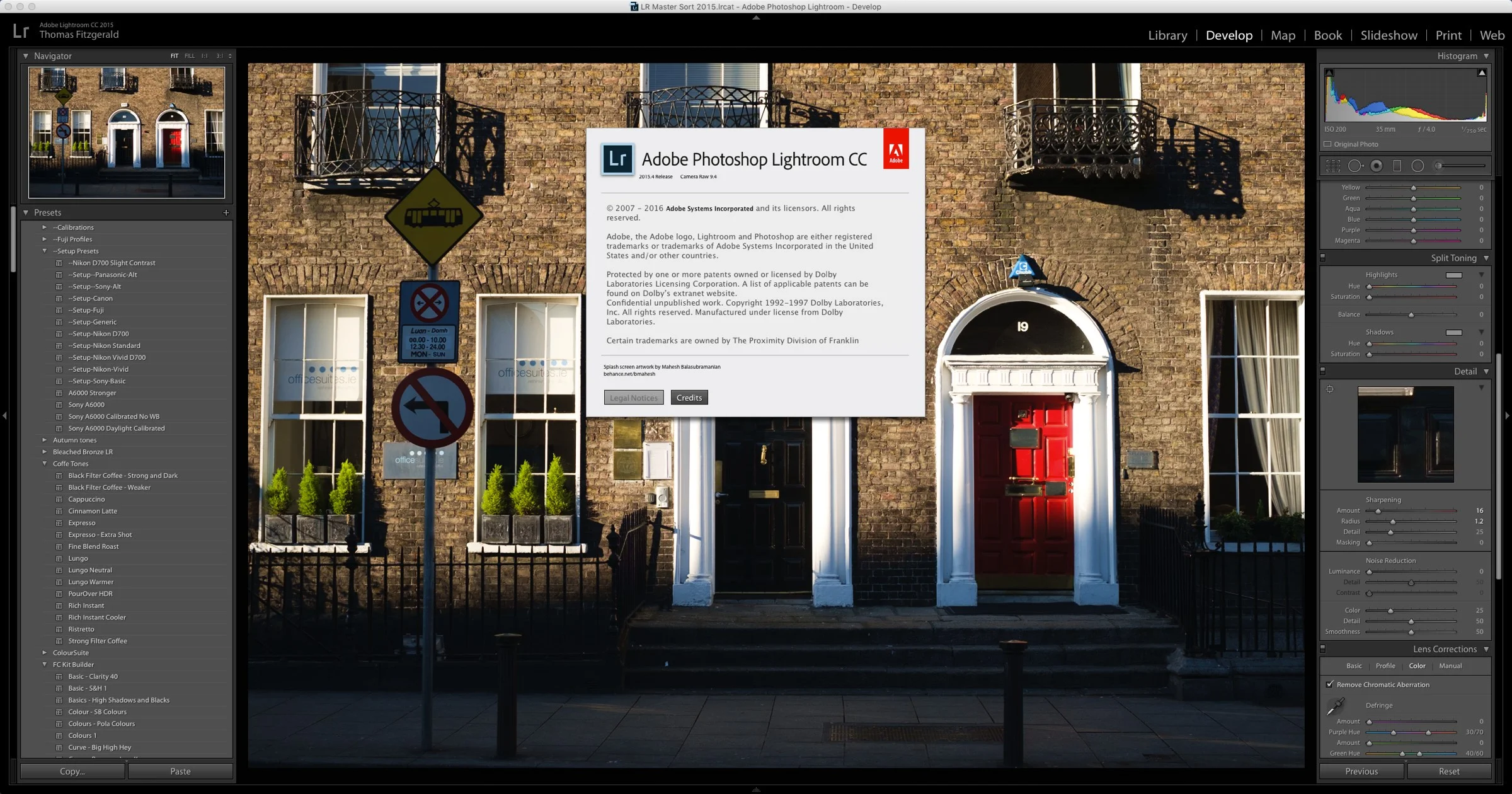
Lightroom CC 2015.4 / 6.4 Released

Adobe has just announced the latest upgrade for Lightroom. As well as bug fixes and new lens support, the CC version adds a new feature too. Called Boundary wrap, the new feature enhances the panorama feature in Lightroom. Unfortunately for those with the non subscription version, this new feature is only available for CC users.

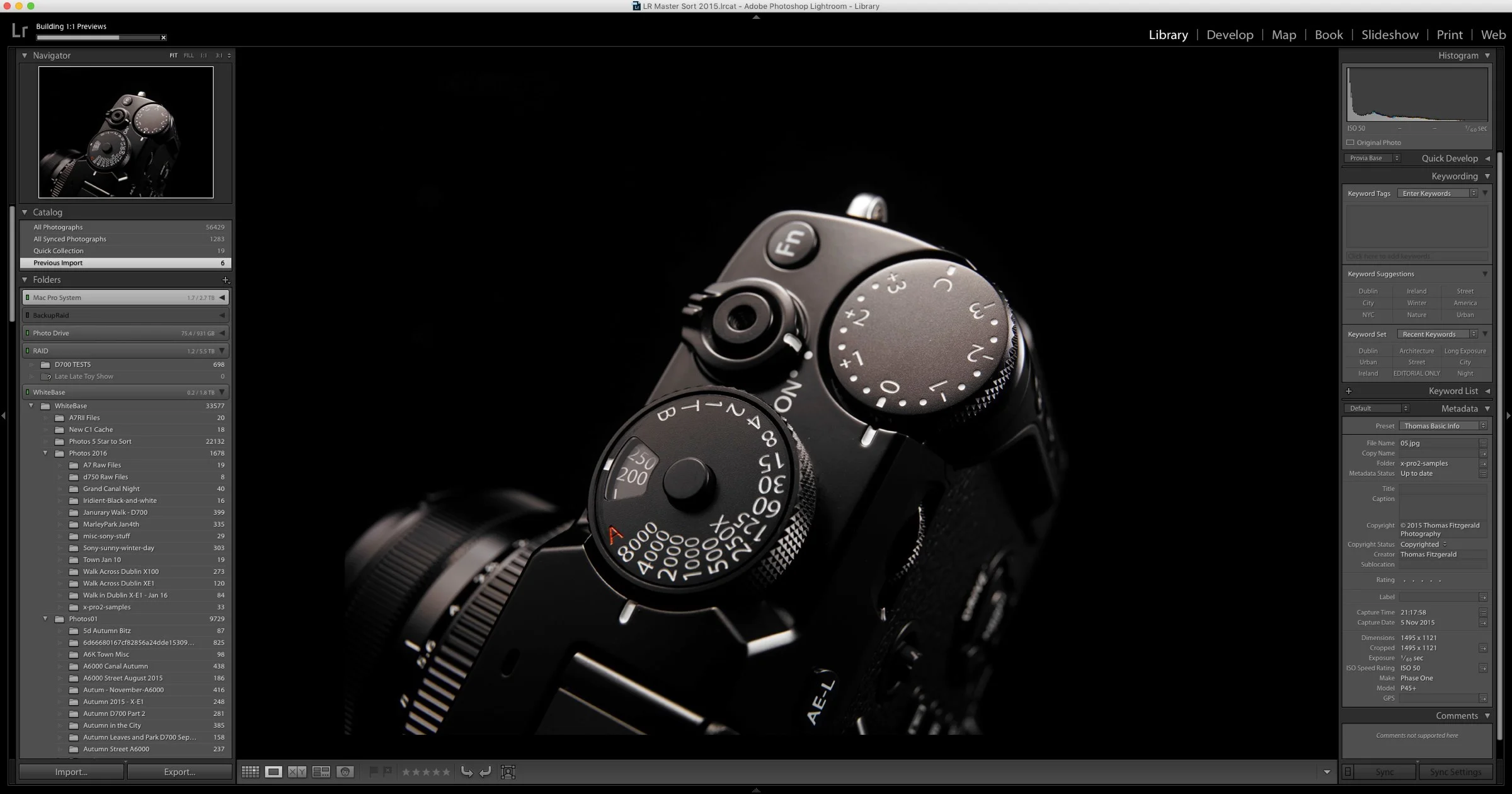
An interesting look to Black and White Images from Fuji X-Trans cameras with Iridient Developer and Lightroom

I haven't really covered Iridient developer much since version 3 was released ( a good while ago now), which I must apologise for, as there's actually some cool features in the updated version. I actually don't use it as much as I used to any more, which is why I  haven't really written much about it, but there is one really good feature that I've been meaning to post about, and so here it goes. If you're using X-Trans files with Iridient Developer 3, there's a special demosaicing mode for black and white images, which maximises the quality of monochrome images from the camera, and it has a really nice look to it.