All in Software

Luminar Review

When Luminar was first announced I thought that it looked interesting, but I’ll be honest, I didn’t pay it that much attention. A little while before it was released the company that makes the software, Macphun, asked me if I’d like to take a look at it, and they sent me a beta copy to try. I was intrigued by what I saw. Initially I was mostly interested in it as an alternative RAW converter, but after using it for a while I see now that it’s so much more. 

A Look at PhotoBulk

One of the things that I love to do for my writing and blogging is to use small and useful little apps from independent developers. I use a lot of these tools, and they’ve become a vital part of my photo blogging workflow. Recently the developer of one such utility which I hadn’t used before asked me if I’d be interested in reviewing it, and I’m glad he did, as it’s turned out to be a very useful little application. It’s called PhotoBulk, and it’s from Eltima Software

Initial Impressions of On1 Raw for X-Trans Files

On1’s forthcoming “RAW” application has been teased for quite some time now. The Company has touted it as completely new modern raw engine, and a lot of people who have been frustrated with Lightroom have been hoping that this new raw software could be a possible replacement. The software is still in beta, but they have released a pre-release build to customers and I’ve been trying it out. I’ve been getting quite a few emails from people asking about this, so I took the plunge and bought the software t try it out (you’re welcome). I was particularly curious to see how it handles X-Trans images. 

Affinity Photo 1.5 is Going to be Great

The next version of Affinity Photo, due for release fairly soon, has a pretty impressive feature release. The company has released a “release candidate” beta for existing customers along with a long list of improvements. There is a lot on it, and they’ve really listened to customer feedback. I’m trying the beta now and I’ll report back if anything stands out, but for now, here’s some highlights from the release notes about some of the feature’s that I’m most excited about.

Macphun Luminar now available

Last week I wrote about the upcoming release of Macphun’s new Raw editing software, Luminar. The software was still in beta, but it’s now released, and you can also get a trial version. I’m still working on my full review of the software but I do have some more thoughts on it since the last post I wrote about it

Trying out Aurora HDR 2017

In addition to trying out a pre-production version of Luminar, I’ve also been looking at Macphun’s new version of their HDR software, Aurora HDR. While I’m not a huge HDR user I do like to dabble now and again. In the past I’ve used Photomatix as well as Lightroom’s built in HDR feature, so when I was asked if I would be interested in reviewing it, I was keen to try it out

Macphun Luminar: First Look

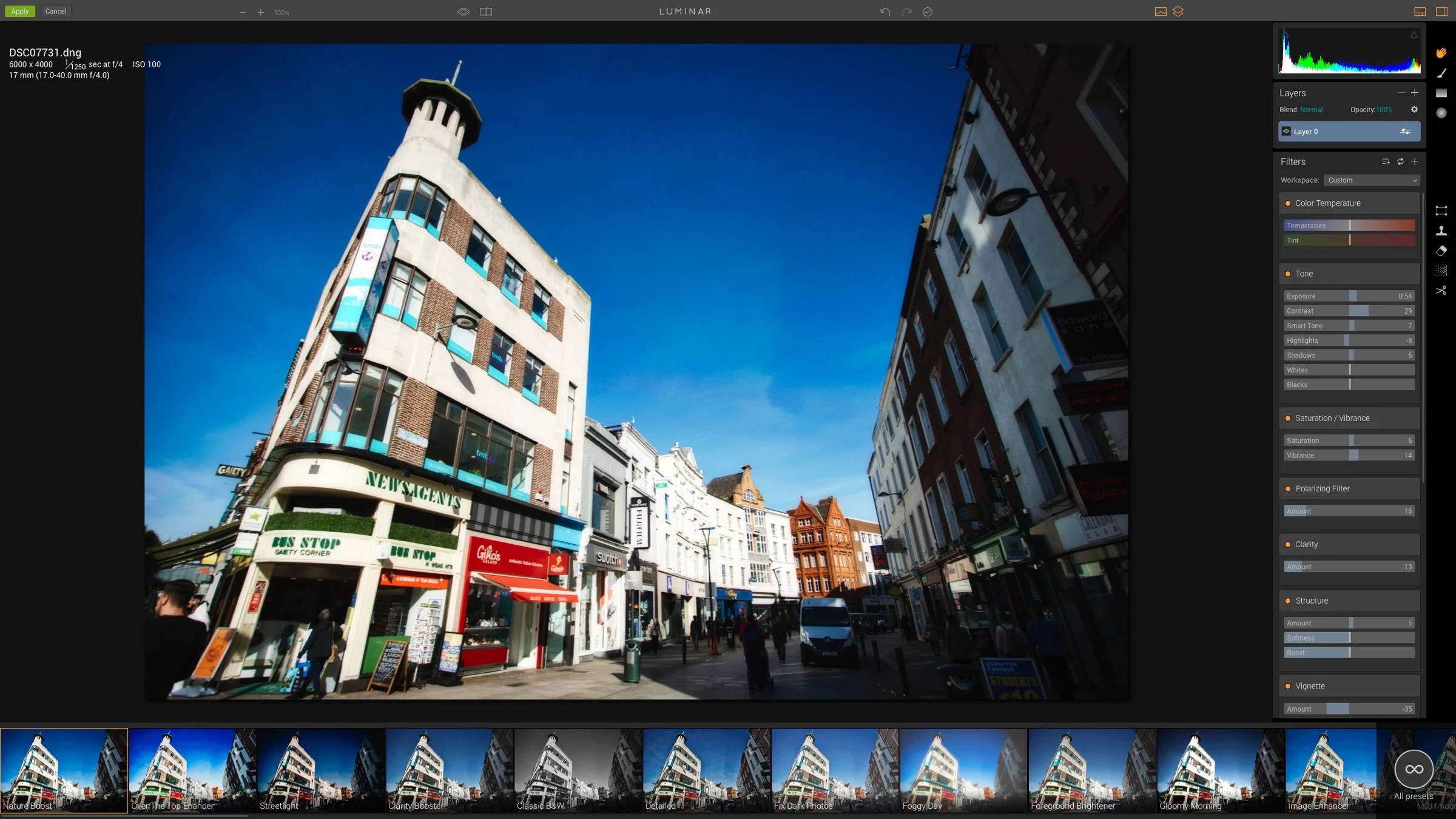
Over the past few days I’ve been trying out a pre-production version of Macphun’s recently announced Luminar photo editor, and I have to say I’m intrigued. The new software, which is due out later this month, is a pretty advanced RAW converter and photo editing App. It’s like of like a combination of Camera Raw and Google’s Nik Photo Plug-ins all rolled into one. It’s surprisingly powerful, and I have to say, I’ve had fun working with it

Using Mylio

I’ve been using Mylio for quite a while now, but I’ve never really talked about it. The reason is that for the longest time, I considered it as something that I was “trying out” and I was trying to work out how it would fit into my workflow. Over that time, it’s quietly absorbed itself into my way of working, and now I consider it an essential tool. If you’ve never heard of Mylio, then let me explain just what it is and how I use it. 


How to Edit X-Pro 2 Raw Files in Affinity Photo

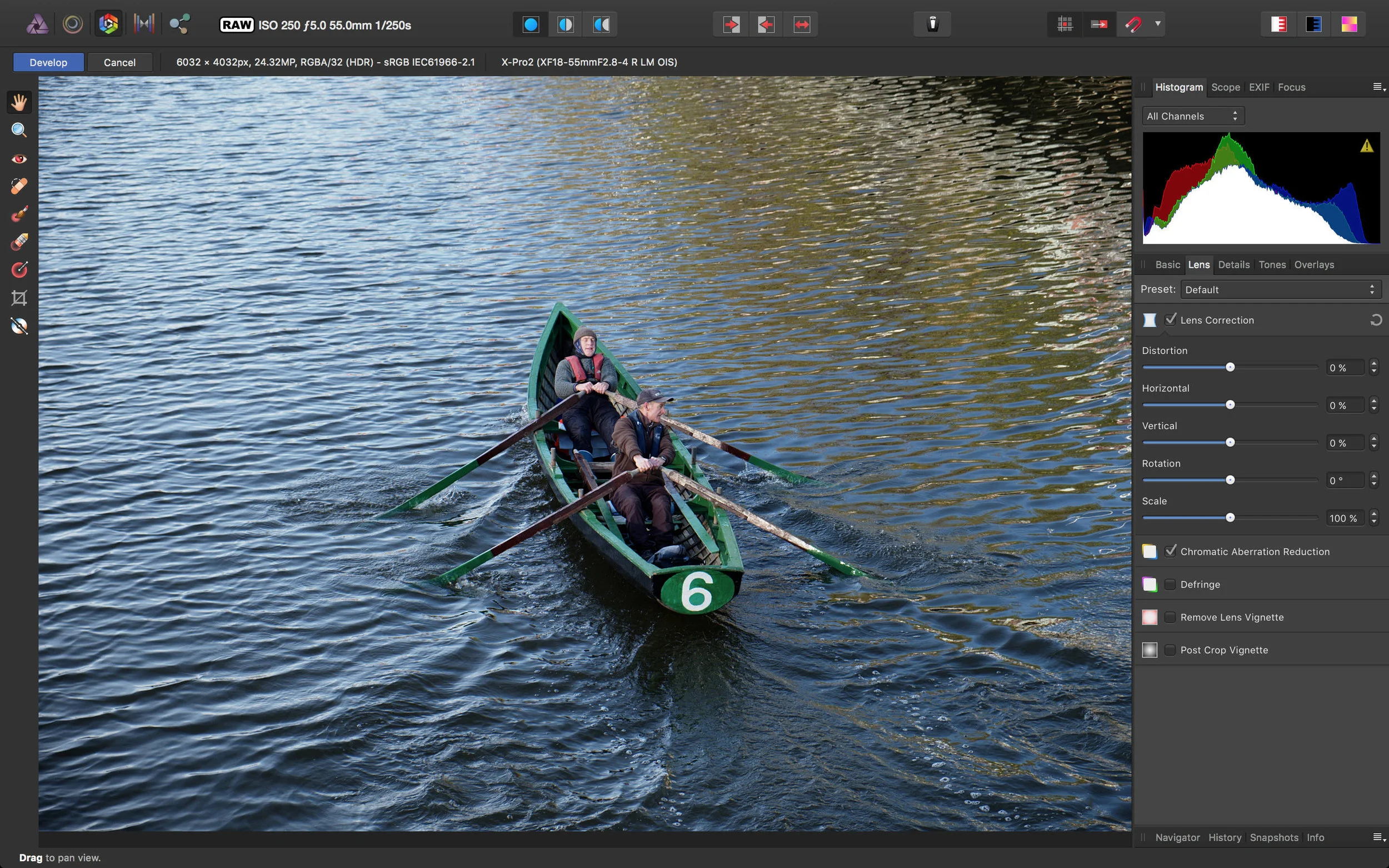
Affinity Photo is one of the more interesting Photoshop competitors out there, and it has a powerful feature set. I find myself using it more and more for various tasks, and its speed makes it a very useful software tool to have in your arsenal. The software has its own raw processing engine, and while it hasn’t ben updated to include X-Pro 2 support yet, you can still open and edit X-Pro 2 raw files with the software thanks to a semi hidden feature.

Corner Pinning in Affinity Photo

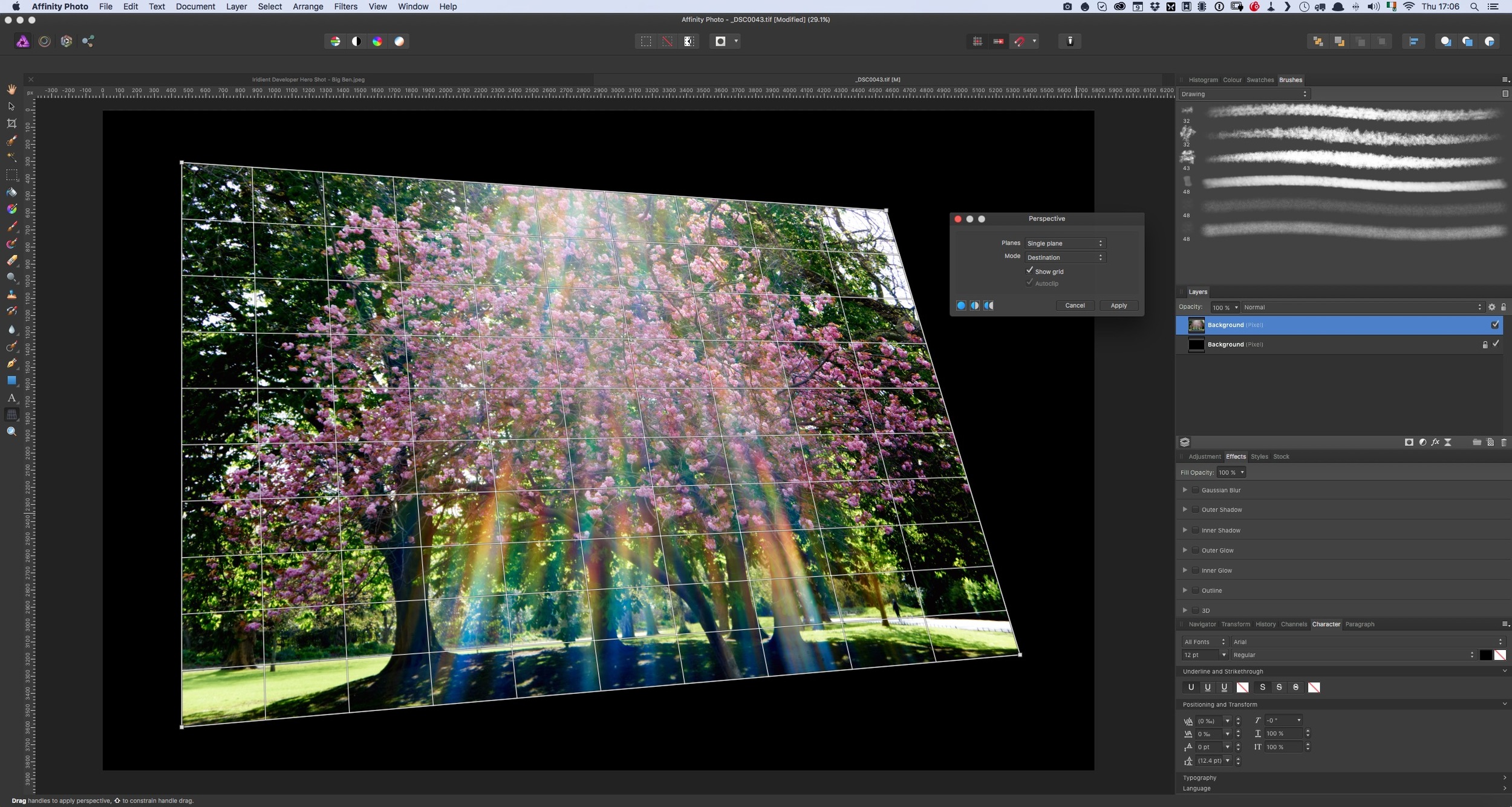
Here's a quick tip for Affinity Photo users. If you're used to photoshop, then you've probably used the warp functions in the transform tool. This goes by many names. Coming from the video world, we often referred to it as "corner pinning" but you may also know it as perspective distorting, or tapering or something like that. Anyway, in Photoshop it is part of the free transform tool, however in Affinity Photo there is a different way to access this functionality.

Sync Your Lightroom Presets to Multiple Macs using ChronoSync and DropBox

One of the things that I often find frustrating when working in Lightroom on both a laptop and a desktop, is keeping my presets in sync. I often have presets on my desktop, which I will use quite often, and then when I switch to my Laptop and I try to find them, I realise I don't have them. I've been thinking for a while about ways to help alleviate this problems, and I've come up with a solution. This won't be for everyone and I'm sure there are lots of other ways to do this, but it should you an idea of at least one way to go about keeping your presets in sync.

Iridient Developer Book Excerpt: Understanding Iridient Reveal sharpening

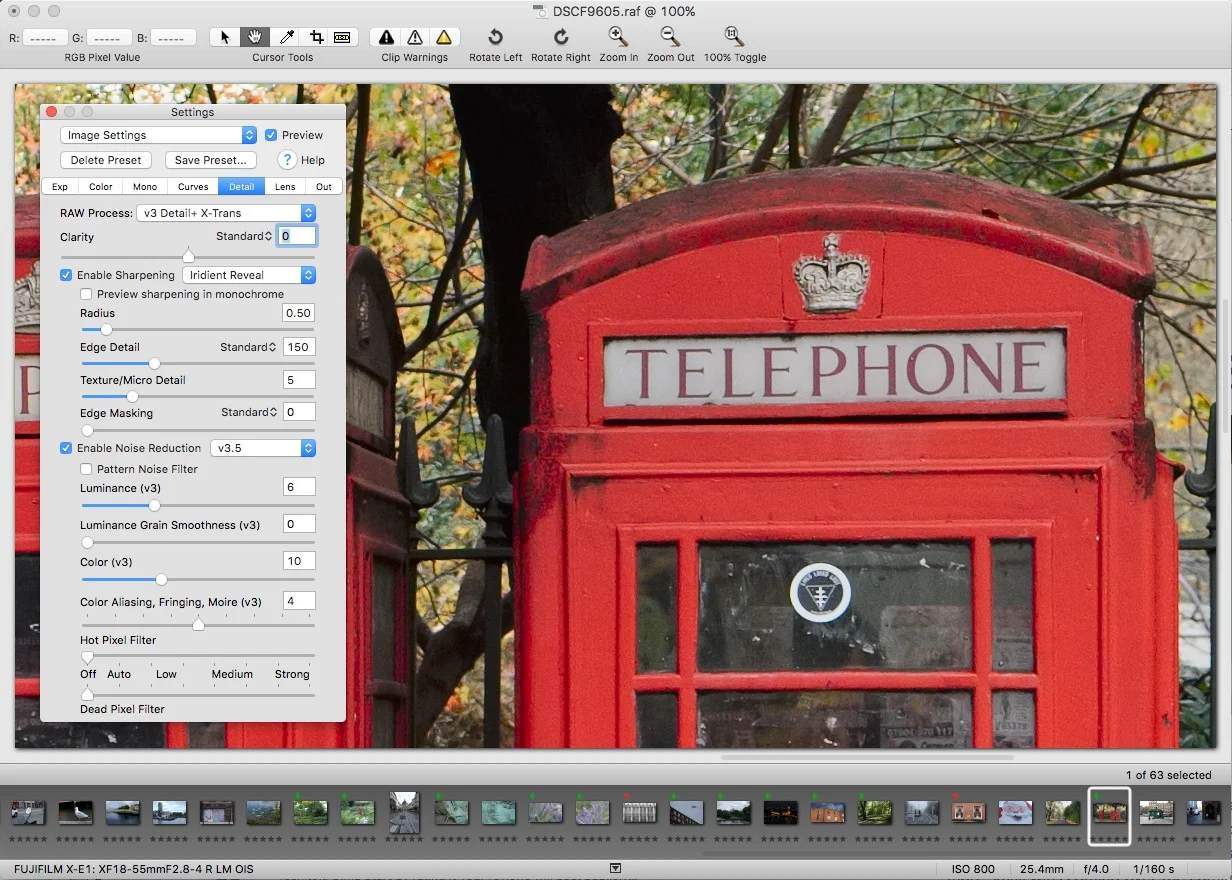
I promised that I would release a few more excerpts from my Iridient Developer book, and I’m a little late getting around to it, so apologies. In the book I go through each of the tabs in the settings window, and explain how the various controls work, especially in relation to working with X-Trans images. The following excerpt is from the section where I discuss the detail tab, and in it I talk about how to use and understand the Iridient Reveal sharpening method.

Why use one RAW Converter Over Another? (An excerpt from my upcoming Fuji X-Trans Guide for Iridient Developer)

I am in the process of writing my third Fuji X-Trans guide. This one will be a compressive guide to working with Iridient Developer. It's actually turning out to be the biggest one of these guides yet, and I go into a good bit of detail on how to use the software, and cover workflows for working with Iridient Developer and Lightroom. However, as I've been writing this, I keep thinking about some of the questions that I often get asked by email about using one converter over another. 

Using Photoshop Plugins in Affinity Photo

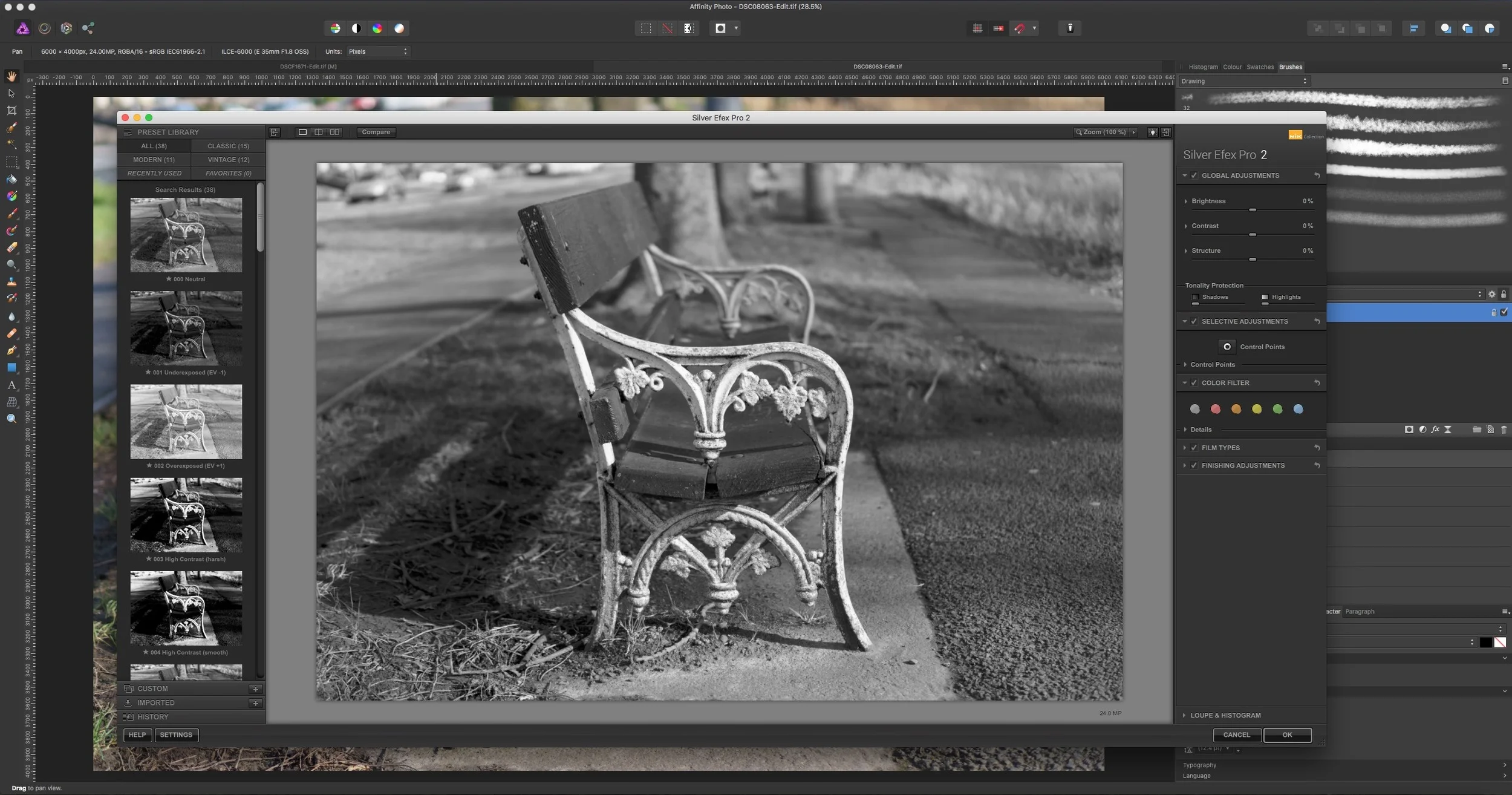
Here’s another quick tip about Affinity Photo. When I first wrote about Affinity Photo, one f the questions I got from many people was: “Can you use Photoshop Plugins with it?” The answer, you may be pleased to know is a yes. I’ve tried the Nik suite (which is now free) and they all work perfectly well in Affinity Photo. There is one difference that I’ve noticed, and it’s important to be aware of it if you’re planning on using plug-ins in the software.