

Photo Editing, Tutorials, Photography News, and More
This blog covers a range of topics from Lightroom, Photoshop, Capture One, Fujifilm, Canon, Nikon, iPhone Photography, and more. If you want to see more of my actual photography work, visit my Portfolio and Photo Journal blog.
Featured Posts




Sync Your Lightroom Presets to Multiple Macs using ChronoSync and DropBox
One of the things that I often find frustrating when working in Lightroom on both a laptop and a desktop, is keeping my presets in sync. I often have presets on my desktop, which I will use quite often, and then when I switch to my Laptop and I try to find them, I realise I don't have them. I've been thinking for a while about ways to help alleviate this problems, and I've come up with a solution. This won't be for everyone and I'm sure there are lots of other ways to do this, but it should you an idea of at least one way to go about keeping your presets in sync.
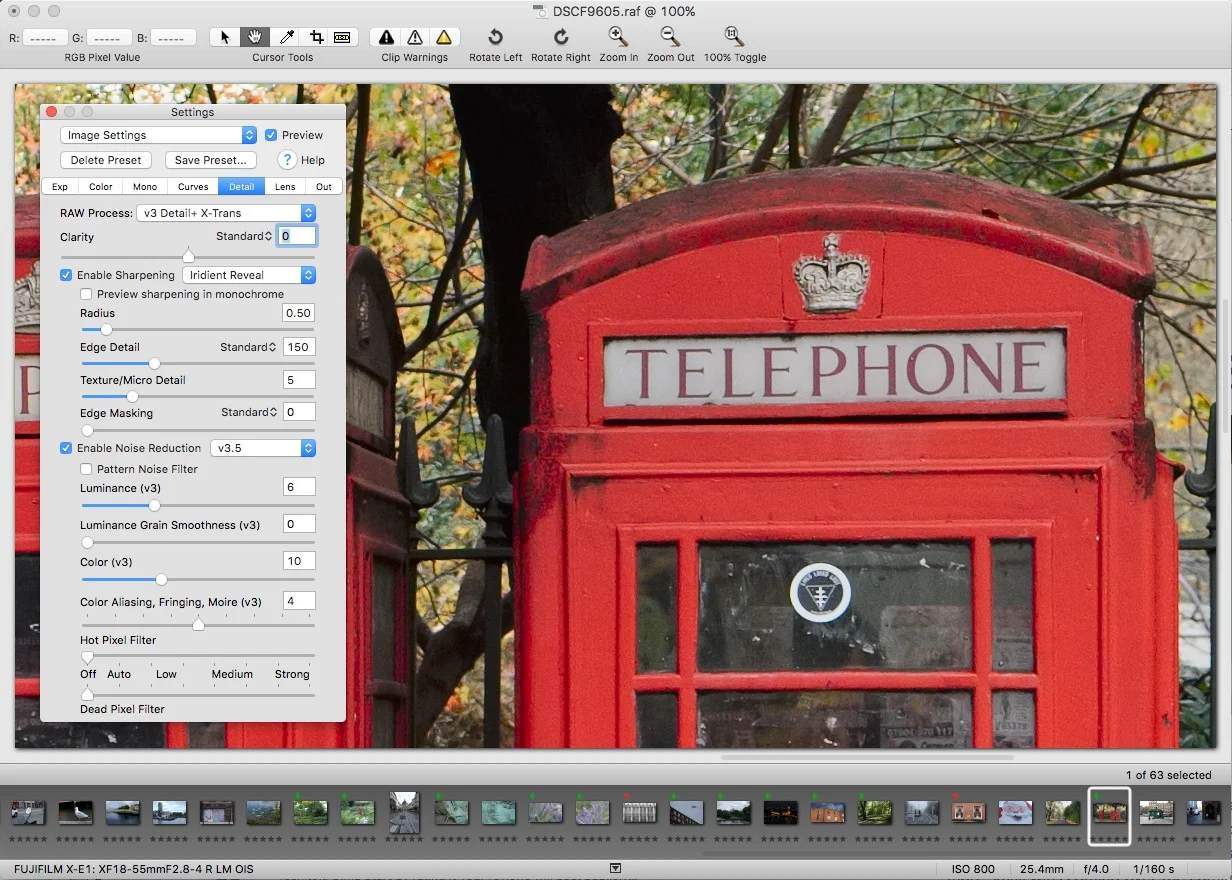
Iridient Developer Book Excerpt: Understanding Iridient Reveal sharpening
I promised that I would release a few more excerpts from my Iridient Developer book, and I’m a little late getting around to it, so apologies. In the book I go through each of the tabs in the settings window, and explain how the various controls work, especially in relation to working with X-Trans images. The following excerpt is from the section where I discuss the detail tab, and in it I talk about how to use and understand the Iridient Reveal sharpening method.
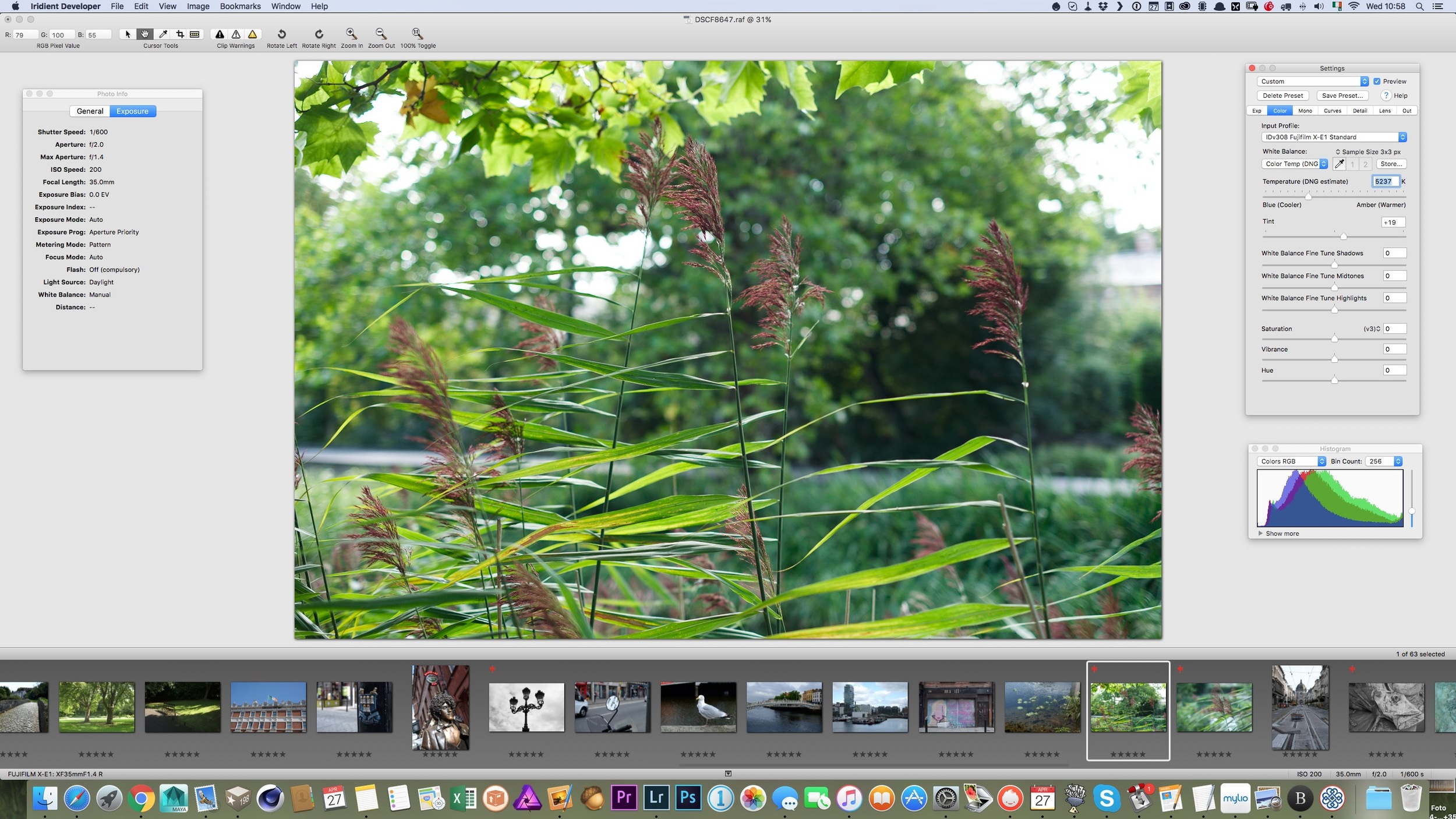
Iridient Developer 3.1 Released
Iridient Developer has received a new update this weekend. The new version adds support for compressed raw for the X-Pro 2 along with support for a number of other cameras. The update also has some important bug fixes, including a fix for some bugs in OS X.

Apple Raw Compatibility Update 6.19 Adds support for Fuji X70, Fuji X-E2S & Sony A6300
It seems to have been a long time since Apple has released a Raw compatibility update for OS X and I was beginning to get a bit worried, but just as I was about to start investigating the issue, a new update has just popped up in the Software Update panel of OS X.
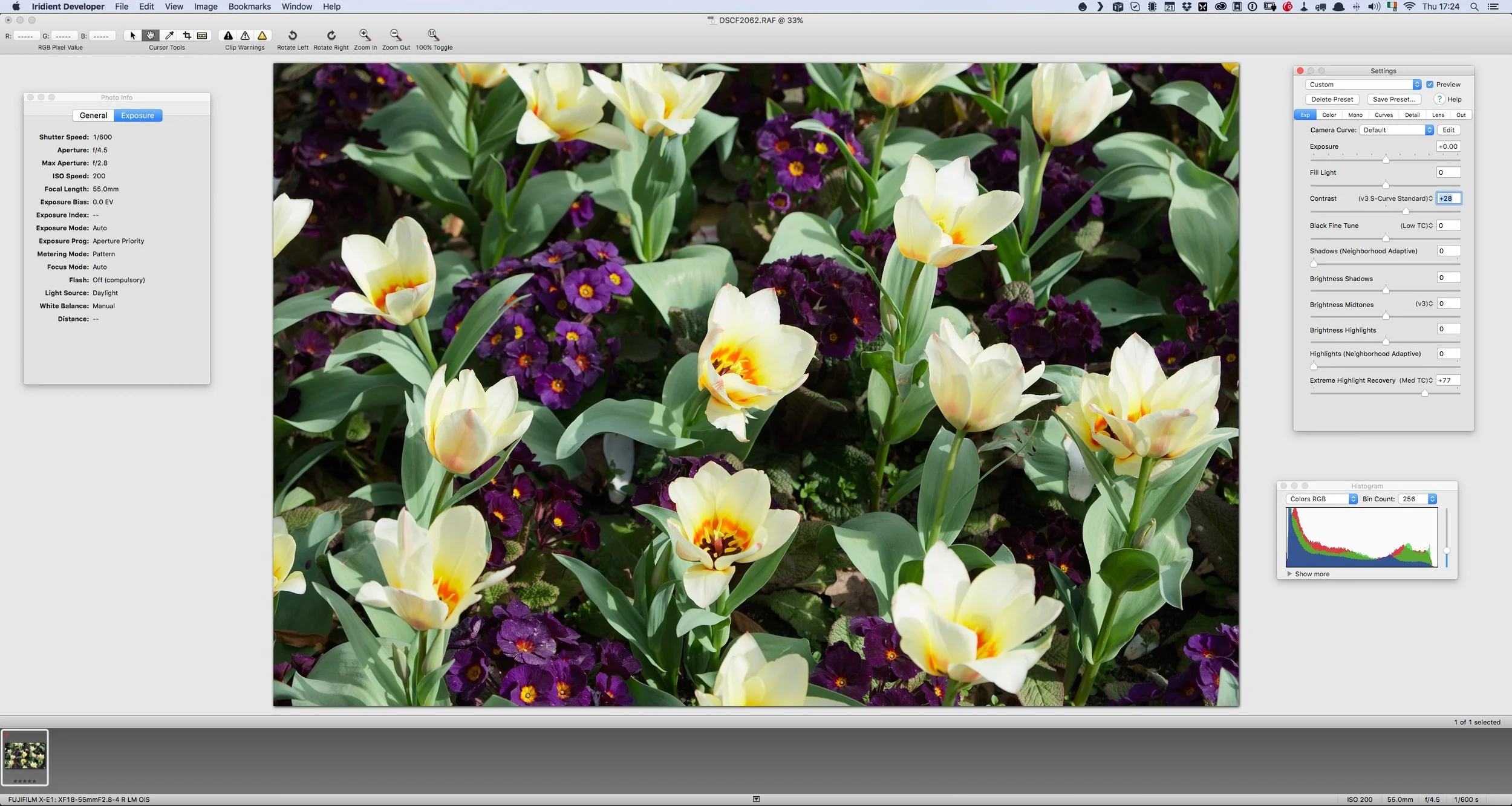
Why use one RAW Converter Over Another? (An excerpt from my upcoming Fuji X-Trans Guide for Iridient Developer)
I am in the process of writing my third Fuji X-Trans guide. This one will be a compressive guide to working with Iridient Developer. It's actually turning out to be the biggest one of these guides yet, and I go into a good bit of detail on how to use the software, and cover workflows for working with Iridient Developer and Lightroom. However, as I've been writing this, I keep thinking about some of the questions that I often get asked by email about using one converter over another.
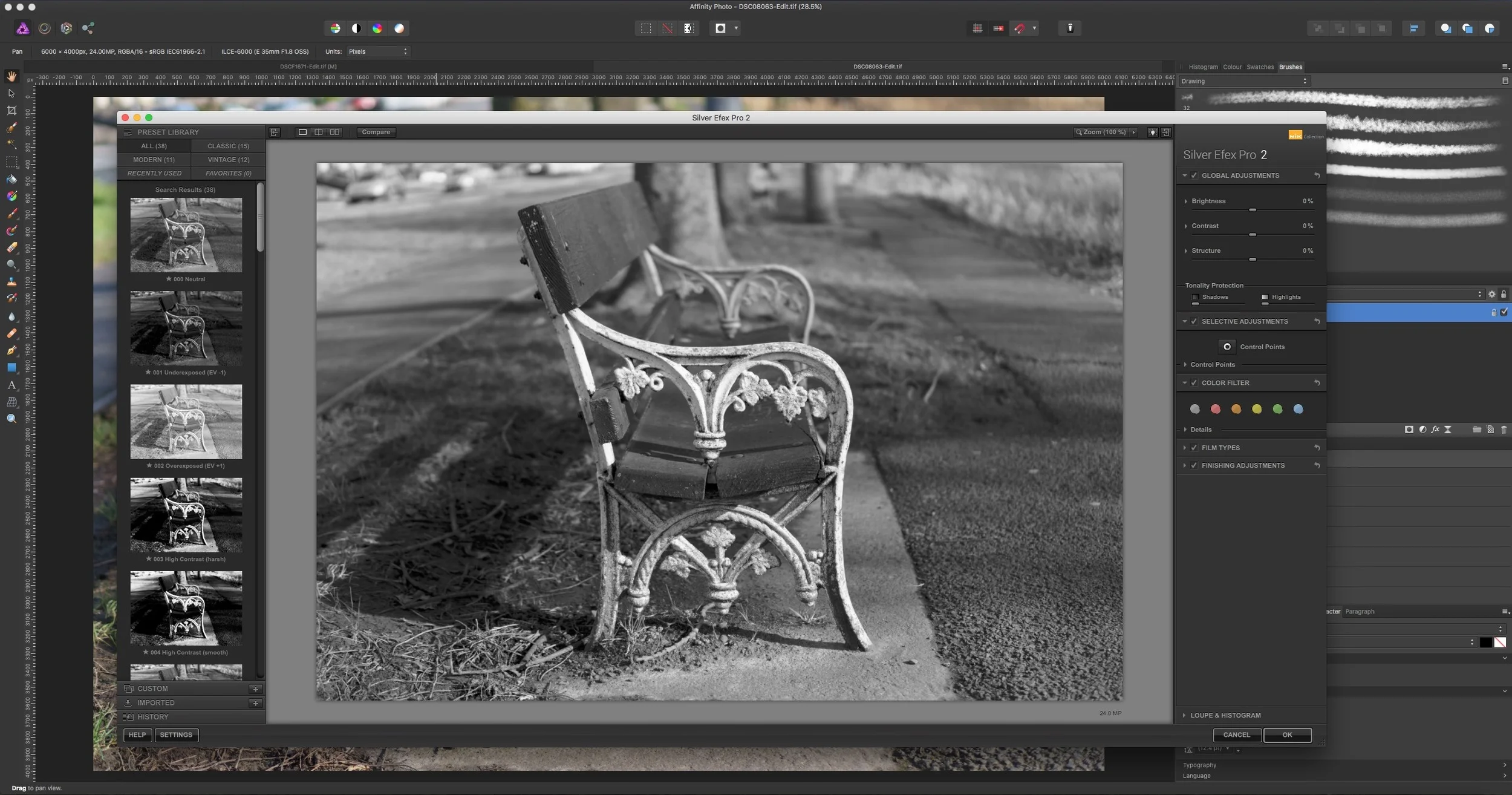
Using Photoshop Plugins in Affinity Photo
Here’s another quick tip about Affinity Photo. When I first wrote about Affinity Photo, one f the questions I got from many people was: “Can you use Photoshop Plugins with it?” The answer, you may be pleased to know is a yes. I’ve tried the Nik suite (which is now free) and they all work perfectly well in Affinity Photo. There is one difference that I’ve noticed, and it’s important to be aware of it if you’re planning on using plug-ins in the software.
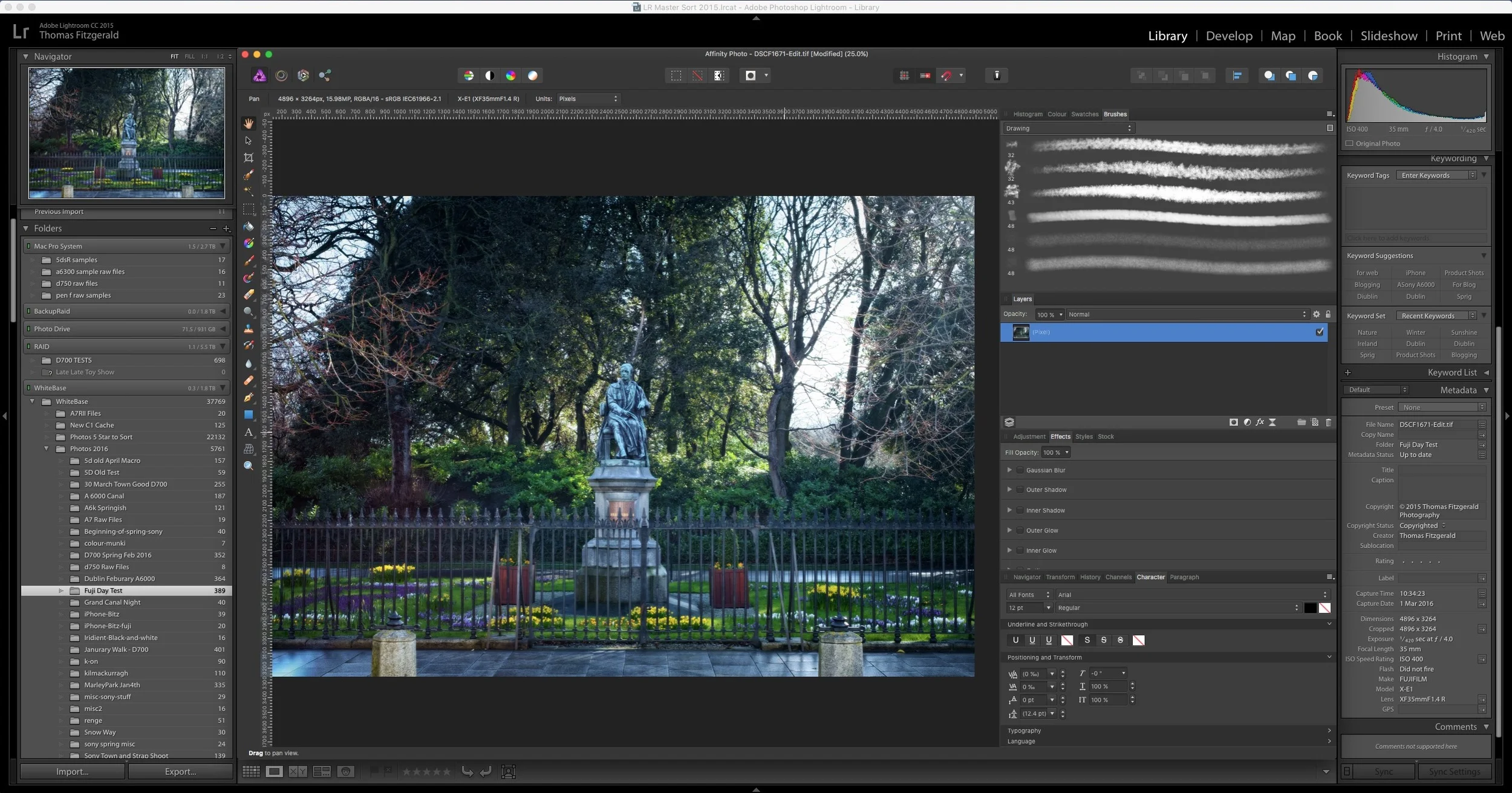
How to use Affinity Photo as an External editor for Lightroom
I briefly covered Affinity Photo in a previous post, and it is an excellent Photoshop alternative. I've been using it more and more lately, and that includes using it in conjunction with Lightroom as an external editor. This is pretty easy to set up but there are a few limitations unfortunately. However, there are significant advantages to using the software in lieu of Photoshop. In this post I'll show you how to set up Affinity Photo to work as an external editor, and I'll discuss some of the limitations and advantages of using Affinity Photo with Lightroom.
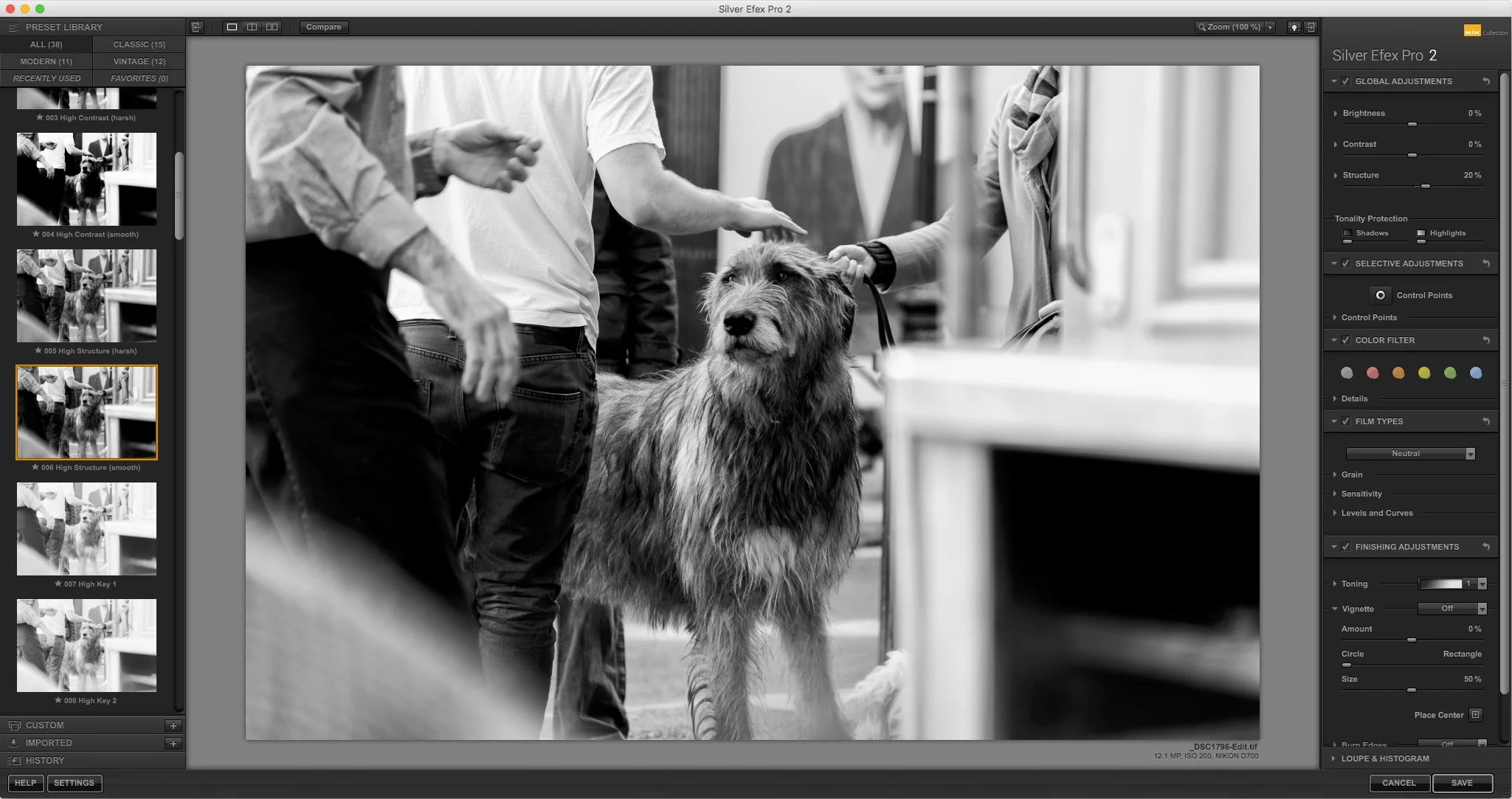
Nik Software Collection from Google Now Free
I’m a bit late with this news, and if you read any photography blogs on the internet, you’ve probably seen this already, but Google has decided to make the excellent Nik collection available for free. The software, which is a collection of 7 plug-ins for Photoshop, Lightroom or the discontinued Aperture.

A Quick Look at Polarr Photo editor for Mac OS X
I came across an interesting photo editing app in the Mac app store the other day. I’d seen it come up in the suggestions a few times and I’d even bookmarked it to come back to and have a look at later. I finally got around to trying it the other day, and I’m really impressed by the application. It’s called Polarr Photo editor, and it’s just $19.99. It’s available for Windows too, but in this short first look, I’m only talking about the mac version (as that’s all I’ve used)
Iridient Developer Updated with Partial X-Pro 2 Support
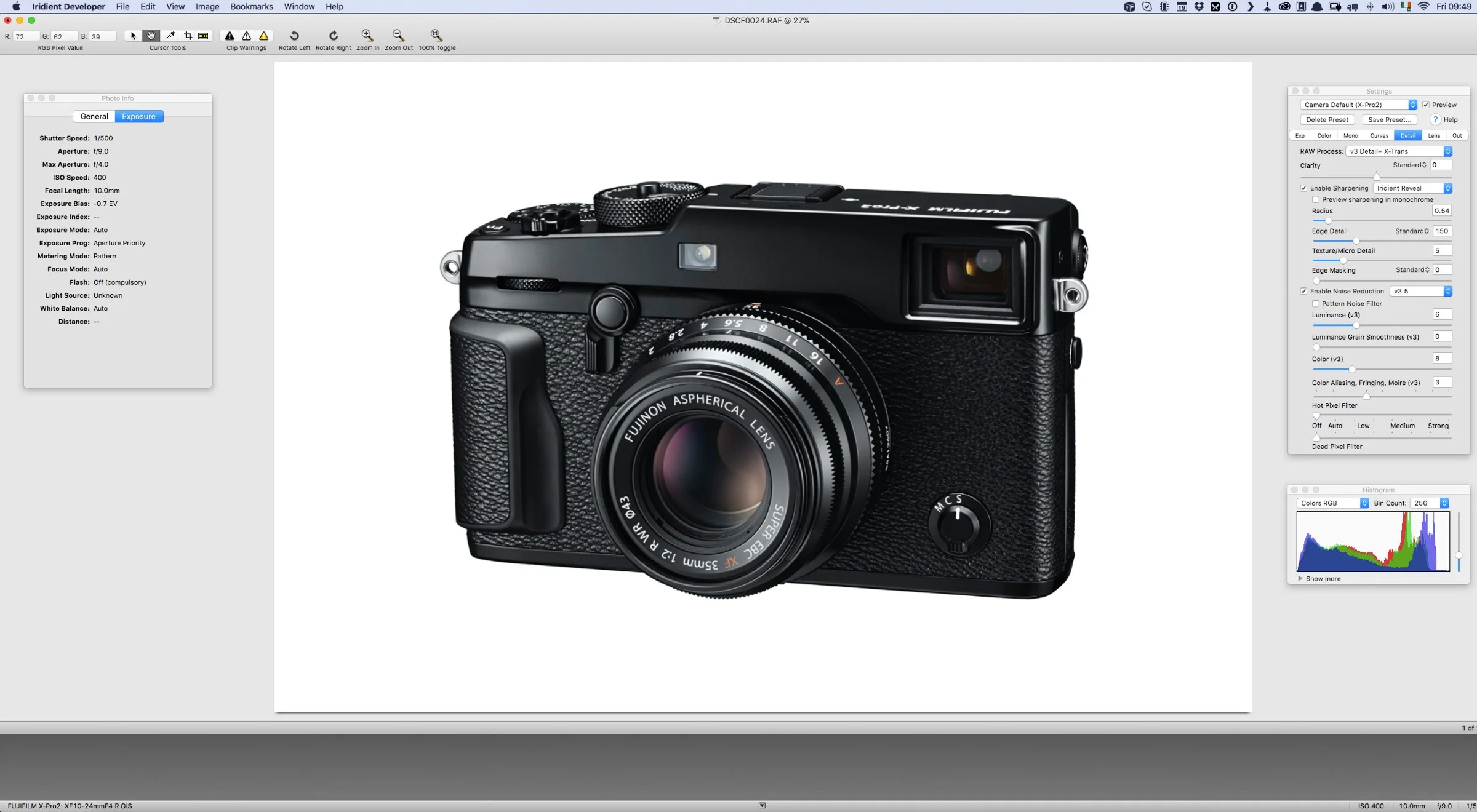
The latest update to Iridient Developer was announced yesterday and it adds partial support for Fuji X-Pro 2 files. Currently it only supports uncompressed raw files from Fuji's new camera. The update also adds some other bug fixes and improvements.

Instagram adds Multiple Account Support
Instagram has finally added what I'm sure is probably the most requested feature: multiple account support. With the latest version of the app on both iOS and Android, you can now have more than one account (you can now have up to 5). You can also easily switch between them and post to multiple accounts as well.
Affinity Photo - First Impressions
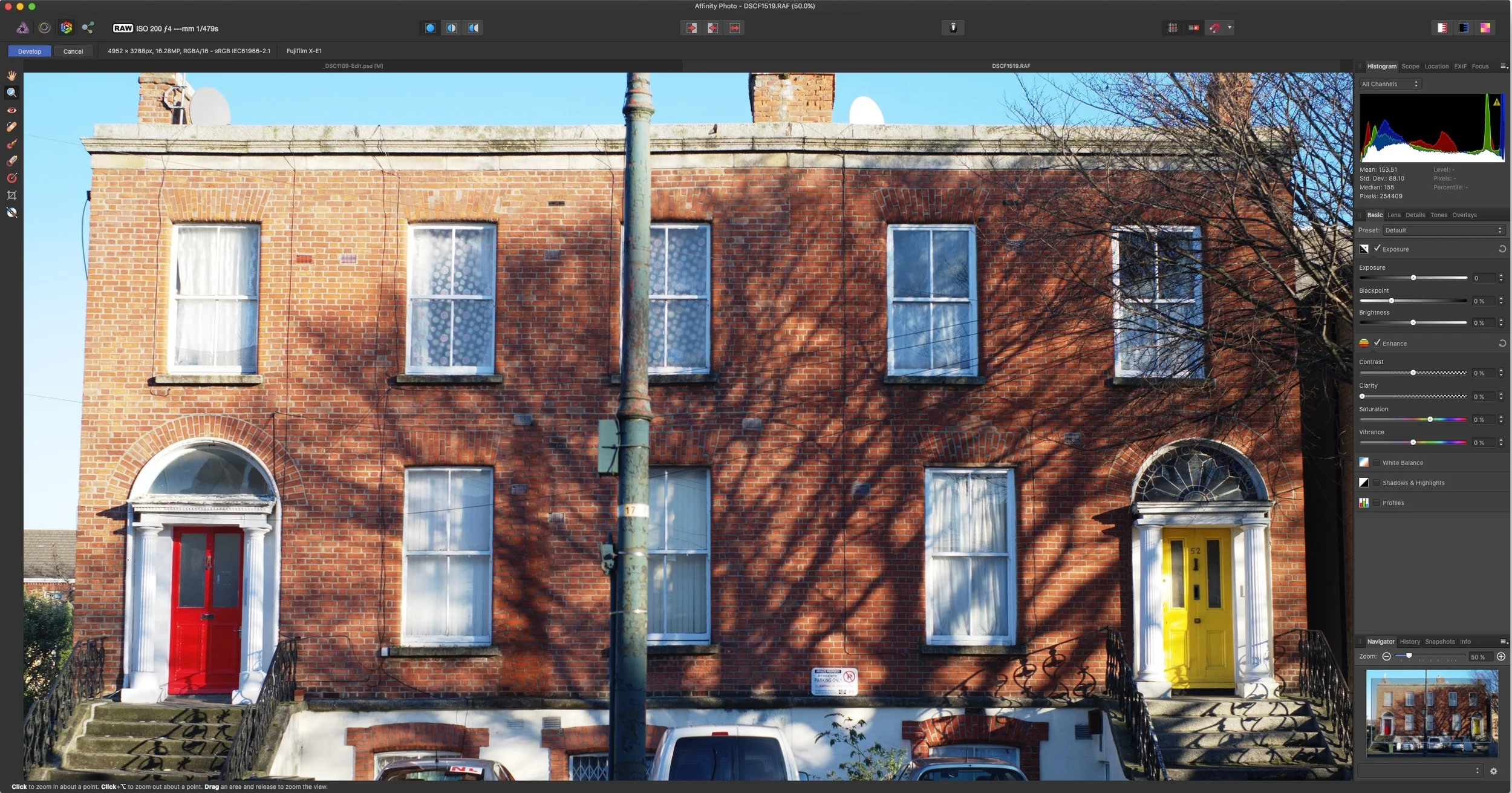
If you haven't come across it before, Affinity Photo is a Photoshop competitor from Serif labs, the same people who brought us the excellent Affinity Designer (an illustrator competitor). The software got a lot of attention when it was launched, and Apple named it the best Mac App of 2015. With this quick first look, I'm going to talk about my general impressions of using it, and I'm not going to go too in-depth, butI'll follow this up in a little while with a full review.
Capture One Updated
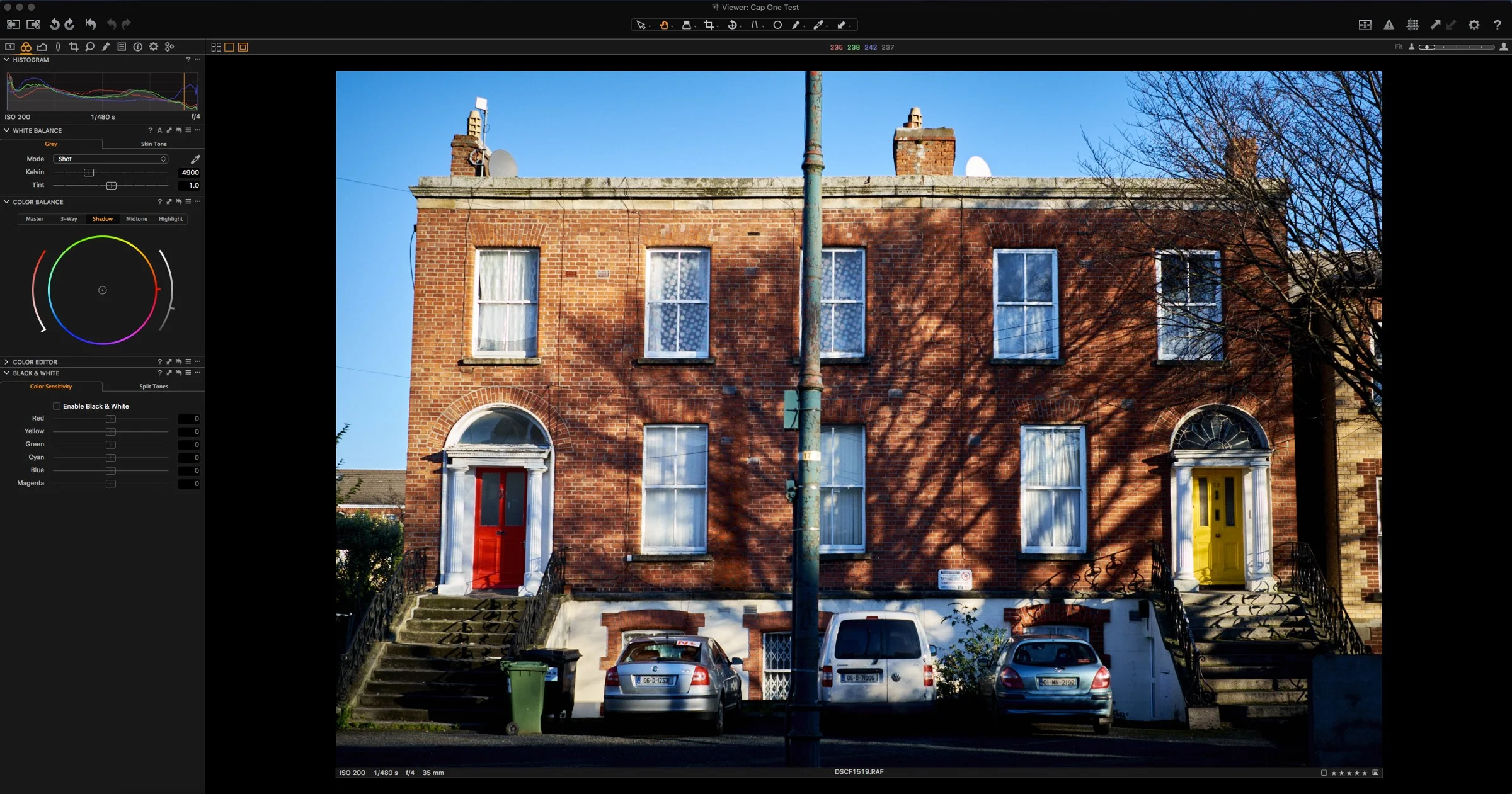
I opened Capture One this morning to find a new update in the update notification panel. If you’re a Capture One Pro 9 user, 9.0.3 is now available.

Adobe releases major Photoshop Update
It seems to be the season for updates. Hot on the heels of Capture One yesterday, Adobe has announced updates to many applications in its creative suite including a major new version of Photoshop.
Capture One Pro 9 Released
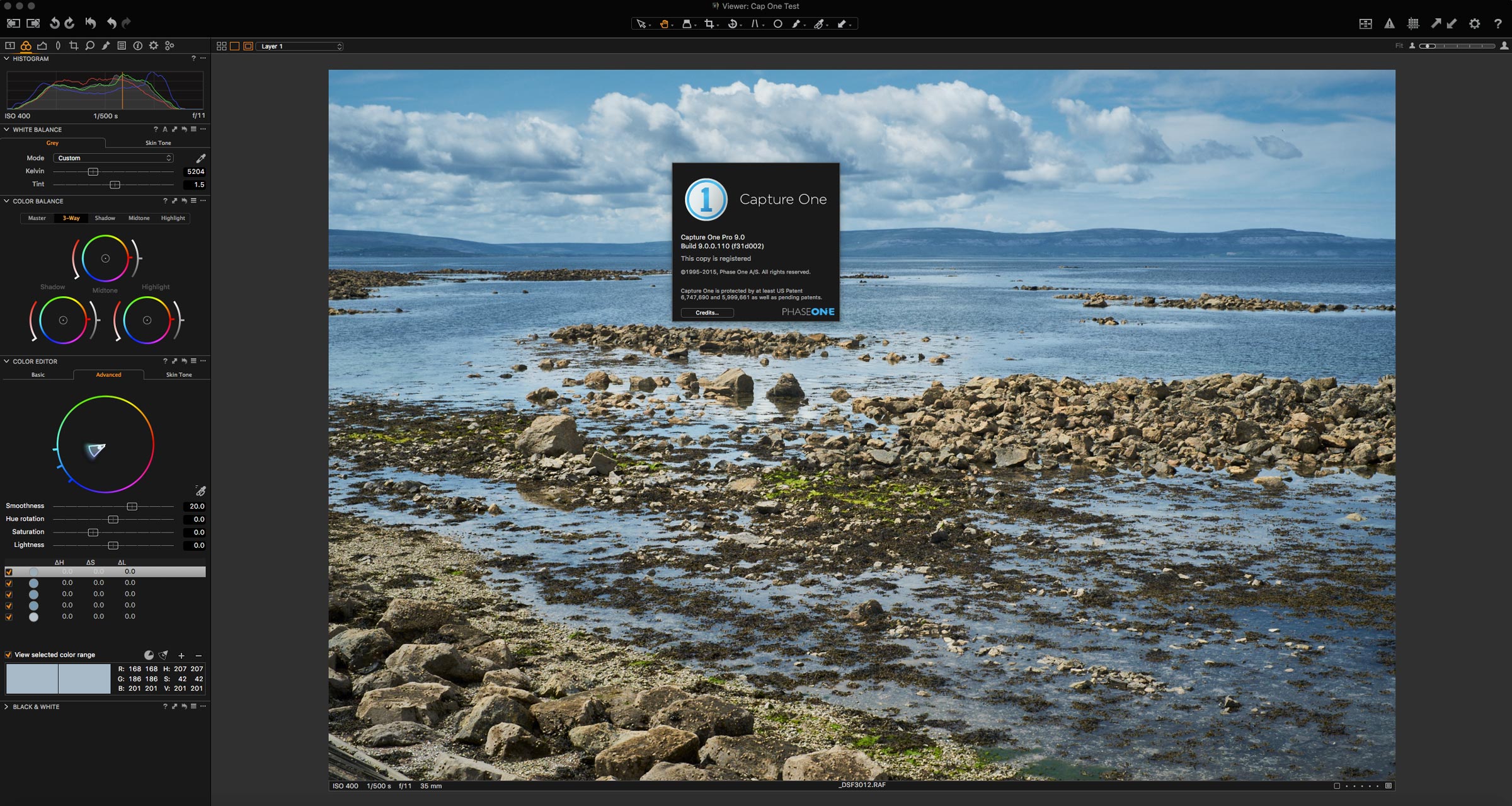
I had a nice little surprise waiting for me when I opened Capture One this morning. A dialog popped up letting me know that a major new version has been released, Capture Pro 9. It’s available now, for the upgrade price of €99 if you’re a Capture One 7 or 8 user. There are some big new features in this release, including a brand new processing engine. I’ve just upgraded my copy, and I’m going through it now. Once I’ve had a chance to play around I’ll have a more detailed report, but in the mean time, here are some of the key new features (from their website)