Processing iPhone ProRAW files in DXO Film Pack for a Compact Film Camera Look

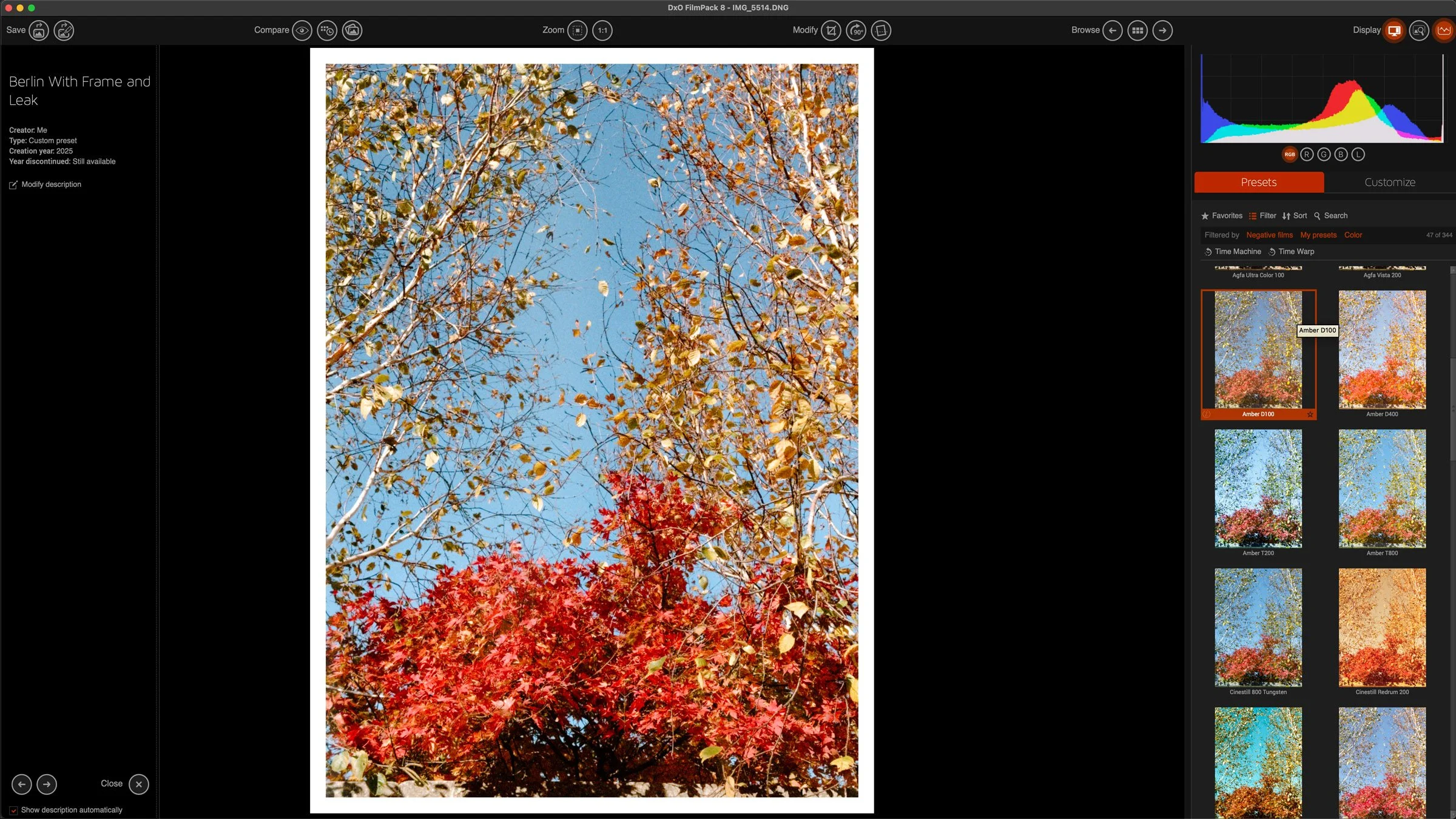
I saw a video a while ago from someone who was talking about using a cheap plastic compact film camera as an everyday carry to record just general snapshots. While most of us use our phones for that, it is undoubtedly nice to have a more film like aesthetic. Unfortunately, both the cost of buying film and the cost of developing film has skyrocketed recently. So while this is a nice idea, it’s not really practical. I’ve spent the last while exploring alternatives, and trying various ways of getting his look without it being a huge effort. Recently I’ve been trying DXO film pack, because in the just announced version 8, you can now open Apple PRO Raw files, and this actually makes a big difference.
Affinity Goes Free, but “Free” Comes at a Price

Unless you’ve been living under the proverbial rock, you have undoubtedly seen the news about the Affinity suite of applications. Having being bought by Canva, the applications were just relaunched as a single super app featuring all three of the previous programmes: Affinity Photo, Affinity Designer and Affinity publisher. Not only that, but Canva has decided to give this suite away for free. Needless to say, this has sparked a lot of … let’s call it “conversation” online, with some people welcoming the move and others suspicious about it. as there is a lot of commentary out there, much of it overly hyperbolic, I wanted to address two main areas of the discussions. The first that this is going to “Kill” Adobe, and the second, what it means that Affinity is now “Free”.

Another Very Bloggy Update

I’ve been very busy this past week, and so once again I’ve been somewhat bad about posting on the blog. I have been buried in design work with a tight deadline and so unfortunately the tutorials and so on have had to take a back seat. I have so much photography stuff to share too, and it’s just been building up in my to-do list, so I hope you can forgive the short absence. Google’s algorithm, however, will not.

DxO Announces FilmPack 8 with New Features and Photoshop Integration

DxO has announced the release of FilmPack 8, the latest version of its film emulation software for macOS and Windows. The update brings a range of new tools designed to expand creative options and improve workflow, including a new Time Warp mode, direct integration with Adobe Photoshop, and additional film renderings. It also adds features for working with scanned negatives, updates to FilmPack’s historical Time Machine archive, and higher resolution versions of its creative effects.

Miniature Edinburgh

I was recently in the wonderful city of Edinburgh for a few days, and while I was there I was taking some photos of the cityscape from the viewpoint of the castle. Now, I’ll have a bigger photo essay on my Scotland trip in the future, but when I got back home I was looking at these thinking that they would make great faux miniature shots.

An Interesting Week for Cinema Cameras. Thoughts on the Canon C50, Nikon ZR and Fujifilm GFX Eterna (and iPhone 17Pro)

Last week was a very interesting week for those who want to shoot video professionally. We saw the launch of 3 cinema cameras. Well, four if you count the new iPhones. At IBC in the Netherlands, Canon, Nikon and Fujifilm announced their new cinema cameras. For Canon, it was a new form factor and price point for their cinema lineup, and for Nikon and Fujifilm it was their first entry into this space.

Thoughts on Liquid Glass from a creative's perspective. MacOS 26 and iPad0S 26 interface design review

With Apple’s latest round of operating systems having now been released, I thought I would take a little time to share my thoughts on the big redesign that Apple announced back at WWDC. I know this isn’t technically about photography, and I’m posting it on my photography blog, but as enough of my readers use Macs I figured you wouldn’t mind!

There are no good eCommerce options for photographers

I’ve been doing some research lately on an idea I had to start selling some images directly to potential customers and clients. I used to do this before with Photoshelter, but I stopped using that platform. The more I’ve been researching the topic, the more I’ve come to realise that there really aren’t any good platforms out there for photographers. It’s actually pretty frustrating, but also an opportunity for any enterprising developers.

A feature of Lightroom 14.5 I almost missed ! You can now Copy and Paste only the adjustments you have changed in an image

When Adobe recently released Lightroom 14.5, there’s one tiny feature I almost missed. Well, I did miss it until today when I discovered it by accident. It’s one of those things that’s so small you might not even notice it - I didn’t - but it can make a big difference and it’s something I think people have been wanting for a long time. You can now copy and paste only the parameters that have changed in an image.

Enhancing Low-Quality Film Scans with this new Photoshop Beta Feature

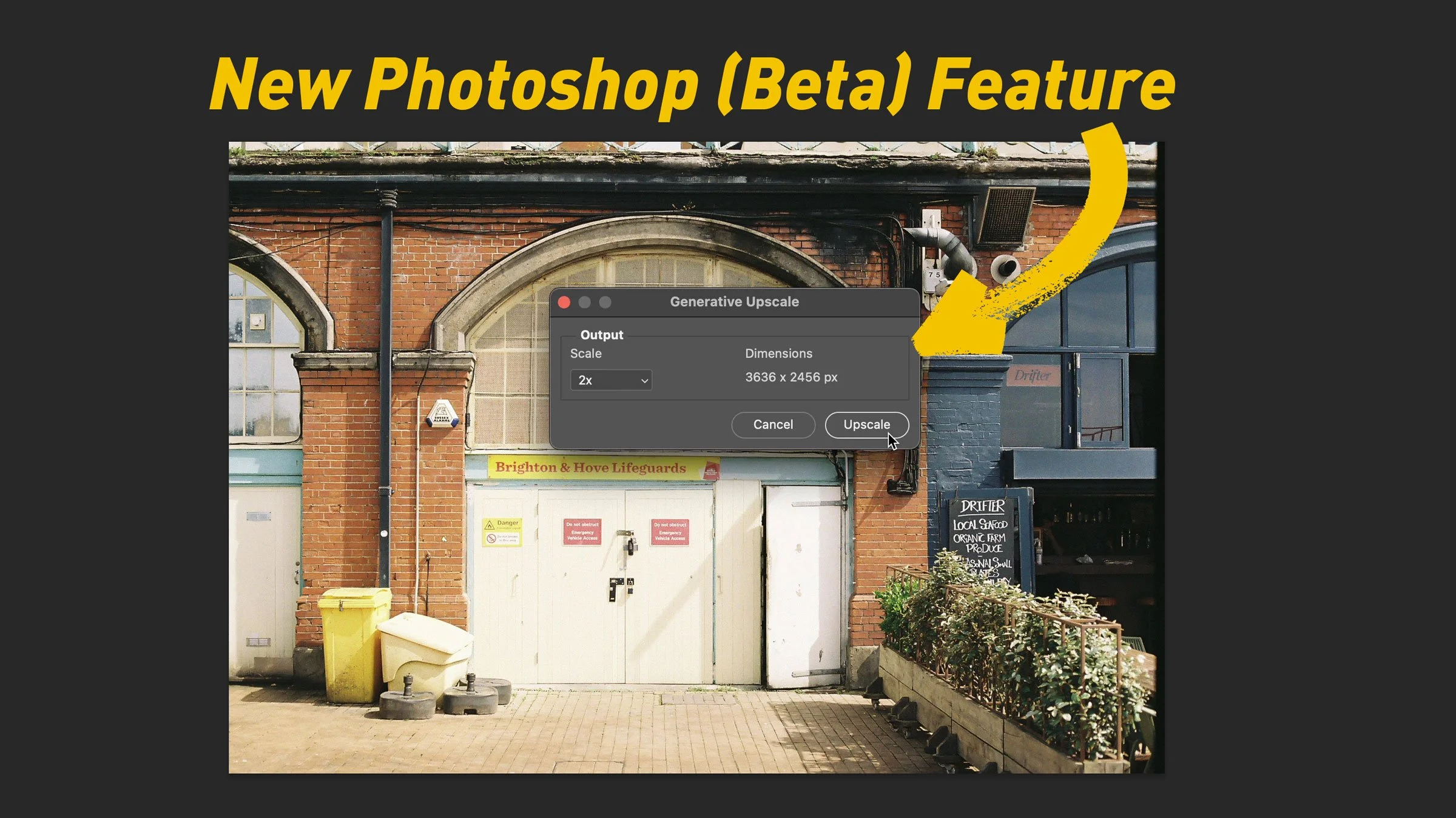
One of the mildly frustrating things about shooting film in 2025, apart from the cost, is getting your negatives scanned. Most labs will scan your film at the time of development, but the results are pretty terrible. They usually give you very low-resolution scans, with horrible noise reduction and sharpening turned up to eleven. These scans are mostly useless for anything except for previews. I have tried upscaling them and processing them in the past, to make them at least suitable for social media posts, but generally to no avail. Even using super resolution in Lightroom, the results aren’t great. Enter a new feature in the latest beta version of Photoshop.

How-to Background Process Denoise in Lightroom Classic 14.4 (and other AI Settings)

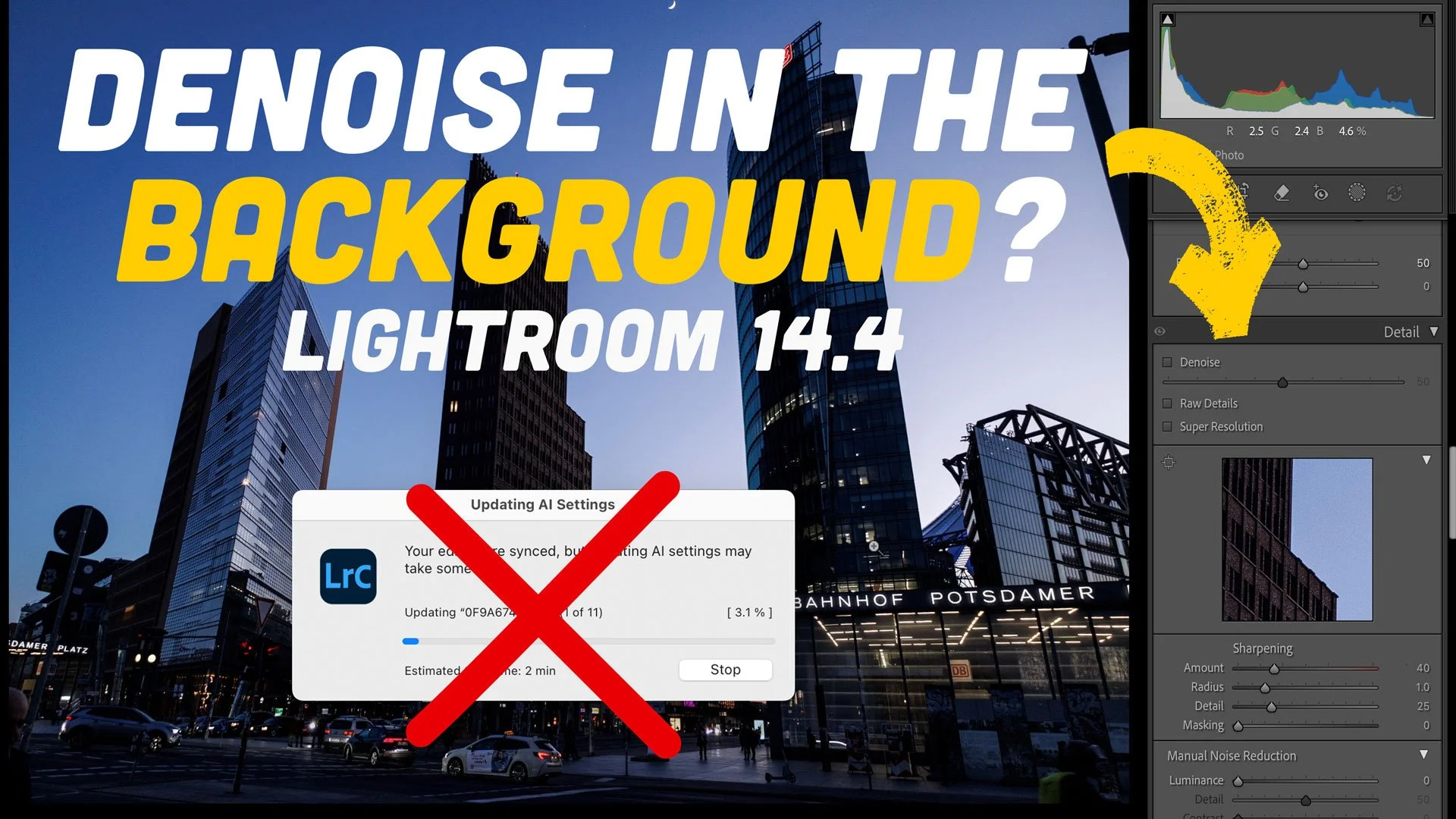
The 14.4 update to Lightroom caused quite a degree of consternation with its changes to how the software handles Denoise, Raw details and Super resolution. While I prefer the new method of applying these tools, some people really preferred the old way of creating DNG files. One of the biggest complaints I received, which is totally valid, is that when batch processing Denoise with the new method, it no longer updates in the background. If you’re doing a lot of images, this can take over Lightroom for minutes or even hours. After a bit of trial and error, I have found a way to get this to work in the background. It’s not perfect, and it’s a bit of a hack, but it means you can process hundreds of images without it taking over Lightroom.

AI is killing the Photography Internet (and the rest of the open internet too)

I know this may seem like a link bait headline, but in my opinion it’s actually true, but it’s not in the way you might think. I’m not talking about generative AI taking photographer’s jobs or anything like that. It’s the “AI everywhere no matter what” that’s making it harder and harder to get traffic to your website or portfolio. It’s also making content on tips and techniques obsolete. Ever since google started doing its (frequently wrong) AI summaries for search results, traffic to almost all sites has seen a steady decline. It’s not just something I noticed, it was actually on the news the other day.

A Quick Website Update

I’ve been a bit remiss in posting over the past two weeks, and that’s because I’ve been preoccupied with a little side project. For the longest time now, I have not been happy with my website(s). My photography web presence is basically split into two parts. There’s this one, which is my “gear and news” blog and then my portfolio site, which also has my (mostly) gear free “ pure photography” blog. Ive hosted these on Squarespace for years now, but I’ve been increasingly frustrated by the way the sites work, and by Squarespace in general. Unfortunately moving platforms isn’t really a viable option as the sites, particularly this one, are too big to easily move. With that in mind, I’ve set about trying to update them within the confines of the current host.