New Video: London Photo & Video Vlog: A Walk Along the Thames with the Canon R6II

Back at the end of April I was in London for a few days, so as always I took the opportunity to get a few photos and some video while I was there. I didn’t really go very far from our hotel in Southwark, pretty much staying to the south bank, but even here there is plenty to see just walking up and down the Thames. So Join me for a walk along the Thames in London taking in bridges, river traffic, and life by the water, capturing both video and stills with the Canon R6 Mark II.

If you prefer the old DNG based Lightroom Enhance to the 14.4 method, then here are two possible solutions.

I know I’ve been covering the topic of the changes Adobe made to the old “enhance” workflow a lot lately, but there seems to be quite a bit of questions and confusion around the topic. When I first made a video about it, I knew some people would have an issue with the way Lightroom now works, but I wasn’t really expecting such a backlash. On hindsight, I probably should have, but anyway. As some people really still want to be able to batch process Denoise or Raw Details in their images to a DNG, there are really only two solutions that I can think of.

The Best Way to Process Fujifilm X-Trans files in Lightroom in 2025

I’ve been exploring the challenges of processing Fujifilm X-Trans files ever since the original X-Pro 1, sharing tips, sharpening methods, and even an eBook along the way. Historically, Lightroom struggled with these unique raw files, demanding extra workarounds. But with Adobe’s latest update, that’s finally changed. Processing Fujifilm files is now straightforward, and it mostly comes down to one simple checkbox.

How to batch process Denoise in Lightroom 14.4

The recent release of Lightroom Classic 14.4 brought with it a major change to how denoise, raw details and super resolution work, and with that, some confusion. One of the most recurring questions I received since publishing a video on the new version last week was “how do you batch process Denoise in the new version?”. It’s pretty straightforward, and there’s actually several ways of doing it.

I was wrong and I’m delighted about it! Fujifilm Announces the X-E5.

A year and a half ago, I wrote a piece about the Fujifilm X100VI and how it was (at the time) the last of the rangefinder style cameras. When I wrote that piece, Fuji had discontinued the XE-4 and the X-Pro3, and there was no immediate sign of replacements. I had speculated that Fuji had ended these lines as the X-T Series and X100 lines were more popular. As an X-E4 owner, I was saddened but resigned to the fact. But luckily, I was wrong and today, Fujifilm announced the new X-E5.

A very “Bloggy” Update

I’ve been busy with travel and some other things, so I don’t really have any good tips or tutorials, so I thought I would do a good old-fashioned blog update. Remember when those were a thing? Anyway, here is a random collection of things I’ve been up to (photographically speaking) and ongoing projects and thoughts.

Denoise and SuperResolution on the same image - Adobe Broke my old trick to do this - Here’s a New Method!

A while ago, I shared a video on YouTube on how to do SuperResolution and Denoise on the same image using Lightroom and Photoshop. The trick was to do Denoise first, then send the image to Photoshop, save it and send it back, and then you would be able to do SuperResolution. Unfortunately, in a recent update, Adobe has broken this workflow. I’ve been working on finding another workaround for this, and after a bit of experimentation, I think I’ve found the solution.

Thoughts on the Fujifilm X-Half

Fujifilm has just released its long rumoured, and much teased “half” digital camera, and it has, to put it mildly, decided opinions. The camera, which looks like a tiny X100 series, is an homage to half frame film cameras of old, with a 1.0 type sensor mounted vertically and a vertical screen on the back. Fuji has also designed the software of the camera to mimic film as much as possible, even including a film mode. When activated, this mode doesn’t let you see what you’re capturing it until you reach the end of the roll and “develop” it in the companion camera app. It’s either a nice nod to nostalgia or a gimmick, depending on who you ask. But the one thing Fuji really, really wants you to know is that this camera is “Fun”.

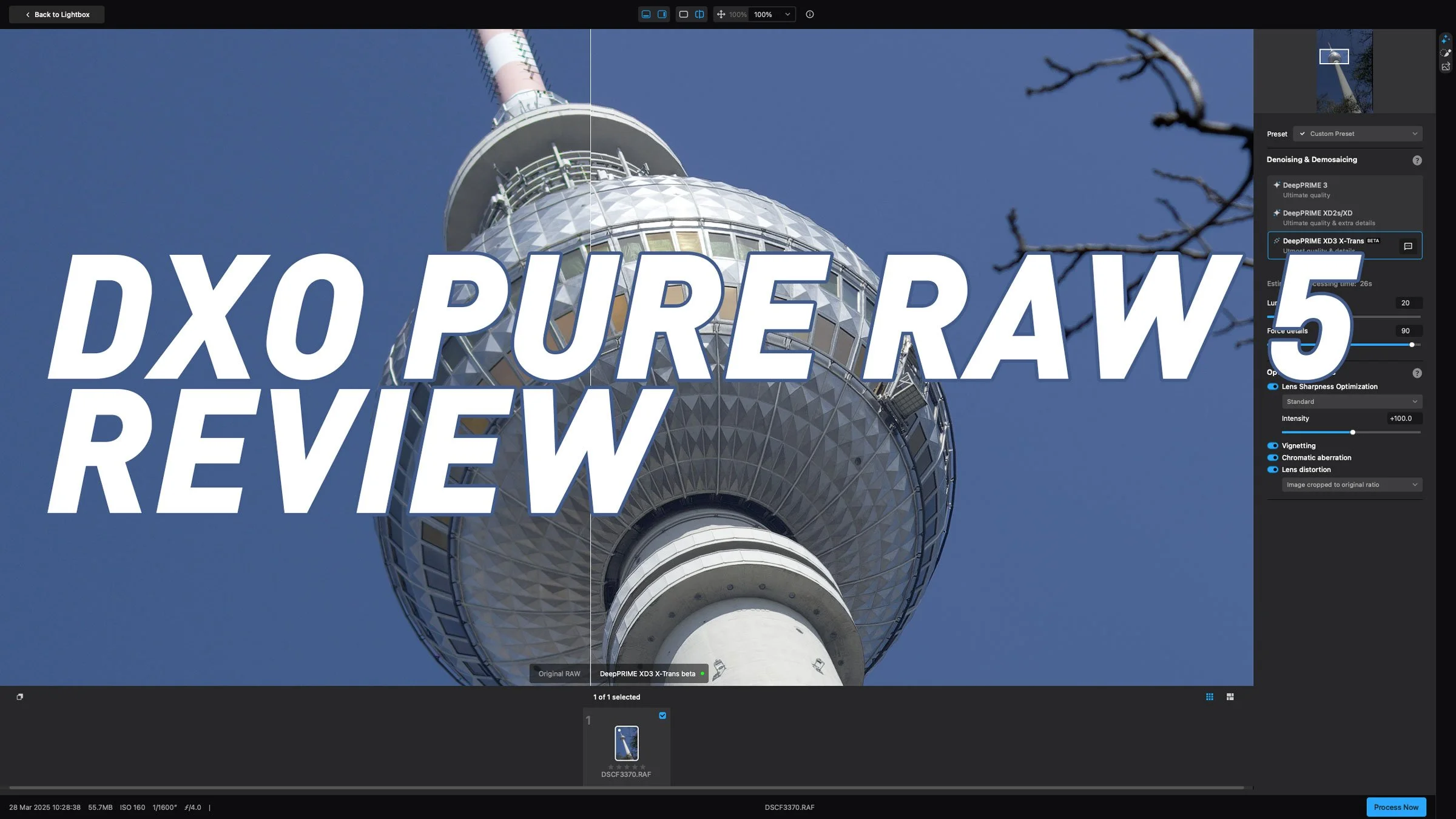
Pure Raw 5 - Image Quality and X-Trans Conversion Review

When PureRAW 5 was announced a couple of weeks ago, I had only briefly tried it and the initial release had an annoying bug in it, so I wasn’t able to test it properly. However, since that was quickly fixed, I have been trying it out properly to judge how much of an improvement it is over previous iterations. In particular, I have been looking at two main areas. Firstly, how good is the new X-Trans specific mode and secondly, does Deep Prime 3 address some of the issues of the previous version on non X-Trans images. 

Capture One Finally Fixes Retina Performance (and something about portraits)

Last week Capture One (the company) held an event which they had been hyping up for a few weeks to launch the latest version of Capture One (the software) as well as giving an update on the company’s direction. At least that’s how they billed it. They had been selling it pretty hard in the emails that they had been sending out to customers, but in the end, the reality didn’t match the hype. But there was one important fix that wasn’t mentioned in the event…

Exploring Adobe Lightroom 14.3's New AI Landscape Masking Feature: A First Look

Adobe has just rolled out the latest version of Lightroom, introducing an exciting new AI-powered feature: Landscape Masking. This addition promises to revolutionize how photographers and editors work with landscape images by allowing not only the selection of entire landscapes but also individual elements within them. In this post, I’ll share my hands-on experience with this new tool, highlighting its strengths, quirks, and potential.

Berlin by iPhone

A few weeks ago I got to spend some time in Berlin, and so of course I took the opportunity to try and photograph the city whenever I had a chance. While I actually had a bunch of different cameras with me, I ended up taking quite a lot of photos on my iPhone. I will cover the other photos I got with both my Fujifilm and Canon cameras in a later post, but for now, I thought I would collect all the iPhone ones into a single story!

What to do if your lens isn’t supported by Capture One - Use DXO Pure Raw

I haven’t been using Capture One as much over the past year, and it’s for one simple reason. The lens I have with my Canon R6II isn’t supported by the software. Now, I could get into how ridiculous that is as the lens in question, the Canon RF24-105 f4-7.1 is a kit lens on several of Canon’s Cameras, but instead I’ll focus on a solution. Based on some of the comments on Reddit and Capture One’s own forums (before they inexplicably closed them) I know this isn’t the only mainstream lens not supported. So if you still want to use Capture One, but you need lens corrections, there is a solution. It’s not ideal, but it does solve the problem. Enter DXO Pure Raw.

The One Time I did an April Fools' Joke (And An Ode To Apple’s Aperture)

I think I can safely say that the internet and social media has made April Fool’s Day one of the most hated days of the year. Every time it rolls around, we have to put up with a deluge of stupid jokes and a few that are good enough to be fooled by. Then there’s the actual news that you just assume is a Jobe because it’s so out there. Yes, a fun time is had by all. Not. I only partook in this ritual once and something happened today that made me think of it, but more on that in a minute. It was years ago, and it was on my old “Aperture Blog” blog. It was towards the end of Aperture before it was discontinued, and I put out a fake screenshot that I made in Photoshop and claimed that Apple had finally released Aperture X. I didn’t think anyone would fall for it as it was so obviously a joke. I was wrong.