

Photo Editing, Tutorials, Photography News, and More
This blog covers a range of topics from Lightroom, Photoshop, Capture One, Fujifilm, Canon, Nikon, iPhone Photography, and more. If you want to see more of my actual photography work, visit my Portfolio and Photo Journal blog.
Featured Posts




Key new Features of Adobe’s October 2024 Photography Releases
Adobe has just held its annual adobe MAX conference, and as part of the event it announced a slew of new updates across its product lines. This, of course included its Photography products, and all versions of Lightroom, Camera Raw and Photoshop have been updated. In this blog post, I’m going to cover a few of the key new features across the lineup.

FilmLUX Classic - Film Presets for Lightroom Now Available
I’ve finally done it! My first new set of Lightroom presets in nearly five years are now available. As I mentioned in a couple of previous posts, this took a lot of work to get out the door, mainly because I haven’t done one of these sets in so long, but I’m pretty happy with the results, and I hope you will be too!

New Presets Update
Just a quick update on the presets that I posted about last week. I made the cardinal mistake of giving a timeline for these when I wasn’t ready. So, needless to say, I was a bit optimistic when I said that I’d have them out within about a week. It’s taking a bit longer than I had anticipated (it always does) so they’re not quite ready yet! But hopefully not too much longer.

New Lightroom Presets Coming Soon
I’m delighted to share some information about a project I’ve been working on for a little while. As long time readers might know, I used to have a selection of Lightroom presets available back when I ran my own download store. Since I closed that in favour of selling on Gumroad, I have only really kept my black and white presets, T-Pan available. I had wanted to bring some of my other presets back for sale again, but when I looked at them I realised that many of them were quite dated. I started by looking to see if I could bring some of these old presets up to date, but I ended up with an entirely new set!
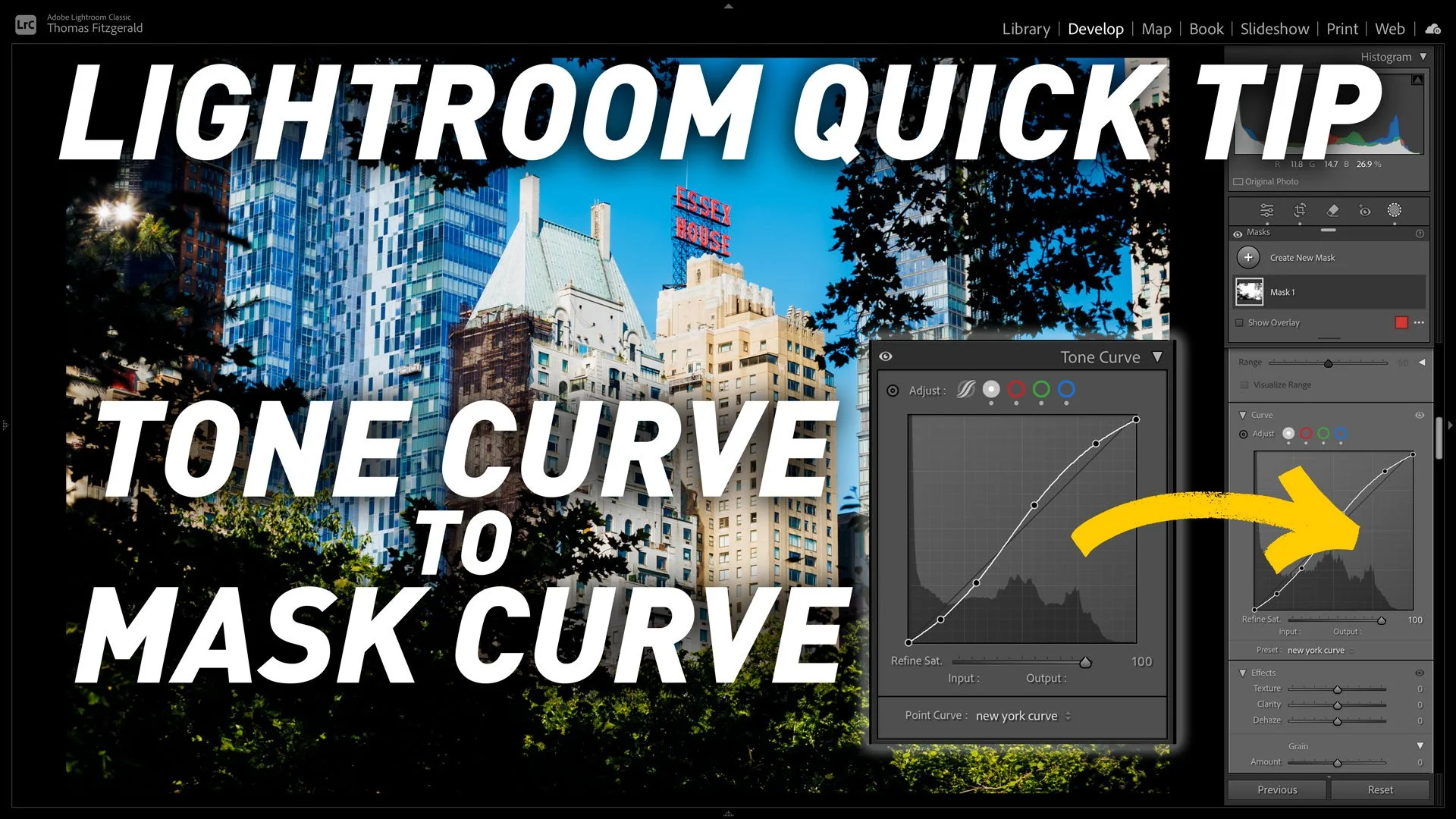
Lightroom Quick tip: How to copy Lightroom’s Tone Curve to a Mask's Curve
This is kind of a nerdy tip, but if, for whatever reason, you need to copy the settings from the main tone curve in Lightroom to the tone curve on a mask, you may be wondering how to do this, as it’s not immediately obvious. Well, there are actually two ways, and in this post (and video) I show you how to do it.

Video: Edit your photos using Only Masks in Lightroom
Ever since Adobe added the new masking architecture in Lightroom a few years ago, it’s totally changed the way I work with the software. I find myself using masks way more than I used to and it’s led to me approaching my edits in a whole different way. To try and take that to the limit, I set out to see if I could edit a photo entirely by just using the masks tool, and not touching the standard editing controls.

Adobe Releases Lightroom Classic 13.3 - Now with Generative Remove AI
Adobe has announced a new release of Lightroom, and it has the usual bug fixes and new camera support in this release as well as some new features. There’s one new feature which, I think, is probably going to be what most people will talk about with this release; that’s the new generative remove, powered by the companies “Firefly” AI engine.

New Video: Landscape Photo Editing - From start to Finish in Lightroom & Photoshop
I was recently visiting a somewhat famous waterfall not too far from where I live and of course I took some photos while I was there. We went primarily to enjoy the fresh air and scenery, so it wasn’t a specific photo shoot, but even so I got some interesting images. One worked out particularly well, and I thought my process for editing it would make an interesting video, so here it is!

Create Dramatic Monochrome Seascapes in Lightroom and SilverEfex
A good while ago now, I posted some photos of a dramatic seascape that I had taken of Dublin bay in the aftermath of a storm. A few people had asked me how I created the dramatic black and white look, and so I thought it would make a good video. I had used a combination of Lightroom and Nik Silver Efex for the processing and in the video I walk you through the process.

iPhone ProRaw Underexposure in Lightroom and How to fix it
When you import ProRAW files into Lightroom, it defaults to using the Apple ProRAW colour profile. The colours on this are…let’s just say, they’re not great. It makes it look like it would if you had just shot it normally and not used ProRAW. In particular, shadows seem pushed too much, and highlights have a weird yellow tone. No problem, just switch to one of the Adobe colour profiles, I hear you say. This is where the weirdness comes in. If you switch to the Adobe profile, it will be significantly under exposed.
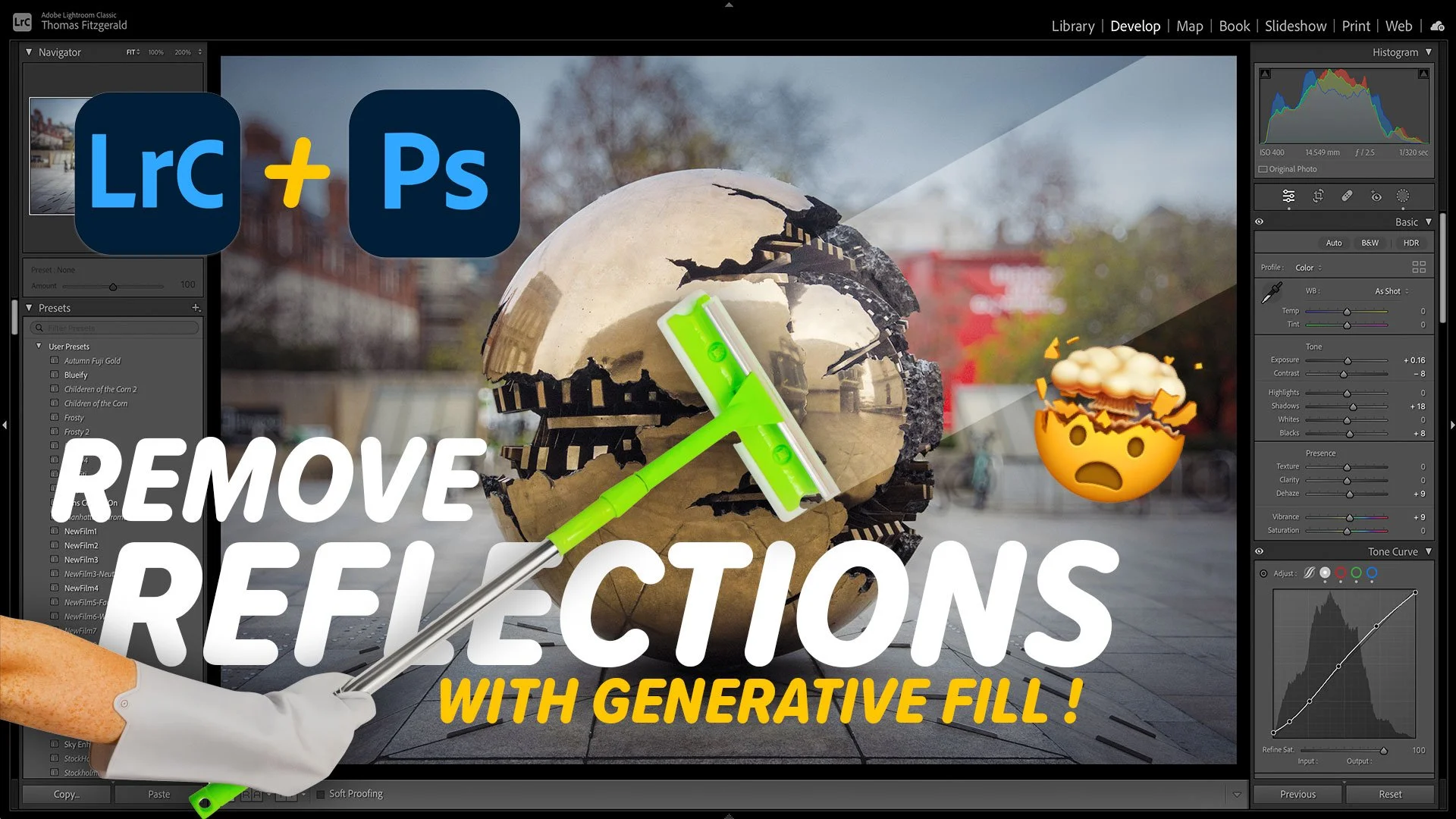
New Video: Generative Fill is the Best Way to Remove Reflections from Photos
A little while ago I was going through some photos and I came across a cool shot I had taken in New York of a dog in front of a large window. Unfortunately it was ruined by the reflection of yours truly. Normally removing something like this would be quite time consuming, so I thought, why not try Generative Fill. Not only did it work, but it worked perfectly at removing the reflections and keeping the other detail. So I made a video to show you the process…
Lightroom Quick Tip - How to use Denoise and Super Resolution on the Same Image!
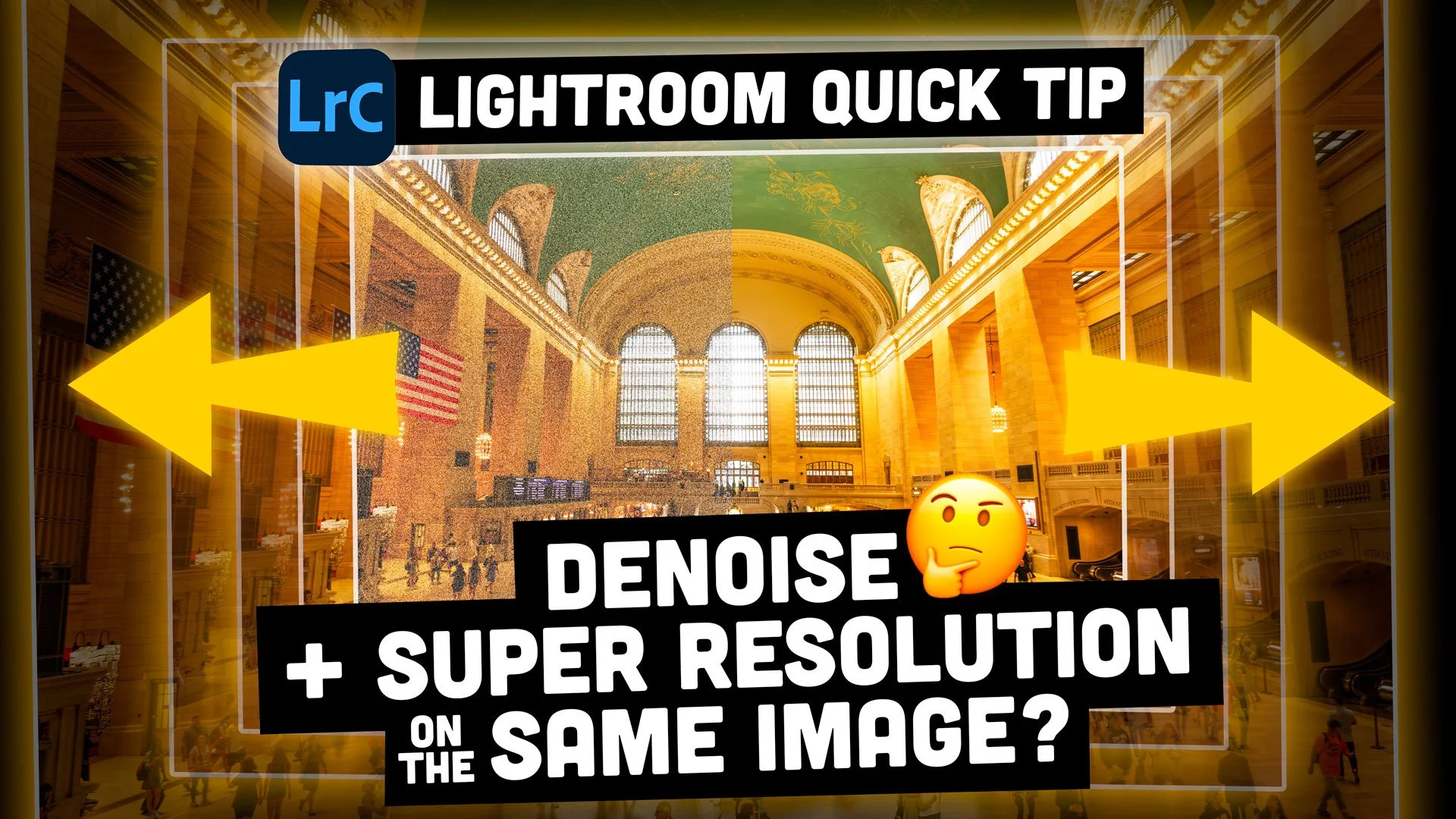
Two of the most impressive features added to Lightroom in recent years are the AI-based “Denoise” and “Super Resolution” features that live in the “Enhance” tool. Denoise has been something of a game-changer in particular. Unfortunately, though, you can’t use both of these functions on the same image. Or can you?

New Video: How to do a Tilt Shift Miniature Effect in Lightroom With No Plug-ins
In this video I show you how you can use the new lens blur feature in Lightroom Classic 13 to create a faux tilt shift miniature effect in Lightroom. This technique allows you to create the effect without any plug-ins or having to go to Photoshop.

Lightroom Classic 13 Released
Yesterday, as part of its Max event, Adobe released a new version of the Lightroom family. This includes Lightroom Desktop 7.0, the latest versions of Lightroom mobile and Lightroom Classic 13. In this post, We’ll have a look at some of the key features of Lightroom Classic 13.

Two Quick Lightroom Tips
I’ve been busy processing a backlog of photos in Lightroom recently, and while working with the software, I noticed a couple of things that I do, of which people may not be aware. These are pretty small tips, and you may already be aware of both of these, but if not, I hope they will be helpful to your workflow in the future. So, without further ado…