

Photo Editing, Tutorials, Photography News, and More
This blog covers a range of topics from Lightroom, Photoshop, Capture One, Fujifilm, Canon, Nikon, iPhone Photography, and more. If you want to see more of my actual photography work, visit my Portfolio and Photo Journal blog.
Featured Posts




DXO Pure Raw 2.1 released. Native Apple Silicon and Support for new Cameras
DXO labs have just released an update for DXO Pure Raw 2. Version 2.1 is now fully native on Apple silicon, and leverages Apple’s M1 and M2 processors. This release also adds support for the latest Canon Eos R series of cameras, and adds some improvements to the batch processing workflow.

Reverting to the old tool Tab Layout in Capture One 22 15.3
When Capture One released the latest version (15.3) one of the key “features” was a re-designed layout of the tools and tool tabs. This seems to have been done for consistency with the iPad version of Capture One, but some people may still prefer the old layout. Luckily, you can revert to the old style arrangement of the tools, although there are still some changes. In this post, I’ll show you how to do this.

DXO Releases Film Pack 6.3
DXO Labs has just announced the release of Film Pack 6.3. This update brings new camera support, is now native on Apple M1 and has some user interface improvements.

Cool Feature of the Nik Software Suite – Copy and Paste Nik Settings directly in Lightroom
With the recent release of the Nik 5 plug-in collection], I have been using the software a bit more lately, and one of the cool things in the suite, is something that you may not be aware of. I don’t think this is actually a new feature in version 5, as I believe this was in 4 too, but there is some pretty impressive Lightroom integration with the suite. Specifically, you can copy and apply settings for the Nik plug-ins to other images directly in Lightroom.

Nik Collection 5 released
DXO Labs today announced the release of Nik Collection 5. The suite of Plug-ins contains major upgrades to ColorEfex and AnalogEfex which include a new user interface as well as anew grain tool and the companies clear view technology. The suite also now comes with DXO Photolab 5 Essential, bringing Raw editing and DXO’s renowned optics correction to the suite.

Capture One 22 Version 15.3 Released
Seems to be the day for updates! Not long after Adobe went live with the latest round of updates for the Lightroom and Photoshop ecosystem, Capture One has released the latest update for Capture One. Bringing the version number to 15.3 the latest update to Capture One 22 features several new features, a refined interface, and improved tethering.

DXO Photo Lab 5.2 Released - Important notes for Fuji and Apple Silicon Users
DXO quietly released the latest update to DXO Photo Lab sometime recently. I don’t know when exactly this was as there was no press release or anything and I wasn’t really paying that much attention to the software update notices, but it’s actually an important release for two reasons. It brings improvements to Fuji support and improves the way Fuji cameras are handled in an important way. It also makes us aware of a bug in the latest MacOS and offers a work around. Read on for more details

Capture One 15.2 Released. Adds new Auto Perspective Tool & Other features
Capture One has just released a new version of the software with some new features, bug fixes and improvements. This release brings Capture One to 15.2. The big new feature is an AI-based auto-perspective-correction tool, similar to Lightroom’s “Upright” feature. Also included, is an improved auto-straighten tool.

Video: Capture One Beginners - The Many Ways to Rotate an Image in Capture One
One of the things about Capture One that is both a good and a bad thing about the software, is that there are often many ways to do the same task. While some people like myself, like this about the application, new users often find this frustrating. One good example of this is rotating images. There are so many different ways to rotate images in Capture One and in this video I go through 9 different methods. (Well, I show 8, but I mention a 9th)

More Notes on DXO Pure Raw 2 - Fuji Processing - General Tips
Ever since it came out last week, I’ve been getting lots of questions about Pure Raw 2. I had outlined a first look at the software last week, both here and on my YouTube Channel, and I’ve had lots of comments and queries on various aspects of the application. So, I thought I’d try and address some of the key things people had questions about in this post.
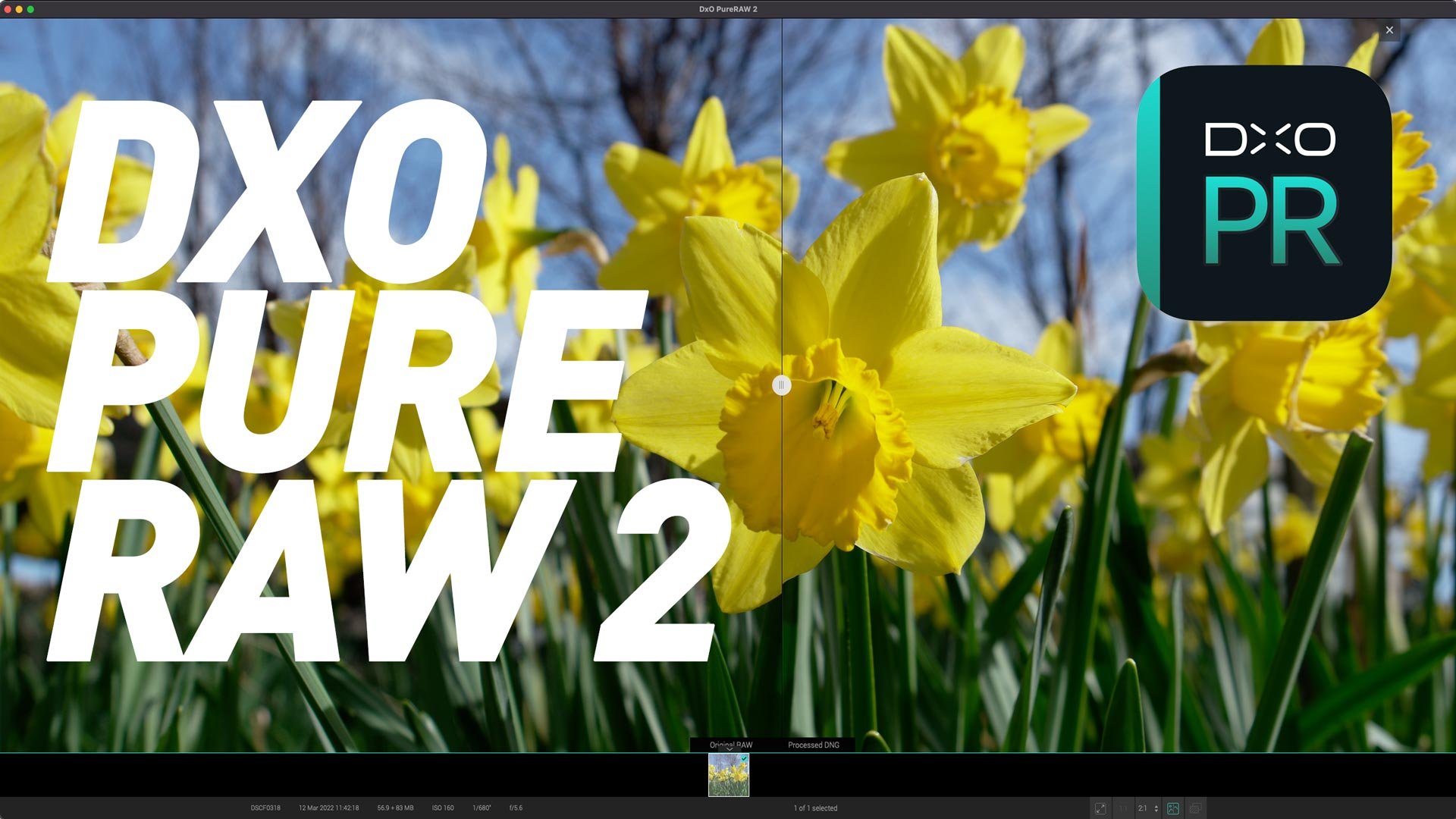
DXO Introduces Pure Raw 2 - Now with Lightroom Plug in and Fuji X-Trans Support
Today DXO Labs announced the release of the second version of DXO Purer Raw. In case you haven’t heard of Pure Raw before it’s DXO Labs’s Raw pre-processing software. It allows you to take advantage of the company’s excellent Ai-based noise reduction and demosiacing technologies, while still using your favourite editing application. The new release adds to major new features: Fuji X-Trans support and much improved workflow options.
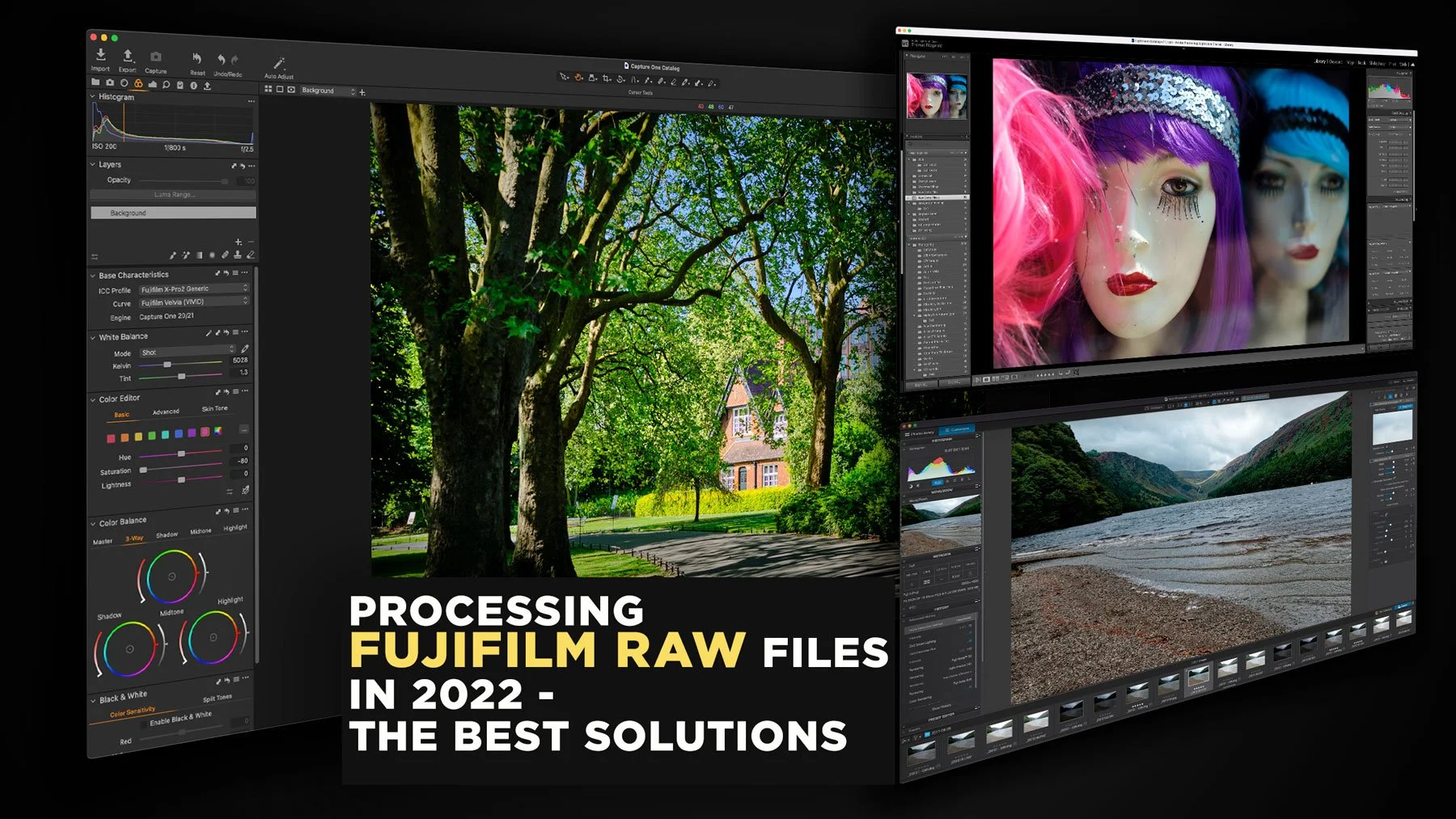
Processing Fujifilm Raw Files in 2022 - The Best Solutions
The topic of how best to process Fuji raw files has been a long-running topic on this website. I’ve covered it extensively in the past, including a previous version of this article. However, over the past two years since the last time I updated this, there have been a few changes to the landscape, and so it’s time to write an updated version. So, what are the best options for Fujifilm raw processing in 2022? (In my opinion)

Nik Collection 4.3 Update Released
DxO labs has just released the latest update to the Nik software collection. The latest release, version 4.3 features new presets to “enhances the character of landscape and travel photographs” according to the press release.
Iridient X-Transformer Updated
It’s been quite a while since we got an update to Iridient X-Transformer, and I was beginning to get a bit worried about the future of the software. Some users had also written to me expressing their concern. Luckily my fears were unnecessary, and there is now a new version (Version 2.01) which brings support for all of the recent Fujifilm cameras as well as native Apple silicon compatibility.

How to Use DxO PhotoLab to pre-process Fuji Raw files for Lightroom
DXO labs recently added Fujifilm support to PhotoLab 5, the companies Raw processing application. The support is currently in beta, but my initial testing shows that it gives promising results, that are among the best you can achieve. DXO’s Raw Pre-Processing application, Pure Raw, currently does not support Fuji files. However, if you want to use DXO’s technology with Lightroom, you can still use PhotoLab as a way to pre-bake your Fujifilm Raw files for use with Adobe applications.

DxO PhotoLab 5 for Fuji shooters - how to get the best results
When DXO Photo Lab 5 was released a few weeks ago, it came as a pleasant surprise to many that they had finally decided to support Fuji cameras. Fujifilm support is currently in beta, but the software is capable of producing some really good results. However, to get the best quality, you need to jump through a few hoops first. In this article, I’ll talk you through how to get the best results and some of the options you need to consider.

DXO Announces Film Pack 6
In addition to releasing a new version of DXO PhotoLab, the company has also released a new version of its film simulation software: Film Pack. This latest version introduces new films, cinematographic renderings, and Fujifilm in addition to support for X-Trans RAW files (Beta). It features a wide array of new effects as well as a new featured called Time Machine, which gives users a unique and interactive introduction to the history of film photography.
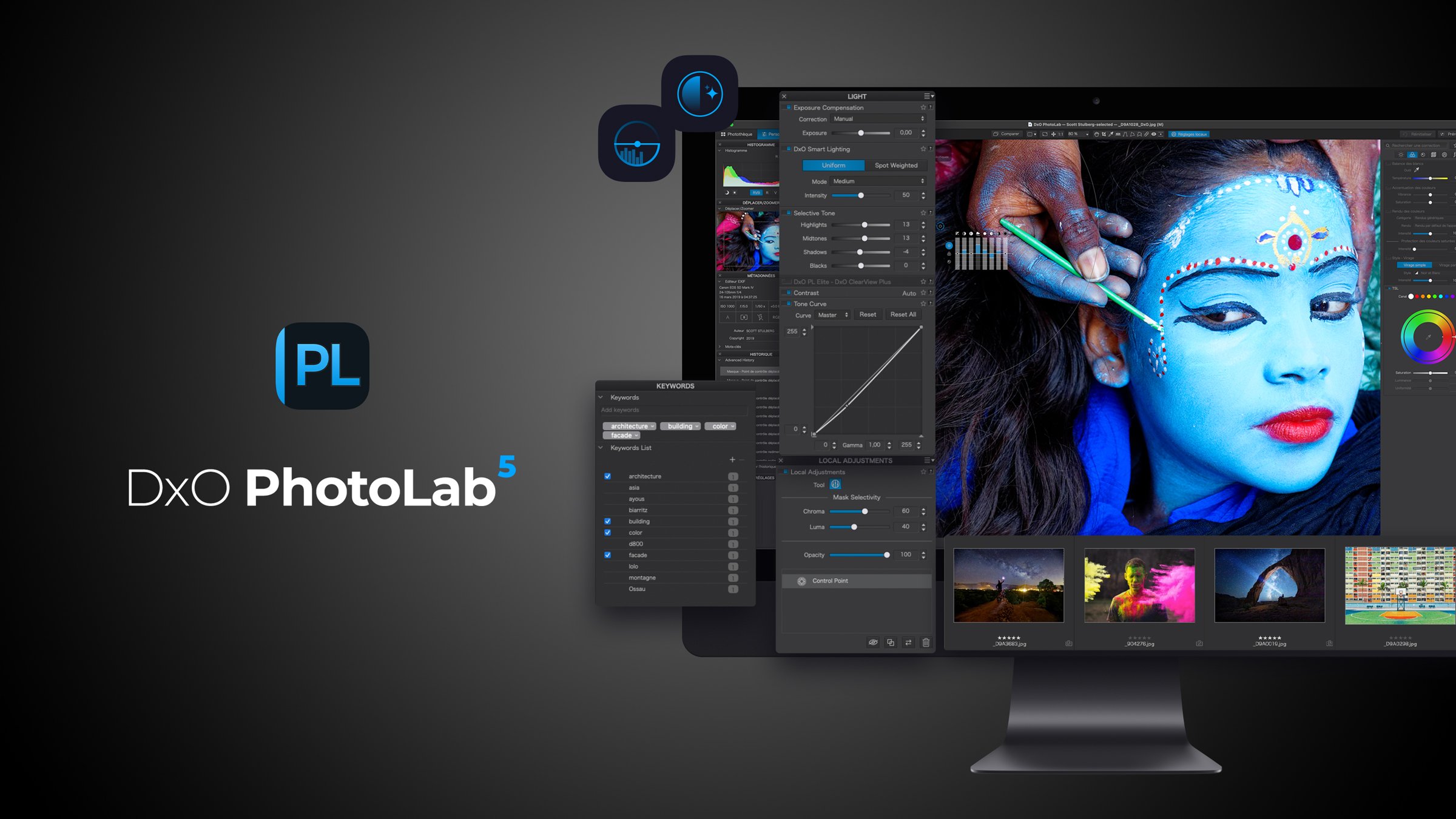
DXO Launches PhotoLab 5 with Beta Support for Fujifilm X-Trans
Today DXO labs launches the latest version of DXO PhotoLab and it contains several new and improved features. However the big one, and the one I never thought I would ever see, is that the software now supports FujiFilm X-Trans cameras. While this support is currently in beta, it finally brings the software to Fujifilm X-Series shooters.