
Photo Editing, Tutorials, Photography News, and More
This blog covers a range of topics from Lightroom, Photoshop, Capture One, Fujifilm, Canon, Nikon, iPhone Photography, and more. If you want to see more of my actual photography work, visit my Portfolio and Photo Journal blog.
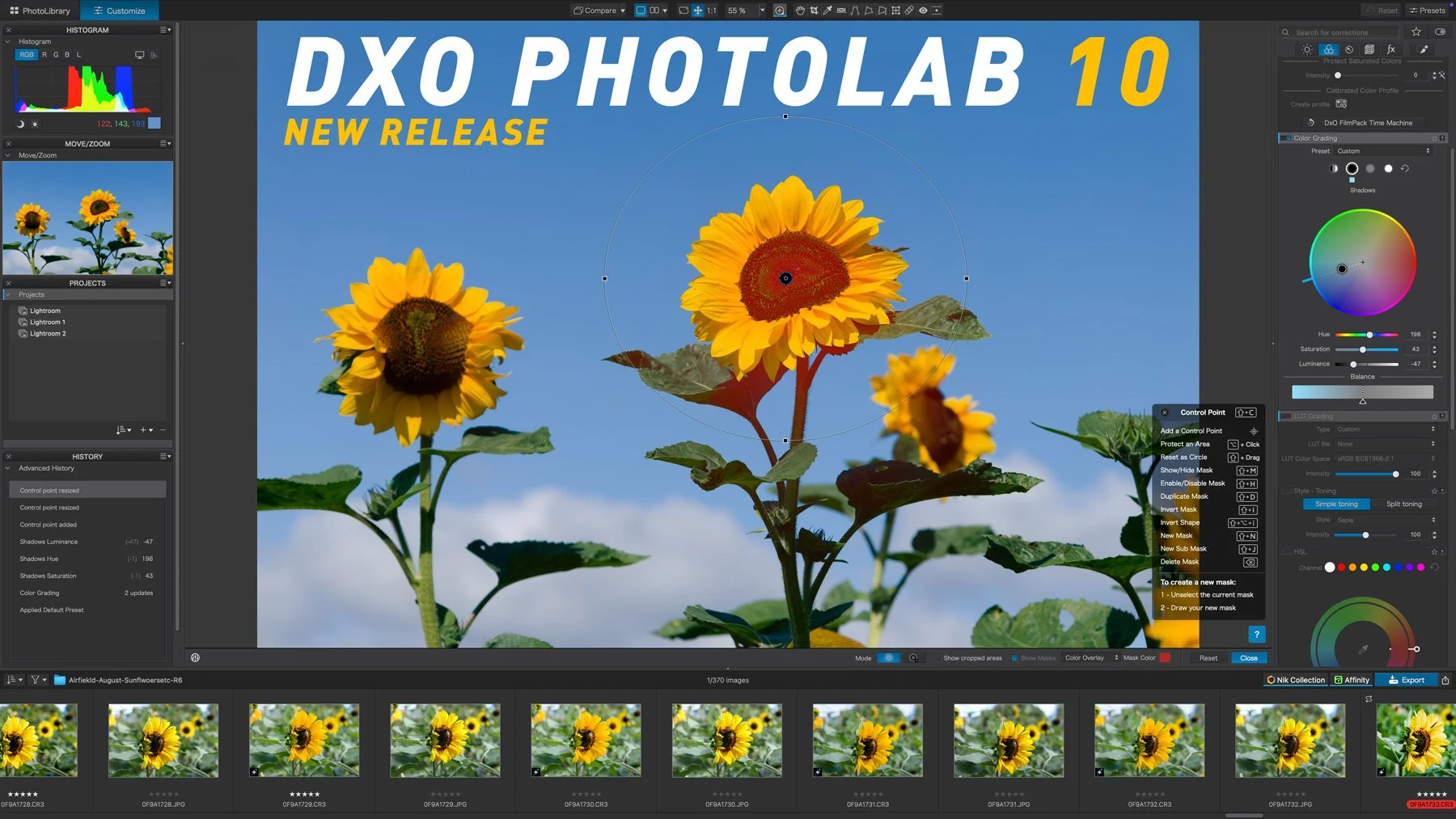
DxO PhotoLab 10 released: adds depth-aware masking, colour grading and expanded AI tools
DxO PhotoLab 10 has been released, and it introduces a range of new tools for RAW photo editing, including AI-powered Depth Masks for distance-based adjustments, a new Colour Grading tool, expanded AI masking and face segmentation, and improved U Point controls. The update also adds automatic sensor dust removal, direct pixel-level editing in Affinity, and several workflow improvements for managing and editing photo libraries.
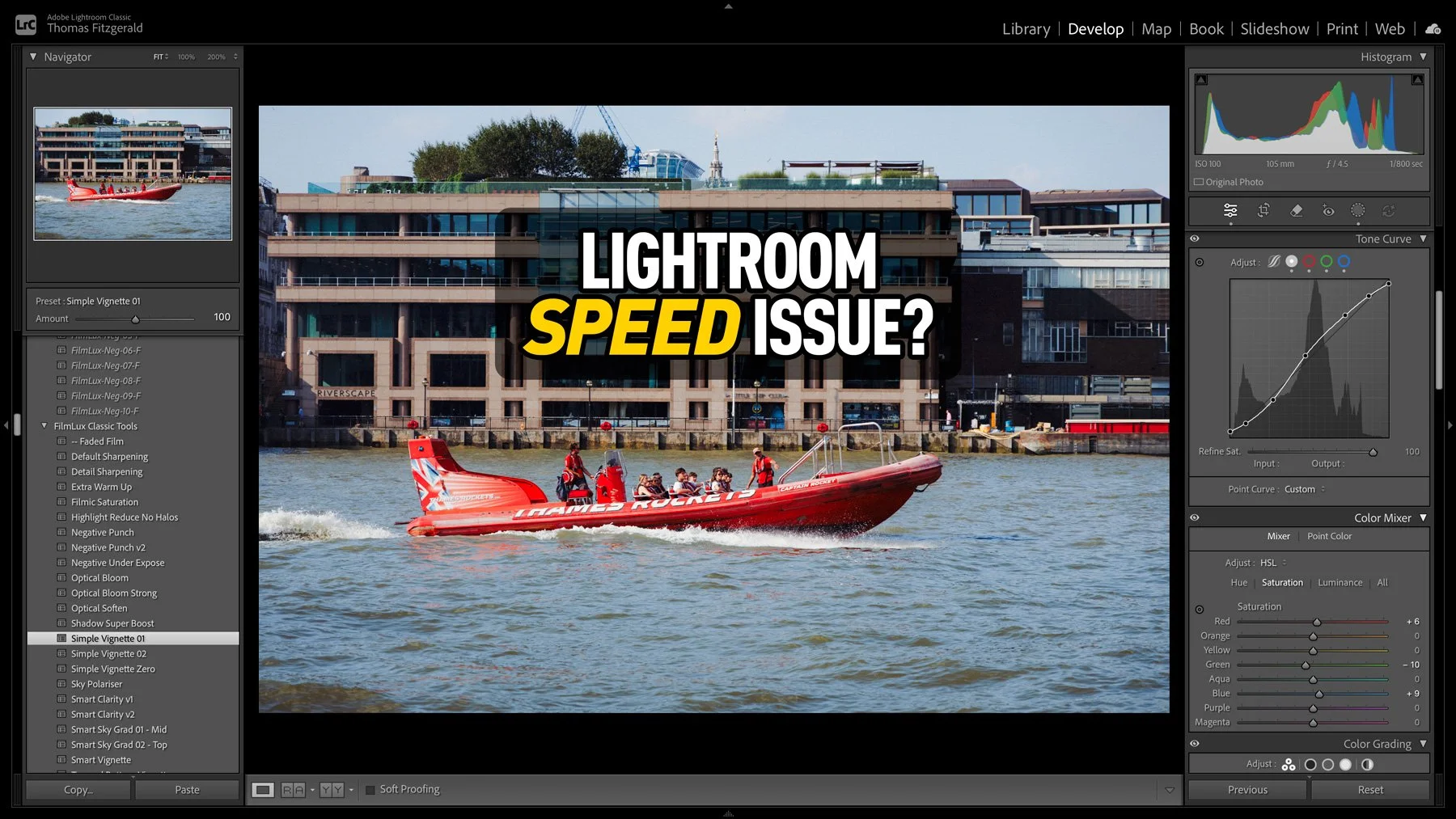
An Unusual Issue Slowing Down Lightroom Classic (And How I Fixed It)
I had taken some photos over the weekend, and I was processing them in Lightroom when I noticed that the software was acting unusually. When I applied a preset, the preview worked perfectly, but it took a few seconds to actually apply. At first I thought that maybe this was an issue with the new version of Lightroom, so I quit and restarted. It was then that I noticed another weird issue: the software was still trying to write the metadata to disk. So I thought that maybe my disk was running out of space. I checked, and there was still lots of room. Curiouser and curiouser I thought. While it turned out not to be a disk space issue, I was actually close to the source of the problem, thinking it was disk-related.
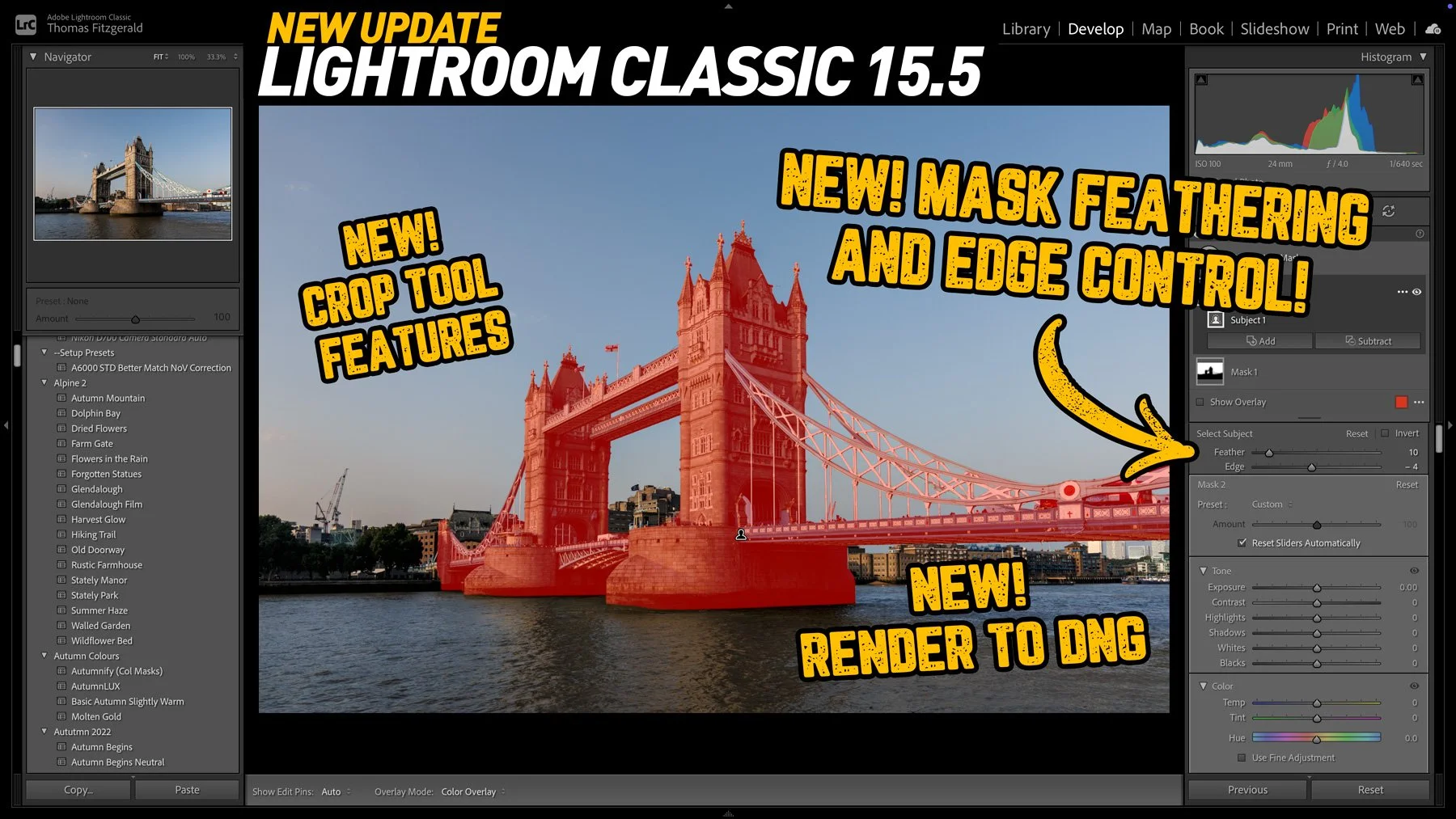
Lightroom Classic 15.5 Released: Three new key features in this new release
Adobe has released the latest round of Lightroom and Camera RAW updates, and in this article we’re going to concentrate on Lightroom Classic. Aside from the usual under-the-hood tweaks and bug fixes, Lightroom Classic 15.5 adds three new key features, one of which I’ve been asking for for a long time!

Adobe strikes again: buys Topaz Labs
The news that Adobe has agreed to acquire Topaz Labs has hit the creative community with a collective “what the f….”. For anyone who relies on tools like Gigapixel, Photo AI, and Video AI, I’m sure this news is a bit of a worrying development, especially if you’re one of those creators who had exited the Adobe ecosystem (”you fool … there is no escape!”).
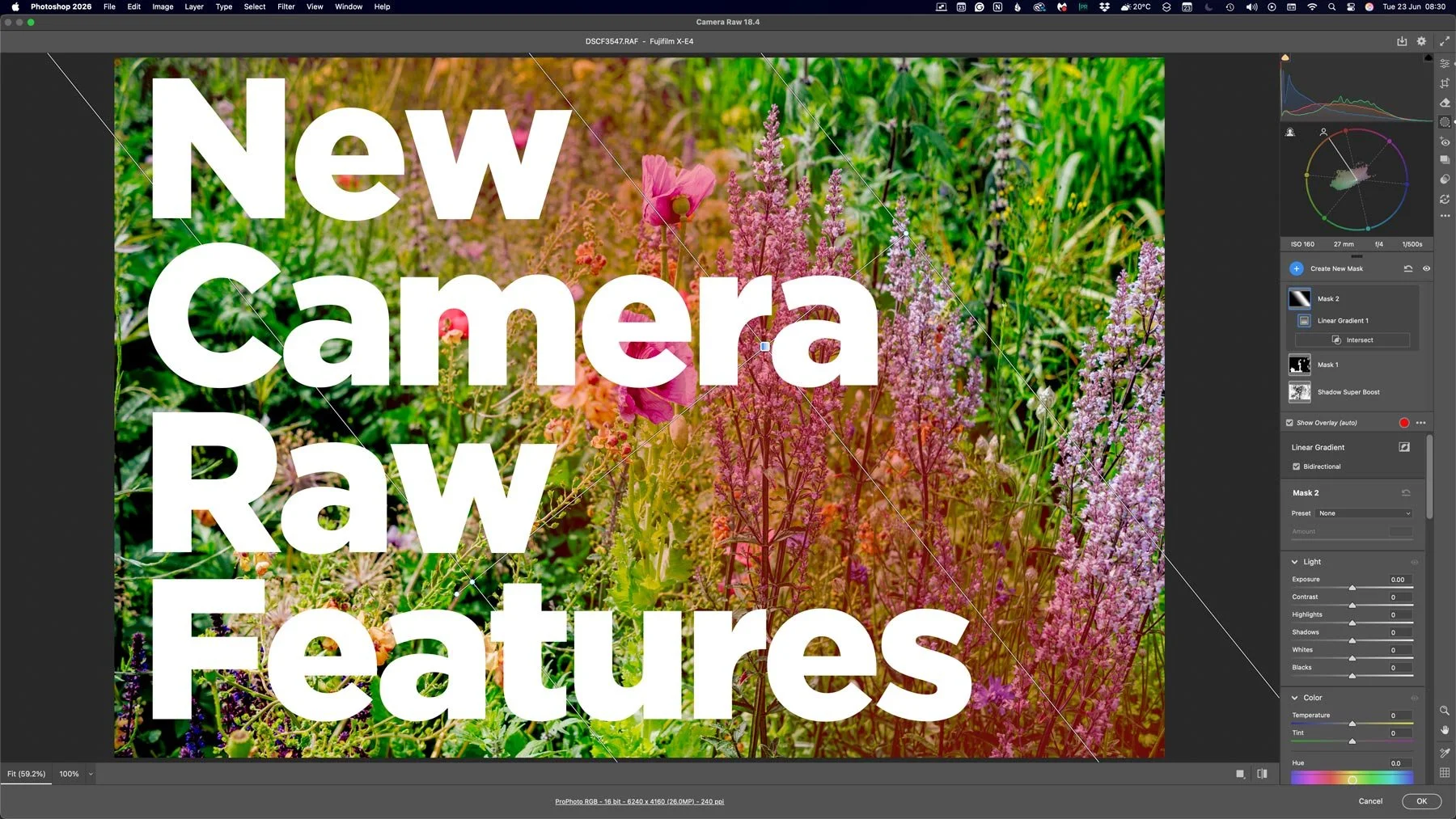
Lots of new features in Camera RAW that aren’t in Lightroom
With the last few Photoshop releases, Adobe has kept adding new features to Camera RAW. Usually, these would be added to Lightroom either at the same time or with the following release, but so recently, this hasn’t been the case. And these haven’t been minor features either, we’re talking some big, long-sought-after tools, including the colour corrector in masks, and the ability to adjust the edges and feathering of AI masks. Are we seeing a different strategy emerging from Adobe regarding its photography applications?
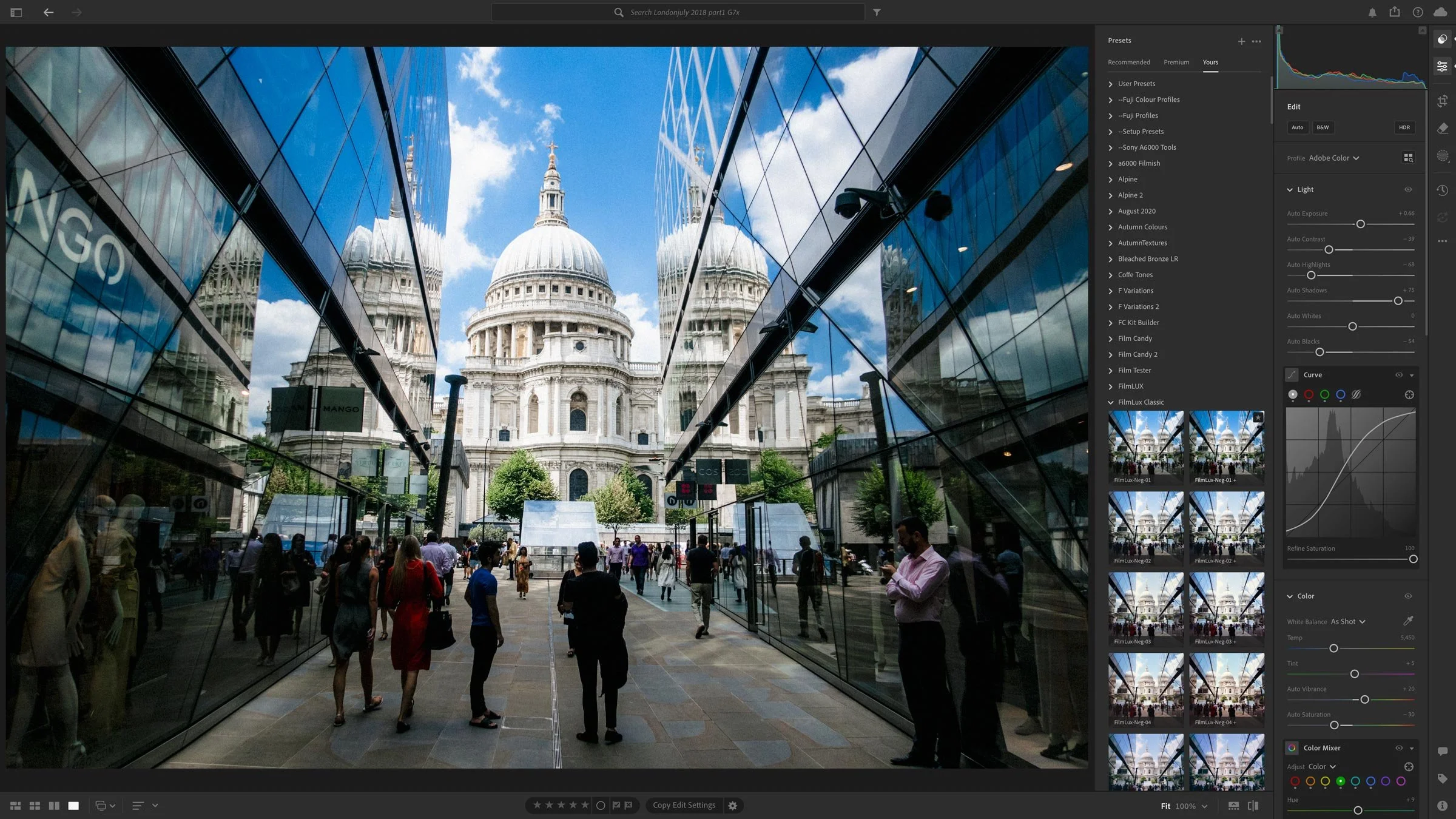
Lightroom and Other Adobe Photography Updates Coming This Week
A set of June updates to Adobe’s Photography applications will be released later this week. This will include Lightroom Classic, Lightroom, Photoshop and so on. For the most part, these will be bug fixes and new camera support, but there are a couple of things worth noting.
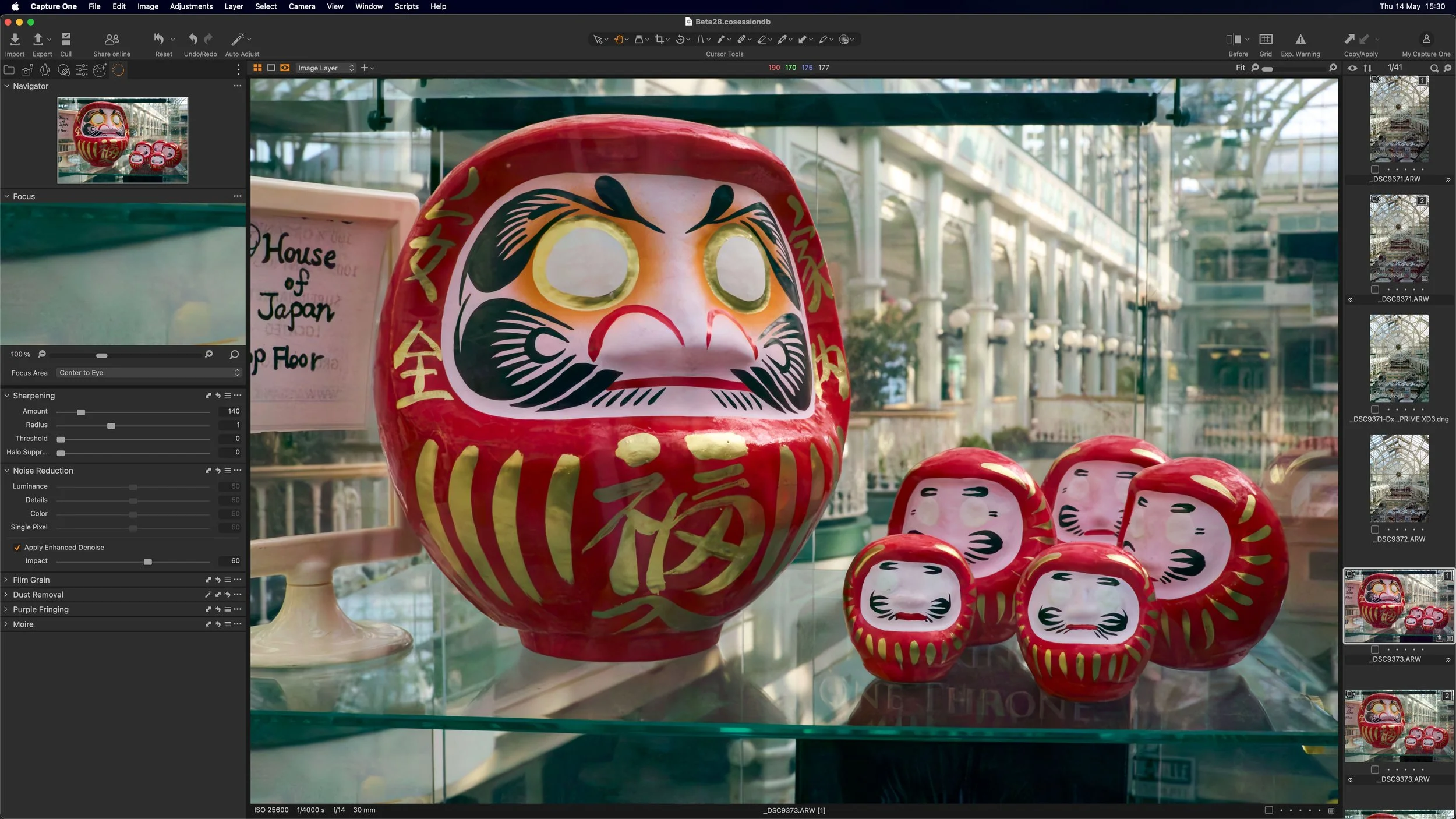
Capture One (Beta) Adds AI Noise Reduction
Capture One has released a new beta version of the software, that adds a much requested feature. The new release adds AI noise reduction to the photo editing application, and while currently only in Beta, it looks promising.
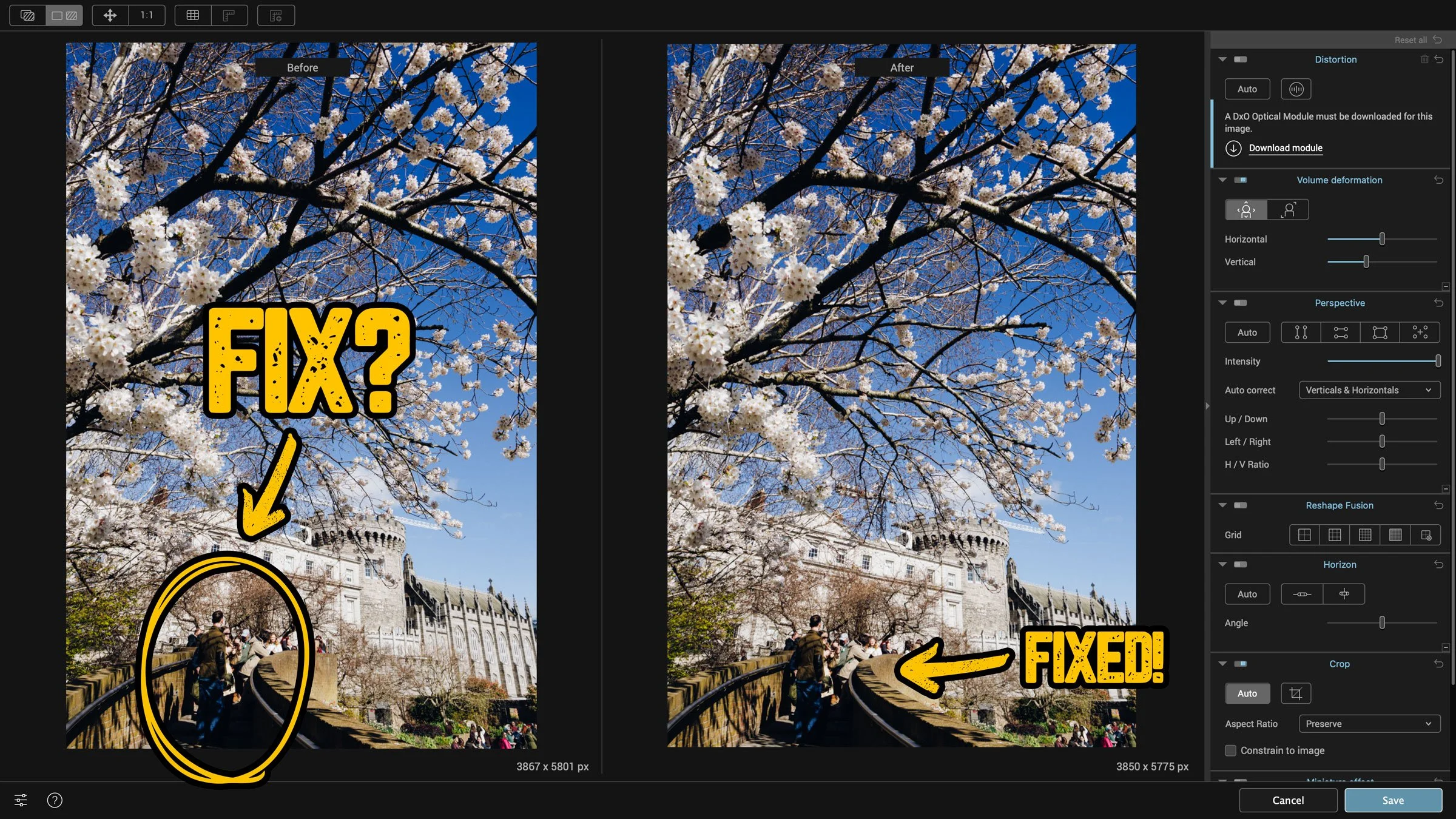
How to fix “Stretchy People” when shooting with a wide angle lens
This is one of those things that you might only ever come across once in the blue moon, but when you do, it’s useful to know how to fix it. If you’re shooting with a wide-angle lens, something like a 24mm or wider, and you have people at the edge of the frame, they can be distorted. This is especially true when shooting in portrait orientation and looking up. Like I said, this is a very specific situation, and it’s only by chance that I knew how to fix this.
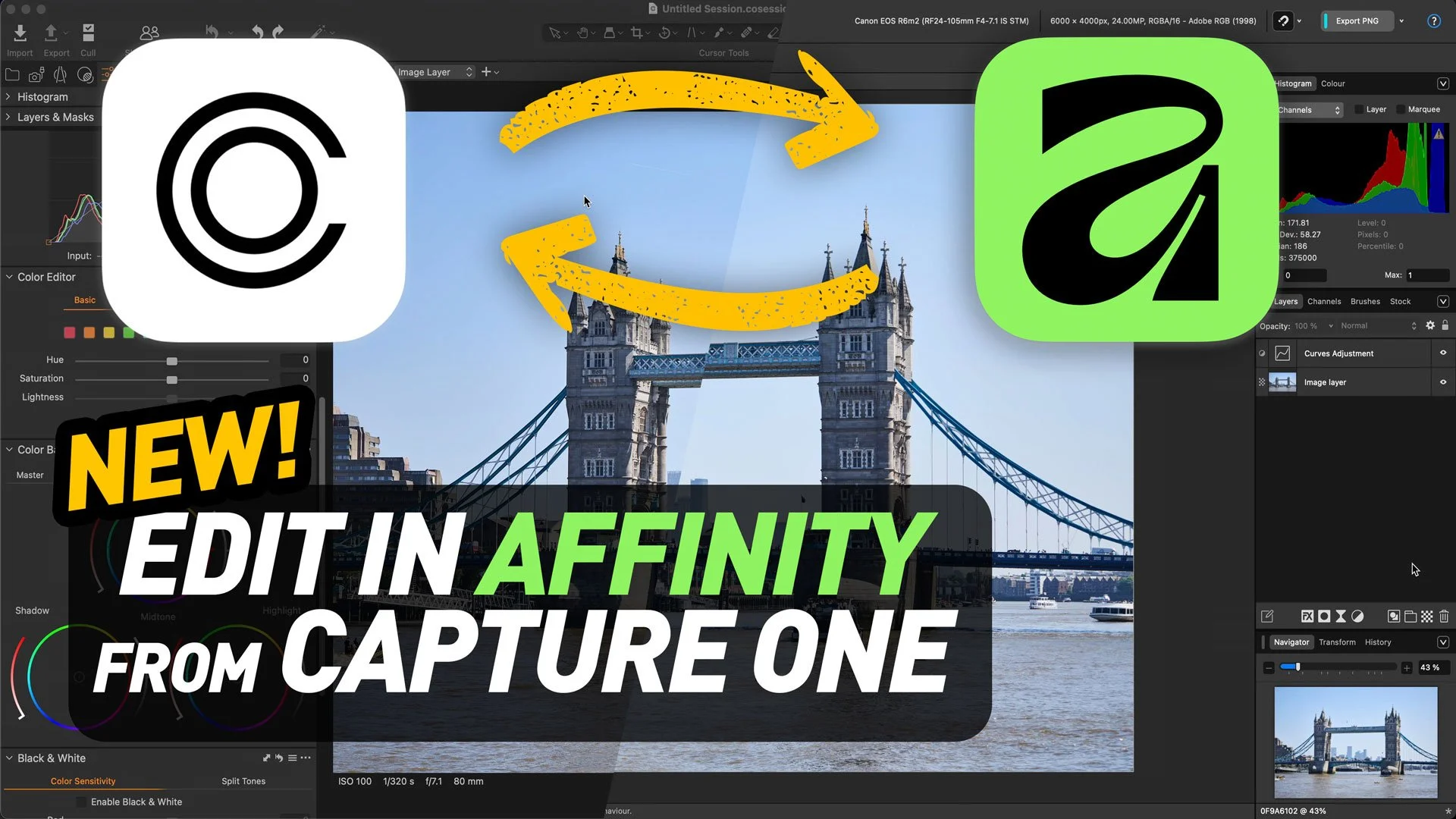
Capture One Adds Affinity File Format Support. How To Round-Trip to Affinity
Capture One now supports native Affinity files. With an Affinity update, you can open and save Affinity format directly in Capture One. This removes the previous TIFF/PSD round‑trip workaround—round‑tripping is now as seamless as with Photoshop. Read on for full details

Davinci Resolve adds Photo Editing. Why it’s a big deal.
Last week, Blackmagic Design announced the release of the beta version of DaVinci Resolve 21. One of the new features of that release took everyone by surprise: the software would now support photo editing. Resolve 21 now has a photo page which lets you work with RAW and non-RAW photos, with RAW support from a variety of manufacturers. Not only that, but you can use the full (almost) colour and Fusion pages with your still photos for complex colour grading and image editing. It’s a pretty big deal, although there are still quite a few limitations in the current version.
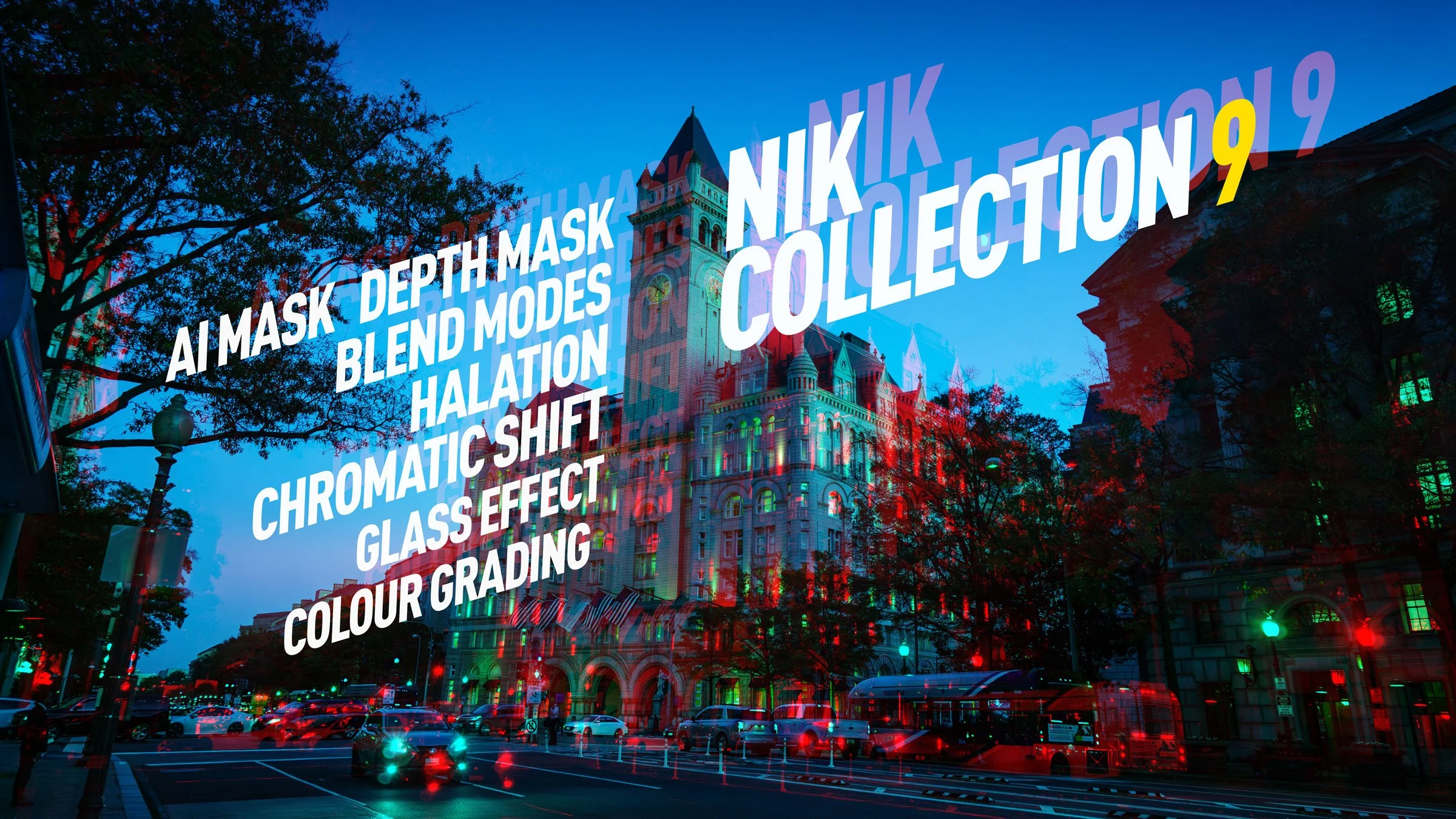
DXO Releases Nik Collection 9. A first look review of the new suite.
DXO has just released the latest version of their venerable photography plug-in suite. Nik Collection 9 adds a whole host of new features, including some across-the-suite changes and some new filters within the individual applications. There are some very useful new changes, including AI and depth masking, as well as blend modes in some of the applications. I had access to the beta version for a few days, and here is my first look at the new suite. There is actually quite a lot going on in this, so I’ll do my best to cover everything, but I may have missed a few things.
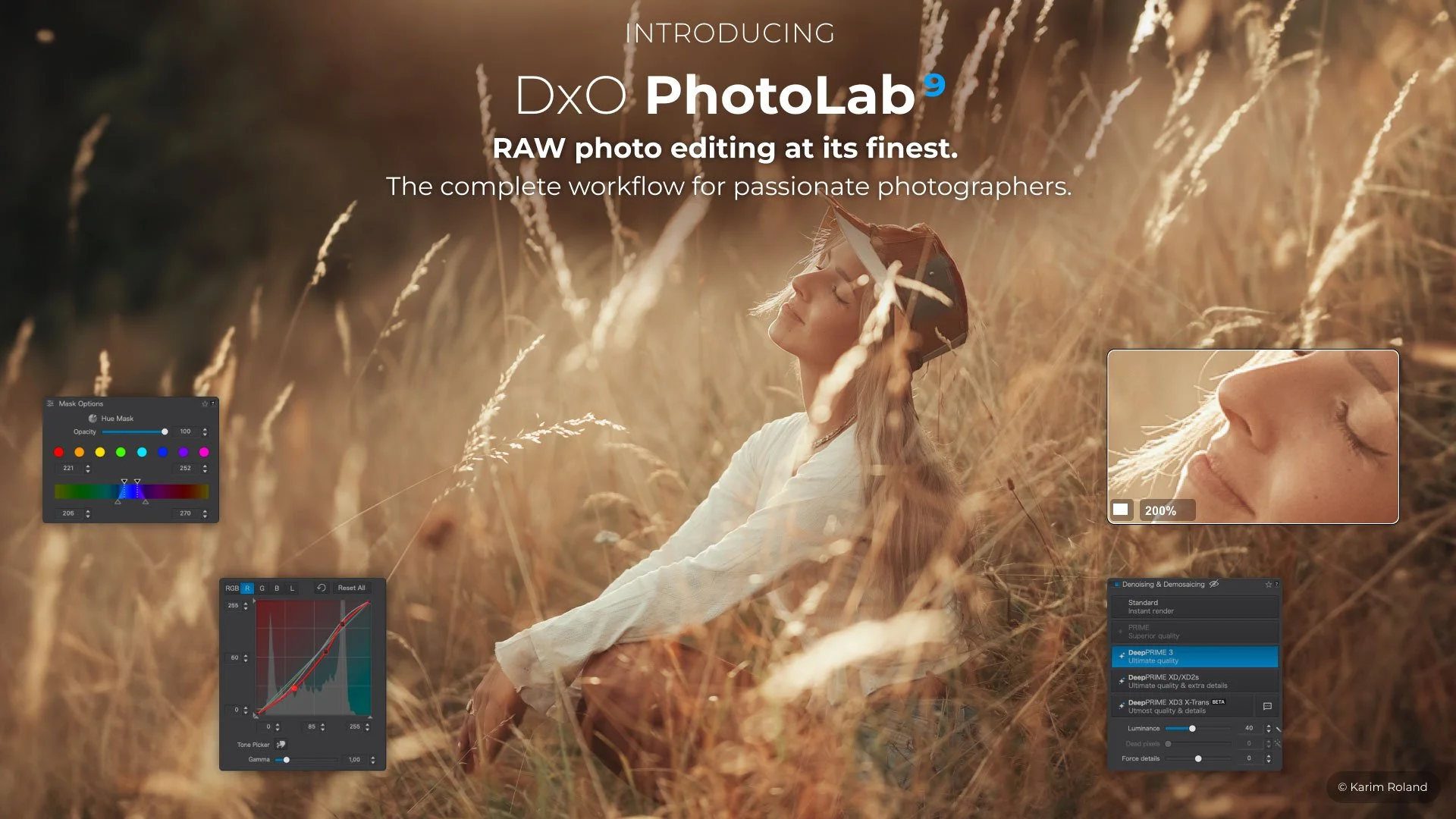
DXO Updates PhotoLab to Version 9.6
Hot on the heels of the recent PureRAW version 6 release, DXO has also updated PhotoLab to version 9.6. This update includes the DeepPrime improvements that were seen with PureRAW and also a new feature for working with masks.
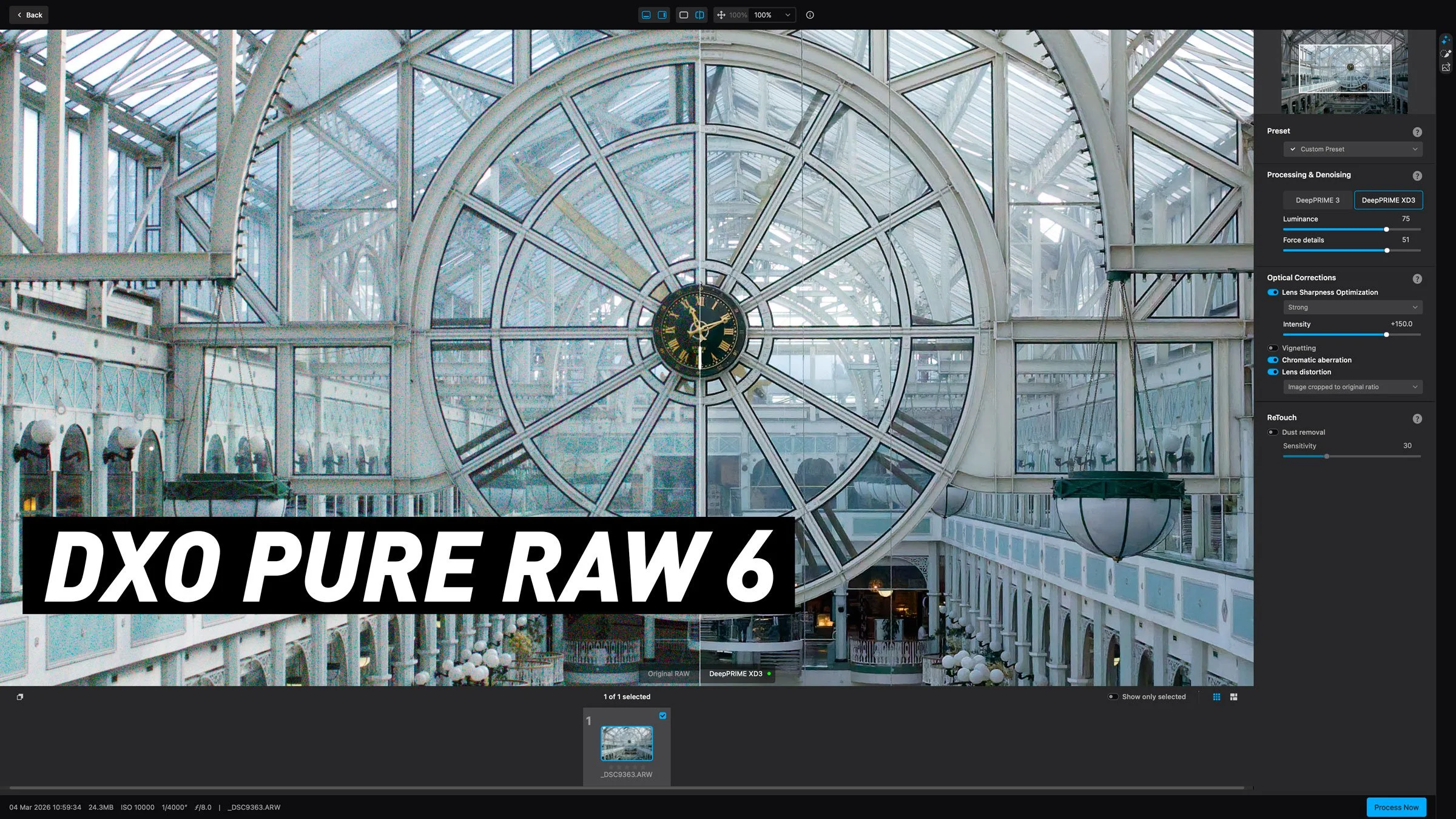
DXO launches Pure Raw 6 with a long sought after feature. A first look at the new release.
DXO have launched the latest upgrade to their RAW pre-processing software, DXO Pure RAW 6. If you’re unfamiliar with the application, it basically lets you convert Raw files to DNG using DXO’s technology, including the companies excellent noise reduction software, Deep Prime. It does so in a way that maintains edit-ability and so you can use it to work with software such as Lightroom or Capture One, but bypass their raw conversion engine to use DXO’s instead. The latest version adds a new version of DeepPrime for Beyer sensors, adds a feature people have been wanting since version one, and another new tool that was quite unexpected but works surprisingly well. Read on for the details…

New Video: A Hidden(ish) Feature of Lightroom that will Seriously speed up Your Editing
When you’ve been using software for a long time you often pick up tricks and techniques and they become habits and you forget how you heard about them in the first place. I was recently editing an image for a friend in Lightroom as they watched, and when I did the technique in this video, they were surprised as they had no idea you could do that. I then realised that perhaps there is quite a few people out there who don’t know that you can do this either. That technique is editing by dragging the histogram.
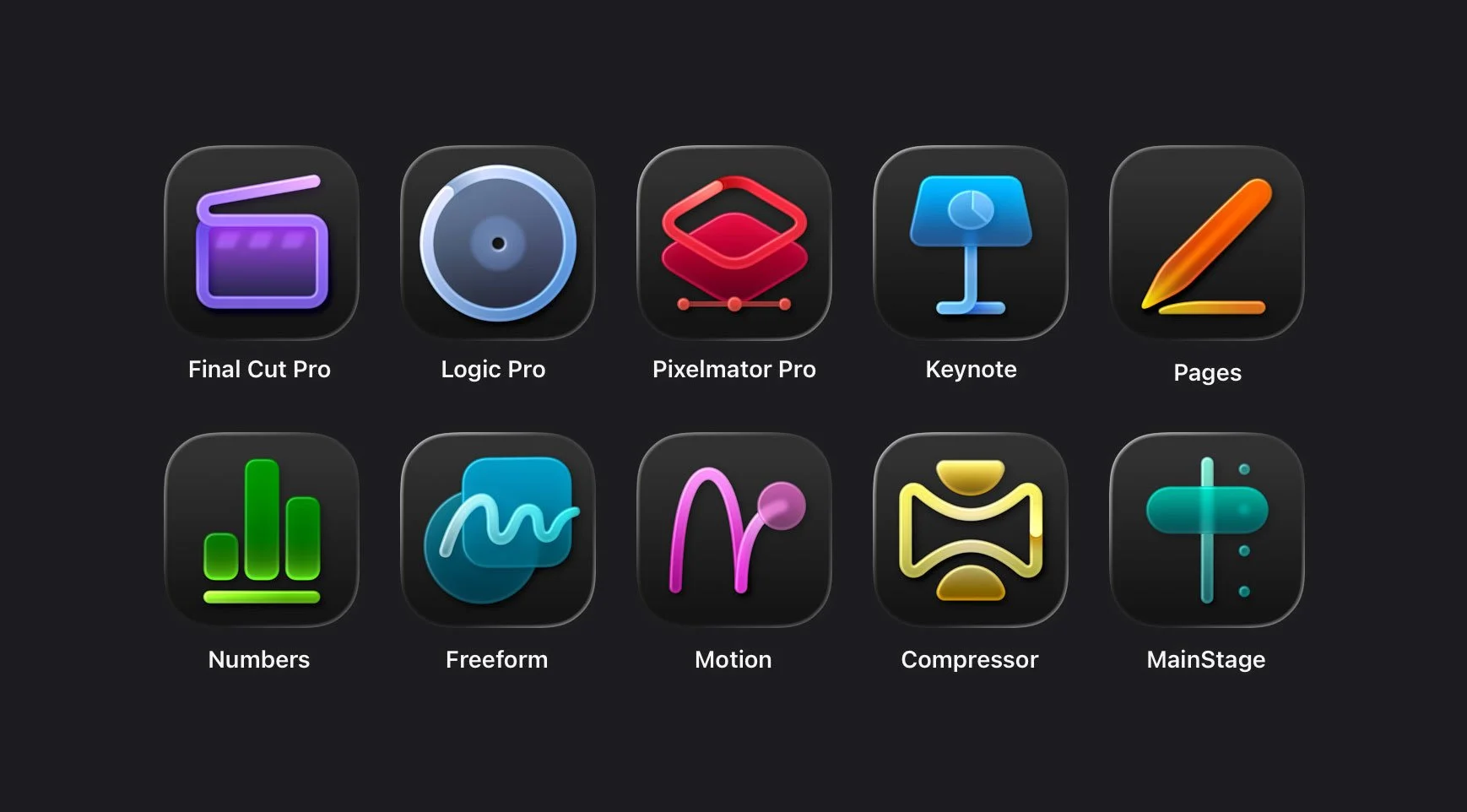
Apple Creator Studio Review: the Good, the Bad and the Weird.
A few weeks after the initial excitement of the announcement, Apple’s new “Creator Studio” bundle is finally available. Now that I’ve had a chance to take it for a test drive, I wanted to write about the experience. I’m not going to go into every detail on all the new features, but instead I wanted to take a look at the bigger picture here, and what this might mean going forward. Because, while this bundle does offer great value if you don’t have any of the apps already, there are a lot of questions and a few issues with the new bundle and how it was released.
(I’ve published this on my Medium blog as it’s not entirely about Photography.)