












Featured
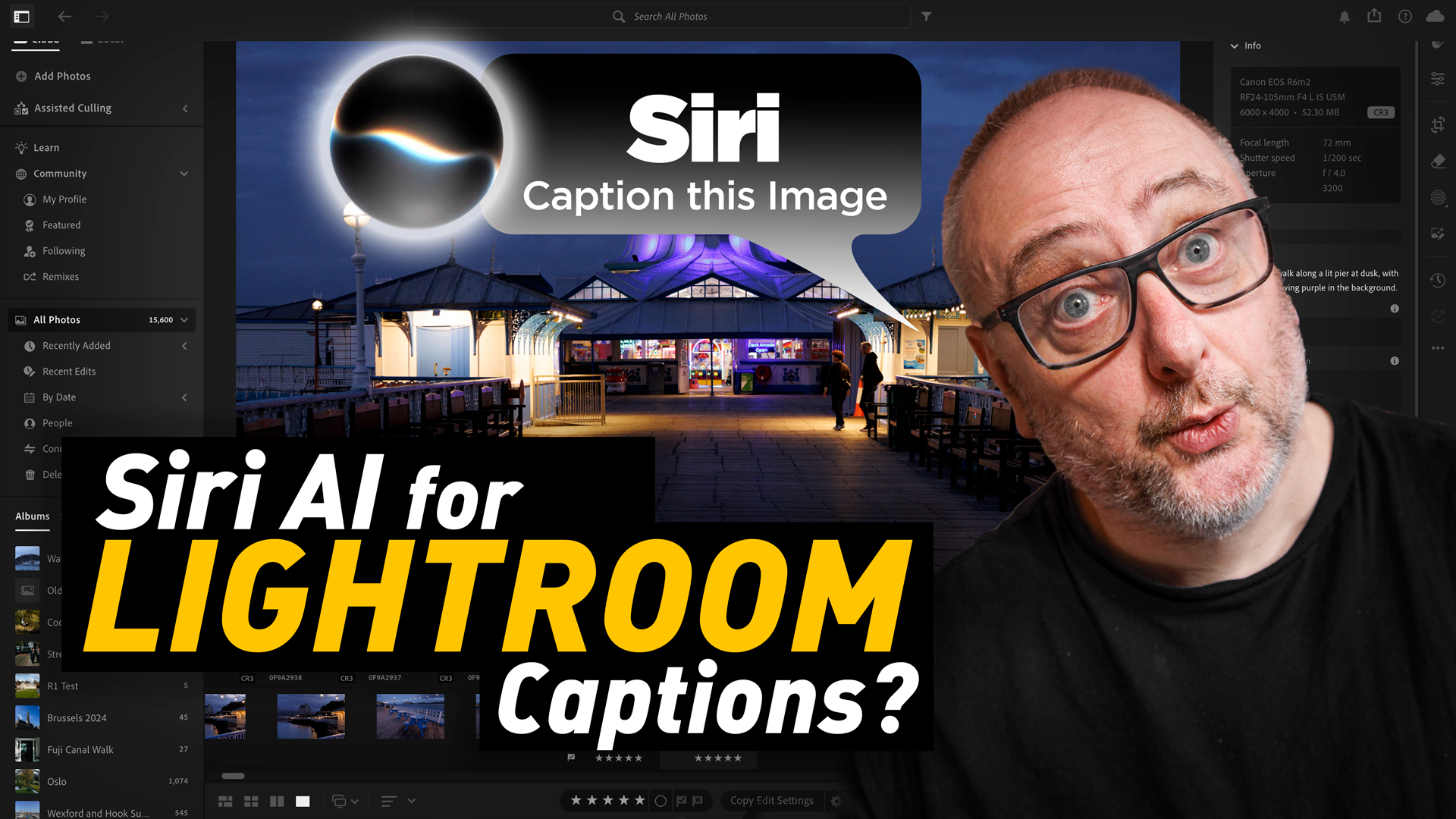






In this video, I show you a cool way to use Siri AI in the new macOS 27 Golden Gate to create captions and keywords for use with Lightroom, Lightroom Classic or any photo editor, really. The trick involves using Apple’s “Visual Intelligence” feature to let Siri see what image you’re looking at, and then it can generate captions from there. I also show you how to use the new “Describe a Shortcut” feature to create a shortcut to do this quickly in one step.
DXO has released ViewPoint 6, the latest version of its software for correcting geometry, perspective and distortion. The big change in this version is the addition of AI masks to ReShape Fusion, the tool for adjusting individual parts of a scene within the frame. You can now apply a geometric correction to one element of an image using AI selection to mask the area.
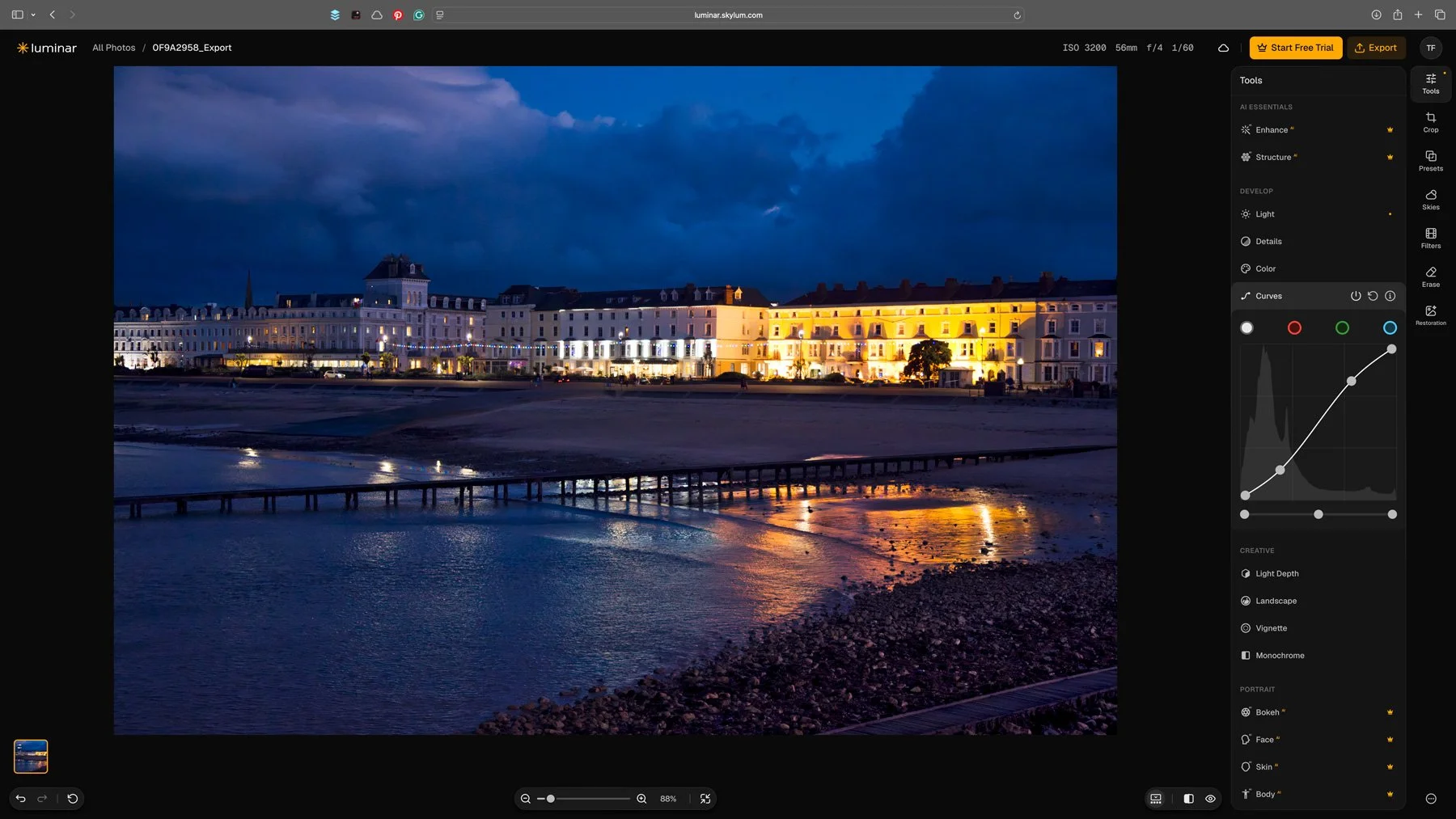
A new browser-based version of Luminar has been released, bringing RAW processing and several of Skylum’s familiar editing tools to the web. There are also a couple of smaller releases worth knowing about: fixes to Exposure’s rendering on Apple Silicon Macs and a revised preview system in Topaz Gigapixel.
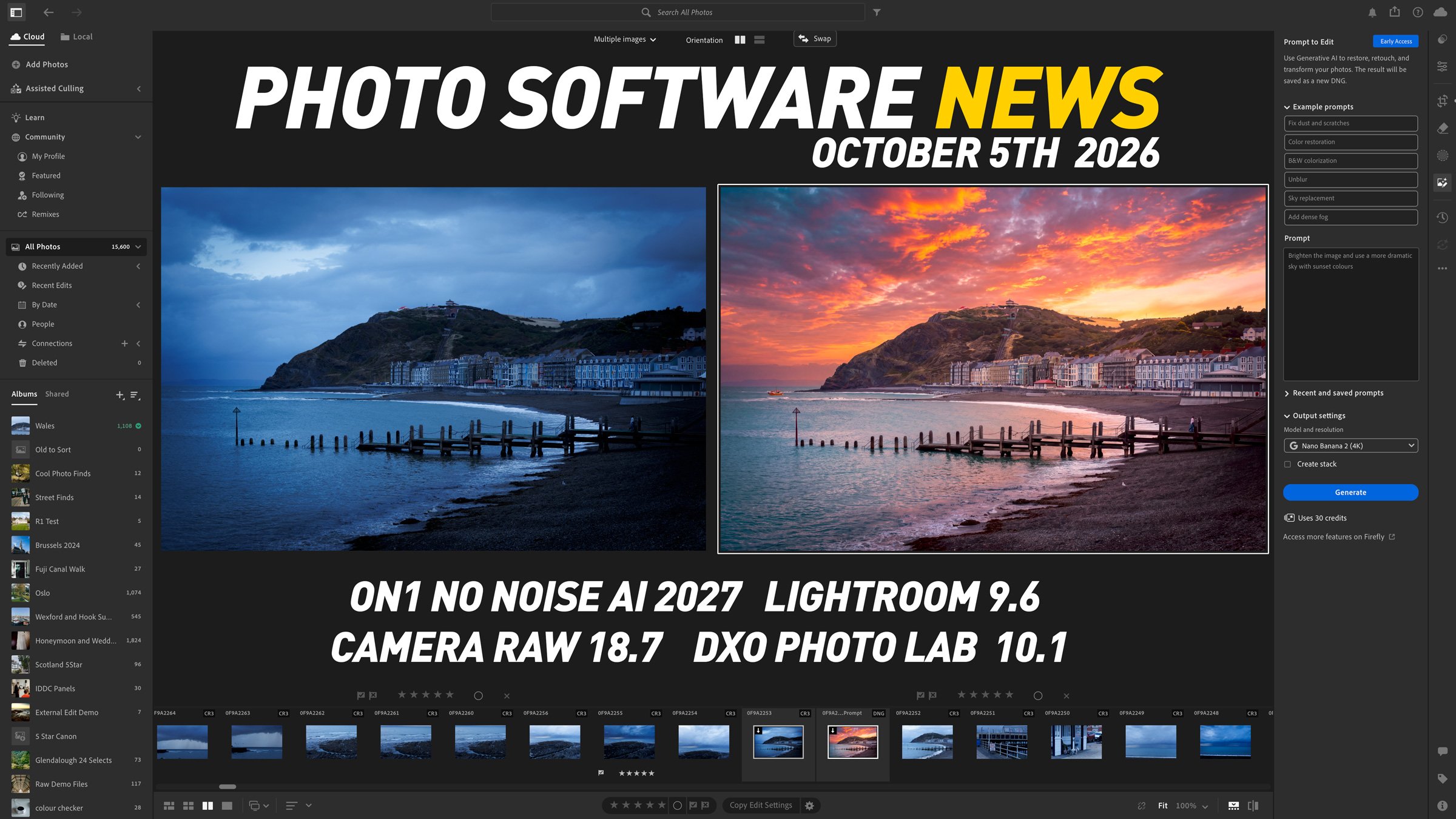
This edition (the first! of a new series - I hope) of “photo software news update” looks at Lightroom’s new Prompt to Edit feature, improved Reflection Removal, and the release of ON1 NoNoise AI 2027. There are also practical workflow improvements for Camera Raw and Photoshop users, plus native Affinity integration in DxO PhotoLab 10.1. Here is what has changed, which features are still in early access or beta, and what these updates could mean for your photography workflow.
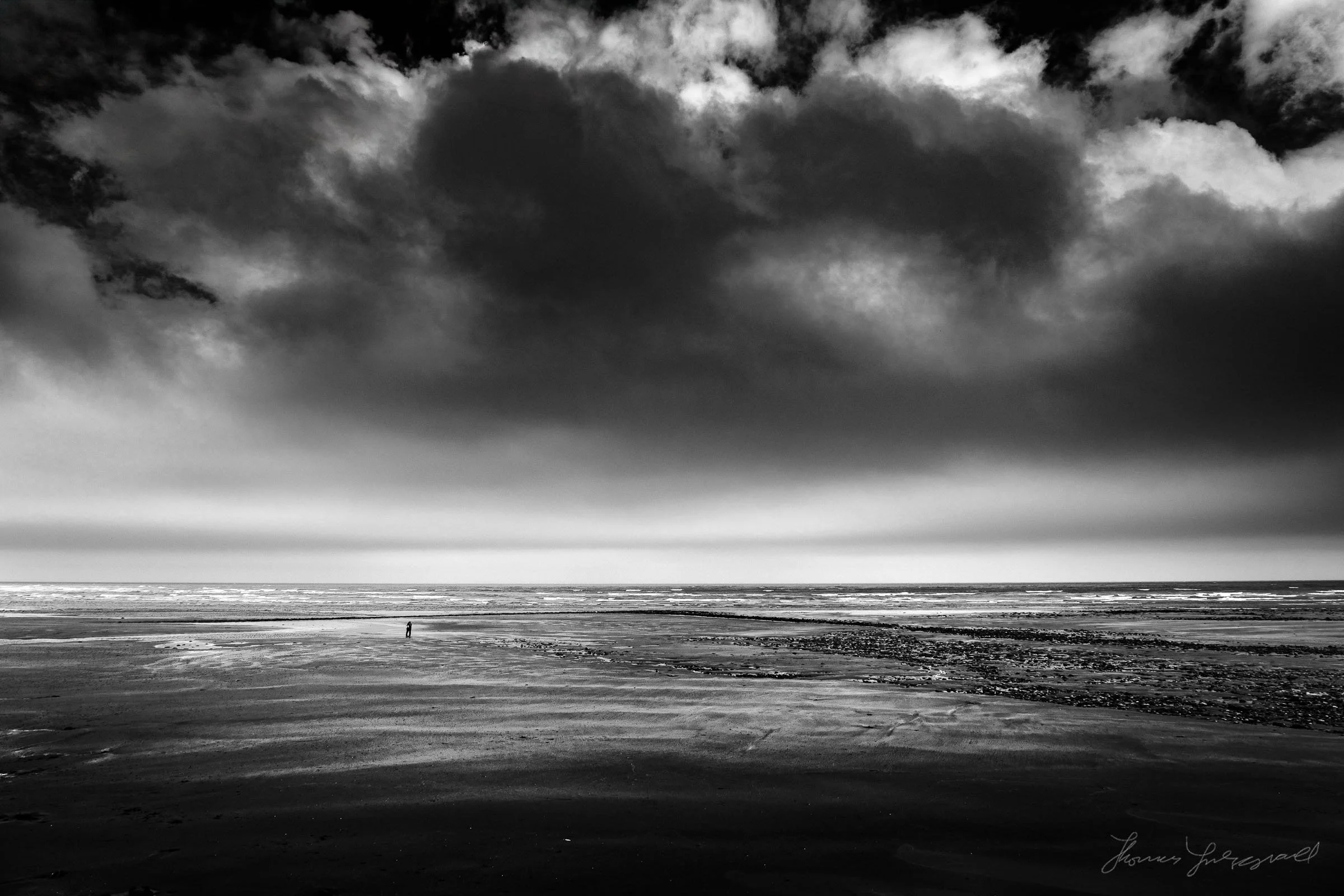
A selection of photographs from our road trip across Wales, from Aberystwyth’s heritage railway and a storm over Cardigan Bay to mountain retreats, low-flying RAF aircraft, magnificent castles and Llandudno’s illuminated motorcycle parade. And Segulls. There are always seagulls.
I thought I was done with website woes when I recently upgraded to the latest version of Squarespace, but alas, the AI-dominated world we live in now has other plans. I could go into the ramifications of Google switching to its AI summaries as its primary search result and the result that is having, but I’m saving that for a bigger post. The TL;DR version is I’m becoming increasingly reluctant to write articles here, when they’re only going to be stolen and repurposed by Google, while it simultaneously kills any search traffic to the site. But there’s another problem that I’m sure most other photographers and other website owners have had to contend with, and that’s the problem of bots.
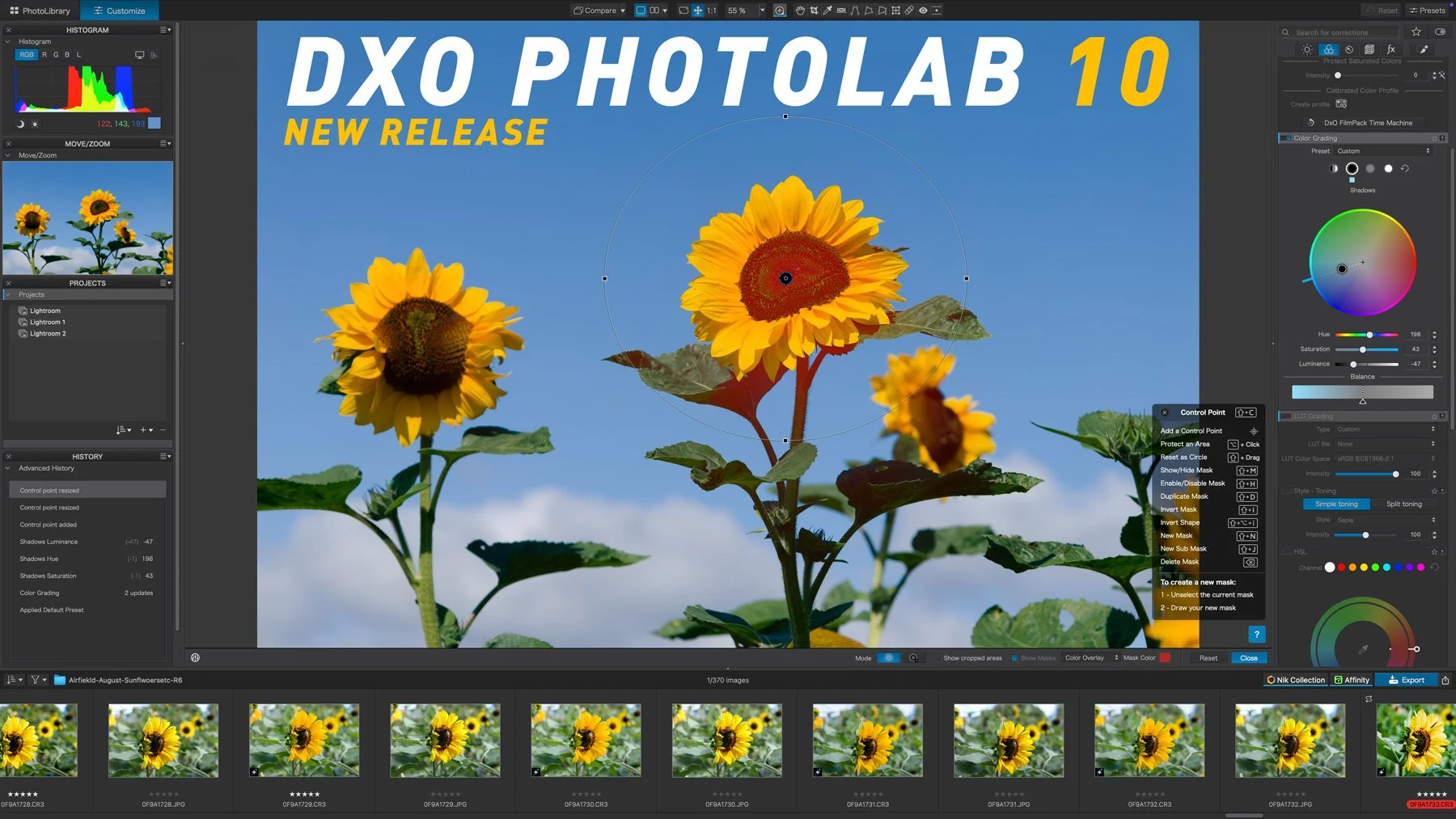
DxO PhotoLab 10 has been released, and it introduces a range of new tools for RAW photo editing, including AI-powered Depth Masks for distance-based adjustments, a new Colour Grading tool, expanded AI masking and face segmentation, and improved U Point controls. The update also adds automatic sensor dust removal, direct pixel-level editing in Affinity, and several workflow improvements for managing and editing photo libraries.
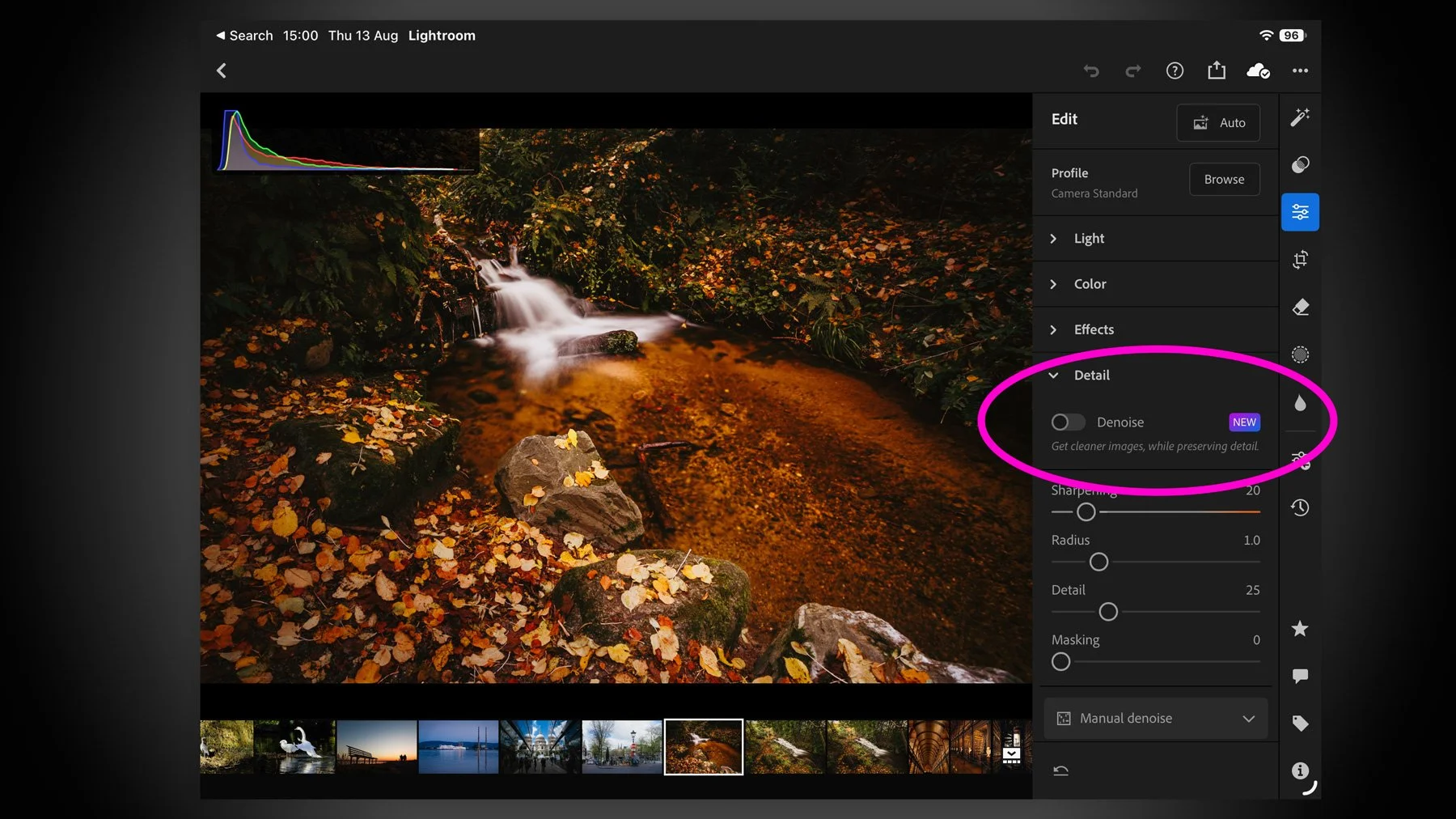
I missed this when the recent round of Adobe Photography updates dropped for August 2026, but they added a much-requested and long-missing feature for Lightroom on the iPad. There’s not much point in me teasing it, as it’s in the title, but yes, Lightroom on iPad finally gets Denoise. And it actually works pretty well.
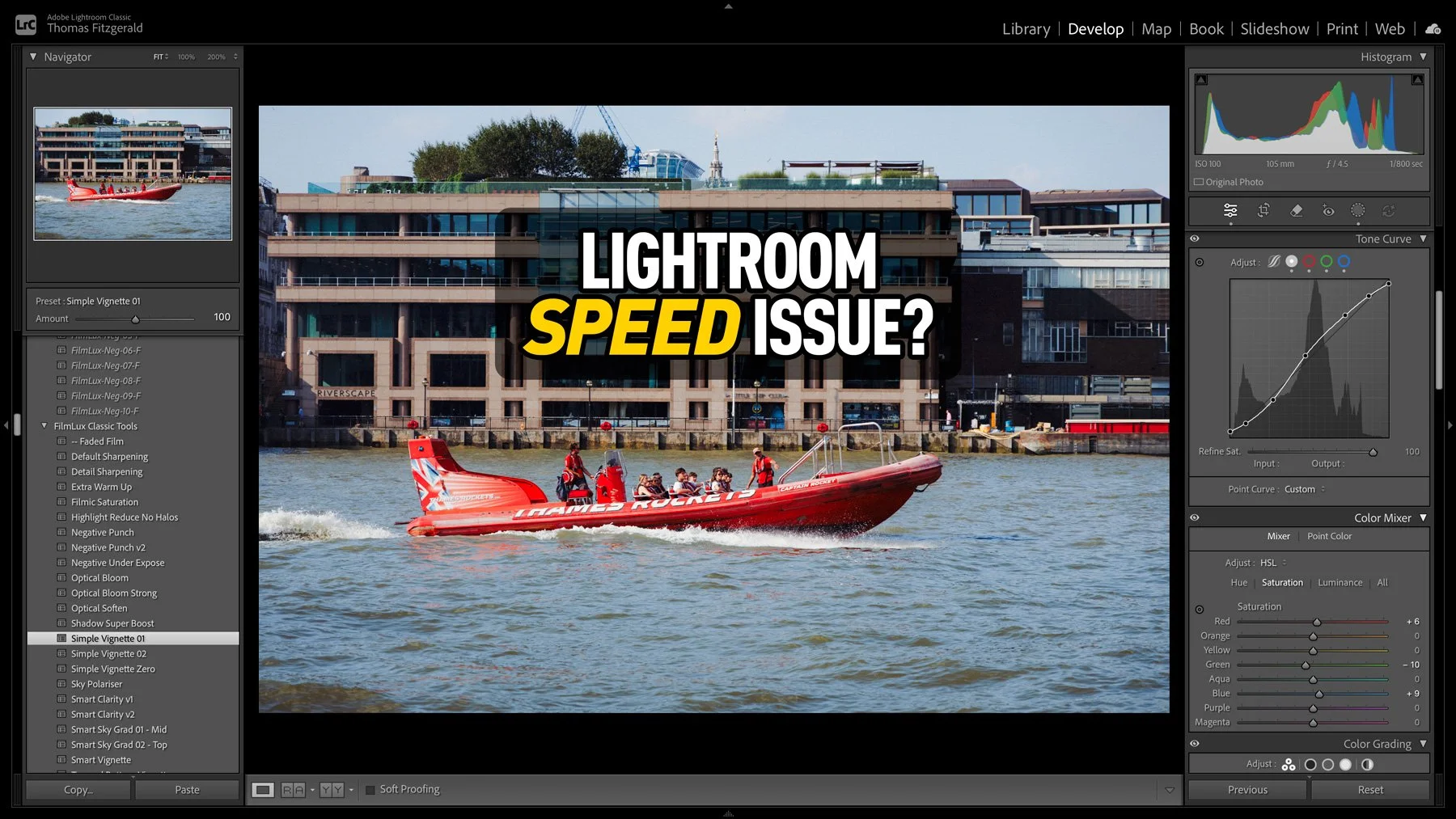
I had taken some photos over the weekend, and I was processing them in Lightroom when I noticed that the software was acting unusually. When I applied a preset, the preview worked perfectly, but it took a few seconds to actually apply. At first I thought that maybe this was an issue with the new version of Lightroom, so I quit and restarted. It was then that I noticed another weird issue: the software was still trying to write the metadata to disk. So I thought that maybe my disk was running out of space. I checked, and there was still lots of room. Curiouser and curiouser I thought. While it turned out not to be a disk space issue, I was actually close to the source of the problem, thinking it was disk-related.
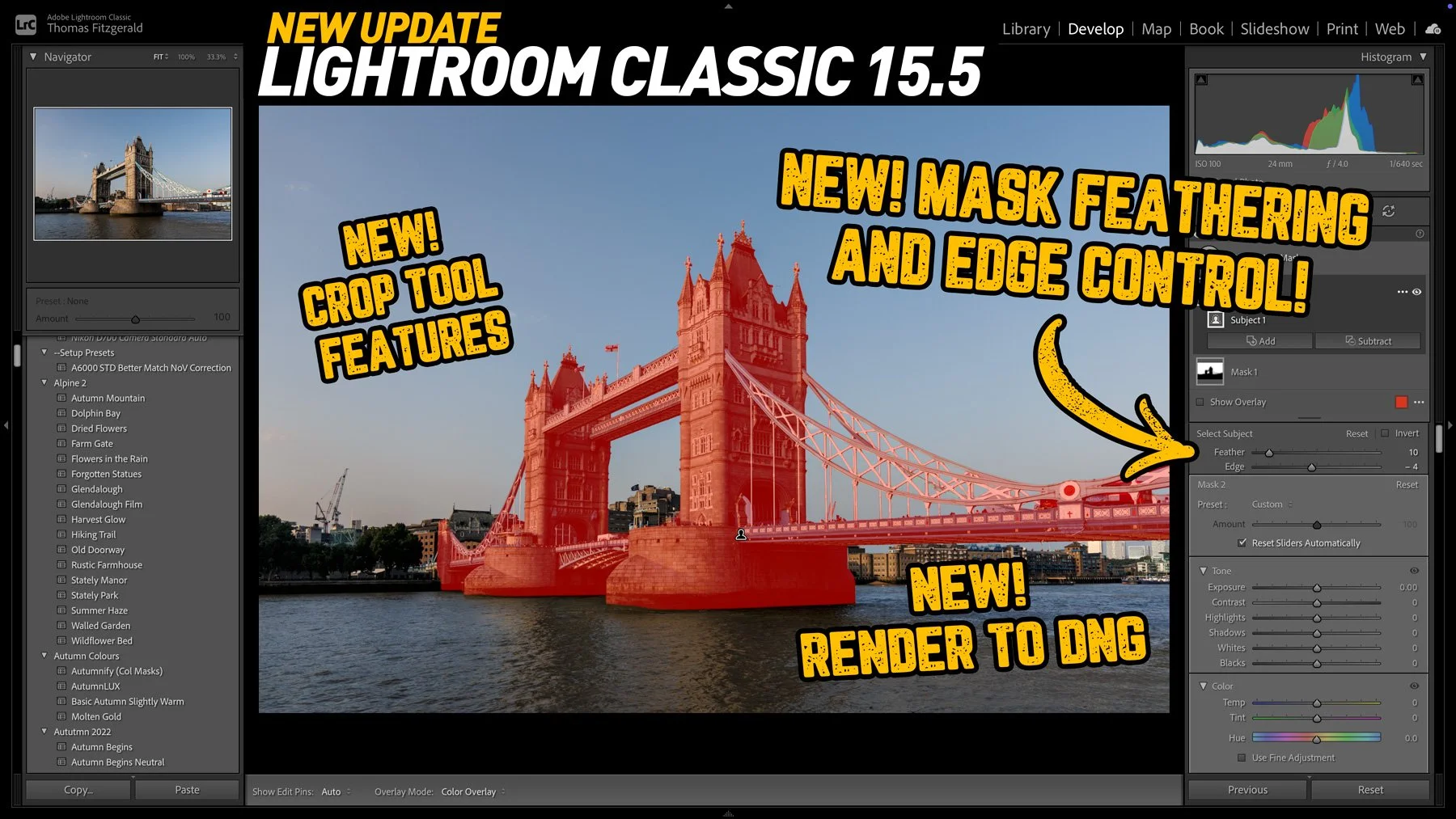
Adobe has released the latest round of Lightroom and Camera RAW updates, and in this article we’re going to concentrate on Lightroom Classic. Aside from the usual under-the-hood tweaks and bug fixes, Lightroom Classic 15.5 adds three new key features, one of which I’ve been asking for for a long time!
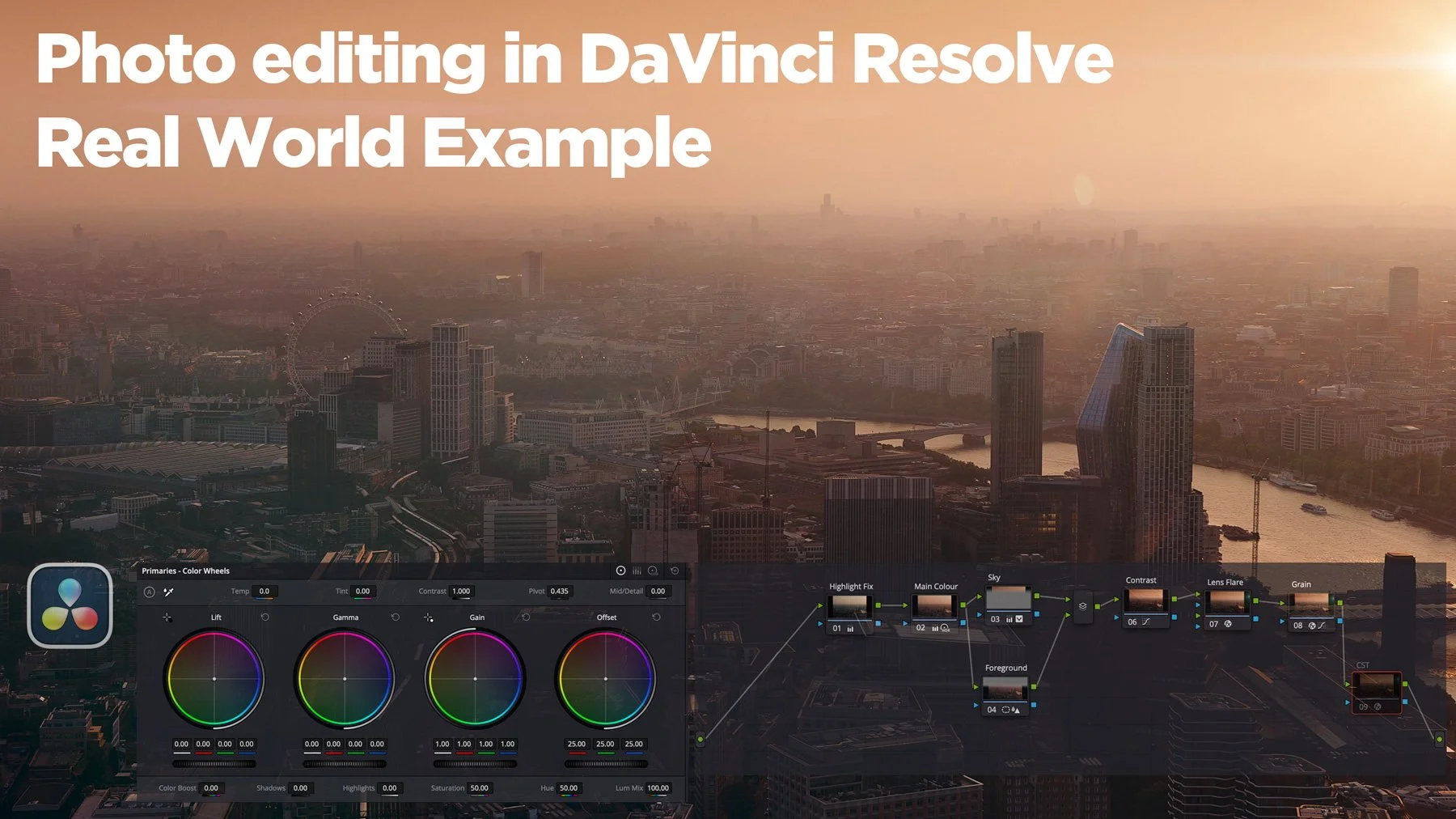
On a recent trip to London, I took quite a few photos and some video at the top of the Shard, one of London’s most famous buildings. I have already posted a few of these, and there are a lot more to come. However, in this post, I wanted to talk about the challenges I faced editing a subset of the images I took and how I addressed them. I ended up using both Lightroom and DaVinci Resolve’s new photo editing mode for these. The latter is something I particularly want to talk about, as it has some interesting abilities, as well as some quirks that those not familiar with the software should be aware of.
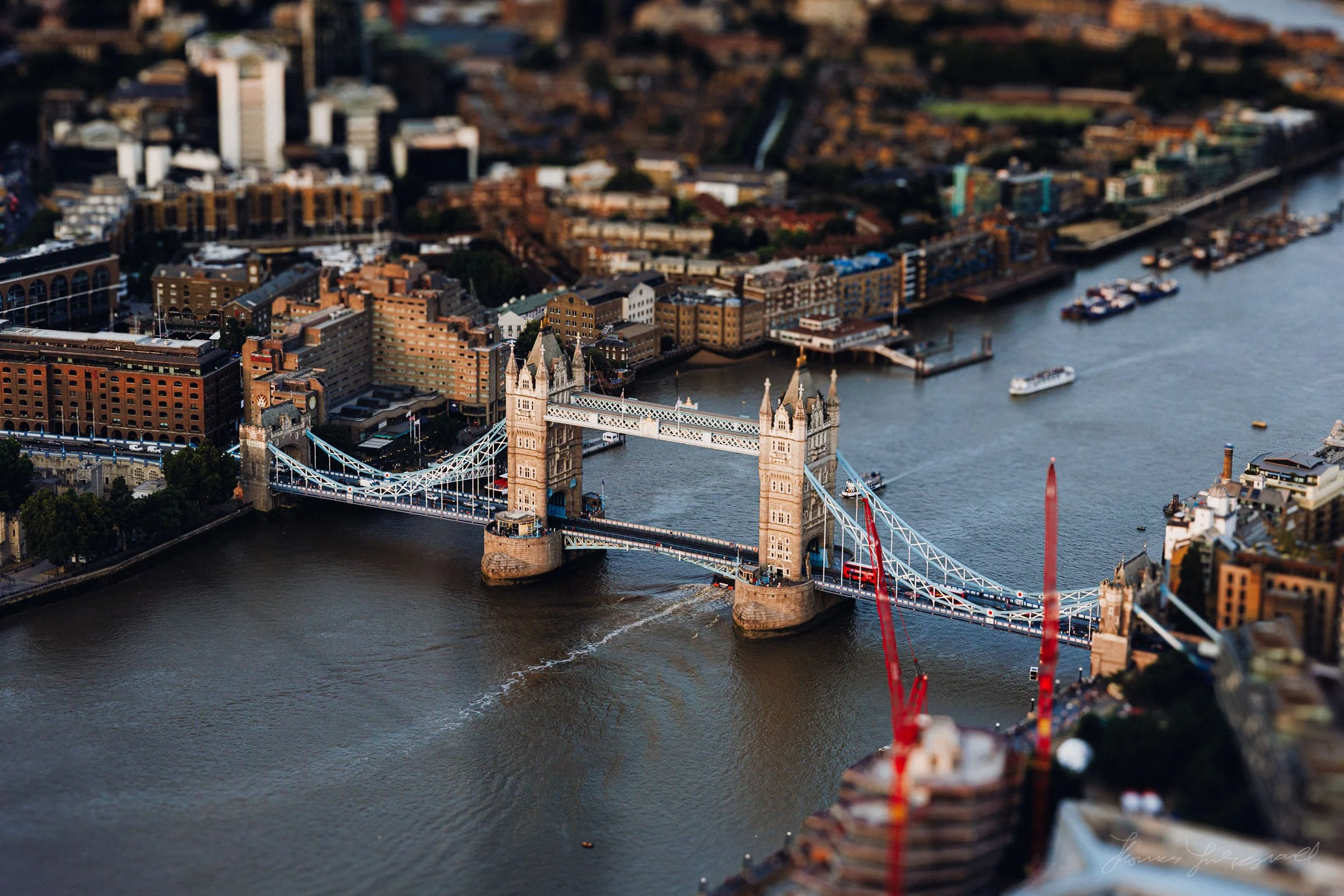
I know it’s kind of a cliché, but I really do love the whole fake tilt-shift miniature thing. It’s even better with a time-lapse, but it works great on stills too. However, to get the best out of the trick, you really need photos taken from the right angle and elevation. In other words, from a tall building (or plane or drone). Luckily, I was recently in such a position, thanks to an impromptu trip up the Shard in London. I was just processing these normally, and then I thought to make a few as miniatures too.
I wrote a while ago about the issues I was having with my Canon RF24-105mm F4L. I noted that for some bizarre reason, the lens got softer at 24mm as you stopped down from f4. This is the opposite of what normally happens with a lens. I went through significant testing to make sure I wasn’t doing something stupid and to try to identify the problem. I also contacted Canon, and they said this was not normal behaviour and that I should send it in for service, as it was still under warranty. So I did that, and last week, after it took a month, I got the lens back. The results, unfortunately, were disappointing.
We were recently heading to Belfast for a meeting, and because the road from Dublin to Belfast can be a bit boring and monotonous (it’s just one long motorway), my wife and I decided to take the coastal route instead. So, we turned off at Newry and first stopped at Warrenpoint for Lunch, before heading on to Newcastle. I had never taken this route before, and I was quite impressed by the scenery. But it was coming into Newcastle that really blew me away.
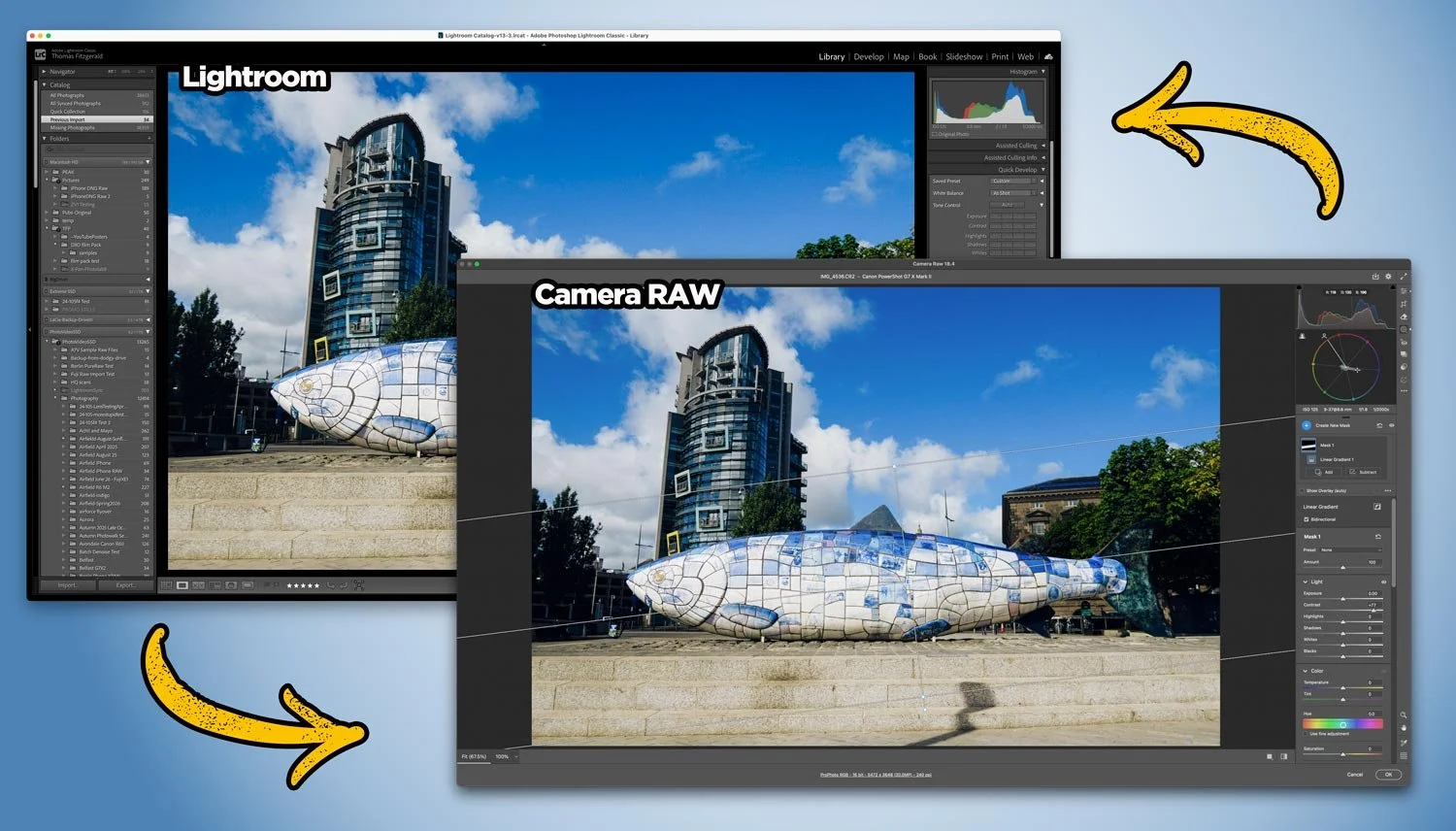
With Adobe recently adding lots of new features to Camera RAW that so far aren’t in Lightroom, users of Lightroom may be wondering how to get access to some of those new tools. Well, it’s actually very straightforward, and you can use Camera RAW from Lightroom entirely non-destructively. You just need to follow the simple workflow below.
The news that Adobe has agreed to acquire Topaz Labs has hit the creative community with a collective “what the f….”. For anyone who relies on tools like Gigapixel, Photo AI, and Video AI, I’m sure this news is a bit of a worrying development, especially if you’re one of those creators who had exited the Adobe ecosystem (”you fool … there is no escape!”).
After a rather bleak and dull start to the year, it’s always nice when the grey world of winter springs to life. And while Spring has its own charms, things really explode into vividness once summer hits. I have always been fascinated by flowers and plants, not necessarily from a “nature” point of view, but by the wonderful colours and textures of the natural world. I guess the designer and artist in me just won’t quit.





Next Wednesday, Apple is holding its "Pro and Tell" event. If the rumours are right, we're about to get something many of us never thought we'd see: a MacBook Pro with a touchscreen. It's reportedly an OLED model with a Dynamic Island where the notch used to be, and it would be the first Mac you can actually touch. Is this something you actually want? Will this be of any advantage to Photographers or Creatives?